
1. Introduction
This manual provides detailed instructions for the installation, operation, and maintenance of the Ampinvt TG-6000W48V Hybrid Solar Inverter. This advanced unit integrates an inverter, AC battery charger, MPPT solar charge controller, and an AC auto-transfer switch into a single, efficient system. It is designed to provide reliable pure sine wave power for various applications, including residential, commercial, and mobile setups.
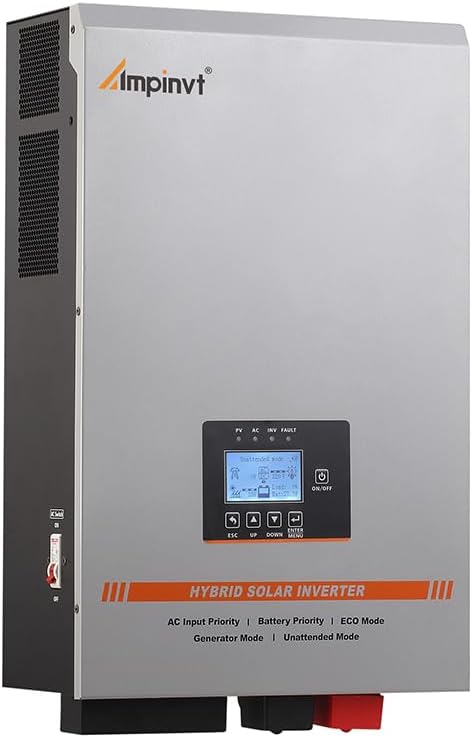
Figure 1: Front view of the Ampinvt TG-6000W48V Hybrid Solar Inverter, showcasing its display and controls.
2. Key Features
- Integrated System: Combines inverter, AC battery charger, MPPT solar charge controller, and AC auto-transfer switch.
- High Efficiency: Transfer efficiency above 85%, with MPPT tracking efficiency up to 98%.
- Pure Sine Wave Output: Provides continuous, stable pure sine wave output, suitable for sensitive electronics.
- Split Phase Output: Available at 240Vac (HOT1+HOT2) and 120/240Vac output simultaneously.
- Adjustable Charging Current: Max charge current adjustable from 0-35A, allowing customization or disabling of charging.
- Robust MPPT Controller: 100A MPPT controller supports 48V lead-acid (Seal, AGM, Gel, Flooded) and lithium (LiFePO4, User Mode) batteries.
- High PV Input: Maximum PV Array Power of 5600W and MAX PV input voltage of 150V DC.
- Comprehensive Protections: Includes battery low/high voltage alarm, over temperature, overload, and short circuit protection.
- Built-in AVR Stabilizer: Isolates surge interference and ensures stable voltage.

Figure 2: Overview of the inverter's integrated features, including its 35A AC charger and 100A MPPT controller.

Figure 3: The inverter is compatible with a wide range of home and office appliances, providing 6000W continuous output.
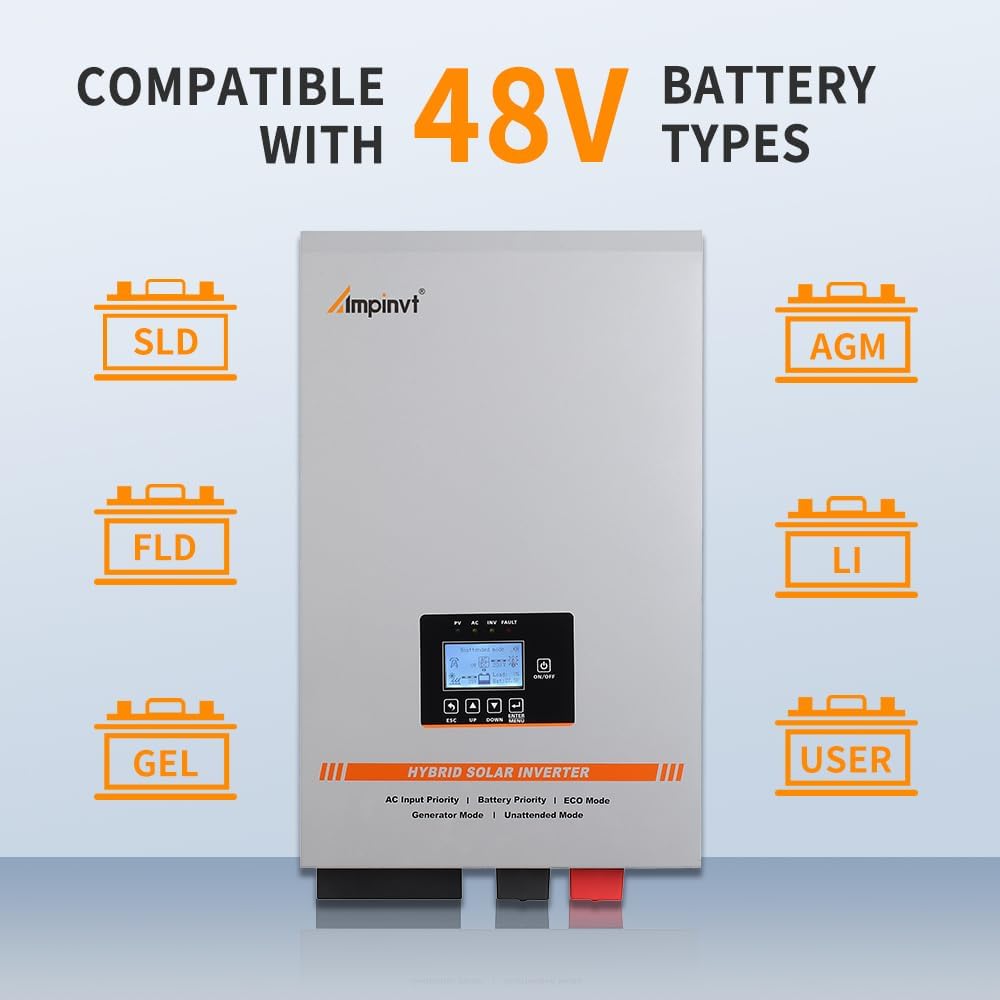
Figure 4: The inverter supports various 48V battery chemistries, including SLD, FLD, GEL, AGM, and Lithium, with a user-configurable mode.
3. Installation & Setup
3.1 Safety Precautions
Before installation, ensure all power sources are disconnected. Always wear appropriate personal protective equipment. Consult a qualified electrician for wiring if you are unsure. Do not expose the inverter to water or excessive humidity.
3.2 Mounting
Mount the inverter in a well-ventilated area, away from direct sunlight, heat sources, and flammable materials. Ensure adequate clearance around the unit for proper airflow. The unit should be mounted vertically on a sturdy surface.
3.3 Wiring Connections
Follow the connection diagram carefully. Ensure all connections are secure and properly insulated. Incorrect wiring can cause damage to the inverter or connected devices.

Figure 5: Comprehensive connection diagram illustrating how to integrate solar panels, utility grid, generator, battery, and various AC loads with the hybrid solar inverter.
- Solar Panel Input: Connect your solar array to the PV+ and PV- terminals. Ensure the maximum PV input voltage (150V DC) and power (5600W) are not exceeded.
- Battery Connection: Connect the 48V battery bank to the battery terminals, observing correct polarity (positive to positive, negative to negative).
- AC Input: Connect the utility grid or generator AC power to the AC input terminals.
- AC Output: Connect your AC loads (appliances, lights, etc.) to the AC output terminals. The inverter provides 120V/240V split phase output.
- Grounding: Ensure the inverter is properly grounded to prevent electrical hazards.
4. Operating Modes
The Ampinvt TG-6000W48V Hybrid Solar Inverter features five distinct working modes to optimize power management based on your specific needs:
- AC/Line Priority Mode: In this mode, the inverter prioritizes AC power from the utility grid or generator as the primary input. It provides AC output and automatically charges the connected battery bank. If AC power is unavailable, the inverter will seamlessly switch to battery power.
- Battery Priority Mode: This mode prioritizes power supply from the battery bank. The inverter will draw power from the batteries until a low voltage protection threshold is reached. At this point, it will automatically transfer to market power (utility grid) supply. Once the battery is sufficiently recharged (e.g., by solar or AC charging), it will switch back to battery power.
- ECO Mode: Designed for energy saving, the inverter enters an automatic sleep state and stops output when the load is less than 10% of its capacity. When the load increases above 10%, the inverter automatically wakes up and resumes normal inversion.
- Generator Mode: This mode is specifically for use with unstable generator 240V power. The generator's AC output is connected to the inverter's AC input. The inverter's built-in AVR (Automatic Voltage Regulator) regulates the voltage and automatically matches the 60Hz municipal frequency, ensuring a stable output voltage within the normal operating range for your appliances.
- Unattended Mode: When the battery voltage drops to a low level, the inverter enters a standby (power-saving) state. It will remain in this state until the battery voltage recovers to a user-defined value (e.g., after solar charging). Once the voltage is restored, the inverter will automatically resume normal output, enabling fully automatic, unattended operation.
5. Maintenance
Regular maintenance ensures the longevity and optimal performance of your inverter. Perform the following checks periodically:
- Cleanliness: Keep the inverter and its ventilation openings clean and free from dust and debris. Use a dry cloth for cleaning.
- Connections: Periodically check all wiring connections for tightness and signs of corrosion. Loose connections can lead to overheating and poor performance.
- Battery Health: Monitor your battery bank's health according to the battery manufacturer's guidelines. Ensure proper charging and discharge cycles.
- Environment: Ensure the installation environment remains within the specified temperature and humidity ranges.
6. Troubleshooting
This section provides solutions to common issues you might encounter. For problems not listed here, contact customer support.
| Problem | Possible Cause | Solution |
|---|---|---|
| No output power | Battery low voltage, Overload, Input AC not present | Check battery voltage, Reduce load, Check AC input connection |
| Inverter alarm sounds | Overload, Over temperature, Battery fault | Reduce load, Ensure proper ventilation, Check battery connections/health |
| Battery not charging | Charging current set to 0A, Solar panels not connected/producing, AC input fault | Adjust charging current setting, Check solar panel connections/output, Verify AC input |
| Display not working | No power to inverter, Display fault | Check battery and AC input connections, Contact support if power is present |
7. Specifications
| Parameter | Value |
|---|---|
| Model Name | TG-6000W48V |
| Wattage | 6000W (6 KW) |
| Power Source | Solar and Battery Powered |
| Product Dimensions | 14.2 x 6.9 x 20 inches |
| Item Weight | 78.8 pounds |
| Max PV Array Power | 5600W |
| Max PV Input Voltage | 150V DC |
| Battery Voltage | 48VDC |
| AC Input Voltage | 240VAC |
| AC Output Voltage | 120V/240VAC Split Phase |
| MPPT Charge Controller | 100A |
| AC Battery Charger | Adjustable 0-35A |
| Transfer Efficiency | Above 85% |
| Manufacturer | Top one power |

Figure 6: Physical dimensions of the inverter and a list of items included in the package.
8. What's in the Box
Upon unpacking, please verify that all items are present:
- 1 x Ampinvt TG-6000W48V Hybrid Solar Inverter
- 1 x Battery Cable
- 1 x User Manual (this document)
9. Warranty and Support
This product comes with a manufacturer's warranty. For specific warranty terms, duration, and claim procedures, please refer to the warranty card included with your product or contact the manufacturer directly. For technical support, troubleshooting assistance, or spare parts, please reach out to OAE customer service through their official channels.
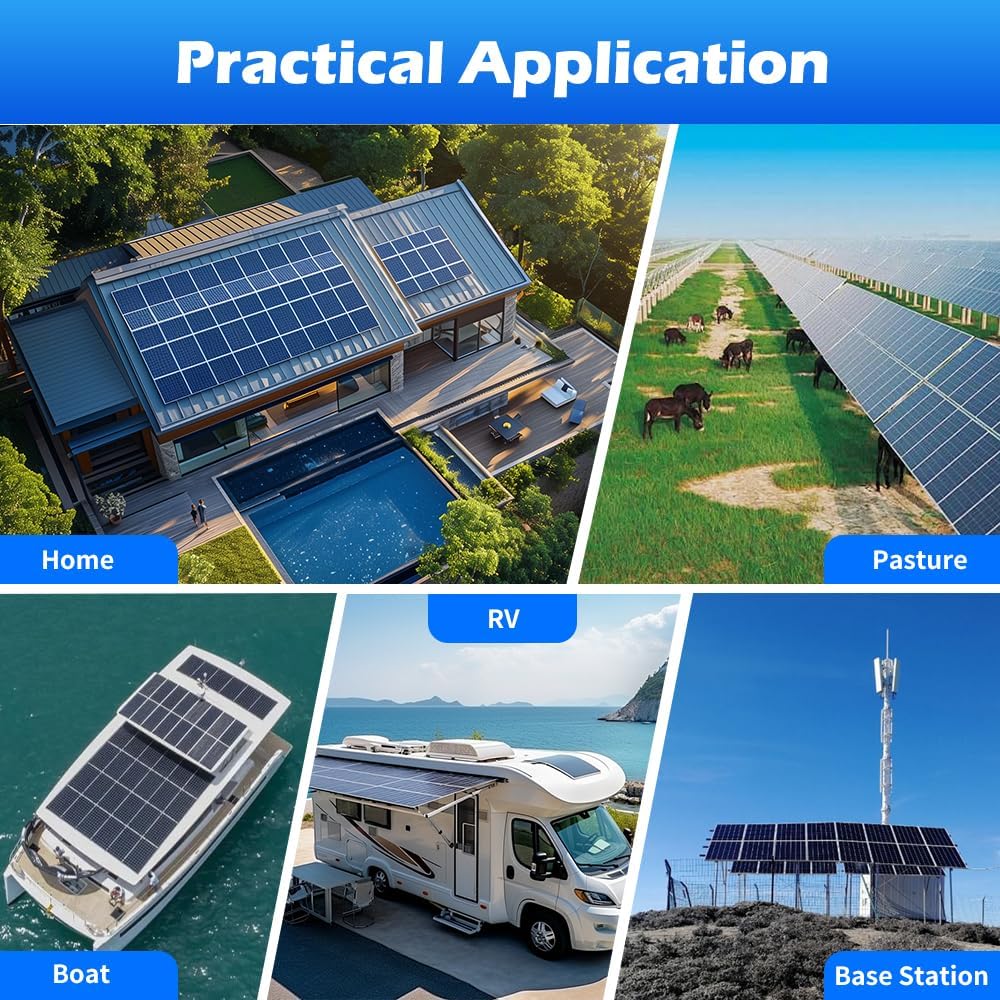
Figure 7: The Ampinvt Hybrid Solar Inverter is suitable for a wide range of practical applications, from residential homes to remote base stations.