Introduction to the Samsung Galaxy S24 Plus
The Samsung Galaxy S24 Plus represents the latest technological advancements from Samsung, building upon the successes of its predecessors. This manual will guide you through the exciting possibilities of your new device. Featuring an AI-focused interface, enhanced Bixby Routines, and an upgraded DeX mode for PC-like interactions, the Galaxy S24 Plus is designed to streamline your daily tasks. Improved Samsung Knox offers enhanced memory and security. The advanced 200MP camera system, with features like Nightography and Astro Hyperlapse, elevates the photography experience. By following this guide, you will gain a complete understanding of how to maximize your phone's capabilities, including Samsung Health, SmartThings, DeX mode, and Bixby assistance.
Getting Started: Initial Setup
Setting Up Your New Phone
Follow these steps to prepare your Samsung Galaxy S24 Plus for first-time use.
- Connecting to Wi-Fi: Navigate to Settings > Connections > Wi-Fi to select and connect to a wireless network.
- Inserting the SIM Card: Locate the SIM tray on the side of your device. Use the provided ejection tool to open the tray and insert your Nano-SIM card.
- Setting up E-SIM: For E-SIM activation, go to Settings > Connections > SIM card manager and follow the on-screen instructions to add a mobile plan.
- Tethering a Device: Share your phone's internet connection by enabling Mobile Hotspot in Settings > Connections > Mobile Hotspot and Tethering.
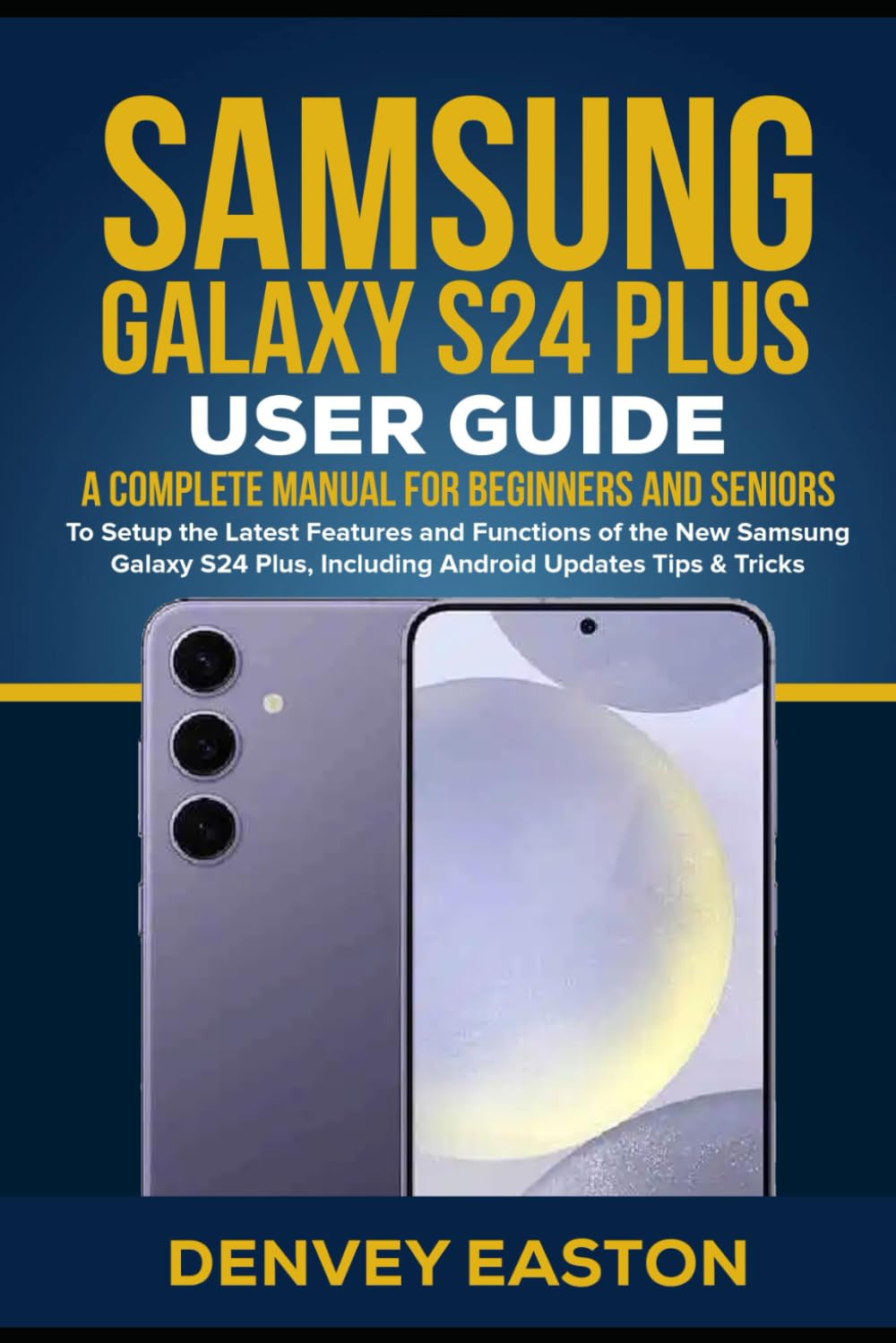
Figure 1: Front view of the Samsung Galaxy S24 Plus, showcasing its display and sleek design.
Storage and Pricing
Information regarding available storage options and device pricing can be found at the point of purchase or on the official Samsung website.
Customizing Your Device
Personalize your Samsung Galaxy S24 Plus to match your preferences and enhance your user experience.
- Changing Wallpapers and Themes: Access Settings > Wallpaper and style to choose new wallpapers, themes, and color palettes.
- Adjusting Fonts and Icon Styles: Customize your device's appearance through Settings > Display > Font size and style, or by downloading icon packs.
- Using Always On Display: Enable and configure Always On Display in Settings > Lock screen and AOD to show essential information when the screen is off.
- Setting Up Edge Lighting: Personalize notifications with Edge lighting effects via Settings > Notifications > Brief pop-up settings > Edge lighting style.
- Customizing Notifications: Manage notification settings for individual apps in Settings > Notifications.
- Creating AR Emojis: Create personalized AR Emojis using the Camera app's AR Zone feature.
- Customizing the Infinity Display: Optimize your display settings for a seamless viewing experience in Settings > Display.
Camera Features and Photography
Explore the advanced camera capabilities of your Samsung Galaxy S24 Plus, featuring a 200MP sensor and various shooting modes.
- Taking Photos with Standard Mode: Open the Camera app and tap the shutter button for quick photos.
- Shooting Video and Slow-Motion: Switch to Video mode for recording, or select Slow Motion for dramatic effects.
- The Shooting Mode: Explore various shooting modes like Portrait, Pro, Night, and more from the Camera app's mode selection.
- How to Record Videos: Tap the record button in Video mode to start and stop recording.
- Enabling Scene Optimizer: Activate Scene Optimizer in Camera settings for AI-enhanced photo quality.
- Adjusting ISO and Exposure: In Pro mode, manually adjust ISO sensitivity and exposure values.
- Creating Live Focus Portraits: Use Portrait mode to apply background blur effects to your photos.
- Using Time-Lapse: Record time-lapse videos by selecting the Time-Lapse option in the Camera app.
- How to Make a Timelapse Video: Set up your phone, select Time-Lapse mode, and begin recording.
- How to Adjust Hype Lapse Speed: In Hype Lapse mode, choose different speed settings to control the video's pace.
- How to Turn a Timer On or Off: Access the timer icon in the Camera app to set a delay before taking a photo.
- How to Take Panorama Videos: Use Panorama mode to capture wide-angle photos.
- How to Use the Pro Mode: Select Pro mode for manual control over camera settings like ISO, shutter speed, and white balance.
- How to Use Night Mode: Utilize Night mode for improved low-light photography.
- Object Image Stabilization: Benefit from advanced image stabilization for clearer photos and videos.
- What is Samsung Expert RAW: Expert RAW provides advanced RAW image capture for professional-grade editing.
- Samsung Camera Assistant App: Download the Camera Assistant app for additional camera customization options.
- Making Collages and Animations: Use the Gallery app to create photo collages and animated GIFs.
- Viewing and Editing Video: Access and edit your recorded videos in the Gallery app.
- How to Create an Album: Organize your photos and videos into custom albums within the Gallery app.
Communication and Connectivity
Contacts and Calls
- Adding and Editing Contacts: Manage your contacts through the Contacts app.
- Making Calls and Receiving Calls: Use the Phone app to make and answer calls.
- How to Block or Unblock a Phone Number: Block unwanted calls via the Phone app's settings.
- How to Set Up Voicemail: Configure your voicemail service through your carrier's instructions.
- Change the Password for Your Voicemail: Contact your service provider for assistance with changing your voicemail password.
- Making Video Calls with Google Duo: Initiate video calls using the Google Duo application.
Messaging
- Sending and Receiving Messages: Use the Messages app for SMS and MMS communication.
- Setting Up and Using SMS/MMS: Ensure your messaging app is configured correctly for sending and receiving multimedia messages.
External Devices
- Connecting to Speakers and Soundbars: Pair Bluetooth speakers or soundbars via Settings > Connections > Bluetooth.
Smart Features and Samsung Ecosystem
Bixby Assistant
- How to Set Up and Use Bixby: Activate Bixby by pressing the Side key or saying "Hi Bixby" and follow the setup prompts.
- How to Set Up Bixby Vision: Use Bixby Vision in the Camera app for object recognition and translation.
- How to Set Up Bixby Reminder: Create reminders with Bixby by voice command or through the Bixby app.
- How to Reset Bixby: Reset Bixby settings in the Bixby app's settings menu.
- How to Turn Off Bixby Using the Power Button: Reconfigure the Side key settings in Settings > Advanced features > Side key.
- How to Disable Bixby: Bixby cannot be fully disabled, but its voice wake-up and button functions can be turned off.
Samsung DeX
- Using DeX on Your Smart TV or Monitor Remotely: Connect your phone to a compatible display wirelessly via Quick Panel > DeX.
- Using DeX Mode with an External Monitor: Connect your phone to a monitor using a USB-C to HDMI adapter for a desktop experience.
Samsung Health
- Using Samsung Health for Fitness: Track your fitness activities and health metrics using the Samsung Health app.
- Set Up and See the Steps on Your Device: Enable step tracking in the Samsung Health app.
Samsung Pay
- How to Set Up Samsung Pay: Add your credit/debit cards to the Samsung Pay app for secure mobile payments.
- How to Use Fingerprint with Samsung Pay: Authenticate payments quickly and securely using your registered fingerprint.
Other Features
- How to Find Your Samsung ID: Your Samsung ID is typically your email address used for Samsung services.
- Using Accidental Protection: Check your device's warranty or service plan for accidental damage protection details.
- Using Google Maps for Directions: Navigate using the pre-installed Google Maps application.
- Using Digital Wellbeing: Monitor and manage your screen time and digital habits in Settings > Digital Wellbeing and parental controls.
- How to Use Easy Mode: Simplify your home screen layout and increase font size by enabling Easy Mode in Settings > Display.
- Making the Most Out of Android 14 One UI 6.1: Explore the new features and improvements of the latest Android and One UI versions.
- Samsung Pass: Securely store and manage your passwords and personal information with Samsung Pass.
Troubleshooting Common Problems
This section provides guidance for resolving common issues you might encounter with your Samsung Galaxy S24 Plus.
- Device Not Responding: If your device is unresponsive, press and hold the Power button and Volume Down button simultaneously for more than 7 seconds to force restart.
- Battery Drain: Check battery usage in Settings > Battery and device care > Battery to identify apps consuming excessive power. Adjust settings or restrict background usage.
- Connectivity Issues (Wi-Fi/Bluetooth): Try toggling Wi-Fi or Bluetooth off and on. If the issue persists, reset network settings in Settings > General management > Reset > Reset network settings.
- App Crashes: Clear the cache and data for the problematic app in Settings > Apps > [App Name] > Storage. If the issue continues, reinstall the app.
- Slow Performance: Close unnecessary background apps, clear device cache, and ensure your software is up to date. Consider freeing up storage space.
- Overheating: Avoid using the phone while charging or in direct sunlight for extended periods. Close resource-intensive apps.
- Screen Issues: If your screen is flickering or unresponsive, try restarting the device. If the problem persists, contact Samsung support.

Figure 2: Back view of the Samsung Galaxy S24 Plus, highlighting the advanced camera system.
Specifications
Key technical specifications for the Samsung Galaxy S24 Plus.
| Feature | Detail |
|---|---|
| ASIN | B0D4637M3V |
| Publisher | Independently published |
| Publication date | February 16, 2024 |
| Language | English |
| Print length | 285 pages |
| ISBN-13 | 979-8879778182 |
| Item Weight | 1.1 pounds |
| Dimensions | 6 x 0.65 x 9 inches |
Warranty and Support
For detailed warranty information, please refer to the documentation included with your device or visit the official Samsung support website. For technical assistance, contact Samsung customer service.


