
1. Introduction
This manual provides essential information for the safe and effective operation of your Move2Play Kids Karaoke Microphone. Please read these instructions thoroughly before use and retain them for future reference.

Image: The Move2Play Kids Karaoke Microphone in pink, highlighting its compact design and control panel.
2. Key Features
- 15 Pre-Loaded Nursery Rhymes: Enjoy popular children's songs directly from the microphone.
- Bluetooth Connectivity: Easily connect to your phone or tablet to play music from streaming services.
- Quality Sound: Features acoustic speakers for clear and loud audio output.
- 4 Voice Effects: Transform your voice with various fun effects.
- Rechargeable Battery: Provides up to 6 hours of continuous playtime on a single charge.

Image: An exploded view of the microphone highlighting its internal speakers and battery life, emphasizing its kid-friendly design.
3. Setup
3.1. Initial Charging
Before first use, fully charge the microphone using the provided USB cable. The charging port is typically located at the base of the handle. An indicator light will show charging status.
3.2. Power On/Off
To power on the microphone, press and hold the power button (usually a circular button in the center of the control panel) until you hear an audible prompt. To power off, press and hold the same button.
3.3. Bluetooth Pairing
- Turn on the microphone. It will automatically enter Bluetooth pairing mode, indicated by a flashing light or audible prompt.
- On your mobile device (phone or tablet), navigate to the Bluetooth settings.
- Search for available devices. The microphone will typically appear as "WS-868" or a similar identifier.
- Select the microphone to pair. Once connected, you will hear a confirmation sound.

Image: A visual guide demonstrating how to connect the microphone to various music streaming platforms via Bluetooth.
4. Operating Instructions
4.1. Volume Controls
- Microphone Volume (Mic Vol): Adjust the loudness of your voice through the microphone.
- Music Volume (Vol +/-): Control the volume of the background music (pre-loaded or streamed via Bluetooth).
- Echo Control (Echo): Adjust the intensity of the echo effect on your voice.
4.2. Voice Effects
The microphone includes 4 distinct voice effects. Press the "Voice FX" button to cycle through these effects, such as high-pitched, low-pitched, monster voice, and echo effect.
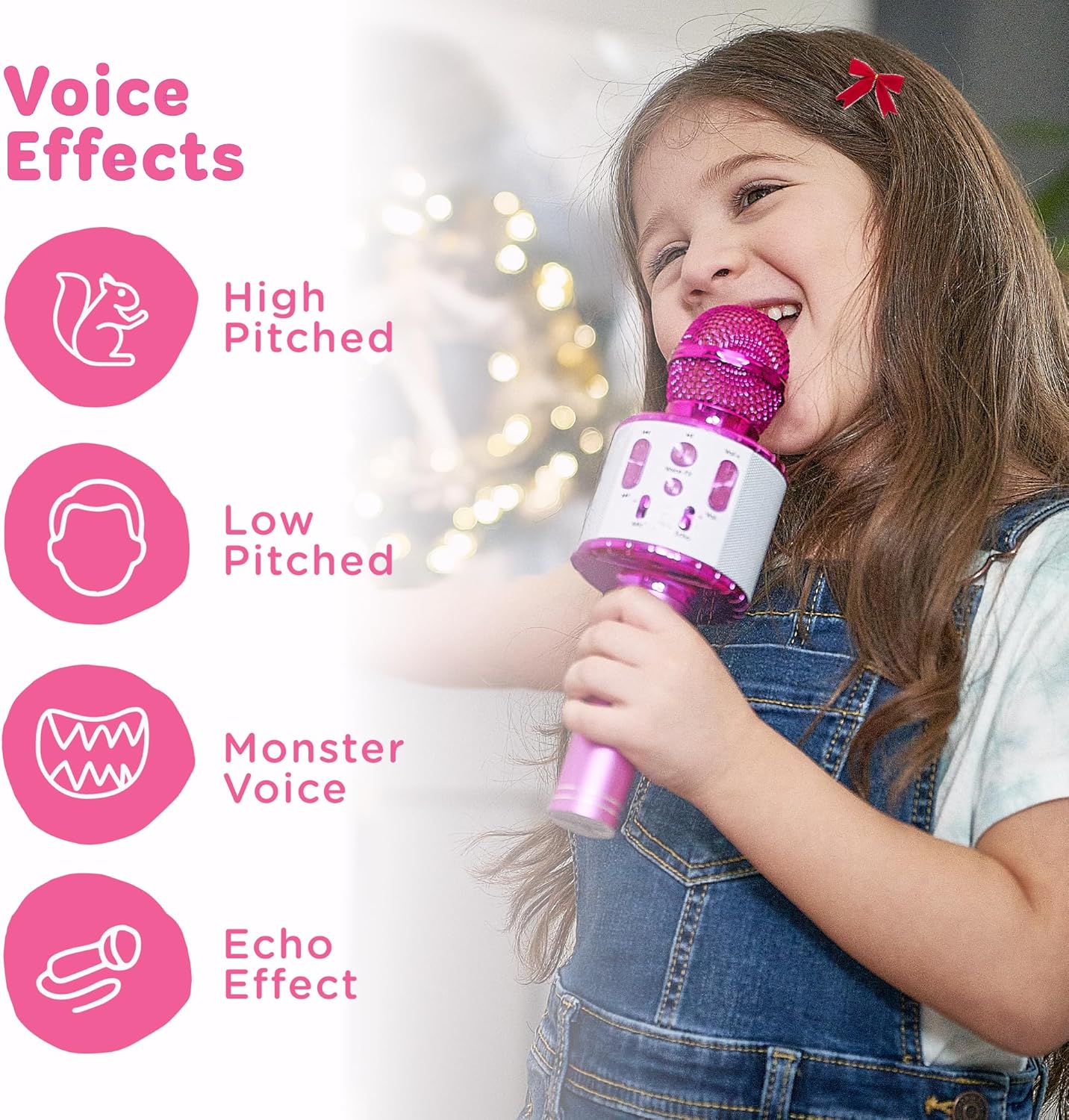
Image: A visual representation of the four voice effects available on the microphone, showing a child enjoying the feature.
4.3. Playing Songs
- Pre-Loaded Songs: The microphone comes with 15 pre-loaded nursery rhymes. Use the "Prev" and "Next" buttons to navigate through the songs.
- Bluetooth Music: Once paired with a device, play music from your preferred streaming app. The microphone's "Prev" and "Next" buttons can also control track selection on your connected device.

Image: A list detailing the 15 pre-loaded songs available on the microphone.
5. Official Product Videos
Video: An official product video from Move2Play demonstrating the Kids Karaoke Microphone's features and usage.
Video: A detailed demo video showcasing the various functions and sound capabilities of the Kids Karaoke Microphone.
6. Maintenance
- Keep the microphone clean by wiping it with a soft, dry cloth.
- Avoid exposing the microphone to water or excessive moisture.
- Store in a cool, dry place when not in use.
7. Troubleshooting
| Issue | Possible Solution |
|---|---|
| Microphone does not turn on. | Ensure the battery is charged. Connect to a power source using the USB cable. |
| Cannot connect via Bluetooth. | Make sure Bluetooth is enabled on your device and the microphone is in pairing mode. Try restarting both devices. |
| No sound from microphone. | Check the microphone volume (Mic Vol) and ensure it is not set to minimum. |
| Music is too quiet/loud. | Adjust the music volume (Vol +/-) on the microphone or on your connected device. |
8. Specifications
- Power Source: Battery Powered
- Battery Type: 1 Lithium Ion battery (included)
- Material: Plastic
- Connectivity Technology: Bluetooth
- Product Dimensions: 9 x 3 x 3 inches
- Item Weight: 10.8 ounces
- Special Feature: Volume Control
9. Warranty and Support
For warranty information or technical support, please refer to the contact details provided with your product packaging or visit the official Move2Play website. Keep your purchase receipt as proof of purchase.