Product Overview
The CHERRY XTRFY M68 Pro Wireless Gaming Mouse is a high-performance peripheral designed for competitive gaming. It combines German engineering with Swedish design to deliver precision and speed. This mouse features an ultra-fast 8000Hz polling rate, a unique symmetrical shape with an extra-low front for enhanced control, and robust wireless performance.
Key features include:
- Ultra-Fast 8K Mouse: Sends up to 8x more data than a standard 1000Hz gaming mouse for incredible speed and extremely low click-latency.
- Unique Symmetrical Shape: Designed with a particularly low front, allowing fingers to move closer to the plate for improved precision.
- Esport Level Wireless Performance: Utilizes 2.4 GHz wireless technology with a USB dongle for freedom of movement without compromising speed or response time.
- Ultra-Light and Robust: Weighing only 55g, this lightweight wireless mouse is ideal for competition-oriented games, enabling fast and precise movements.
- Rechargeable Battery: One battery charge lasts up to 90 hours depending on Hz and play style. The flexible CHERRY XTRFY EZcord charging cable allows continued play while charging.
Package Contents
Please ensure all items are present in the package:
- CHERRY XTRFY M68 Pro Wireless Gaming Mouse
- USB Cable
- 4K-Dongle (USB receiver)
- Replacement Mouse Feet
- Instruction Manual
Setup
- Charge the Mouse: Before first use, connect the mouse to a USB port on your computer using the provided USB cable. The mouse can be used while charging.
- Connect the 4K-Dongle: Insert the 4K-Dongle (USB receiver) into an available USB port on your computer. The mouse will automatically connect to the dongle.
- Power On: Locate the power switch on the underside of the mouse and slide it to the "ON" position.
- Driver Installation (Optional): Your operating system should automatically recognize the mouse. For advanced customization and settings, visit the official CHERRY XTRFY website to download any specific software or drivers for the M68 Pro Wireless mouse.
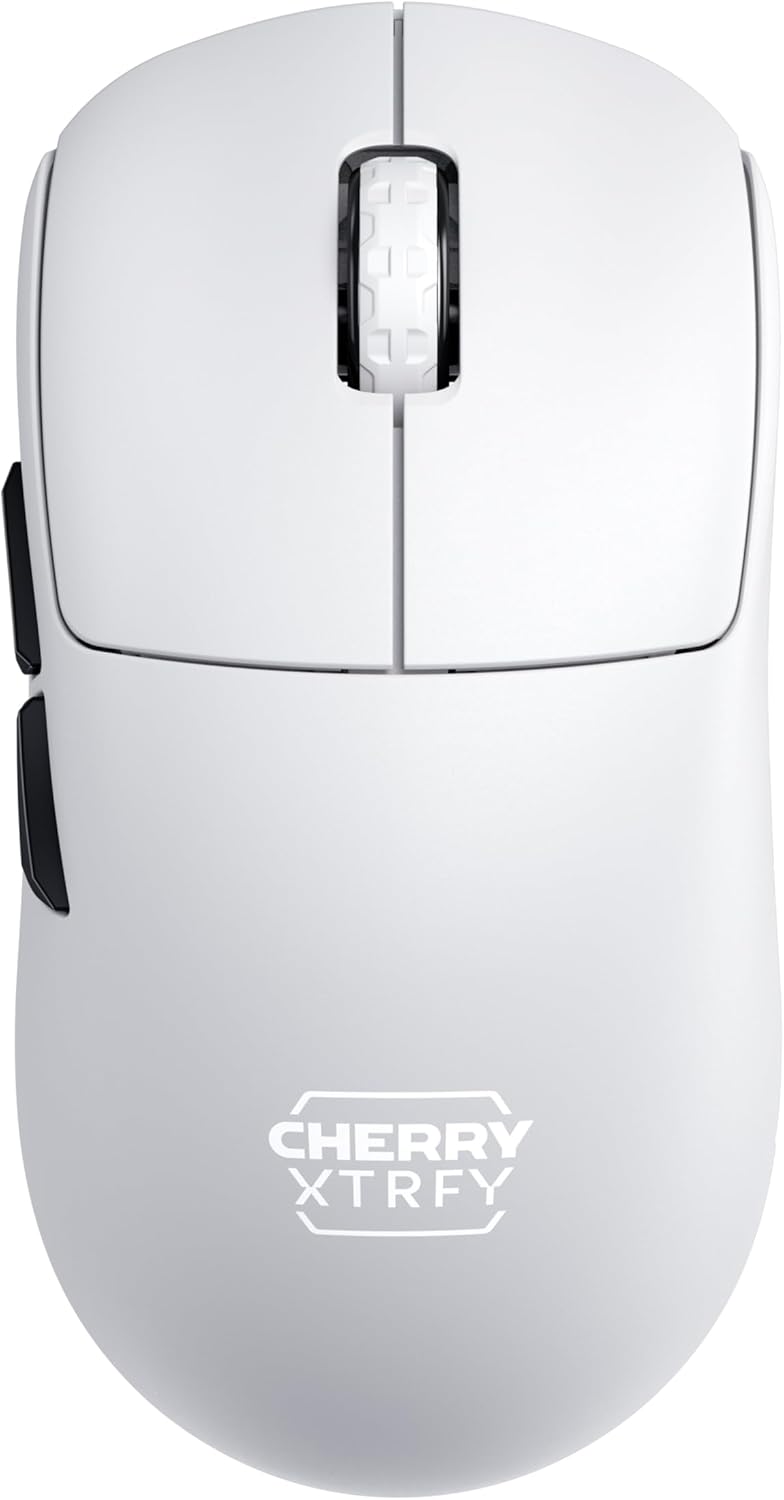
Figure 1: Top-down view of the M68 Pro Wireless Gaming Mouse, showing the symmetrical design and scroll wheel.
Operating Instructions
The M68 Pro Wireless mouse is designed for intuitive use with advanced features for gaming.
- Basic Functions: The mouse features standard left and right click buttons, a clickable scroll wheel, and two side buttons.
- DPI Adjustment: The mouse supports multiple DPI (Dots Per Inch) settings to adjust cursor sensitivity. Refer to the official software (if applicable) for detailed instructions on customizing DPI profiles and assigning them to buttons.
- 8000Hz Polling Rate: The 8000Hz polling rate ensures extremely fast data transmission to your computer, reducing input lag. This feature is automatically enabled when connected via the 4K-Dongle. Ensure your system can support this high polling rate for optimal performance.
- Battery Status: The mouse may feature an LED indicator to show battery status. A low battery indicator will typically flash or change color.

Figure 2: The M68 Pro Wireless mouse in a typical gaming setup, highlighting its sleek design.
Maintenance
Proper maintenance ensures the longevity and performance of your M68 Pro Wireless mouse.
- Cleaning: Use a soft, dry cloth to wipe the surface of the mouse. For stubborn dirt, slightly dampen the cloth with water. Avoid using harsh chemicals or abrasive materials.
- Battery Care: To maximize battery lifespan, avoid fully discharging the mouse frequently. Recharge when the low battery indicator appears. Store the mouse in a cool, dry place if not used for extended periods.
- Mouse Feet Replacement: The package includes replacement mouse feet. If the existing feet show significant wear, carefully peel them off and apply the new ones, ensuring the surface is clean and dry for optimal adhesion.

Figure 3: Side profile of the M68 Pro Wireless mouse, showcasing its ergonomic contours.
Troubleshooting
| Problem | Possible Cause | Solution |
|---|---|---|
| Mouse not responding | Low battery; Dongle not connected; Mouse powered off; Interference. | Charge the mouse; Ensure 4K-Dongle is securely plugged in; Turn mouse ON; Move mouse closer to dongle or away from other wireless devices. |
| Lag or erratic movement | Interference; Surface issues; Low battery; Dongle too far. | Reduce wireless interference; Use on a clean, suitable mouse pad; Charge the mouse; Move dongle closer to mouse. |
| Mouse not charging | Faulty USB cable or port; Mouse not connected properly. | Try a different USB port or cable; Ensure the cable is fully inserted into the mouse and computer. |

Figure 4: Front view of the M68 Pro Wireless mouse, showcasing its low-profile design.
Specifications
| Feature | Detail |
|---|---|
| Model Number | CX-M68W-PRO-WHITE |
| Brand | CHERRY XTRFY |
| Connectivity Technology | Radio Frequency, USB |
| Movement Detection Technology | Optical |
| Special Features | Lightweight, Rechargeable, Wireless |
| Product Dimensions | 4.85 x 2.4 x 0.04 inches |
| Item Weight | 10.7 ounces |
| Batteries | 1 Lithium Ion battery required (included) |
| Manufacturer | Cherry Europe GmbH |
| Color | white us |
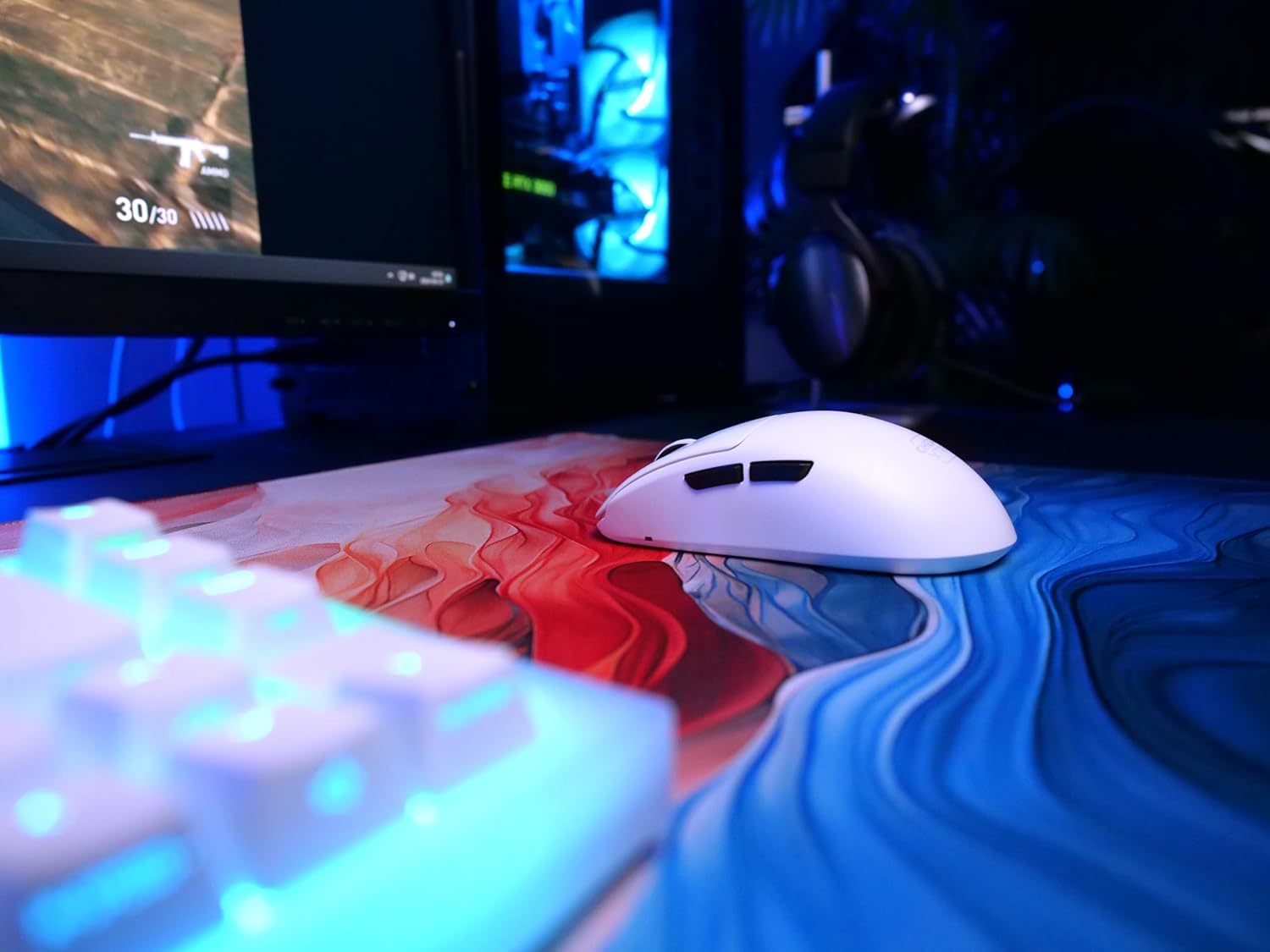
Figure 5: The M68 Pro Wireless mouse positioned beside a gaming keyboard, illustrating its compact size.
Warranty and Support
For warranty information, please refer to the documentation included with your product or visit the official CHERRY XTRFY website. Keep your proof of purchase for warranty claims.
For technical support, troubleshooting beyond this manual, or inquiries about replacement parts, please visit the CHERRY XTRFY Store on Amazon or their official support channels.

Figure 6: Rear view of the M68 Pro Wireless mouse, showing its symmetrical shape.


