1. Introduction
Thank you for choosing the Geeni PetConnect 2.6L Smart Pet Water Fountain. This automatic, filtered water bowl is designed to provide your cats and dogs with continuous access to fresh, clean drinking water. With Wi-Fi connectivity, you can control the fountain remotely via the Geeni app and receive important alerts directly to your smartphone. This manual provides detailed instructions for setup, operation, and maintenance to ensure optimal performance and the well-being of your pets.

Image: The Geeni PetConnect Smart Pet Water Fountain, showcasing its sleek design and integration with the mobile application for smart control.
Key Features
- 2.6L Capacity: Ensures a sufficient water supply for pets throughout the day.
- Multi-Layer Filtration: Provides clean, fresh water by removing impurities.
- Wi-Fi Control: Manage settings and monitor water levels remotely via the Geeni app.
- Maintenance Alerts: Receive notifications for water refills, filter changes, and cleaning schedules.
- Voice Assistant Compatibility: Works with Alexa and Google Home for convenient voice commands.
- Three Water Flow Modes: Customizable flow to suit your pet's preferences.
- Low-Noise Operation: Designed for a quiet environment.

Image: A golden retriever resting beside the water fountain, highlighting the product's key features for pet owners.
2. Product Overview
What's in the Box
Carefully unpack all components and ensure you have received the following items:
- 1x Smart Pet Water Fountain (Main Unit)
- 1x Water Pump & Cord (USB)
- 1x Power Adapter
- 1x Water Pipe
- 1x Spout
- 3x Water Filters (1 pre-installed, 2 extra)
- 1x User Manual
- 1x Cleaning Brush (often included, though not explicitly listed in all product details, it's a common accessory for fountains)

Image: All components included in the Geeni PetConnect Smart Pet Water Fountain package.
Component Identification

Image: Diagram illustrating the individual components of the water fountain and their names.
- Spout: Directs water flow for drinking.
- Water Tray: Top section where water collects for pets to drink.
- Filter: Multi-layer filtration system.
- Filter Tray: Holds the filter in place.
- Water Pipe: Connects the pump to the spout/water tray.
- Water Pump: Circulates water from the tank to the water tray.
- Water Tank (Max 2.6L): Main reservoir for water.
3. Specifications
| Feature | Detail |
|---|---|
| Model Number | GN-WP006-199 |
| Capacity | 2.6 Liters |
| Dimensions (LxWxH) | 10.04 x 2.99 x 7.17 inches |
| Item Weight | 1.79 pounds |
| Material | Plastic |
| Color | White |
| Power Source | Corded Electric |
| Connectivity | Wi-Fi (2.4GHz only) |
| Compatibility | Geeni App, Alexa, Google Home |
| Intended Use | Indoor Pet Water Dispenser |
4. Setup Instructions
4.1 Assembly
- Clean Components: Before first use, wash all parts (except the power adapter and pump) with mild soap and water. Rinse thoroughly.
- Install Pump: Place the water pump into the designated slot at the bottom of the water tank. Ensure the suction cups firmly attach to the tank floor.
- Attach Water Pipe: Connect one end of the water pipe to the pump's outlet and the other end to the underside of the filter tray.
- Insert Filter: Place a new filter into the filter tray. Ensure it is properly seated.
- Position Filter Tray: Place the filter tray assembly onto the water tank, aligning it correctly.
- Attach Spout: Insert the spout into the opening on the water tray.
- Fill Water Tank: Fill the water tank with clean water up to the MAX fill line. Do not overfill.
- Connect Power: Connect the USB cable from the pump to the power adapter, then plug the adapter into a standard wall outlet.
4.2 Geeni App Connection
To utilize the smart features of your PetConnect fountain, you must connect it to the Geeni app.
- Download App: Download the Geeni app from the App Store (iOS) or Google Play Store (Android).
- Register/Login: Open the app and register for a new account or log in with an existing one.
- Add Device: Tap "+" in the top right corner of the app to add a new device. Select "Pet Feeder" or "Pet Water Fountain" from the device list.
- Enter Wi-Fi Details: Follow the on-screen instructions to connect the fountain to your 2.4GHz Wi-Fi network. Note: The fountain does not support 5GHz Wi-Fi.
- Pairing Mode: The fountain will typically enter pairing mode automatically when first powered on. If not, refer to the app for instructions on how to manually activate pairing mode (e.g., pressing the power button multiple times).
- Confirmation: Once connected, the app will confirm the successful pairing, and you can rename your device.

Image: The Geeni app interface, demonstrating remote control capabilities for the water fountain.
5. Operating Instructions
5.1 Basic Operation
- Power On/Off: The fountain will start operating once plugged in. Unplug to turn off.
- Water Flow: The pump continuously circulates water through the filter and up to the spout.
5.2 Using the Geeni App
The Geeni app provides comprehensive control and monitoring features:
- Water Level Monitoring: View the current water level (e.g., "Enough," "Low") and receive alerts when a refill is needed.
- Water Flow Modes:
- Normal Mode: Continuous water flow.
- Smart Mode: Intermittent flow (e.g., 5 minutes on, 5 minutes off) to conserve energy and encourage drinking. Customize intervals in app settings.
- Pause Mode: Temporarily stops water flow.
- Scheduling: Set custom schedules for the fountain's operation, including specific on/off times or mode changes throughout the day.
- Filter & Cleaning Reminders: The app tracks filter life and cleaning intervals, sending reminders when maintenance is due. You can reset these timers after performing the maintenance.
- Share Access: Share control of the fountain with other family members through the Geeni app.

Image: The Geeni app allows users to set timers and schedules for the fountain's operation, adapting to daily routines.
5.3 Voice Control (Alexa & Google Home)
Integrate your Geeni PetConnect fountain with Amazon Alexa or Google Home for convenient voice commands:
- Link Account: In the Alexa or Google Home app, enable the "Geeni" skill/action and link your Geeni account.
- Discover Devices: Ask your voice assistant to "Discover devices" or manually add the fountain.
- Voice Commands: Use commands such as:
- "Alexa, turn on the Pet Fountain."
- "Hey Google, turn off the Pet Fountain."
- "Alexa, set Pet Fountain to Smart Mode."
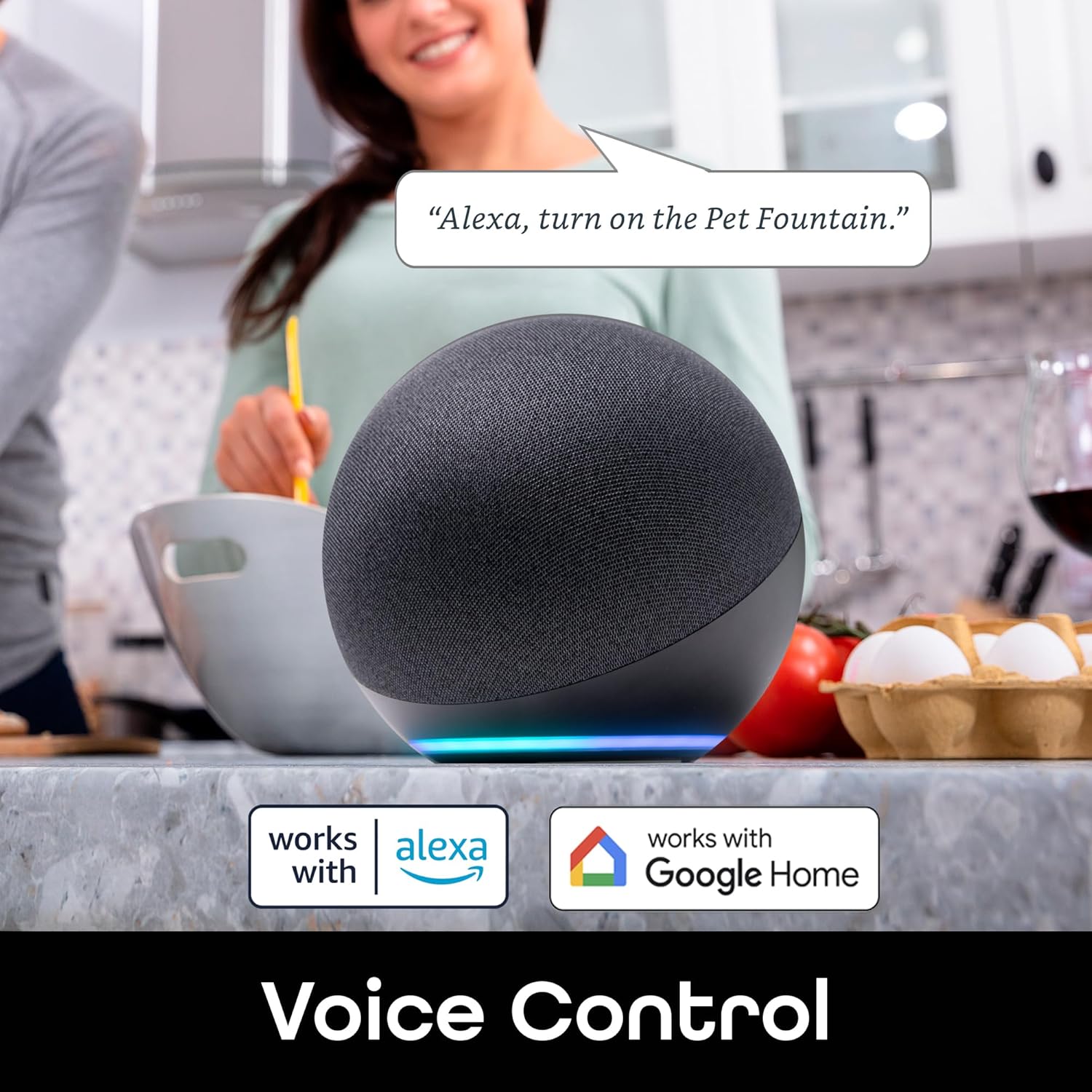
Image: The Geeni PetConnect fountain supports voice control through Amazon Alexa and Google Home.
6. Maintenance
Regular maintenance is crucial for the longevity of your fountain and the health of your pets.
6.1 Water Refill
- Monitor the water level via the Geeni app or the transparent window on the fountain.
- Refill with fresh, clean water when the level is low. Always unplug the fountain before refilling to prevent accidental spills or damage to the pump.
6.2 Filter Replacement
- The multi-layer filter should be replaced every 2-4 weeks, or as indicated by the Geeni app, depending on water quality and pet usage.
- Steps:
- Unplug the fountain.
- Remove the water tray and filter tray.
- Discard the old filter.
- Rinse the new filter under running water to remove any loose carbon dust.
- Place the new filter into the filter tray.
- Reassemble the fountain and refill with water.
- Reset the filter life timer in the Geeni app.
6.3 Cleaning the Fountain
- Clean the entire fountain (excluding the power adapter) at least once a week.
- Steps:
- Unplug the fountain and empty all water.
- Disassemble all components: water tray, filter tray, filter, water pipe, spout, and pump.
- Wash all parts (except the power adapter and pump) with mild soap and water. Use the included cleaning brush for the water pipe and spout.
- Pump Cleaning: Carefully open the pump cover and remove the impeller. Clean the impeller and the pump's interior with a small brush to remove any hair or debris. Reassemble the pump.
- Rinse all components thoroughly to remove any soap residue.
- Dry all parts and reassemble the fountain.
- Refill with fresh water and plug in.
- Reset the cleaning timer in the Geeni app.
- The main unit (water tank) is designed to be easily cleaned. Some components may be dishwasher safe (refer to product packaging or Geeni support for confirmation).
7. Troubleshooting
| Problem | Possible Cause | Solution |
|---|---|---|
| Fountain not turning on. | No power; loose connection. | Ensure the power adapter is securely plugged into both the fountain and the wall outlet. Check if the outlet is functional. |
| No water flow or weak flow. | Low water level; clogged pump/filter; kinked water pipe. | Refill water to the MAX line. Clean the pump and impeller (see Maintenance). Replace the filter if it's old. Ensure the water pipe is not bent or obstructed. |
| Fountain is noisy. | Low water level; dirty pump; improper assembly. | Ensure water is at the optimal level. Clean the pump thoroughly, especially the impeller. Reassemble all parts correctly, ensuring the pump is securely seated. |
| Cannot connect to Geeni app. | Incorrect Wi-Fi band; wrong password; fountain not in pairing mode; network issues. | Ensure your Wi-Fi is 2.4GHz. Double-check your Wi-Fi password. Follow app instructions to put the fountain into pairing mode. Try restarting your router. Move the fountain closer to the router. |
| App alerts not received. | App notifications disabled; fountain offline. | Check your phone's notification settings for the Geeni app. Ensure the fountain is connected to Wi-Fi and online in the app. |
8. Warranty & Support
8.1 Warranty Information
The Geeni PetConnect 2.6L Smart Pet Water Fountain comes with a 365-day warranty from the date of purchase. This warranty covers manufacturing defects and malfunctions under normal use. It does not cover damage caused by misuse, accidents, unauthorized modifications, or failure to follow the instructions in this manual.
Please retain your proof of purchase for warranty claims.
8.2 Customer Support
If you encounter any issues or have questions not covered in this manual, please contact Geeni Customer Support:
- Website: Visit the official Geeni website for FAQs, support articles, and contact information.
- Email: Refer to your product packaging or the Geeni website for the support email address.
- Phone: Refer to your product packaging or the Geeni website for the support phone number.
For more information about Geeni products, visit the Geeni Store on Amazon.


