
realme RMA2306
realme T110 AI ENC Noise Cancelling Wireless Earbuds User Manual
Model: RMA2306 | Brand: realme
Introduction
Thank you for choosing the realme T110 AI ENC Noise Cancelling Wireless Earbuds. These earbuds are designed to provide a superior audio experience with features such as a 10mm dynamic bass driver, AI Environmental Noise Cancellation (ENC) for clear calls, and an extended battery life of up to 38 hours. This manual will guide you through the setup, operation, and maintenance of your new earbuds.

Image: realme T110 Earbuds in their Pop White charging case, with the lid open, showing both earbuds nestled inside. A small green LED indicator is visible on the front of the case.
What's in the Box
Please check the contents of your package to ensure all items are present:
- realme T110 Wireless Earbuds (Left and Right)
- Wireless Charging Case
- USB Charging Cable
- Eartips (various sizes)
- User Manual
Product Overview
Familiarize yourself with the components of your realme T110 earbuds.

Image: Close-up view of the realme T110 Pop White earbuds, showing the left and right earbuds individually. The "L" and "R" indicators are visible on the stems.
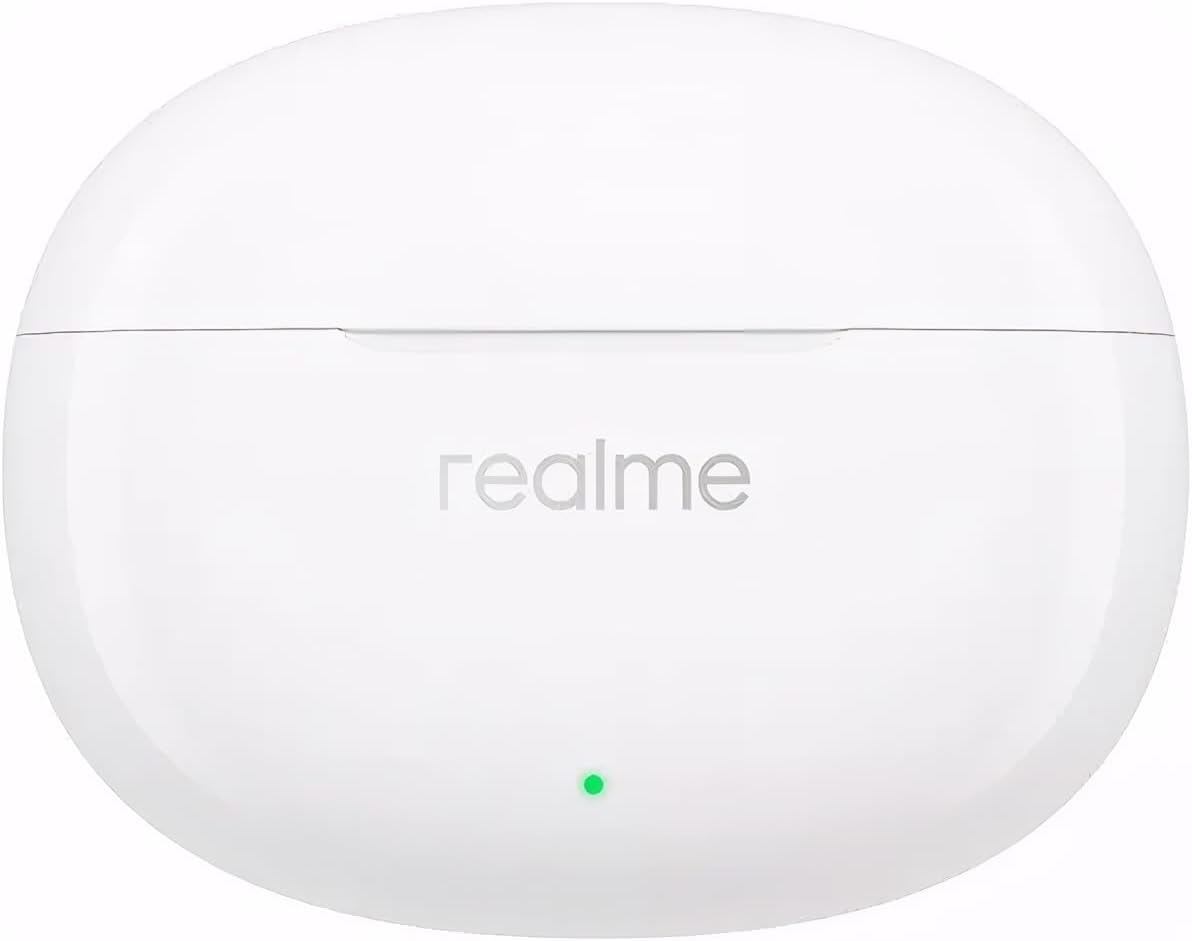
Image: The realme T110 charging case in Pop White, shown closed from a top-down perspective, displaying the realme logo and the LED indicator.

Image: A visual breakdown highlighting key features of the earbuds, including the titanium-plated composite dome diaphragms for breathtaking bass, smart touch controls, and AI ENC Noise Cancellation for calls.
Setup
1. Charging the Earbuds and Case
Before first use, fully charge the earbuds and the charging case. Place the earbuds into the charging case and close the lid. Connect the USB charging cable to the case's charging port and a power source. The LED indicator on the case will show charging status.
- A full charge provides up to 7 hours of playback for the earbuds and a total of 38 hours with the charging case.
2. Pairing with Your Device (Bluetooth)
- Open the charging case. The earbuds will automatically enter pairing mode (indicated by a flashing LED on the case).
- On your device (smartphone, tablet, etc.), enable Bluetooth.
- Search for "realme T110" in the list of available Bluetooth devices.
- Select "realme T110" to connect. Once connected, the LED indicator on the case will turn off or show a steady light.
- For subsequent uses, the earbuds will automatically connect to the last paired device when taken out of the case.
The realme T110 supports Google Fast Pair for quick and seamless pairing with compatible Android devices.

Image: A graphic illustrating key features: IPX5 Water Resistance, Google Fast Pair compatibility, and the impressive 38-hour total playback time of the realme T110 earbuds.
3. realme Link App Compatibility
For enhanced features and customization, download the realme Link app from your device's app store. The app allows you to:
- Customize touch controls.
- Activate Gaming Mode for ultra-low latency.
- Check battery status.
- Update firmware.
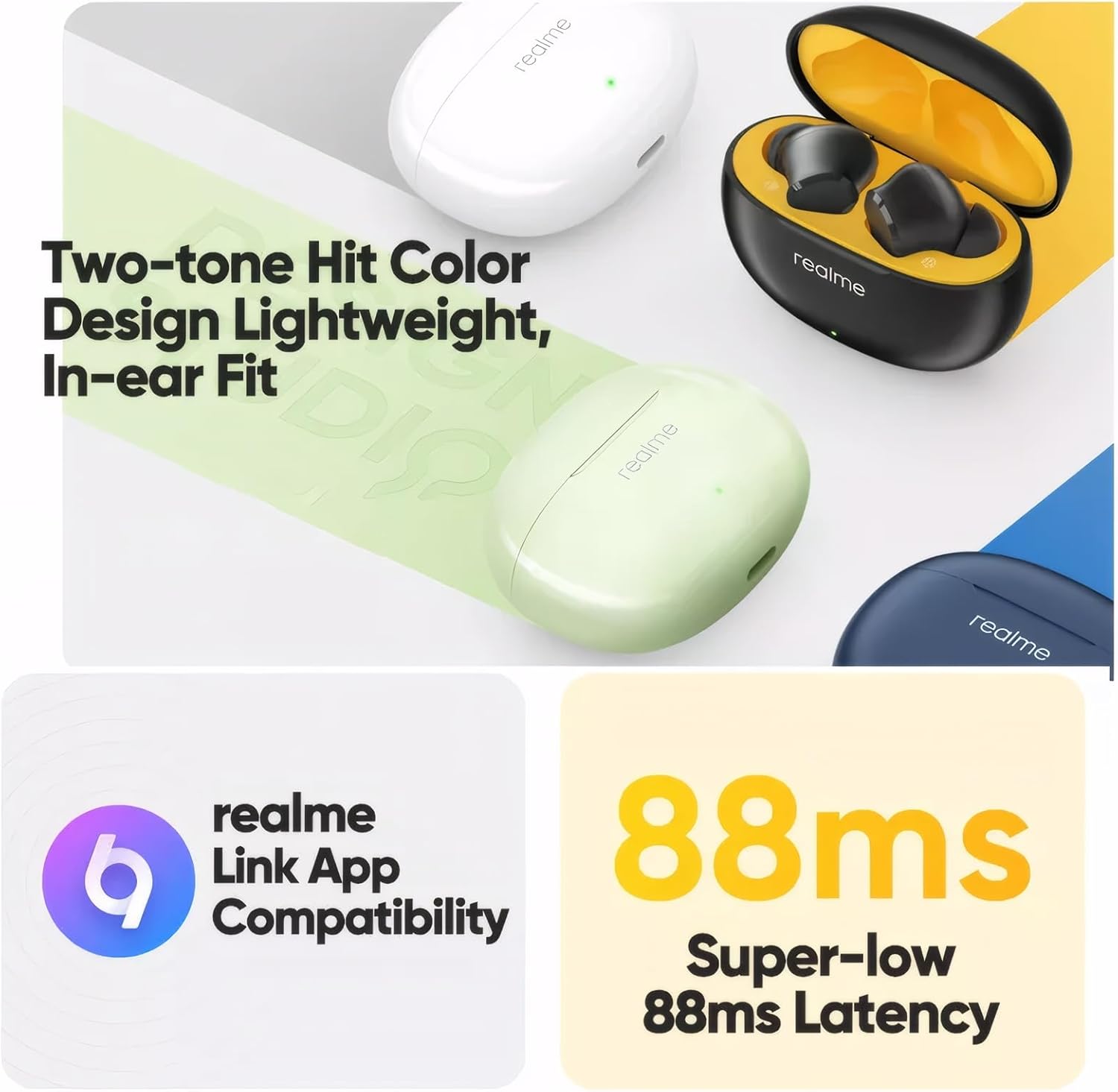
Image: A graphic highlighting the realme Link App compatibility and the super-low 88ms latency feature, often associated with gaming mode.
Operating Instructions
Touch Controls
The realme T110 earbuds feature intuitive touch controls. The default functions are as follows:
| Action | Function |
|---|---|
| Double Tap | Play/Pause music, Answer/End call |
| Triple Tap | Next song |
| Press and Hold (Left Earbud) | Volume Down |
| Press and Hold (Right Earbud) | Volume Up |
| Press and Hold Both Earbuds | Switch between AI ENC On/Off (or Game Mode, customizable via app) |
Note: These controls can be customized via the realme Link app.
AI ENC (Environmental Noise Cancellation)
The AI ENC feature utilizes advanced algorithms to identify and reduce background noise during calls, ensuring your voice is heard clearly. This feature is primarily for call clarity and is distinct from Active Noise Cancellation (ANC) for listening.
Gaming Mode (Ultra-Low Latency)
Activate Gaming Mode through the realme Link app to achieve an ultra-low latency of 88ms. This significantly reduces audio delay, providing a more synchronized audio-visual experience for gaming and video playback.

Image: A graphic demonstrating the ultra-low 88ms latency feature, showing earbuds connected to a smartphone displaying a racing game, emphasizing audio-visual synchronization.
Battery Life
The realme T110 earbuds offer impressive battery performance:
- Earbuds: Up to 7 hours of continuous playback on a single charge.
- Total Playback (with charging case): Up to 38 hours.
The charging case holds multiple charges for the earbuds, allowing for extended use throughout the day or week without needing to find a power outlet.
Maintenance
Cleaning
To maintain optimal performance and hygiene:
- Regularly clean the eartips with a soft, dry, lint-free cloth.
- Gently wipe the charging contacts on both the earbuds and inside the case to ensure proper charging.
- Avoid using abrasive materials, solvents, or harsh chemicals.
Water Resistance (IPX5)
The realme T110 earbuds are rated IPX5 for water resistance. This means they are protected against low-pressure water jets from any direction. They are suitable for workouts and light rain, but are not designed for swimming or submersion in water.
- Do not intentionally submerge the earbuds in water.
- Ensure the earbuds are dry before placing them back into the charging case to prevent damage.
Storage
When not in use, store the earbuds in their charging case to protect them from dust, dirt, and physical damage. Store the case in a cool, dry place away from direct sunlight and extreme temperatures.
Troubleshooting
If you encounter any issues with your realme T110 earbuds, refer to the following common solutions:
| Problem | Possible Solution |
|---|---|
| Earbuds not pairing | Ensure earbuds are charged. Place them back in the case, close the lid, then open again to re-enter pairing mode. Check your device's Bluetooth settings and try reconnecting. |
| Only one earbud working | Ensure both earbuds are charged. Place both back in the case, close the lid, wait a few seconds, then open again. Try resetting the earbuds (refer to realme Link app or user manual for specific reset instructions). |
| Low volume | Increase volume on both your device and the earbuds (using touch controls). Clean any earwax buildup from the eartips and speaker mesh. |
| Poor call quality / AI ENC not effective | Ensure earbuds are properly seated in your ears. Check for strong network signal on your phone. Ensure microphones are not obstructed. |
| Earbuds not charging | Check the charging cable and power adapter. Ensure charging contacts on earbuds and case are clean and free of debris. Try a different charging cable or power source. |
If the issue persists, please contact realme customer support.
Specifications
| Feature | Detail |
|---|---|
| Model Name | T110 |
| Item Model Number | RMA2306 |
| Connectivity Technology | Wireless (Bluetooth 5.4) |
| Audio Driver | 10mm Dynamic Bass Driver |
| Noise Cancellation | AI ENC (Environmental Noise Cancellation for calls) |
| Latency | 88ms (Gaming Mode) |
| Battery Life (Earbuds) | Up to 7 hours |
| Total Playback (with Case) | Up to 38 hours |
| Water Resistance | IPX5 |
| Control Method | Touch |
| Weight | 2.82 ounces (approx.) |
| Color | Pop White |
Warranty and Support
realme products are designed and manufactured to the highest quality standards. For information regarding warranty coverage, please refer to the warranty card included in your product packaging or visit the official realme website.
For technical support, troubleshooting assistance, or service inquiries, please contact realme customer service through their official channels. You may find contact information on the realme website or in your product documentation.
Online Resources:
- Visit the realme Store on Amazon
- Official realme Website (for general support and product information)
Related Documents - RMA2306
 |
realme Buds T110 User Guide: Features, Controls, and Specifications A comprehensive user guide for the realme Buds T110 wireless earbuds, detailing pairing, connection, touch controls, realme Link app integration, and technical specifications. Includes setup instructions and product information. |
 |
realme Buds T110 Бездротові навушники Посібник користувача Вичерпний посібник користувача для бездротових навушників realme Buds T110, що охоплює створення пари, підключення, сенсорне керування, функції додатка та технічні характеристики. Модель RMA2306. |
 |
realme Buds Air 2 Neo Getting Started Guide A comprehensive guide to getting started with the realme Buds Air 2 Neo wireless earbuds, covering setup, usage tips, product features, and technical specifications. |
 |
realme Buds T110 User Guide: Setup, Features, and Specifications Explore the realme Buds T110 wireless earbuds with this comprehensive user guide. Learn about Bluetooth pairing, touch controls, noise reduction, battery life, specifications, and warranty. |
 |
realme Buds Air 2 User Guide: Pairing, Features, and Specifications Comprehensive user guide for the realme Buds Air 2 wireless earbuds. Learn how to pair, connect, use noise cancellation and game modes, integrate with the realme Link app, and view technical specifications and operating conditions. |
 |
realme Buds Air 2 User Guide User guide for the realme Buds Air 2 wireless earbuds (Model: RMA2003). Learn about pairing, touch controls, noise cancellation, transparency mode, realme Link app integration, technical specifications, and temperature guidelines. |
Ask a question about this manual
Ask about setup, troubleshooting, compatibility, parts, safety, or missing instructions. Manuals+ will review the question and use this page’s manual context to help answer it.