1. Product Overview
The SHYSKY TOX4 Android 13.0 TV Box is a high-performance streaming media player designed to enhance your home entertainment experience. Featuring the Rockchip RK3528 Quad Core ARM Cortex A53 CPU and ARM Mali 450 MP2 GPU, it delivers smooth 4K 60fps video playback with HDR 10+ support. With 4GB RAM and 32GB ROM, it provides ample space for applications and media. Dual-band 2.4G/5G WiFi, 1000M Ethernet, and Bluetooth 5.0 ensure robust connectivity.
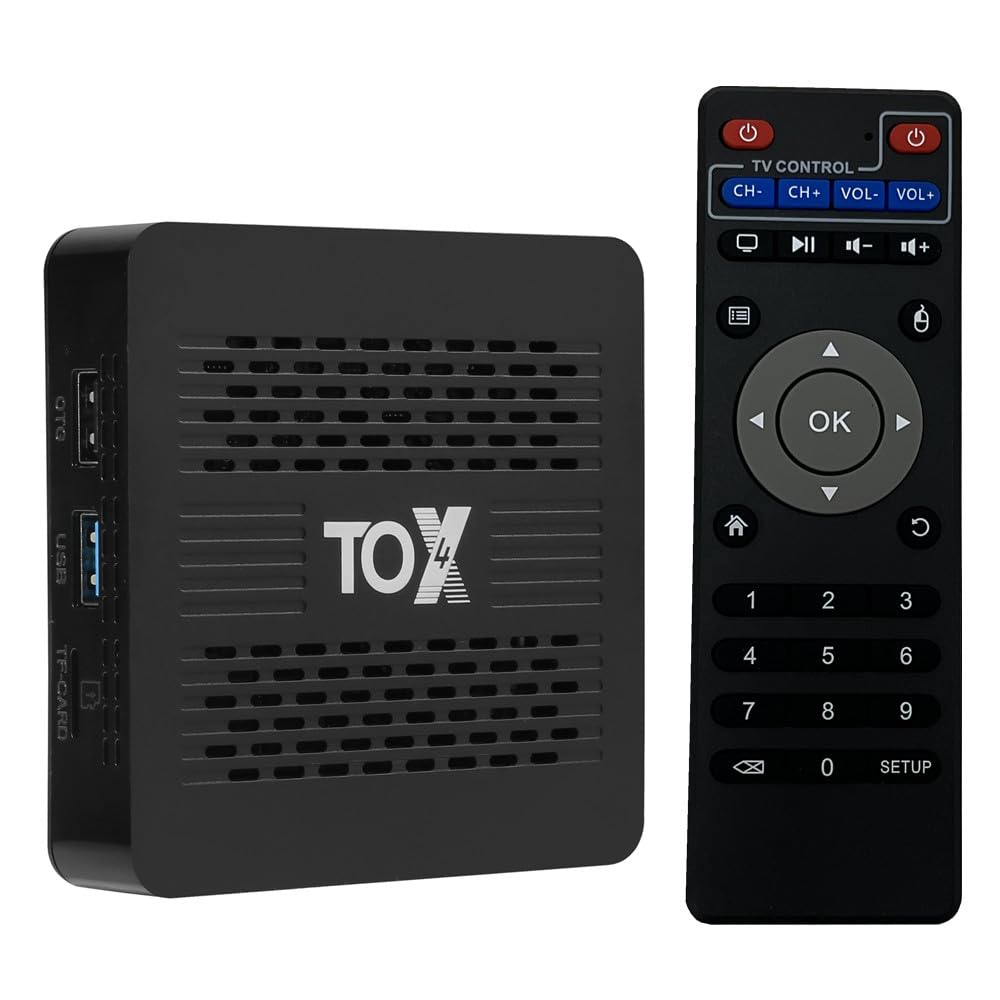
Image 1.1: The SHYSKY TOX4 Android TV Box, a compact streaming media device.
2. Package Contents
Verify that all items are present in the box before proceeding with the setup.
- 1 x TOX4 Android TV Box
- 1 x IR Remote Control
- 1 x HD Cable
- 1 x Power Adapter (5V 2A, Type-C)
- 1 x English User Manual

Image 2.1: All components included in the SHYSKY TOX4 Android TV Box package.
3. Device Layout and Ports
Familiarize yourself with the various ports and indicators on your TOX4 TV Box.
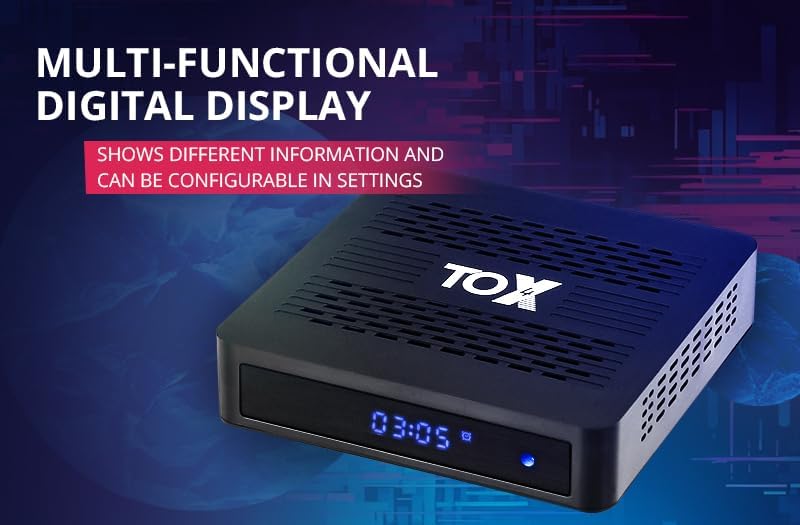
Image 3.1: Detailed view of the various interfaces on the SHYSKY TOX4 Android TV Box, including USB, TF-CARD, DC 5V, HDMI, and LAN ports.
Front Panel:
- Digital Display: Shows time, Wi-Fi status, and USB activity. Configurable in settings.

Image 3.2: The multi-functional digital display on the front of the TOX4 TV Box, showing time and status indicators.
Side Panel:
- USB 3.0 Port: For faster data transfer with external storage devices.
- USB 2.0 Port: For connecting peripherals like keyboards, mice, or USB drives.
- TF-CARD Slot: For expanding storage with a MicroSD card.
Rear Panel:
- DC 5V Port (Type-C): Connect the provided power adapter here.
- HDMI Port: Connect to your TV or display using the HD cable for video and audio output.
- LAN Port (1000M Ethernet): For wired network connection.
4. Setup Guide
Follow these steps for the initial setup of your SHYSKY TOX4 Android TV Box.
- Connect to TV: Connect one end of the provided HD cable to the HDMI port on the TV Box and the other end to an available HDMI input on your television.
- Connect Power: Plug the Type-C end of the power adapter into the DC 5V port on the TV Box and the other end into a power outlet. The device will automatically power on.
- Insert Batteries into Remote: Open the battery compartment of the IR Remote Control and insert two AAA batteries (not included), ensuring correct polarity.
- Select Input: On your TV, select the correct HDMI input source corresponding to where the TV Box is connected.
- Initial Configuration: Follow the on-screen instructions to complete the initial setup, including language selection, network connection, and Google account sign-in.
Video 4.1: This video demonstrates the unboxing, installation, and network connection process for the Android TV Box.
5. Operating Instructions
5.1. Navigation
- Use the arrow keys on the remote control to navigate through menus and applications.
- Press the OK button to select an item.
- Press the Back button to return to the previous screen.
- Press the Home button to return to the main home screen.
5.2. Wi-Fi Connection
- From the home screen, navigate to Settings.
- Select Network & Internet.
- Turn on Wi-Fi and select your desired network from the list.
- Enter the Wi-Fi password using the on-screen keyboard and select Connect.
5.3. Using Applications
- Access installed applications from the Apps section on the home screen.
- To install new applications, open the Google Play Store and browse or search for desired apps.
- The device supports various streaming services and media players.
Video 5.1: This video provides an overview of the SHYSKY TOX4 Android TV Box, highlighting its features and user interface.
6. Key Features
- Android 13 OS + RK3528 Chipset: Runs on the latest Android 13.0 system, powered by a Rockchip RK3528 Quad Core ARM Cortex A53 CPU and ARM Mali 450 MP2 GPU for smooth performance.
- 4GB RAM 32GB ROM: Offers 32GB of internal storage for applications and media, complemented by 4GB of RAM for efficient multitasking.
- 2.4G/5G Dual WiFi + 1000M Ethernet: Supports 2.4GHz and 5GHz dual-band Wi-Fi (802.11b/g/n/ac) and a 1000Mbps Ethernet LAN port for stable and fast internet connectivity. Includes Bluetooth 5.0 for wireless peripheral connections.
- 4K HDR + USB3.0: Supports H.265 video decoding, HDR 10+, and 4K 60fps output for high-quality visuals. The USB 3.0 port provides faster data transfer speeds compared to USB 2.0.
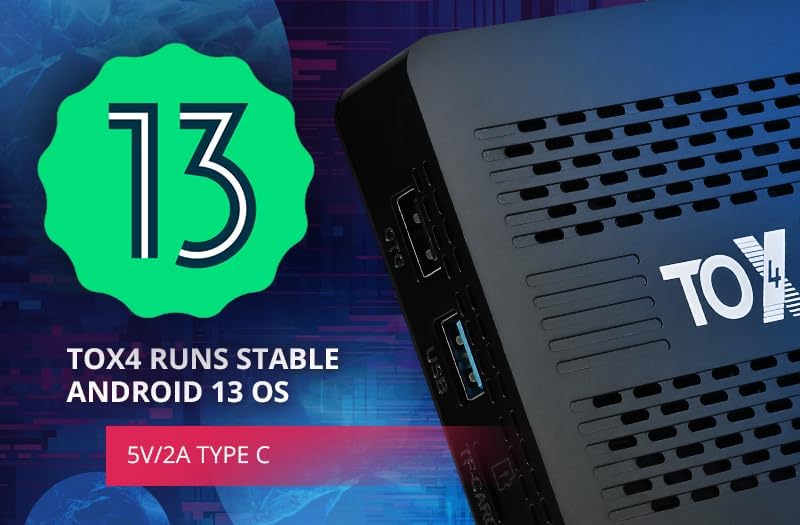
Image 6.1: Close-up of the Rockchip RK3528 chipset, the core processor of the TOX4 TV Box.
7. Troubleshooting
- No Power: Ensure the power adapter is securely connected to the TV Box and a working power outlet. Check if the power outlet is active.
- No Picture on TV: Verify that the HD cable is correctly connected to both the TV Box and the TV. Ensure your TV is set to the correct HDMI input source. Try a different HDMI port or cable if necessary.
- No Wi-Fi Connection: Go to Settings > Network & Internet and ensure Wi-Fi is enabled. Check if your Wi-Fi network is visible and enter the correct password. Restart your router and the TV Box.
- Remote Control Not Responding: Check the batteries in the remote control and replace them if needed. Ensure there are no obstructions between the remote and the TV Box.
- Applications Crashing/Freezing: Close background applications. Clear the cache of the problematic app (Settings > Apps > [App Name] > Clear Cache). If the issue persists, try uninstalling and reinstalling the app.
- Slow Performance: Ensure you have a stable internet connection. Close unused applications running in the background. Consider clearing unnecessary files or uninstalling rarely used apps to free up storage.
8. Specifications
| Feature | Detail |
|---|---|
| Brand | SHYSKY |
| Model Name | TOX4 |
| Operating System | Android 13.0 |
| Processor | Rockchip RK3528 Quad Core ARM Cortex A53 |
| GPU | ARM Mali 450 MP2, OpenGL ES1.1 and 2.0, OpenVG1.1 |
| RAM | 4GB |
| ROM | 32GB |
| Wi-Fi | 2.4GHz/5GHz Dual Band (802.11b/g/n/ac) |
| Ethernet | 1000M LAN |
| Bluetooth | BT5.0 |
| Video Output | 4K 60fps, H.265, HDR 10+ |
| Ports | HDMI, LAN, USB 2.0, USB 3.0, DC 5V (Type-C), TF-CARD |
| Dimensions | 3.94 x 3.94 x 0.69 inches |
| Item Weight | 14.8 ounces |
9. Warranty and Support
For warranty information, technical support, or service inquiries, please refer to the documentation included in your product packaging or visit the official SHYSKY website. Keep your purchase receipt for warranty validation.