1. Introduction
This manual provides essential information for the safe and efficient operation of your Giandel 2200W Pure Sine Wave Solar Power Inverter with a built-in 20A PWM Solar Charger Controller. This device converts 12V DC battery power to 120V AC household power, suitable for various applications including RVs, campers, trucks, and off-grid solar setups. Please read this manual thoroughly before installation and use.

Image 1.1: Giandel 2200W Pure Sine Wave Inverter with included accessories (battery cables, remote, MC4 connectors).
2. Safety Information
Adherence to safety guidelines is crucial to prevent injury and damage to the inverter or connected equipment.
- Ensure the battery voltage is 12V and fully charged before connecting to the inverter.
- Do not connect the inverter to AC distribution wiring.
- Keep the inverter away from water, flammable materials, and direct sunlight.
- Ensure proper ventilation around the inverter to prevent overheating.
- Always connect the inverter to a grounded system.
- Do not open the inverter casing; there are no user-serviceable parts inside.
- Use appropriate gauge wiring for all connections to prevent voltage drop and overheating.
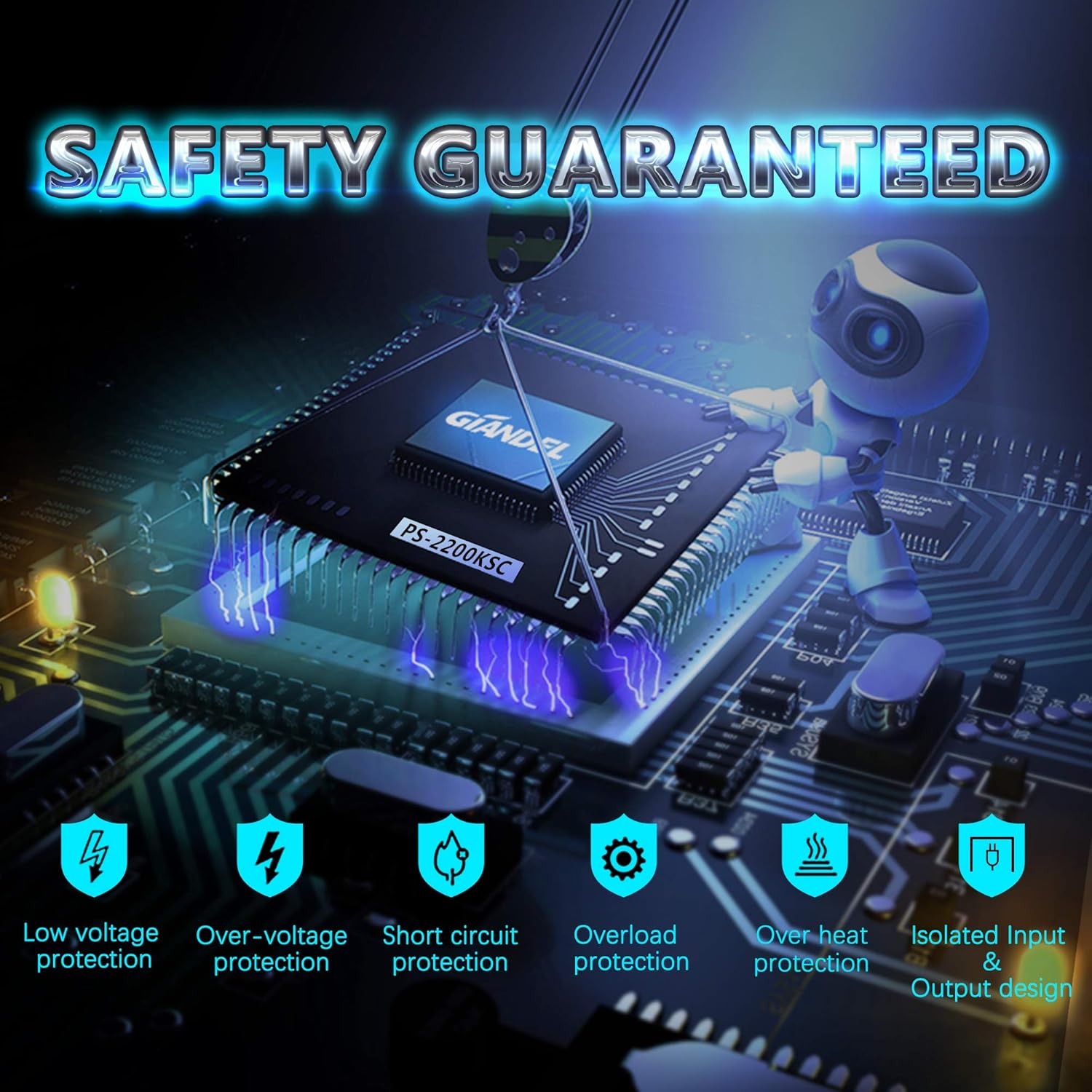
Image 2.1: The inverter features multiple safety protections including low voltage, over-voltage, short circuit, overload, and over-heat protection, along with an isolated input and output design.
3. Product Overview
The Giandel PS2200KSC inverter combines a powerful pure sine wave inverter with a 20A PWM solar charge controller. It features dual AC outlets, a USB port, and a wired remote control for convenient operation.
3.1 Front Panel Features

Image 3.1: Front panel showing 2 US sockets, battery charging status, input voltage (V), output power (kW), output power (W), 0-2.4A USB port, LED display, remote controller port, inverter switch, and GEL/LAC battery switch.
- 2 US Sockets: For connecting AC appliances.
- Battery Charging Status LEDs: Indicate battery charge level (Full, >14V, >13V, >12V, >11V).
- LED Display: Shows input voltage (V) and output power (W/kW).
- USB Port: 5V 2.4A output for charging USB devices.
- Remote Controller Port: For connecting the wired remote.
- Inverter Switch: Main power switch for the inverter.
- GEL/LAC Battery Switch: Selects battery type for the solar charger controller.
- Earth Wire Terminal: For grounding the inverter.
- Solar Input Terminals: For connecting solar panels to the built-in PWM controller.
3.2 Rear Panel Features

Image 3.2: Rear panel showing DC 12V input terminals and intelligent cooling fans.
- DC Input 12V Terminals: For connecting to the 12V battery bank.
- Intelligent Cooling Fans: Operate automatically when the load reaches approximately 800W or the internal temperature exceeds 35°C.
4. Setup and Installation
Proper installation is critical for performance and safety.
4.1 Mounting the Inverter
- Mount the inverter in a dry, well-ventilated area, away from direct sunlight and heat sources.
- Ensure sufficient clearance around the inverter for airflow, especially around the cooling fans.
- Use the provided shockproof pads for stable mounting.
4.2 DC 12V Battery Connection
- Connect the supplied 5AWG battery cables to the 12V battery bank. The red cable connects to the positive (+) terminal of the battery and the inverter, and the black cable connects to the negative (-) terminal.
- Ensure connections are tight to prevent arcing and voltage drop.
- A battery bank of 200 AH or above is recommended for optimal performance.
4.3 Grounding the Inverter
- Connect the provided 3ft Earth Wire to the grounding terminal on the inverter's front panel.
- Connect the other end of the Earth Wire to a reliable ground point (e.g., vehicle chassis, earth rod).
4.4 Solar Panel Connection (PWM Controller)
- The built-in 20A PWM solar controller is designed for 12V solar panels up to a maximum of 300 Watts.
- Connect your 12V solar panel to the solar input terminals on the inverter's front panel using the MC4 connectors. Ensure correct polarity.
- Select the appropriate battery type (GEL or LAC) using the switch on the front panel.
- If using an external solar charge controller, ensure the built-in controller is switched off or bypassed according to the manufacturer's instructions. No need to reset the battery switch when using an external controller.
4.5 Remote Control Connection
- Connect the 15ft wired remote control to the RJ10 port on the inverter's front panel.
5. Operating Instructions
5.1 Powering On/Off
- To power on the inverter, press and hold the power button on the inverter's front panel or the wired remote control. The LED display will illuminate.
- To power off, press and hold the power button again.
5.2 Connecting AC Appliances
- Once the inverter is on, plug your AC appliances into the 2 US sockets.
- Ensure the total continuous power draw of your appliances does not exceed 2200W. The inverter can handle a peak surge of 4400W.
- The LED display will show the output power (W) being drawn by the connected appliances.
5.3 Using the USB Port
- Plug your USB-powered devices into the 5V 2.4A USB port for charging.
5.4 Monitoring Battery and Output
- The LED display cycles between input voltage (V) and output power (W/kW).
- The battery charging status LEDs provide a quick visual indication of your battery's charge level when the solar controller is active.
6. Maintenance
- Regularly check all cable connections to ensure they are secure.
- Keep the inverter's cooling vents clear of dust and debris. Use compressed air to clean if necessary.
- Periodically inspect the battery and solar panel connections for corrosion or damage.
- Store the inverter in a cool, dry place when not in use for extended periods.
7. Troubleshooting
The inverter is equipped with various protection features that may cause it to shut down or beep. Refer to the following for common issues:
| Problem | Possible Cause | Solution |
|---|---|---|
| Inverter does not turn on | Loose battery connections, low battery voltage, faulty fuse | Check battery cable connections, charge battery, check internal fuses (contact support if needed). |
| Inverter shuts down with alarm | Overload, low input voltage, over-voltage, overheating, short circuit | Reduce load, charge battery, check battery voltage, allow inverter to cool, check for short circuits in appliances. |
| No AC output | Inverter off, fault condition, appliance issue | Turn inverter on, check for fault indicators, test appliance with another power source. |
| Solar charging not working | Incorrect solar panel connection, low sunlight, incorrect battery type setting, faulty solar panel | Check solar panel polarity, ensure adequate sunlight, verify GEL/LAC switch setting, test solar panel output. |
8. Specifications
- Model: PS2200KSC
- Continuous Power: 2200 Watts
- Peak Power: 4400 Watts
- Input Voltage: DC 12V
- Output Voltage: AC 110-120V
- Output Frequency: 60Hz
- Output Waveform: Pure Sine Wave (THD < 3%)
- USB Output: 5V DC, 2.4A
- Solar Charger Controller: 20A PWM, suitable for 12V 300W (max) solar panel
- Dimensions (L x W x H): Approximately 15.9" x 9.1" x 3.7" (40.4cm x 23cm x 9.4cm)
- Item Weight: 12.89 pounds
- Recommended Battery Capacity: 200 AH or above

Image 8.1: Physical dimensions of the inverter and lengths of included cables and remote.
9. What's in the Box
- 1 x Giandel 2200W Pure Sine Wave Inverter with 20A PWM Solar Charger Controller
- 2 x Pairs of 5AWG Battery Cables
- 1 x 15ft Wired Remote Control
- 1 x Pair of MC4 Connectors
- 1 x 3ft Earth Wire
- 4 x Shockproof Pads
- 1 x User Manual
10. Warranty and Support
The Giandel 2200W Pure Sine Wave Solar Power Inverter comes with an 18-month warranty. For technical support or warranty claims, please contact Giandel customer service. Support is available 7/24 hours online and via phone call. Warehouses are located in TX, IL, CA.


