
WOOPKER AK45 PRO
User Manual for WOOPKER AK45 Pro Stereo Amplifier
Model: AK45 PRO
1. Introduction
Thank you for choosing the WOOPKER AK45 Pro Stereo Amplifier. This manual provides detailed instructions for setting up, operating, and maintaining your new audio amplifier. Please read this manual thoroughly before use to ensure proper functionality and to maximize your listening experience. This amplifier is designed to deliver high-quality audio for your home theater, karaoke, or general audio needs, featuring versatile connectivity options and user-friendly controls.
2. What's in the Box
Please check the contents of your package to ensure all items are present and in good condition:
- 1X Audio Amplifier
- 1X Power Cable
- 1X User Manual
- 1X Remote Control (Note: The battery for remote is not included, Pls buy it yourself.)
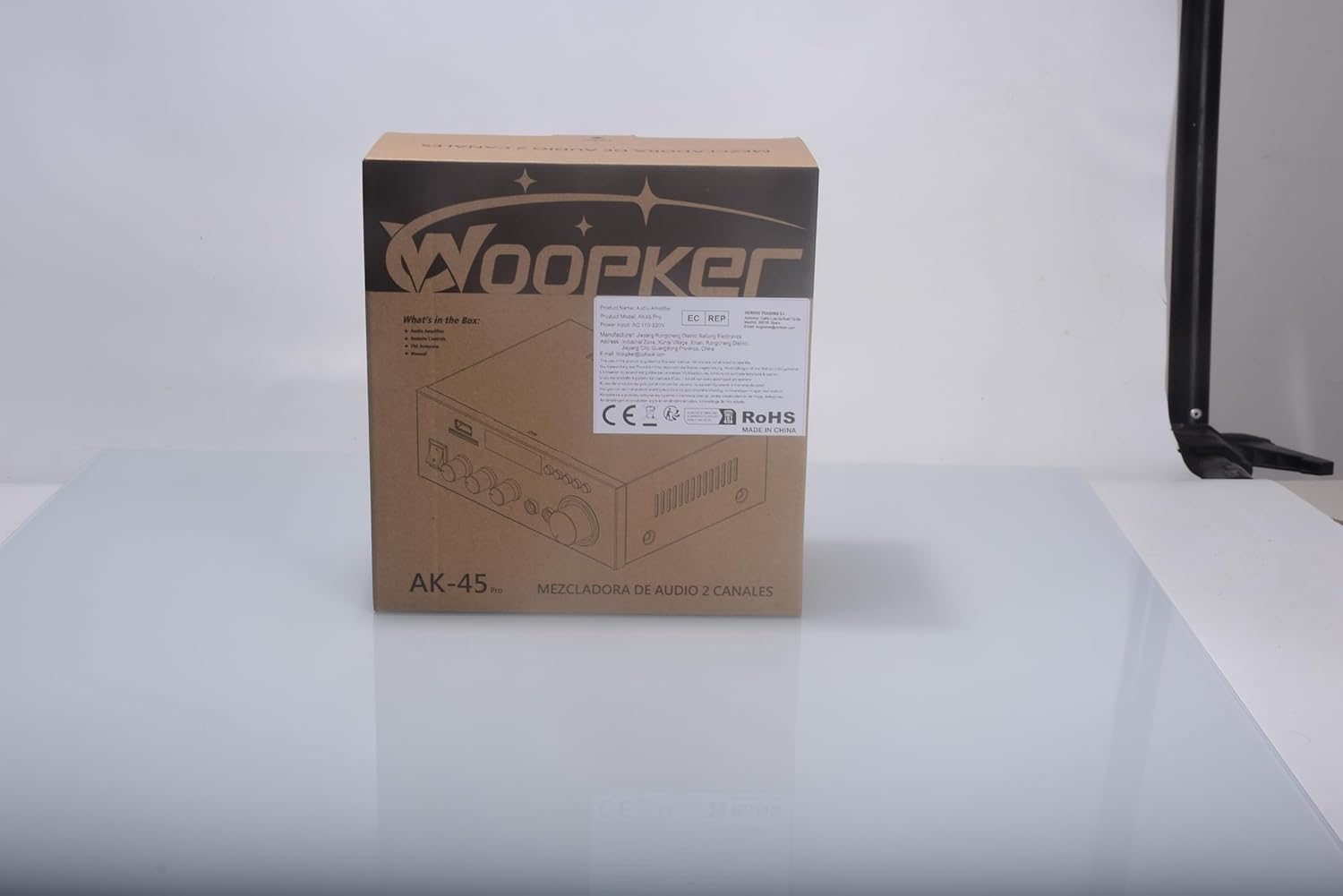
Image: Package contents of the AK45 Pro amplifier.
3. Safety Information
For your safety and to prevent damage to the device, please observe the following:
- This amplifier does not come with a battery. Please ensure you have the correct batteries for the remote control if needed.
- Do not expose the unit to rain or moisture to prevent fire or electric shock.
- Do not open the casing. There are no user-serviceable parts inside. Refer all servicing to qualified personnel.
- Ensure proper ventilation around the unit. Do not block ventilation openings.
- Use only the power supply specified for this device.
- Keep out of reach of children.
4. Setup
4.1 Speaker Connection
Follow these steps to connect your speakers to the amplifier:
- Before connecting the speakers, distinguish the positive and negative terminals. The positive terminal is usually red and the negative terminal is black.
- Press the clasp on the back of the AK45 amplifier and insert all bare wires into the speaker clasp corresponding to the positive and negative terminals.
- Avoid plugging and unplugging USB drives, SD cards, RCA audio cables or speaker cables while the amplifier is turned on.

Image: Rear panel connections for speakers and audio input.
4.2 Power Connection
Connect the provided power cable to the AC power input on the rear of the amplifier and then plug it into a standard wall outlet. Ensure the power switch on the front panel is in the 'OFF' position before connecting to power.
5. Operating Instructions
5.1 Front Panel Controls
The front panel of the AK45 Pro amplifier features various controls and input ports for easy operation:
- Power Switch: Turns the amplifier ON/OFF.
- USB Port: For connecting USB flash drives for audio playback.
- SD/MMC Card Slot: For inserting SD or MMC memory cards for audio playback.
- Display: Digital LED display shows current mode and settings.
- Treble Knob: Adjusts the high-frequency audio output.
- Bass Knob: Adjusts the low-frequency audio output.
- Mic Volume Knob: Controls the volume of the connected microphones.
- MIC1/MIC2 Inputs: 6.35mm jacks for connecting microphones.
- Mode Button: Switches between input modes (Bluetooth, AUX, USB, SD, FM).
- Playback Controls: Buttons for Play/Pause, Next/Previous track.
- Master Volume Knob: Controls the overall audio output volume.

Image: Front panel layout and controls.
5.2 Bluetooth Pairing
To connect your device via Bluetooth:
- Turn on the AK45 Pro amplifier.
- Press the 'Mode' button until 'BLUE' appears on the display.
- On your smartphone or other Bluetooth device, enable Bluetooth and search for available devices.
- Select 'BT' from the list of devices to pair. Once connected, you will hear a confirmation sound.
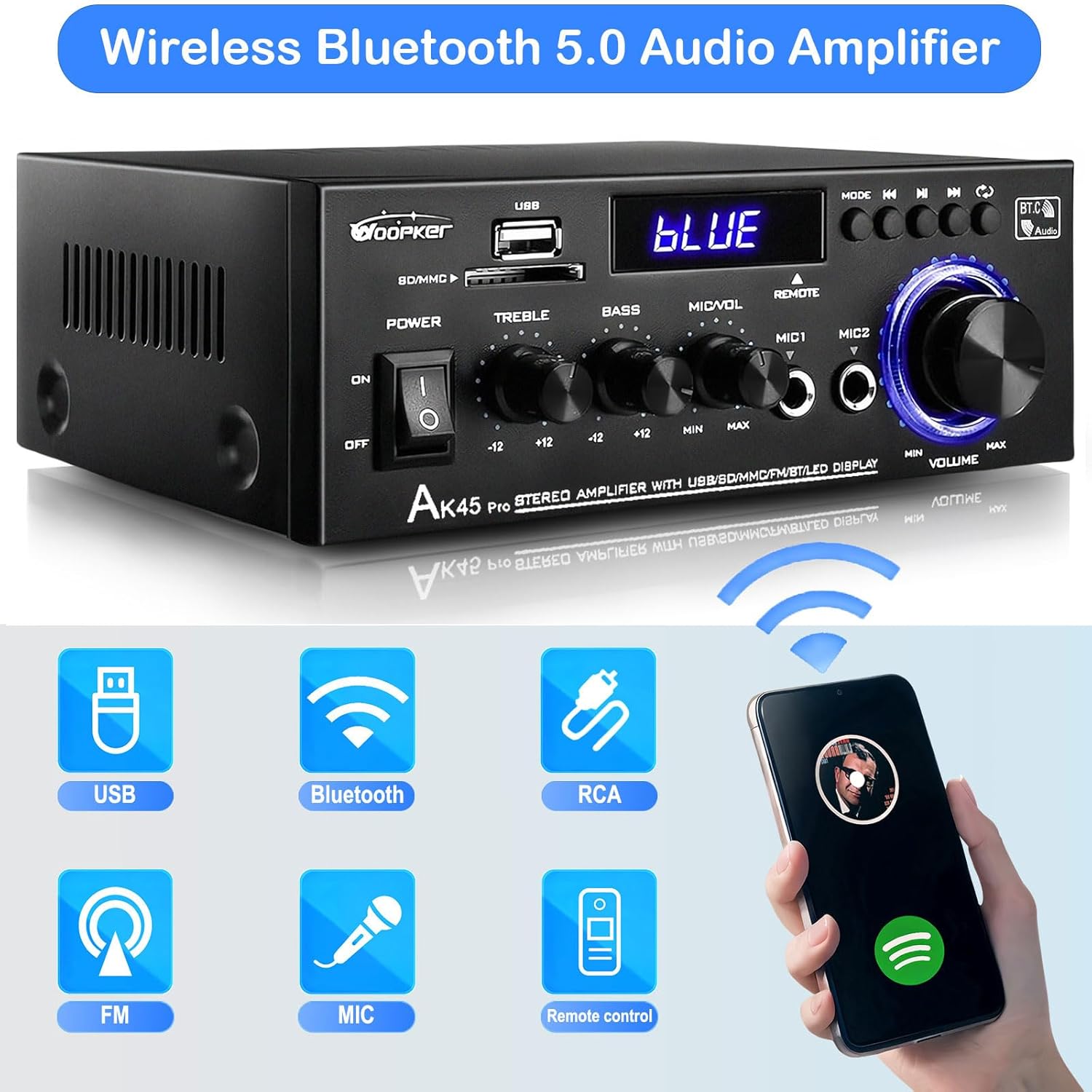
Image: Bluetooth connectivity features.
Video: Demonstrates the setup process, including speaker connection, power-on, Bluetooth pairing, and basic operation of the AK45 Pro amplifier.
5.3 USB/SD Playback
Insert a USB flash drive or SD/MMC card into the corresponding slot on the front panel. The amplifier will automatically switch to USB/SD mode and begin playing compatible audio files. Use the playback control buttons to navigate tracks.
5.4 Microphone Usage
The AK45 Pro supports two microphones for karaoke or public speaking:
- Plug your 6.35mm microphone into either the MIC1 or MIC2 input jack on the front panel.
- Adjust the 'Mic Volume' knob to control the microphone's output level.

Image: Demonstrating microphone usage for karaoke.
5.5 Remote Control
The included remote control allows you to conveniently manage the amplifier from a distance. Functions include power ON/OFF, mode selection, volume adjustment, and track control.

Image: Remote control for convenient operation.
5.6 Audio Adjustment (Bass & Treble)
Use the dedicated 'Bass' and 'Treble' knobs on the front panel to fine-tune the audio output to your preference. Rotate clockwise to increase and counter-clockwise to decrease the respective frequency ranges.

Image: Bass and Treble control knobs for sound customization.
6. Maintenance
To ensure the longevity and optimal performance of your amplifier, follow these maintenance guidelines:
- Cleaning: Use a soft, dry cloth to clean the exterior of the amplifier. Do not use liquid cleaners or aerosol sprays.
- Ventilation: Ensure the ventilation openings are clear of dust and debris to prevent overheating.
- Storage: When not in use for extended periods, store the amplifier in a cool, dry place away from direct sunlight and extreme temperatures.
- Power Off: Always turn off and unplug the amplifier before cleaning or performing any maintenance.
7. Troubleshooting
If you encounter any issues with your AK45 Pro amplifier, refer to the following common problems and solutions:
| Problem | Possible Cause | Solution |
|---|---|---|
| No Power | Power cable not connected; Power outlet faulty; Power switch off. | Ensure power cable is securely connected; Try a different outlet; Turn power switch ON. |
| No Sound Output | Speakers not connected correctly; Incorrect input mode selected; Volume too low; Audio source issue. | Check speaker wire connections (positive/negative); Press 'Mode' button to select correct input; Increase Master Volume; Verify audio source is playing and connected properly. |
| Bluetooth Not Connecting | Amplifier not in Bluetooth mode; Device too far; Interference; Device already paired to another unit. | Switch amplifier to 'BLUE' mode; Move device closer to amplifier; Reduce interference from other wireless devices; Disconnect from other Bluetooth devices. |
| Microphone Not Working | Microphone not plugged in fully; Mic Volume too low; Microphone faulty. | Ensure microphone is securely plugged into MIC1/MIC2; Increase 'Mic Volume' knob; Test with another microphone if available. |
8. Specifications
Key technical specifications for the WOOPKER AK45 Pro Stereo Amplifier:
- Model Number: AK45 PRO
- Power Output: 50W x 2 (Rated), Max 400W
- Channels: 2.0 Channel
- Bluetooth Version: 5.0
- Inputs: Bluetooth, AUX (RCA), USB, SD/MMC, 2x MIC
- Speaker Impedance: 4-16 Ohms
- Package Dimensions: 8.62 x 8.11 x 3.78 inches
- Item Weight: 1.98 Pounds
- Manufacturer: Jieyang Rongcheng District Baitong Electronics Factory
9. Warranty and Support
WOOPKER is committed to providing high-quality audio-visual systems and customer satisfaction. For any product-related inquiries, technical support, or warranty claims, please contact the seller, QXTInc, through the Amazon platform. They offer quick response within 24 hours, a 30-day return policy for exchange or refund, and lifetime technical customer support.
For more information about WOOPKER and their product range, please visit their official brand page or contact their customer service directly.
Related documentsAK45 PRO

Ask a question about this manual
Ask about setup, troubleshooting, compatibility, parts, safety, or missing instructions. Manuals+ will review the question and use this page’s manual context to help answer it.