
Introduction
Thank you for purchasing the Greadio Portable CD and Cassette Player Boombox. This device offers multiple audio playback options including CD, cassette, FM radio, Bluetooth, USB, AUX, and TF/SD card. Please read this manual carefully before use to ensure proper operation and to maximize your listening experience.

Image: Overview of the Greadio CD-W16 Boombox highlighting its various functions.
Setup
Unpacking
Carefully remove all components from the packaging. Ensure all items are present:
- Greadio CD-W16 Portable CD and Cassette Player
- Remote Control
- Type-C Charging Cable
- User Manual (this document)
Powering On and Charging
The boombox is equipped with a built-in 5000mAh rechargeable lithium-ion battery. For initial use, it is recommended to fully charge the device.
- Connect the provided Type-C charging cable to the charging port on the boombox.
- Connect the other end of the cable to a 5V/2A USB power adapter (not included).
- The charging indicator will illuminate. A full charge typically takes approximately 3 hours.
- Once fully charged, the device can provide up to 16 hours of playback time.
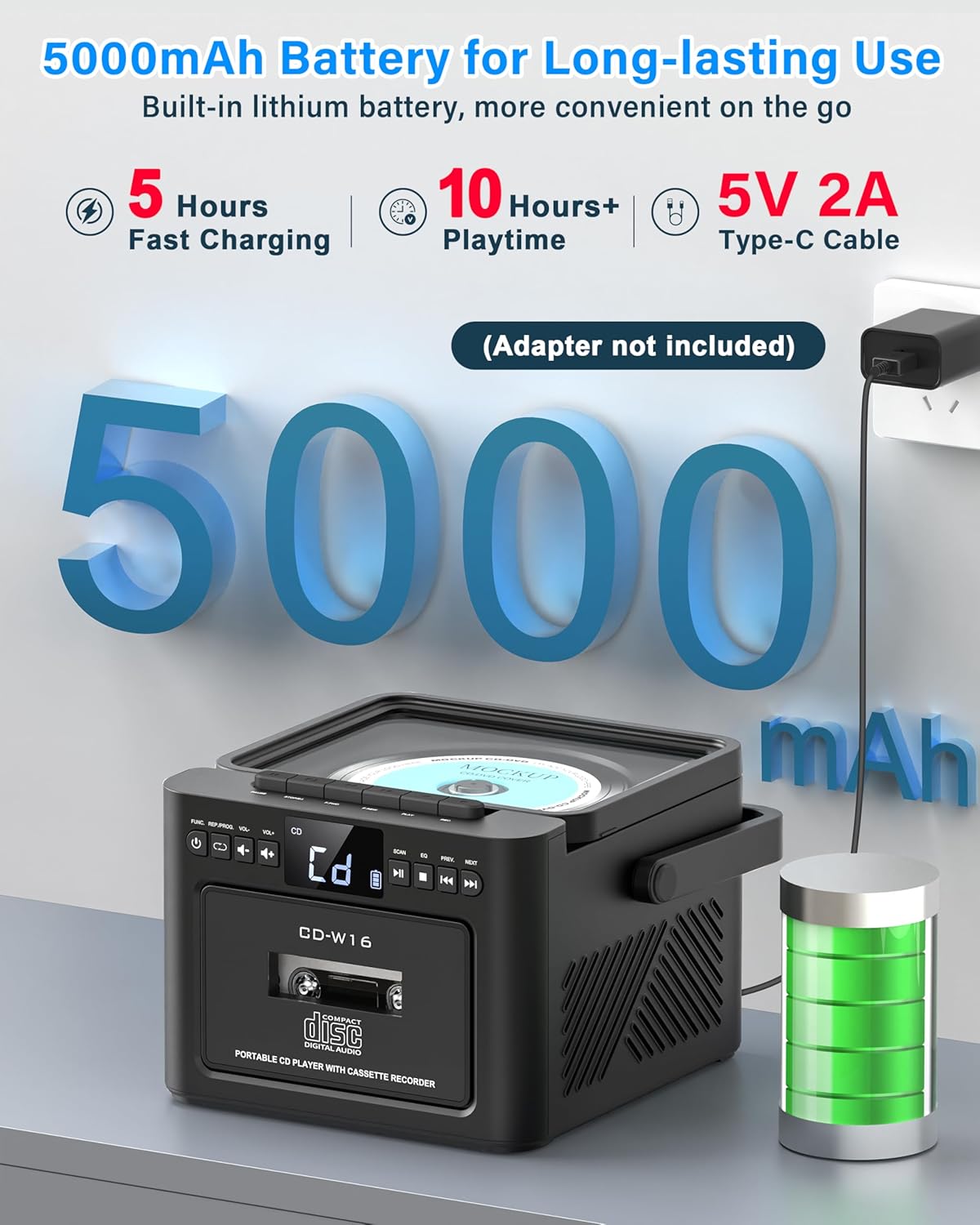
Image: Illustrates the 5000mAh battery and Type-C charging process.
Remote Control
Insert two AAA batteries (not included) into the remote control. The remote allows for convenient operation of various functions from a distance.
Operating Instructions
General Controls
The boombox features an LED display and various buttons for control. Refer to the device's front panel for button layout. Use the 'MODE' button to switch between different playback sources (CD, Cassette, FM, Bluetooth, USB, AUX, TF/SD).
CD Playback
- Open the CD compartment cover.
- Place a CD (compatible with CD, CD-R, CD-RW formats) onto the spindle with the label side facing up.
- Close the CD compartment cover.
- Select 'CD' mode using the 'MODE' button.
- Press the 'PLAY/PAUSE' button to start playback.
- Use the 'PREV' and 'NEXT' buttons to skip tracks. Hold them to fast forward or rewind.
Programming Function: In CD mode, press the 'PROG' button to create a custom playlist of up to 20 tracks. Select tracks using 'PREV/NEXT' and confirm with 'PROG'.
Repeat Mode: Press the 'REPEAT' button to cycle through repeat options: repeat single track, repeat all tracks, or shuffle.

Image: Demonstrates CD playback and remote control usage.

Image: Programming function in CD/USB Mode.

Image: Repeat function options.
Cassette Playback and Recording
- Open the cassette compartment door.
- Insert a cassette tape.
- Close the cassette compartment door.
- Select 'TAPE' mode using the 'MODE' button.
- Use the cassette control buttons (Play, Stop, Fast Forward, Rewind) to operate.
Recording: In TAPE mode, you can record audio from other sources (CD, USB, Bluetooth, AUX, Radio) onto a blank cassette. Ensure a blank cassette is inserted and press the 'RECORD' button while the desired source is playing.

Image: Cassette playback and recording capabilities.
FM Radio
- Extend the telescopic antenna for optimal reception.
- Select 'FM' mode using the 'MODE' button.
- Press the 'SCAN' button to automatically search and save available FM stations (up to 30 presets).
- Use the 'PREV' and 'NEXT' buttons to navigate through saved stations or manually tune.
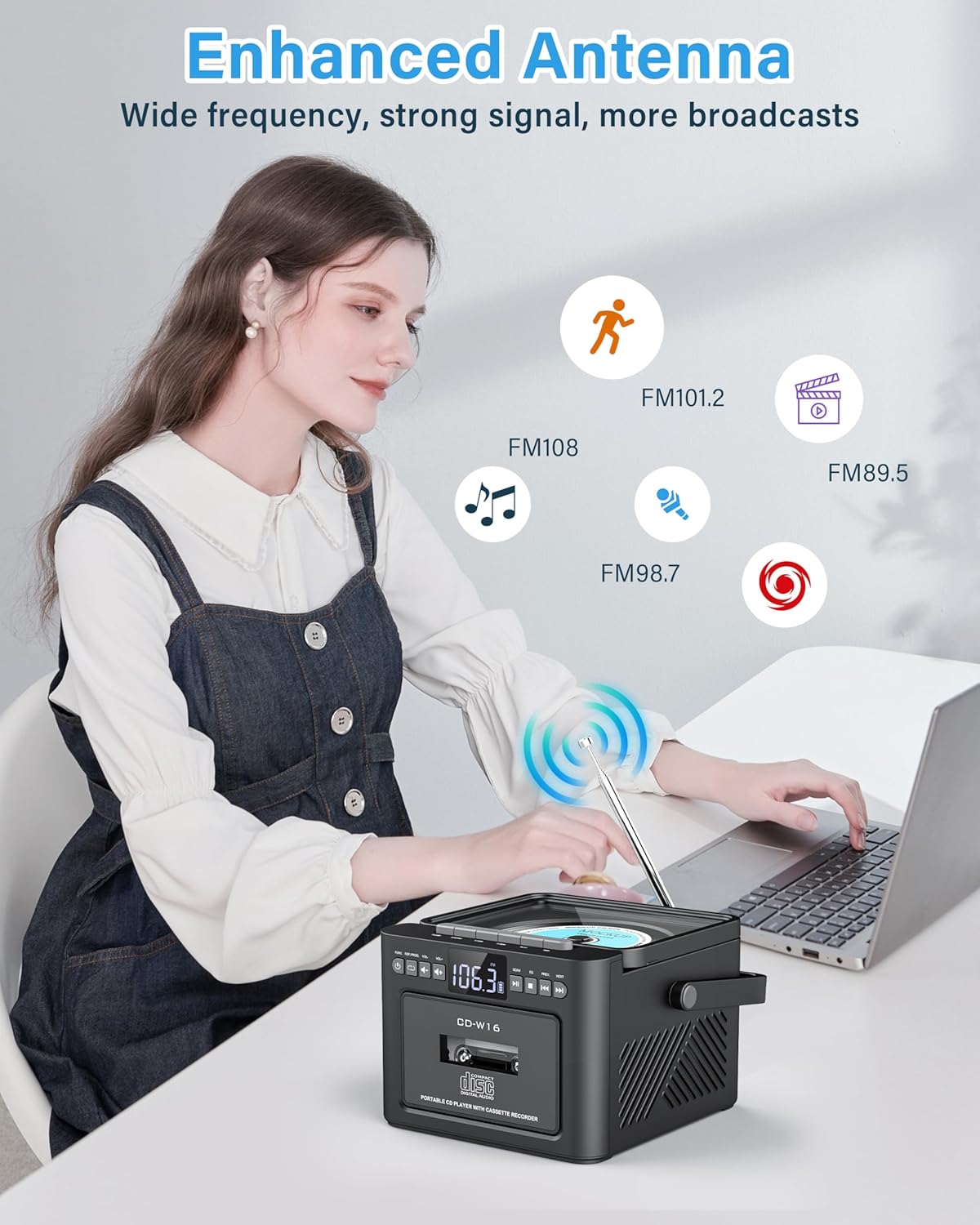
Image: Enhanced antenna for FM radio reception.
Bluetooth Mode
The boombox supports Bluetooth 5.1 for both transmitting and receiving audio.
Bluetooth Receiver Mode (Playing audio from your phone/tablet)
- Select 'BT' mode using the 'MODE' button. The LED display will show 'BLUE' and flash, indicating it's ready for pairing.
- On your mobile device, enable Bluetooth and search for 'Greadio CD-W16'.
- Select 'Greadio CD-W16' to pair. Once connected, the 'BLUE' indicator will stop flashing.
- You can now play audio from your device through the boombox.
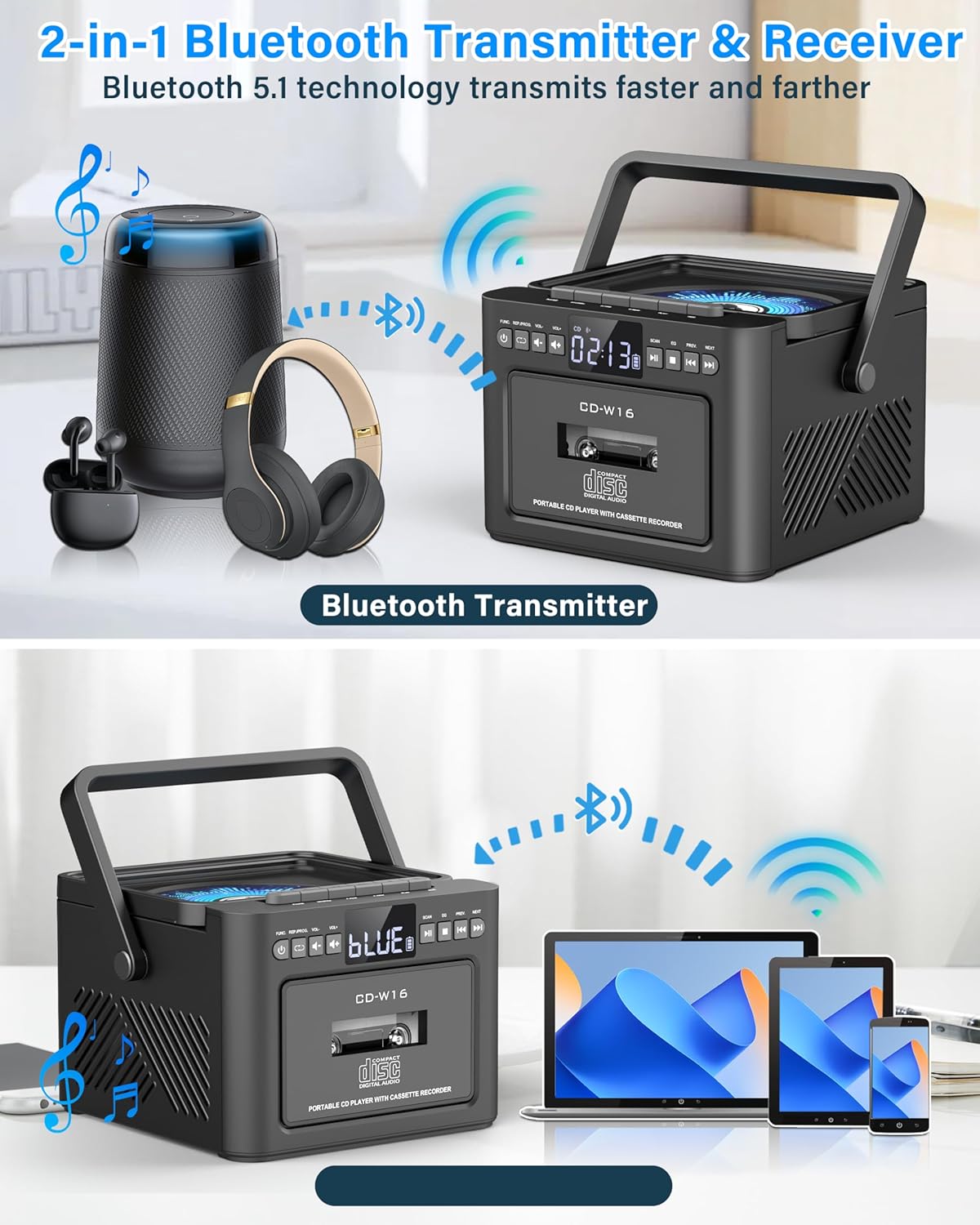
Image: Bluetooth Transmitter & Receiver functionality.
Bluetooth Transmitter Mode (Sending audio from boombox to headphones/speakers)
- Ensure your Bluetooth headphones or speaker are in pairing mode.
- On the boombox, select the desired audio source (CD, Cassette, USB, TF/SD).
- Press and hold the Bluetooth button on the boombox to enter transmitting mode. The boombox will search for nearby Bluetooth devices.
- Once connected, audio from the boombox will play through your paired Bluetooth headphones or speaker.
USB/TF/SD Card Playback
- Insert a USB flash drive into the USB port or a TF/SD card into the card slot. The device supports cards up to 32GB and MP3 format.
- Select 'USB' or 'TF' mode using the 'MODE' button.
- The device will automatically begin playing MP3 files.
- Use the 'PREV' and 'NEXT' buttons to navigate tracks.
AUX Input
- Connect an external audio device (e.g., smartphone, MP3 player) to the AUX-IN port using a 3.5mm audio cable (not included).
- Select 'AUX' mode using the 'MODE' button.
- Play audio from your connected external device.

Image: Multi-mode playback options including AUX, USB, and TF card.
Sound Settings (EQ Modes)
The boombox features dual 5W stereo speakers and 5 Equalizer (EQ) modes to customize your audio experience. Press the 'EQ' button to cycle through the available modes:
- NORMAL: Standard sound profile.
- ROCK: Enhanced bass and treble for rock music.
- POP: Optimized for pop music.
- JAZZ: Balanced sound for jazz.
- CLASS: Suited for classical music.
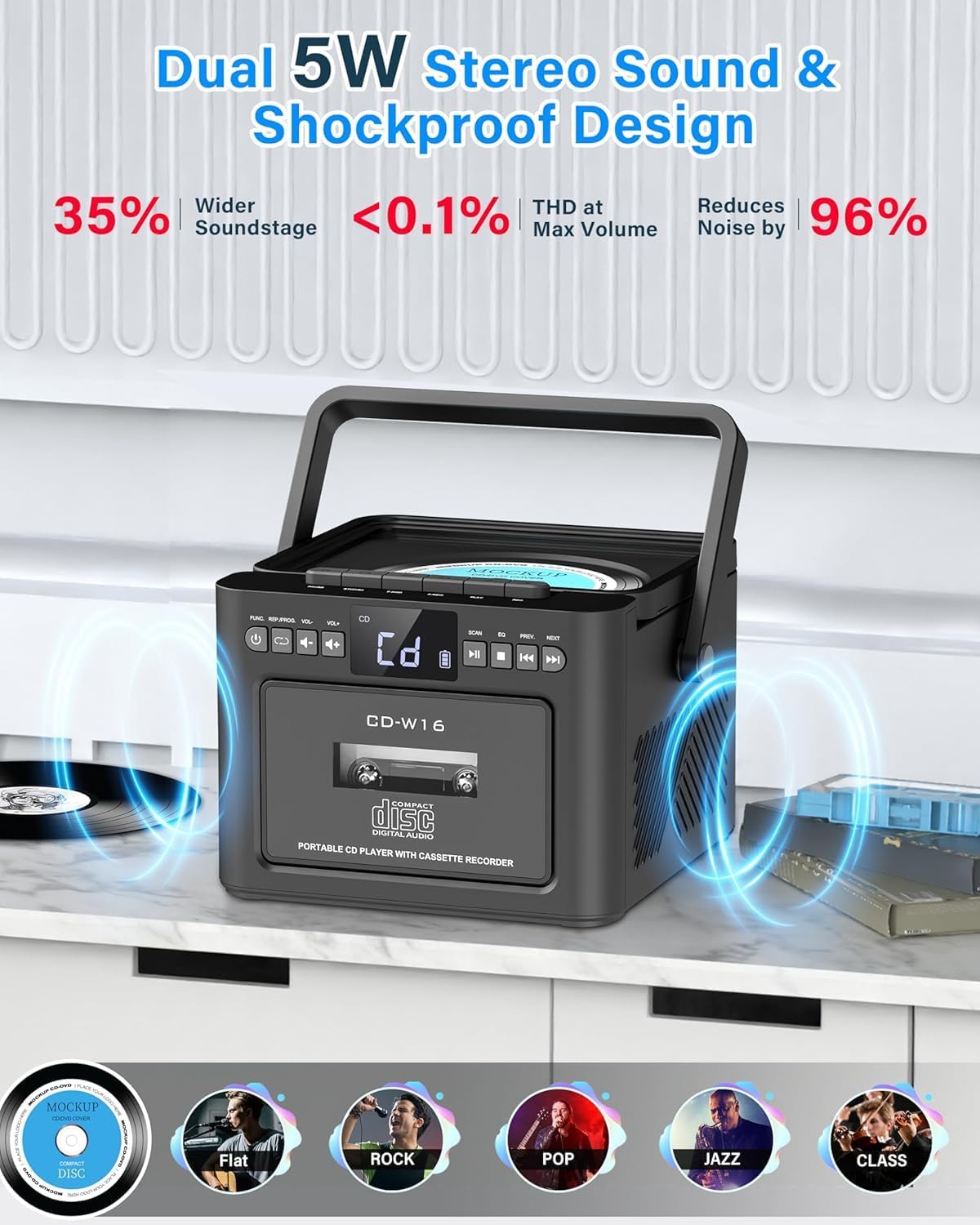
Image: Dual 5W stereo sound and EQ modes.
Sleep Timer
You can set a sleep timer to automatically turn off the boombox after a specified period, conserving battery life.
- Press the 'SLEEP' button.
- Repeatedly press 'SLEEP' to cycle through timer options (e.g., 10, 20, 30, 60, 90, 120 minutes).
- The boombox will automatically power off after the selected time.

Image: Sleep Timer function.
Maintenance
Cleaning
- Wipe the exterior of the boombox with a soft, dry cloth.
- Do not use abrasive cleaners, waxes, or solvents as they may damage the finish.
- For the CD lens, use a specialized CD lens cleaner.
- For the cassette head, use a cassette head cleaning kit.
Battery Care
- To prolong battery life, avoid fully discharging the battery frequently.
- Recharge the battery when the low battery indicator appears.
- If the device will not be used for an extended period, charge it to approximately 50% before storage and recharge every few months.
CD and Cassette Care
- Handle CDs and cassettes by their edges to avoid fingerprints and scratches.
- Store CDs in their cases and cassettes in their original packaging or suitable storage boxes.
- Keep media away from direct sunlight, heat, and excessive dust.
Troubleshooting
| Problem | Possible Cause | Solution |
|---|---|---|
| No power | Battery is depleted; Power cable not connected. | Recharge the battery; Ensure Type-C cable is securely connected. |
| No sound | Volume is too low; Incorrect mode selected; Headphones connected. | Increase volume; Select correct playback mode; Disconnect headphones if using speakers. |
| CD skipping or not playing | CD is dirty or scratched; CD inserted incorrectly; Incompatible CD format. | Clean or replace CD; Insert CD with label side up; Ensure CD is CD/CD-R/CD-RW format. |
| Cassette not playing | Cassette inserted incorrectly; Tape is damaged. | Ensure cassette is inserted correctly; Try a different cassette. |
| Bluetooth pairing fails | Boombox not in pairing mode; Device too far; Bluetooth disabled on external device. | Ensure boombox is in BT mode and flashing; Move devices closer; Enable Bluetooth on your device. |
| Poor FM radio reception | Antenna not extended; Weak signal area. | Fully extend and adjust the telescopic antenna; Try moving the unit to a different location. |
Specifications
- Brand: Greadio
- Model: CD-W16
- Power Output: Dual 5W Stereo Speakers
- Battery: Built-in 5000mAh Lithium-ion
- Charging: Type-C, 5V/2A
- Charging Time: Approximately 3 hours
- Playback Time: Up to 16 hours
- Connectivity: Bluetooth 5.1, USB, AUX-IN, TF/SD Card
- Supported Audio Formats: CD, CD-R, CD-RW, MP3 (USB/TF/SD)
- FM Radio Frequency: 87.5-108.0 MHz
- USB/TF/SD Card Capacity: Up to 32GB
- Dimensions (L x W x H): 19.2 x 13.11 x 19.2 cm (7.56 x 5.16 x 7.56 inches)
- Weight: 1.52 kg (3.35 lbs)
- Included Accessories: User Manual, Type-C Cable, Remote Control
Warranty and Support
Warranty Information
This Greadio product comes with a 12-month warranty from the date of purchase. Additionally, a 30-day money-back guarantee is provided.
Customer Support
For any questions, technical assistance, or warranty claims, please contact Greadio customer service. 24/7 customer support is available.
Refer to the product packaging or the official Greadio website for specific contact details.

