1. Product Overview
The kwmobile Silicone Case is designed to provide protection and portability for your Bowie MA10 earbuds charging case. This accessory combines elegant design with practical functionality, ensuring your device is safeguarded against scratches and wear marks while remaining easily accessible.
Key Features:
- Elegant and Practical Design: Protects against scratches and wear marks, featuring an opening for charging without removal.
- Enhanced Portability: Includes an extra pendant (carabiner) for attachment to bags or keychains.
- Comfortable Haptics: Made from soft, flexible silicone material that fits comfortably in hand.
- Perfect Fit: Specifically designed for Bowie MA10 earbuds charging cases.
- Comprehensive Protection: Features a shock-absorbent design for 360° protection.

Figure 1.1: The kwmobile silicone case for Bowie MA10 earbuds, shown with an attached carabiner for portability. The case is black and designed to fit the charging case snugly.
2. Compatibility
This silicone case is exclusively designed for the Bowie MA10 earbuds charging case. Ensure your device is a Bowie MA10 model for proper fit and functionality.

Figure 2.1: An image indicating the compatibility of the case specifically with Bowie MA10 earbuds, showing a checkmark next to the model name.
3. Setup and Installation
Follow these steps to properly install your Bowie MA10 earbuds charging case into the kwmobile silicone cover:
- Prepare the Case: Ensure your Bowie MA10 earbuds charging case is clean and free of dust or debris.
- Insert the Earbuds Case: Gently slide your Bowie MA10 charging case into the silicone cover. Ensure it is fully seated and aligned with the charging port cutout.
- Attach the Carabiner (Optional): If desired, attach the provided carabiner to the designated loop on the silicone case. This allows for easy attachment to bags, keychains, or belt loops.
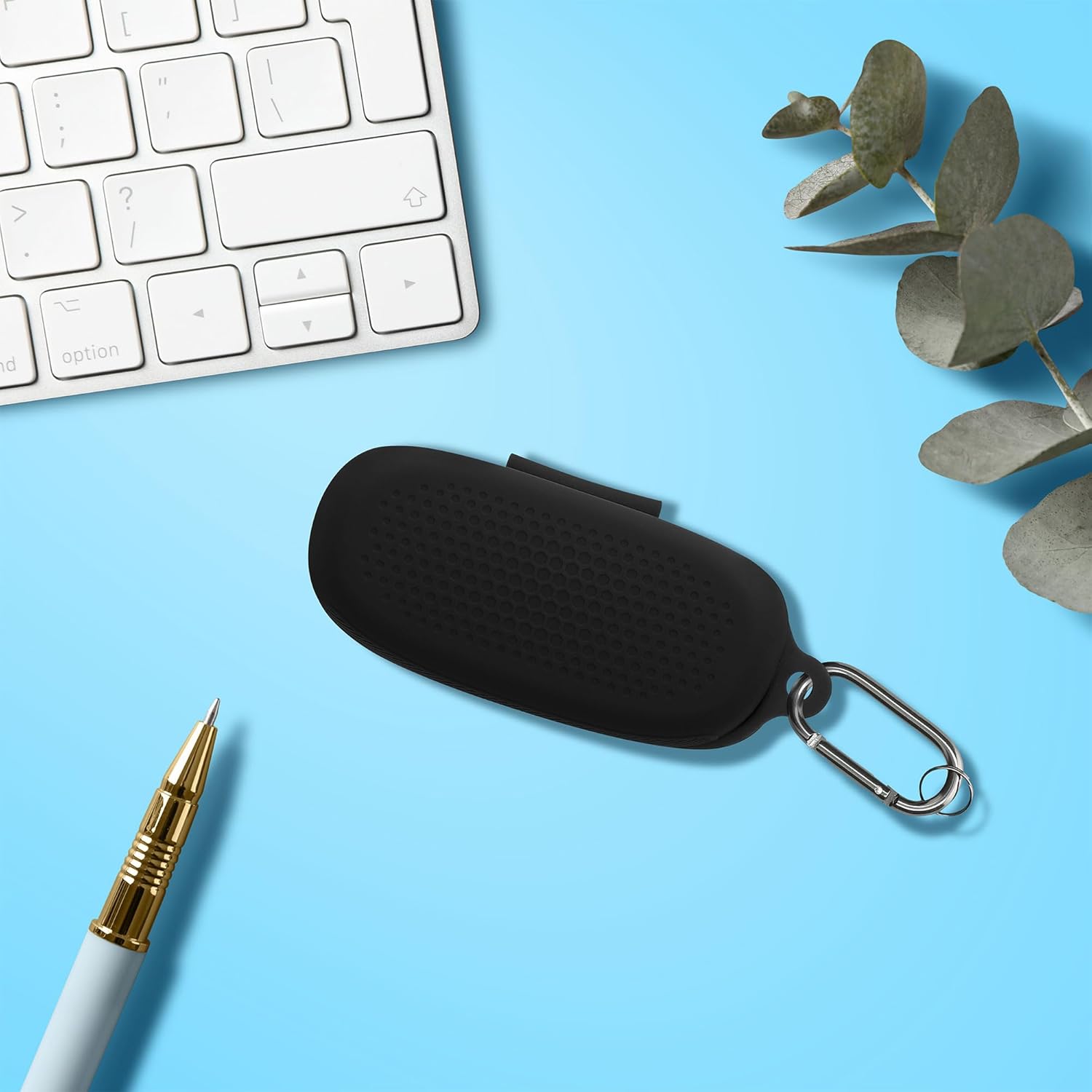
Figure 3.1: The kwmobile silicone case for Bowie MA10 earbuds, placed on a desk alongside a keyboard and pen, demonstrating its compact size and readiness for use.
4. Operating the Case
The kwmobile silicone case is designed for seamless integration with your Bowie MA10 earbuds charging case.
- Charging: The case features a precise cutout at the bottom, allowing you to charge your Bowie MA10 earbuds without needing to remove them from the silicone cover. Simply connect your charging cable to the port through the cutout.
- Portability: Utilize the attached carabiner to secure your earbuds case to your backpack, purse, or keys, ensuring they are always within reach and less likely to be misplaced.
- Protection: The soft, flexible silicone material provides a protective layer against daily bumps, drops, and scratches, safeguarding your earbuds charging case.

Figure 4.1: A collage illustrating the ease of charging the earbuds case with the silicone cover on, thanks to precise cutouts, and highlighting the lightweight and soft nature of the silicone material.

Figure 4.2: A collage demonstrating various ways to carry the kwmobile case, including placing it in a bag, attaching it to a keychain, and fitting it into a pocket, emphasizing its "Take Anywhere" convenience.
5. Maintenance and Care
To ensure the longevity and appearance of your kwmobile silicone case, follow these simple maintenance guidelines:
- Cleaning: Wipe the silicone case with a soft, damp cloth to remove dust, dirt, or smudges. For stubborn stains, a mild soap solution can be used, followed by rinsing with clean water and air drying.
- Avoid Harsh Chemicals: Do not use abrasive cleaners, solvents, or harsh chemicals, as these can damage the silicone material.
- Storage: When not in use, store the case in a cool, dry place away from direct sunlight or extreme temperatures.
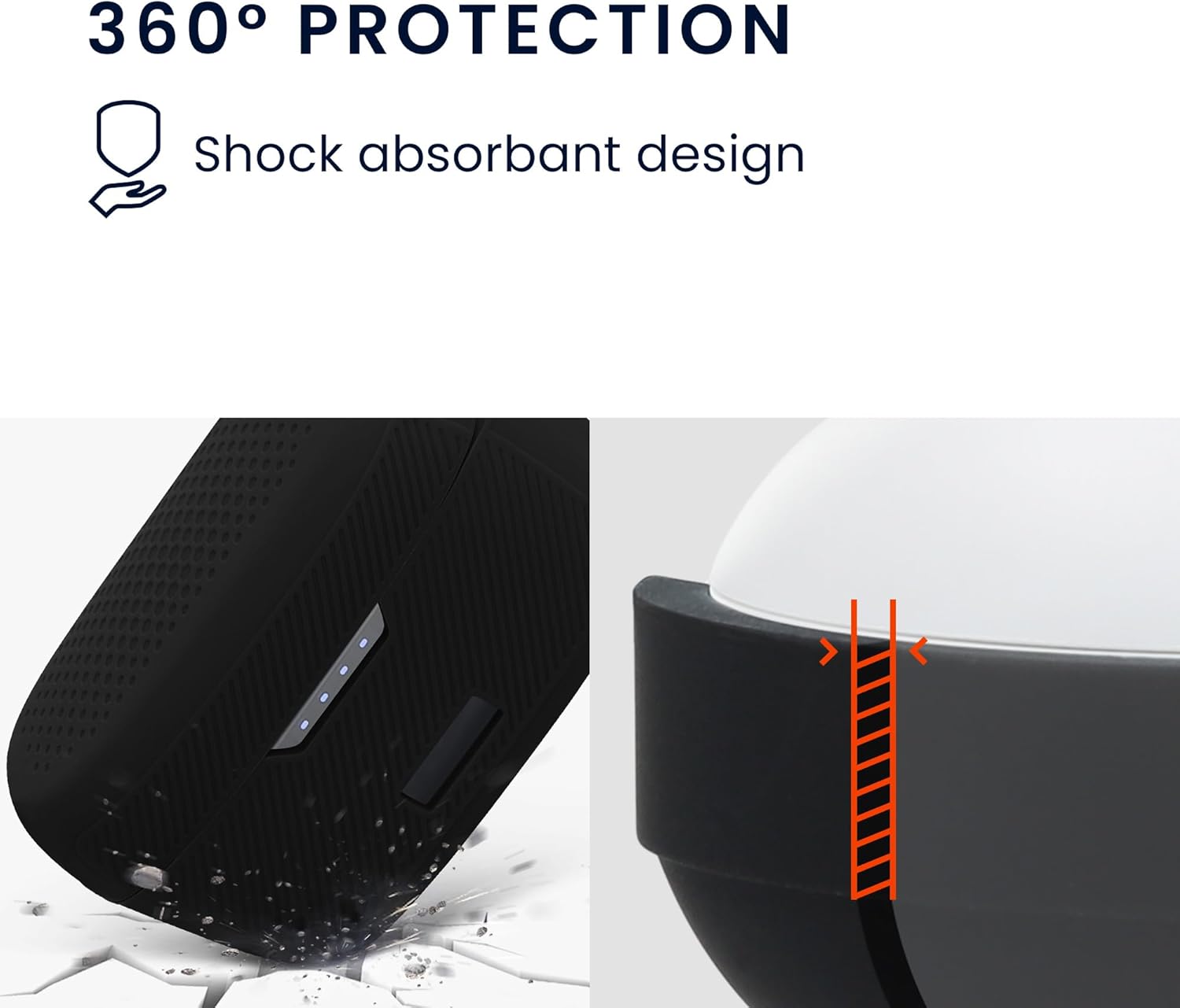
Figure 5.1: An image illustrating the 360° protection offered by the case, highlighting its shock-absorbent design and ability to protect against impacts.
6. Troubleshooting
If you encounter any issues with your kwmobile silicone case, consider the following common solutions:
- Case Does Not Fit:
- Ensure your earbuds charging case is indeed a Bowie MA10 model. This case is specifically designed for that model.
- Check for any obstructions or debris inside the silicone case that might prevent a proper fit.
- Charging Issues:
- Verify that the charging cable is correctly aligned with the cutout on the silicone case and fully inserted into the earbuds charging port.
- Ensure the charging cable and power source are functioning correctly.
- Carabiner Issues:
- If the carabiner is difficult to open or close, check for any foreign objects obstructing its mechanism.
If these steps do not resolve your issue, please refer to the "Warranty and Support" section for further assistance.
7. Specifications
| Feature | Detail |
|---|---|
| Product Dimensions | 3.94 x 1.97 x 1.14 inches |
| Item Weight | 1.76 ounces |
| Brand | kwmobile |
| Color | Black |
| Compatible Devices | Bowie MA10 Headphones (Charging Case) |
| Form Factor | Case |
| Shell Type | Soft Silicone |
| Manufacturer | KW-Commerce |
| Date First Available | May 9, 2024 |
8. Warranty and Support
kwmobile is committed to providing excellent customer service. When you purchase a kwmobile product, you benefit from the help and assistance of our customer care service.
For any questions, concerns, or assistance with your kwmobile Silicone Case, please contact kwmobile customer support through the retailer's platform or the official kwmobile website.
Please retain your proof of purchase for any warranty claims or support inquiries.


