1. Introduction
The Irfora FJ3373 is a multifunction digital weather station designed to provide accurate indoor and outdoor environmental data, along with timekeeping and weather forecasting capabilities. This device features a clear LCD display, a wireless outdoor sensor, and various functions including temperature, humidity, barometric pressure, moon phase, and an alarm clock. This manual provides detailed instructions for the proper setup, operation, and maintenance of your weather station.

Figure 1: The Irfora FJ3373 Multifunction Digital Weather Station and its accompanying wireless outdoor sensor.
2. Package Contents
Please verify that all items are present and in good condition upon opening the package:
- 1 x FJ3373 Weather Station (Main Unit)
- 1 x Wireless Outdoor Sensor
- 1 x USB Power Cord
- 1 x User Manual (English, German, French, Italian, Spanish)
Note: 2pcs LR6 AA batteries for the Weather Station and Outdoor Sensor are not included and must be purchased separately.
3. Product Features
The FJ3373 weather station offers a range of features for comprehensive environmental monitoring and time management:
- Multifunction Display: Displays weather forecast, moon phase, time, calendar, and alarm clock.
- Perpetual Calendar: Up to the year 2099.
- Multi-language Day of Week: User selectable in 7 languages (English, German, Italian, French, Spanish, Netherlands, Danish).
- Time Format: Optional 12/24 hour format.
- Temperature & Humidity Monitoring: Displays indoor and outdoor temperature and humidity data.
- Barometric Pressure: Shows current barometric pressure and trend.
- Outdoor Alerts: High/low temperature and frost alerts.
- Comfort Display: 5 levels of indoor comfort indication based on temperature and humidity.
- Wireless Outdoor Sensor: Supports wall mounting or stent placement with 433.92 MHz RF transmitting frequency and up to 60 meters transmission range in open areas.
- RF Through the Wall Technology: Enables reliable data transmission from the outdoor sensor to the main station through walls.
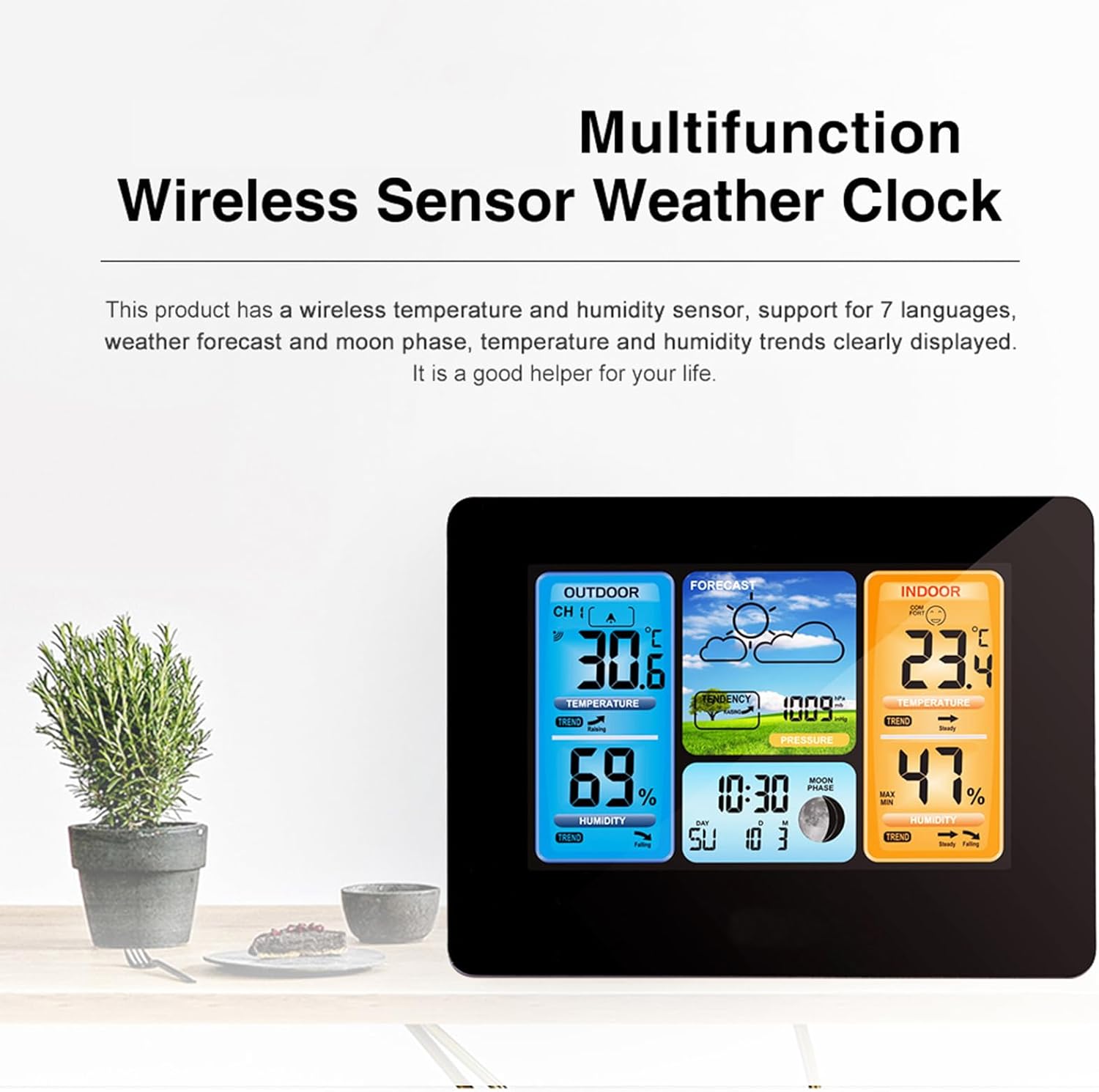
Figure 2: The weather station's display highlighting its multifunctionality, including weather forecast, temperature, humidity, and time.
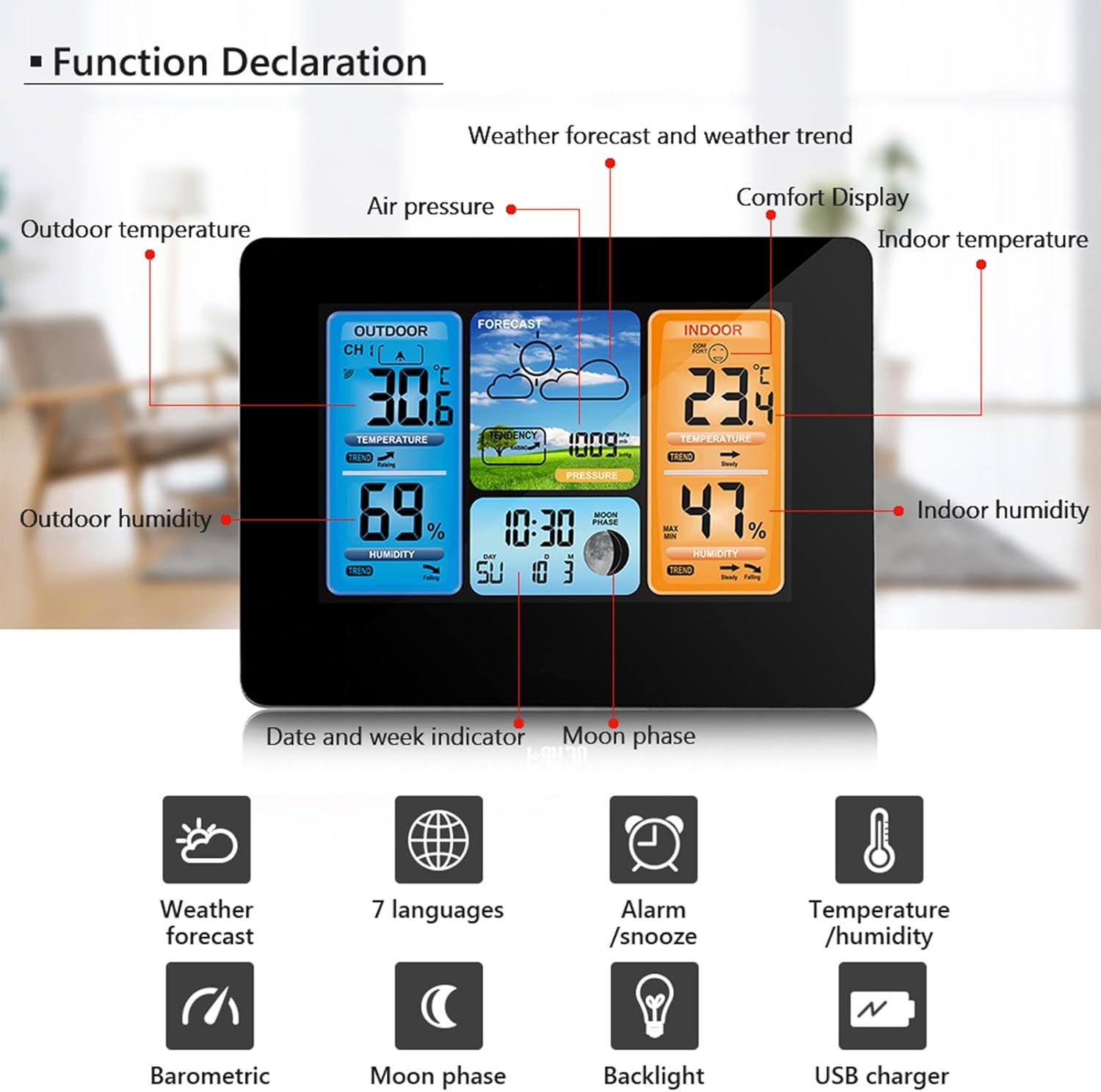
Figure 3: A detailed diagram illustrating the various display sections and functions of the weather station's screen.
4. Setup
4.1 Powering the Main Unit
- Insert 2 x LR6 AA batteries into the battery compartment on the back of the main unit, observing polarity (+/-).
- Alternatively, connect the provided USB power cord to the DC 5V port on the main unit and plug it into a compatible USB power adapter (not included).
4.2 Installing the Outdoor Sensor
- Insert 2 x LR6 AA batteries into the battery compartment of the outdoor sensor, observing polarity (+/-).
- Place the outdoor sensor in a shaded area, protected from direct sunlight and precipitation, to ensure accurate readings. It can be wall-mounted or placed on a flat surface using its integrated stent.
- Ensure the outdoor sensor is within 60 meters (197 feet) of the main unit for optimal wireless signal reception. The RF through-the-wall technology allows for flexible placement.
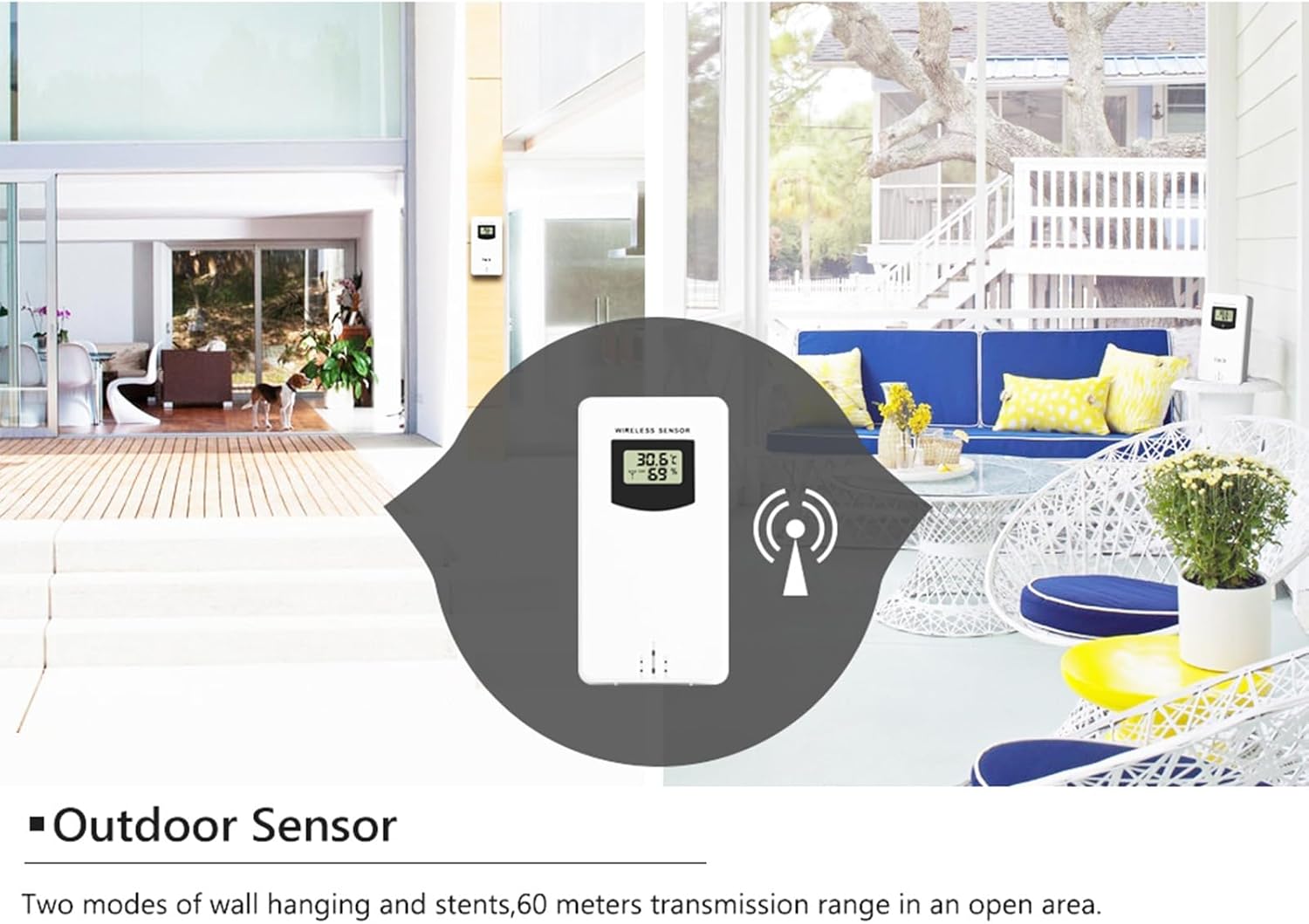
Figure 4: Example of suitable outdoor sensor placement, emphasizing its wireless capability and range.
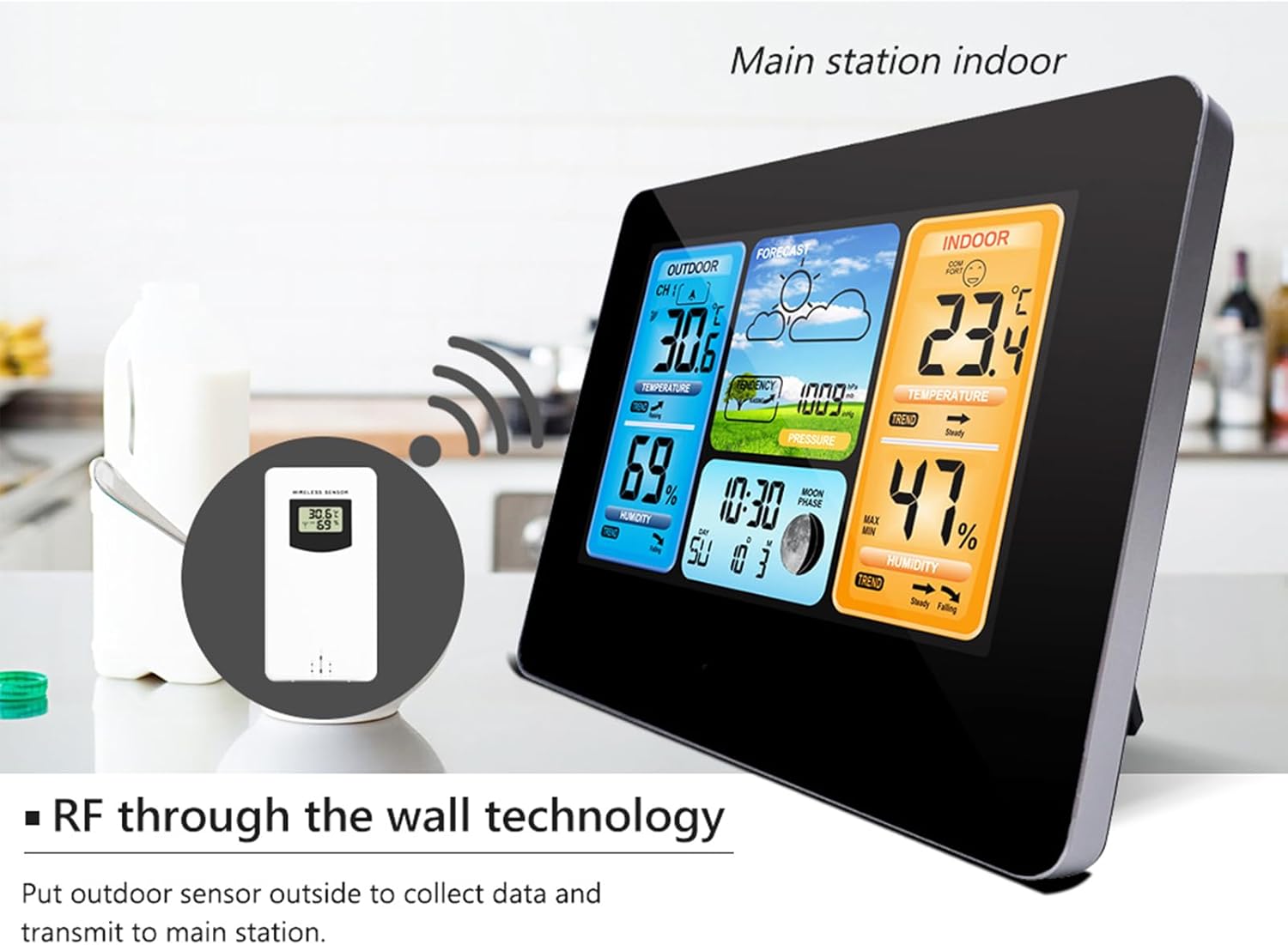
Figure 5: Illustration of the RF through-the-wall technology, showing the outdoor sensor transmitting data to the main unit indoors.
4.3 Initial Synchronization
After inserting batteries into both units, the main unit will automatically search for the outdoor sensor. This process may take a few minutes. Once connected, the outdoor temperature and humidity will appear on the main unit's display.
5. Operating Instructions
5.1 Setting Time and Date
Refer to the user manual included in the package for specific button functions and navigation. Generally, a 'MODE' or 'SET' button will allow you to cycle through settings for time (12/24 hour format), year, month, day, and day of week language. Use '+' and '-' buttons to adjust values.
5.2 Setting Alarm
The weather station includes an alarm clock function. Consult the detailed instructions in your physical user manual for setting the alarm time and activating/deactivating it.
5.3 Weather Forecast Interpretation
The weather station analyzes barometric pressure trends to predict upcoming weather conditions. The forecast is displayed using intuitive icons (e.g., sunny, cloudy, rainy). This is a prediction and may not always perfectly match actual weather.
5.4 Temperature and Humidity Display
The main unit displays both indoor and outdoor temperature and humidity. You can typically switch between Celsius (℃) and Fahrenheit (℉) for temperature readings.
5.5 Barometric Pressure Display
The current barometric pressure is displayed, often with a trend indicator (rising, steady, falling) to aid in weather prediction.
5.6 Comfort Level Display
The indoor comfort level is calculated based on indoor temperature and humidity, providing a visual indication of comfort (e.g., too dry, comfortable, too wet). There are 5 levels of comfort indication.
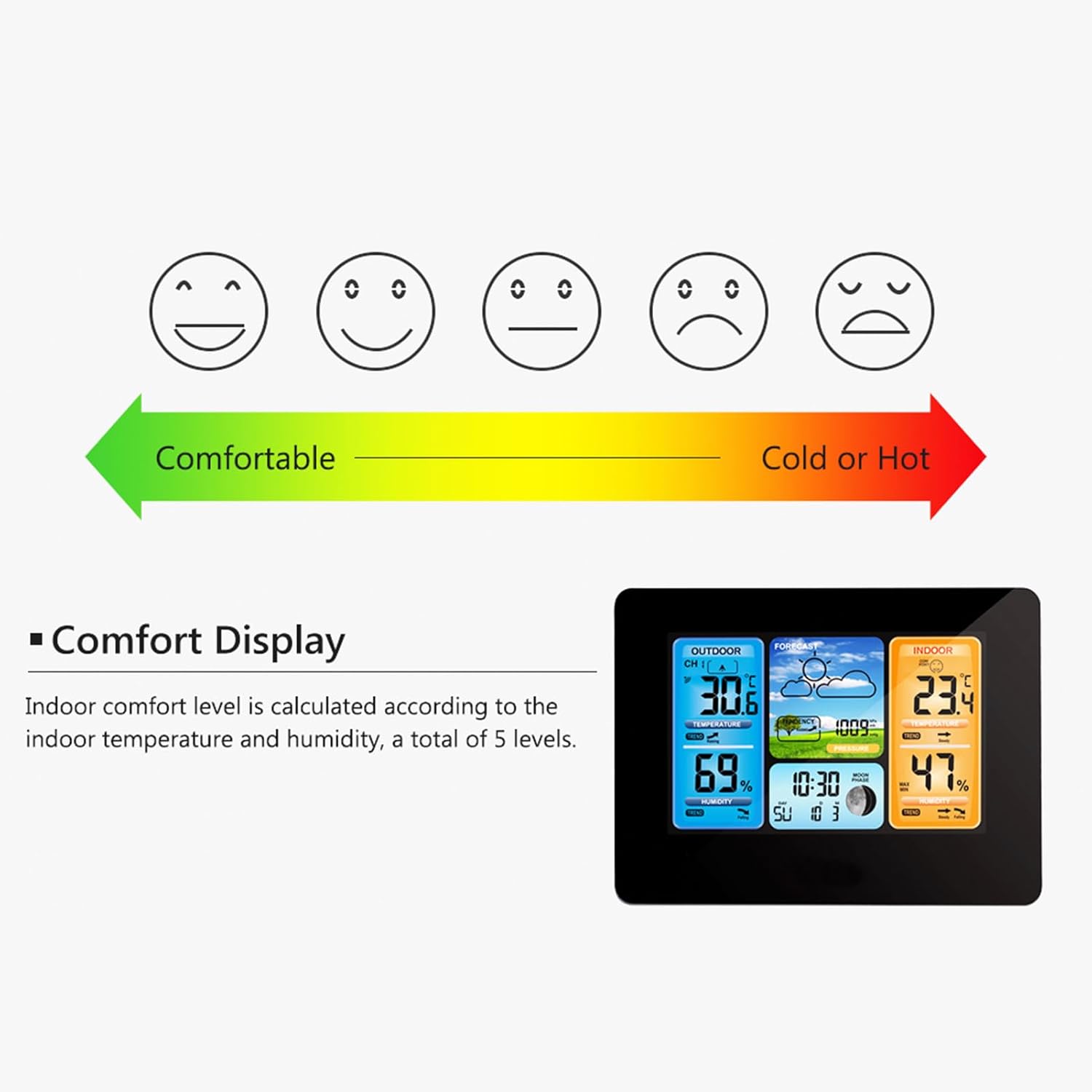
Figure 6: Visual representation of the 5 comfort levels displayed on the weather station, ranging from comfortable to cold or hot.
5.7 Moon Phase Display
The weather station displays the current moon phase, which updates automatically based on the set date.
5.8 Backlight
The LCD display features a backlight for improved visibility in low-light conditions. Refer to your manual for instructions on activating and adjusting the backlight.
6. Maintenance
6.1 Battery Replacement
When the battery indicator appears on the display, replace the batteries in both the main unit and the outdoor sensor with new LR6 AA batteries. Ensure correct polarity.
6.2 Cleaning
Wipe the weather station and sensor with a soft, damp cloth. Do not use abrasive cleaners or solvents, as these may damage the plastic components or screen.
6.3 Placement Considerations
For optimal performance and longevity:
- Main Unit: Place the main unit indoors on a stable surface or mount it on a wall. Avoid direct sunlight, heat sources, or areas with high electromagnetic interference.
- Outdoor Sensor: Position the outdoor sensor in a location that is protected from direct weather elements (rain, snow, direct sun) but still allows for accurate ambient temperature and humidity readings. A shaded, well-ventilated area is ideal.
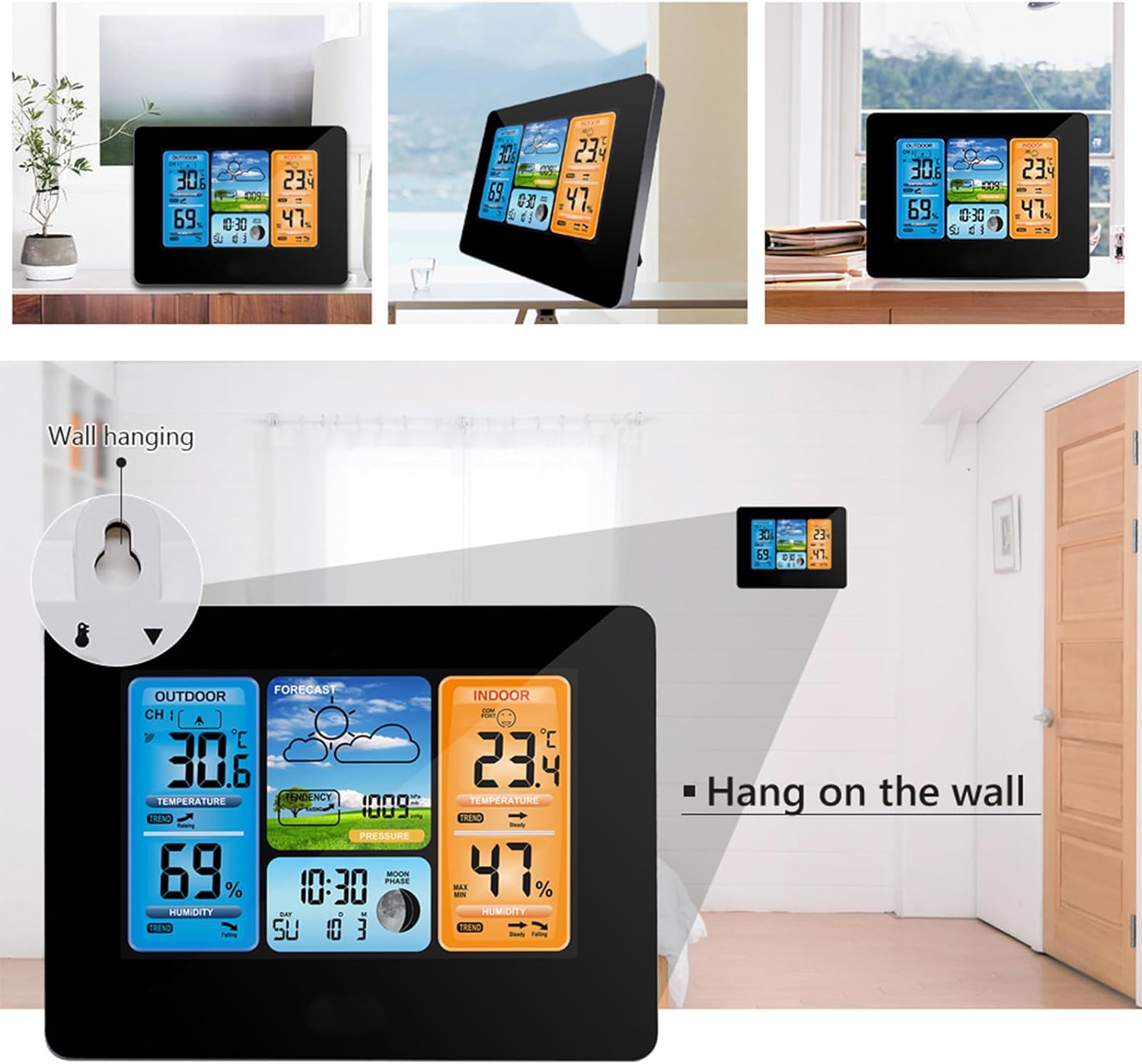
Figure 7: The weather station can be conveniently mounted on a wall using the integrated hanging slot.
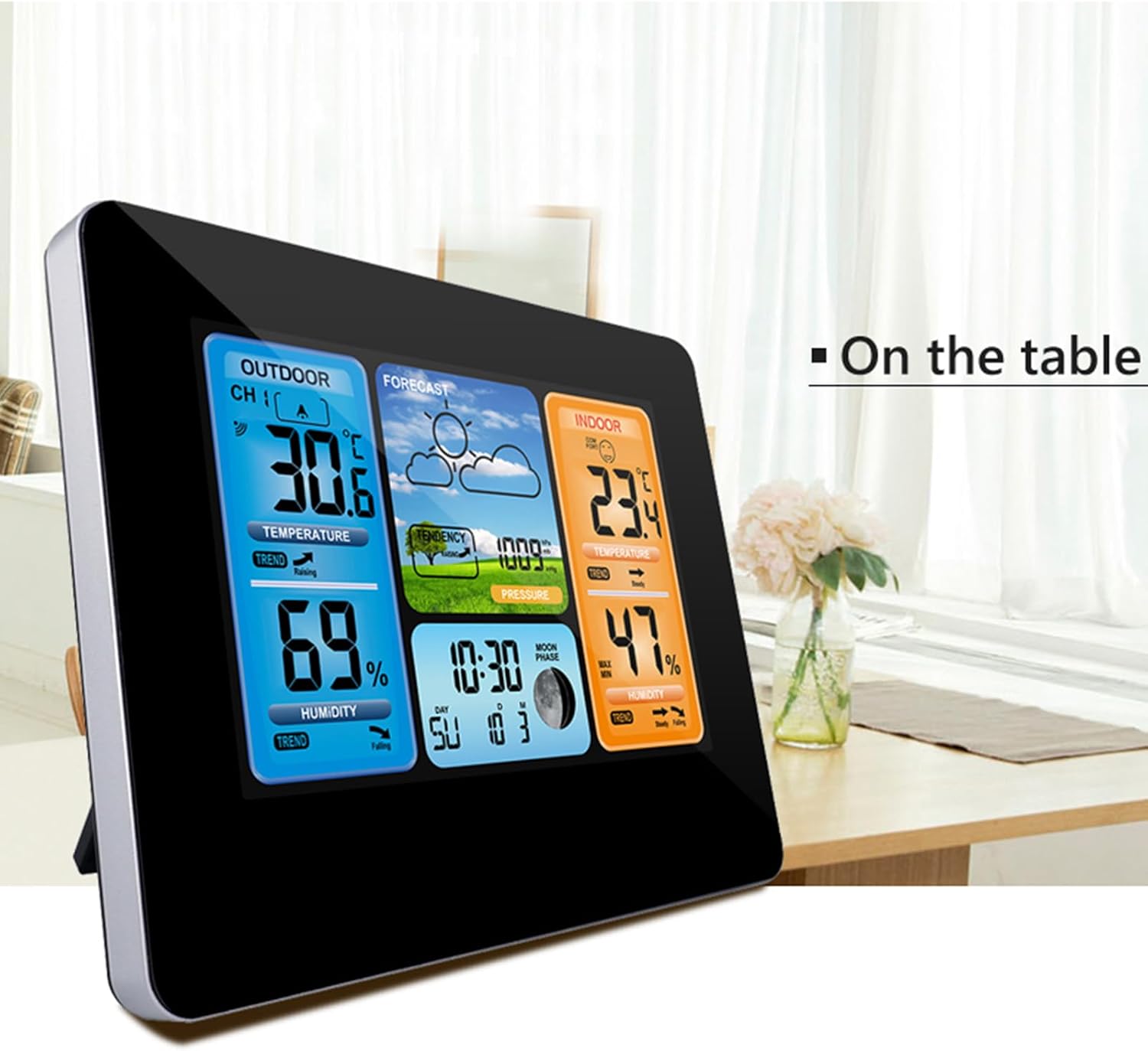
Figure 8: The weather station is also designed to stand on a table or flat surface using its built-in stand.
7. Troubleshooting
If you encounter issues with your weather station, please refer to the following common solutions:
- No Outdoor Reading: Ensure batteries are correctly installed in the outdoor sensor and main unit. Check that the sensor is within range and not blocked by excessive interference. Try re-synchronizing by removing and reinserting batteries in both units.
- Inaccurate Readings: Ensure the outdoor sensor is placed in a shaded area, away from direct sunlight or heat sources. For indoor readings, ensure the main unit is not near appliances that generate heat or cold.
- Display Not Working: Check battery levels or ensure the USB power cord is securely connected. Replace batteries if necessary.
- Weather Forecast Inaccurate: Weather forecasts are predictions based on barometric pressure changes and may not always be 100% accurate. Allow the unit time to gather data after setup.
For further assistance, please consult the full user manual or contact customer support.
8. Specifications
| Model | FJ3373 |
| Color | Black |
| Main Material | ABS |
| Screen Type | Positives LCD |
| Indoor Temperature Range | -10℃ ~ +50℃ (14℉ ~ 122℉) |
| Outdoor Temperature Range | -20℃ ~ +60℃ (-4℉ ~ 140℉) |
| Temperature Accuracy | 0.1℃ |
| Humidity Range | 20%RH ~ 95%RH |
| Humidity Accuracy | 1%RH |
| Barometric Pressure Range | 600hPa/mb ~ 1100hPa/mb |
| Barometric Pressure Accuracy | 1hPa/mb |
| Power Supply | Main Unit: 2 x LR6 AA batteries / DC 5V USB Power Adapter Outdoor Sensor: 2 x LR6 AA batteries |
| Weather Station Size | 16.7 x 12.9 x 3 cm (6.6 x 5.1 x 1.2 inches) |
| Outdoor Sensor Size | 9.6 x 5 x 3.4 cm (3.8 x 2 x 1.3 inches) |
| Item Weight | 460 g (16.2 oz) |
| Product Dimensions (Overall) | 7.09 x 5.51 x 2.76 inches |

Figure 9: Dimensions of the weather station and a visual representation of the available color options (Black and Wood).
9. Warranty and Support
For warranty information and customer support, please refer to the contact details provided in the original product packaging or on the manufacturer's official website. Keep your purchase receipt as proof of purchase for any warranty claims.