
Introduction
Thank you for choosing the Vakedy HW20 Wireless Gaming Headset. This manual provides essential information for setting up, operating, and maintaining your headset to ensure optimal performance and longevity. The HW20 headset offers a premium audio experience with versatile connectivity options, designed for gamers seeking high-quality sound and clear communication.
What's in the Box
Upon unboxing your Vakedy HW20 Wireless Gaming Headset, please ensure all components are present:
- Vakedy HW20 Wireless Gaming Headset
- 2.4GHz USB Dongle
- USB-C Charging Cable
- Instruction Manual (this document)

Image: The Vakedy HW20 Wireless Gaming Headset with its included accessories, including the USB dongle and charging cable.
Setup
1. Charging the Headset
Before first use, fully charge your headset. Connect the supplied USB-C charging cable to the headset's charging port and to a compatible USB power source. A full charge takes approximately 2.5-3 hours and provides up to 50 hours of playtime.

Image: An illustration demonstrating the charging time and battery life of the headset, indicating 3 hours of charging provides 50 hours of usage.
2. Adjusting the Headset
Adjust the headband for a comfortable fit. The earcups are rotatable, and the microphone is flexible for optimal positioning. The breathable mesh ear pads are designed for extended wear comfort.
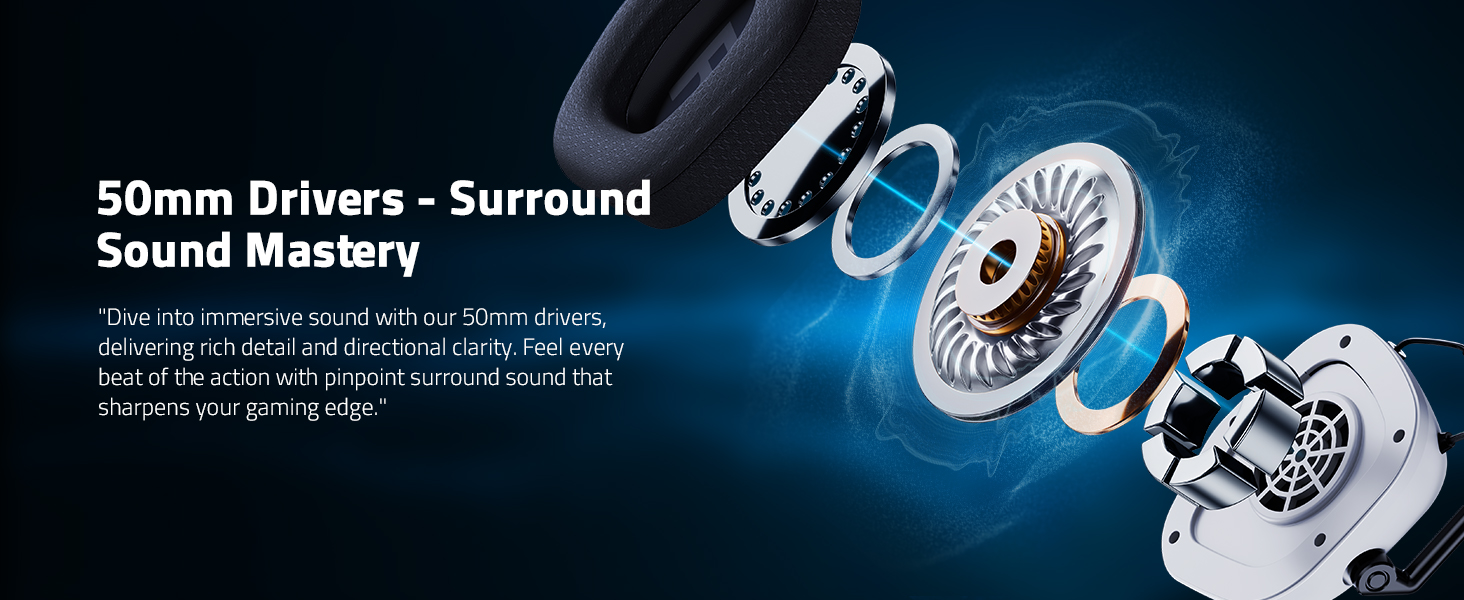
Image: A visual guide highlighting the adjustable headband, rotatable earcups, and breathable soft earmuffs for a customized and comfortable fit.
Operating Instructions
1. Power On/Off
Press and hold the Power button on the headset to turn it on or off. An indicator light will confirm the status.
2. Connectivity Modes
The HW20 headset supports two primary connection modes: 2.4GHz Wireless and Bluetooth 5.4.
2.4GHz Wireless Mode (for PS5, PC, PS4, Mac, Switch)
- Insert the 2.4GHz USB dongle into an available USB port on your device (PS5, PC, PS4, Mac, or Switch).
- Turn on the headset. It will automatically connect to the dongle.
- For PC/Mac, ensure the headset is selected as the default audio input and output device in your system settings.
- For Switch, the microphone is not supported in this mode.
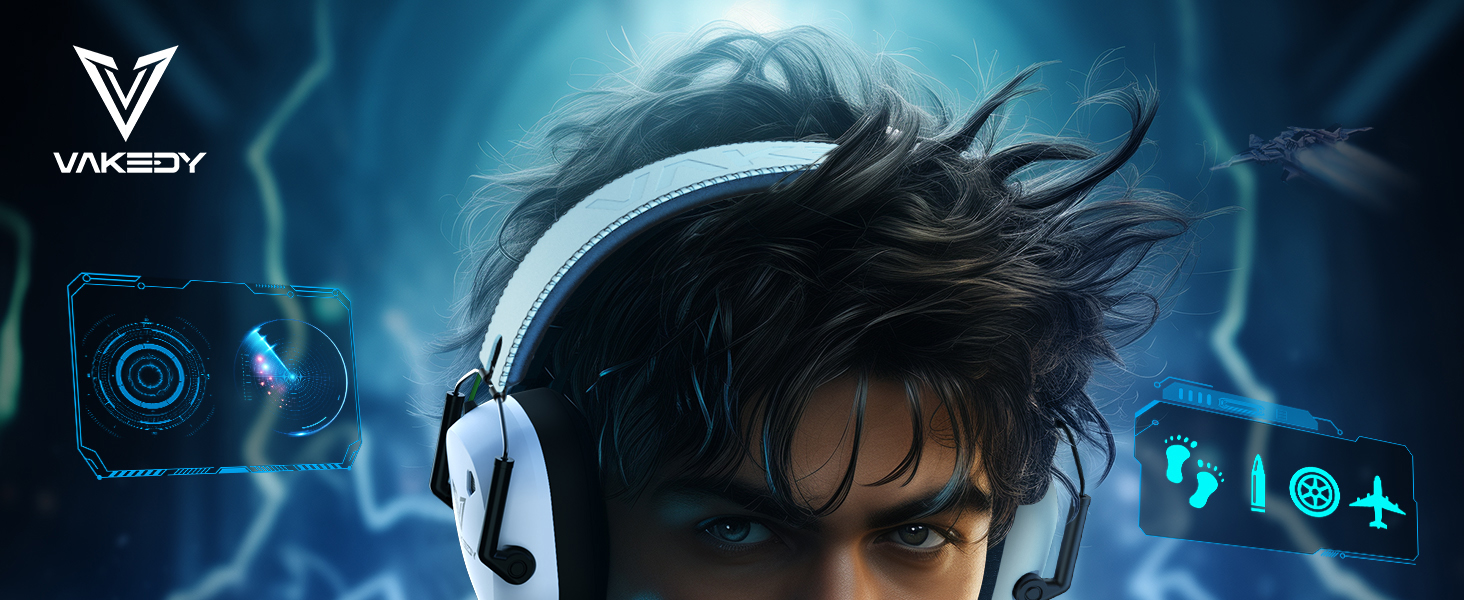
Image: A gamer wearing the headset, illustrating the low latency 2.4GHz wireless connection with a working range of up to 49 feet.
Bluetooth Mode (for Smartphones, Tablets, iPads)
- Turn on the headset and switch to Bluetooth mode (refer to the headset's controls for mode switching).
- On your smartphone, tablet, or iPad, enable Bluetooth and search for "HW20" in the list of available devices.
- Select "HW20" to pair. The headset will indicate a successful connection.
- Note: Bluetooth mode is not compatible with PS4, PS5, or PC.
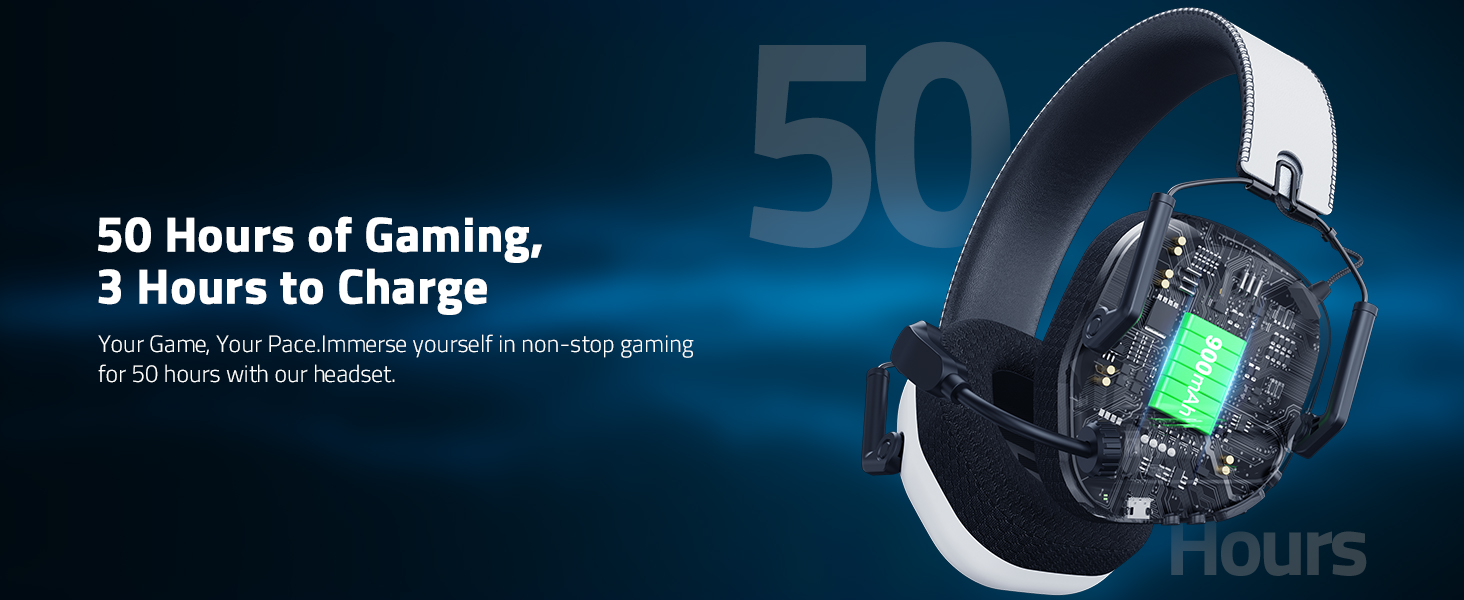
Image: A compatibility chart detailing which devices support Dongle Mode (USB-C) and Bluetooth 5.4 Mode for both audio and microphone functions.
3. Volume Control & Microphone
Use the volume controls on the headset to adjust audio levels. The omnidirectional noise-cancelling microphone can be rotated 360° and features a one-button mute design for clear communication.

Image: An illustration demonstrating how the noise-cancelling microphone effectively eliminates up to 95% of environmental noise for clear communication.
4. RGB Lighting
The headset features stylish breathing RGB lights that add a visual element to your gaming experience.
Maintenance
Cleaning
Wipe the headset with a soft, dry cloth. Do not use harsh chemicals or abrasive materials. For ear pads, gently wipe with a damp cloth and allow to air dry completely before use.
Storage
Store the headset in a cool, dry place away from direct sunlight and extreme temperatures. The headset is lightweight and foldable for easy storage and transport.
Video: A demonstration of the Vakedy HW20 Wireless Gaming Headset, showcasing its design, features, and portability, including its foldable nature for easy storage.
Troubleshooting
- No Sound/Connection Issues: Ensure the headset is powered on and fully charged. Verify the correct connection mode (2.4GHz dongle or Bluetooth) is selected for your device. For 2.4GHz, ensure the dongle is securely inserted. For Bluetooth, check your device's Bluetooth settings for successful pairing.
- Microphone Not Working: Confirm the microphone is not muted (check the one-button mute feature). Ensure the microphone is enabled and selected as the input device in your system's audio settings. Remember, the microphone is not supported for Nintendo Switch in 2.4GHz mode and not supported at all in Bluetooth mode for PS4/PS5.
- Short Battery Life: Ensure the headset is fully charged before use. Battery life can vary based on volume levels and RGB lighting usage.
- Not Compatible with Xbox: Please note that Vakedy wireless gaming headsets are not compatible with all Xbox series consoles.
Specifications
| Model Name | HW20 |
| Connectivity Technology | Wireless (2.4GHz USB Dongle), Bluetooth 5.4 |
| Audio Driver Size | 50 mm |
| Noise Control | Sound Isolation, Noise Cancelling Microphone |
| Frequency Response | 20 KHz |
| Battery Life | Up to 50 Hours |
| Charging Time | 2.5-3 Hours (USB-C) |
| Wireless Range | Up to 49 feet (2.4GHz), 39 feet (Bluetooth) |
| Audio Latency | ≤20ms (2.4GHz) |
| Weight | 8.8 ounces (12.6 ounces packaged) |
| Compatible Devices | PS5, PS4, PC, Mac, Computer, Mobile, Nintendo Switch (Mic invalid), iPad. Not compatible with all Xbox series consoles. |

Image: An exploded view illustrating the 50mm audio drivers, emphasizing spatial sound capabilities for an immersive gaming experience.
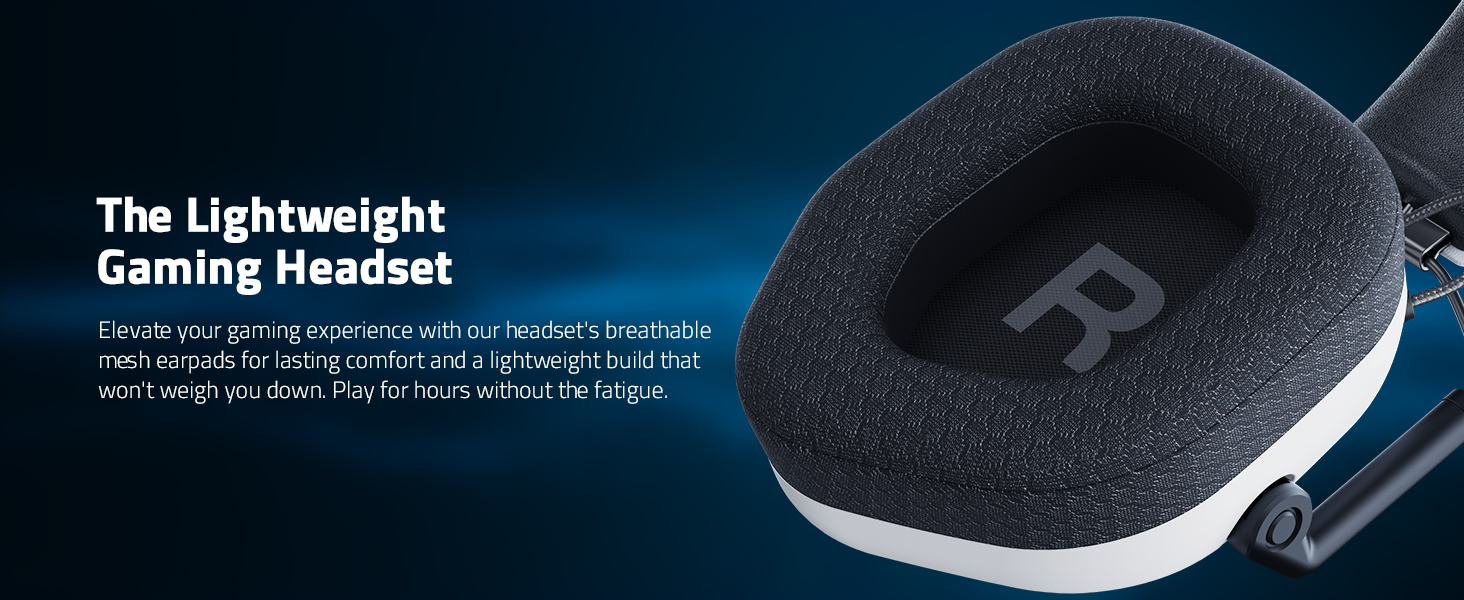
Image: A close-up view of the headset's breathable mesh ear pads, designed for comfort during long gaming sessions by promoting airflow.
Warranty and Support
Vakedy is committed to your satisfaction. We offer:
- 12-Hour Fast Support: Our professional team is available 24/7 to assist you.
- 365-Day Free Replacement: We stand by our products and offer a free replacement within 365 days for any issues, with no repairs needed.
For any inquiries or assistance, please feel free to contact us. Your satisfaction is our commitment.

Image: Information detailing Vakedy's customer care, including 12-hour fast support and a 365-day free replacement policy.
Product Videos
Vakedy HW20 Wireless Gaming Headset Overview
Video: An official overview of the Vakedy HW20 Wireless Gaming Headset, highlighting its features and compatibility with PC, PS4, PS5, Mac, and Switch.
Vakedy HW20 Wireless Gaming Headset Features
Video: A detailed look at the features of the Vakedy HW20 Wireless Gaming Headset, including its design, comfort, and connectivity options.
