
WAVE COM6PEBRATUS
WAVE Como 6 Person Eco Foam Hot Tub Instruction Manual
Model: COM6PEBRATUS
1. Introduction
This manual provides essential information for the safe and efficient use of your WAVE Como 6 Person Eco Foam Hot Tub. Please read all instructions carefully before setup and operation to ensure proper function and longevity of the product. Retain this manual for future reference.
Safety Information
Always adhere to local regulations and safety guidelines when installing and operating a hot tub. Ensure the hot tub is placed on a stable, level surface. Keep children under supervision near the hot tub. Do not use electrical appliances near the hot tub. Consult a medical professional before use if you have health concerns.
2. Package Contents
Verify that all components are present before beginning assembly. The standard package for the WAVE Como 6 Person Eco Foam Hot Tub typically includes:
- WAVE Como Hot Tub Unit (Octagonal, Pebble White)
- Integrated Heater and Control System
- Insulated Top Cover with Childproof Safety Clips
- Filter Cartridges (Quantity: 2)
- Wired Control Panel
- Repair Kit
- Instruction Manual
3. Setup Instructions
The WAVE Como Hot Tub is designed for quick and easy setup, typically within 20 minutes, without requiring special tools.
3.1 Site Preparation
Select a firm, level surface capable of supporting the weight of the hot tub when filled (approximately 260 gallons of water plus occupants). Ensure adequate drainage and proximity to a suitable power outlet.
3.2 Assembly Steps
- Unpack Components: Carefully remove all items from the packaging.
- Position Hot Tub: Place the hot tub unit in the desired location.
- Connect Control Unit: Ensure the integrated heater and control system is securely connected to the hot tub unit.
- Install Filters: Insert the filter cartridges into their designated housings.
- Fill with Water: Fill the hot tub with water to the recommended level, typically between the minimum and maximum fill lines.
- Connect Power: Plug the hot tub into a grounded electrical outlet.
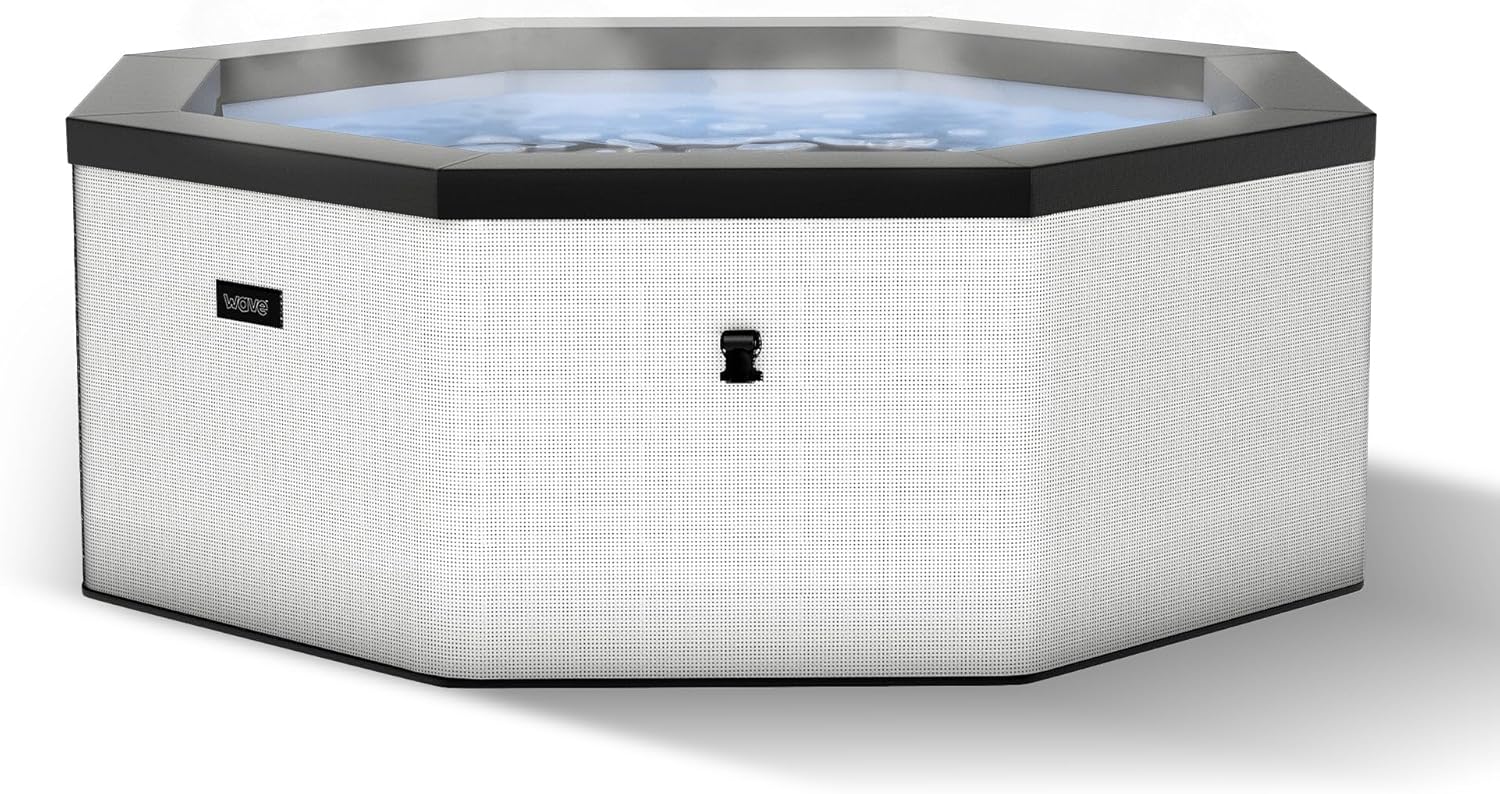
Image: Front view of the WAVE Como 6 Person Eco Foam Hot Tub, showcasing its octagonal shape and pebble white finish.

Image: Exploded diagram illustrating the internal structure and components of the WAVE Como Hot Tub, including the integrated heater, eco foam core, and cover.
4. Operating Instructions
Your WAVE Como Hot Tub features an intuitive control system for heating and massage functions.
4.1 Power On/Off
Press the power button on the wired control panel to turn the hot tub system on or off.
4.2 Heating System
The rapid heating system can heat water up to 104°F (40°C). Use the temperature adjustment buttons on the control panel to set your desired water temperature. The system is designed for energy efficiency with its eco foam and integrated heater.
4.3 AquaJet Massage System
Activate the 90 AquaJet Massage System by pressing the bubble button on the control panel. This system releases thousands of bubbles for a relaxing experience.
4.4 Wi-Fi Connectivity
The hot tub is Wi-Fi controllable via a smartphone or tablet application. Download the official WAVE app and follow the in-app instructions to connect your device and control the hot tub remotely.
5. Maintenance
Regular maintenance ensures optimal performance and extends the lifespan of your hot tub.
5.1 Water Filtration
The hot tub features an advanced filtration system with dual filters. Regularly clean and replace filter cartridges to maintain clear water quality. Refer to the filter manufacturer's guidelines for cleaning frequency and replacement.
5.2 Water Treatment
Maintain proper water chemistry using appropriate hot tub chemicals. Test water regularly and adjust pH, alkalinity, and sanitizer levels as needed. Consult a local pool and spa professional for specific water treatment recommendations.
5.3 Cover Care
Always use the insulated top cover when the hot tub is not in use. This helps retain heat and keeps debris out. Clean the cover periodically with a mild cleaner and protect it from harsh weather conditions.
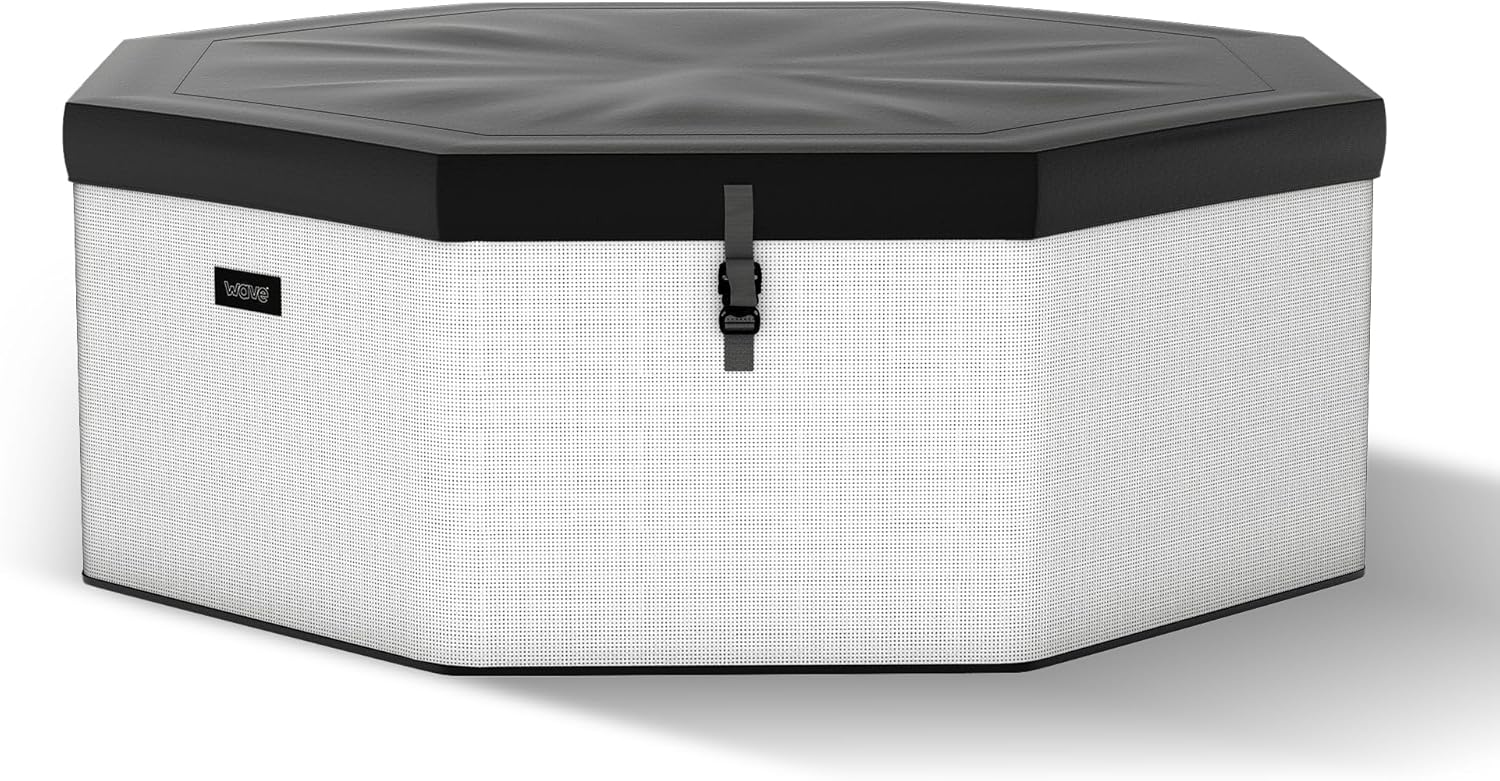
Image: The WAVE Como Hot Tub with its insulated top cover securely fastened, demonstrating its heat retention and protective features.
6. Troubleshooting
This section addresses common issues you might encounter with your hot tub.
| Problem | Possible Cause | Solution |
|---|---|---|
| Hot tub not heating | Power supply issue, filter clogged, temperature setting too low, heater malfunction. | Check power connection. Clean or replace filters. Verify temperature setting. If issue persists, contact support. |
| Water is cloudy or dirty | Clogged filters, improper water chemistry, insufficient sanitization. | Clean or replace filters. Test and adjust water chemistry (pH, alkalinity, sanitizer). Shock treat the water if necessary. |
| Bubbles not working | Air pump malfunction, blockage in air jets. | Ensure power is supplied to the air pump. Check for visible blockages in the jets. If issue persists, contact support. |
| Water leaking | Loose connections, puncture in liner, seal failure. | Inspect all connections for tightness. Check the hot tub liner for visible damage. Use the provided repair kit for small punctures. For significant leaks, contact support. |
| Wi-Fi connection issues | Incorrect network settings, app issues, router distance. | Ensure correct Wi-Fi credentials. Restart the app and hot tub control unit. Move router closer or use a Wi-Fi extender. |
7. Product Specifications
Key technical details for the WAVE Como 6 Person Eco Foam Hot Tub:

Image: Diagram detailing the dimensions, capacity, and key features of the WAVE Como Hot Tub, including its wired controller, advanced filtration, AquaJet system, Wi-Fi, and heating capabilities.
| Feature | Detail |
|---|---|
| Brand | WAVE |
| Model Name | COM6PEBRATUS |
| Color | Como (Pebble White) |
| Product Dimensions | 72"L x 72"W x 27"H (Octagonal) |
| Material | Woven UV-protected PVC construction with PU-insulated foam core |
| Capacity | 260 Gallons |
| Seating Capacity | 6 Persons |
| Number of Jets | 90 AquaJets |
| Heating System | Rapid Heating, up to 104°F (40°C) |
| Filtration | Advanced Filtration with Dual Filters |
| Connectivity | Wi-Fi enabled for smartphone control |
| Assembly Required | Yes (Approx. 20-minute tool-free setup) |
8. Warranty Information
WAVE products are manufactured to high-quality standards. For specific warranty terms and conditions, please refer to the warranty card included with your product or visit the official WAVE website. Keep your proof of purchase for any warranty claims.
9. Customer Support
If you require assistance, have questions, or need to report an issue not covered in this manual, please contact WAVE customer support.
- Online Support: Visit the official WAVE website for FAQs, troubleshooting guides, and contact forms.
- Contact Information: Refer to the contact details provided on the WAVE product packaging or website for phone and email support.
10. Instructional Videos
No official product videos from the seller were available for embedding based on the provided data. Please check the manufacturer's website or product page for any available video guides.
Related documentsCOM6PEBRATUS


Ask a question about this manual
Ask about setup, troubleshooting, compatibility, parts, safety, or missing instructions. Manuals+ will review the question and use this page’s manual context to help answer it.