
1. Introduction
Thank you for choosing the NEWFAST AC1200 Dual Band WiFi Repeater. This device is designed to extend your existing WiFi network coverage, eliminate dead zones, and provide stable, high-speed internet access throughout your home or office. With its dual-band technology, OLED display, and multiple operating modes, it offers a versatile solution for various networking needs.
2. Product Overview
2.1 Key Features
- AC1200 Dual Band WiFi: Supports 802.11ac standard with combined speeds up to 1200Mbps (867Mbps on 5GHz and 300Mbps on 2.4GHz) for seamless streaming and gaming.
- OLED Smart Display: Provides real-time status updates for network, WiFi, and WPS connections.
- 4 High-Gain Antennas: Four external 3dBi antennas with 180° rotation capability for enhanced signal reception and extended coverage up to 1500 sq.ft.
- WPS Function: One-touch setup for quick and easy connection to your main router.
- 5 Operating Modes: Supports Repeater, Router, Access Point (AP), Bridge, and Client modes to suit different networking scenarios.
- Ethernet Port: Includes a LAN port for wired connections, allowing the device to function as a wireless adapter for wired devices.
- Enhanced Security: Supports WPA-PSK/WPA2-PSK/WPA/WPA2 encryption protocols, MAC address filtering, and network filtering for secure connections.
- Wide Compatibility: Compatible with all standard routers, access points, and WiFi-enabled devices.
2.2 Product Components and Indicators

Figure 2.2.1: Front view of the NEWFAST AC1200 WiFi Repeater, showing the NEWFAST logo and indicator lights.

Figure 2.2.2: Diagram illustrating the internal components, including smart chips, heat dissipation, WPS/Reset button, and Ethernet port.

Figure 2.2.3: Shows the dimensions of the repeater and the OLED screen indicators for Network, WiFi, WPS, and Network Port status.
3. Setup and Installation
3.1 WPS One-Touch Connection
The easiest way to set up your NEWFAST WiFi Repeater is by using the WPS (Wi-Fi Protected Setup) function.
- Plug the NEWFAST WiFi Repeater into a power outlet near your main wireless router.
- Wait for the device to power on and the indicators to stabilize.
- Press the WPS button on your main wireless router.
- Within 2 minutes, press the WPS button on the NEWFAST WiFi Repeater for 2-3 seconds.
- Wait for the data configuration to complete. The WiFi indicator on the repeater will show a stable connection once setup is successful.

Figure 3.1.1: Visual guide for WPS one-touch connection between the main router and the repeater.
3.2 Manual Setup (Web Interface)
If your router does not support WPS or for advanced configurations, you can set up the repeater via its web interface. Refer to the detailed instructions in the included quick start guide for specific steps on accessing the web interface and configuring the device.
4. Operating Modes
The NEWFAST WiFi Repeater supports 5 versatile operating modes:
- Repeater Mode: Extends the existing WiFi signal from your main router to cover dead zones. Ideal for home use.
- Bridge Mode: Similar to Repeater mode, it extends the wireless network.
- Router Mode: Functions as a normal wireless router, creating a new network. Suitable for small offices or homes without an existing router.
- Access Point (AP) Mode: Converts a wired network connection into a wireless one. Useful in hotels or areas with only wired internet access.
- Client Mode: Converts a wireless signal into a wired network, allowing wired-only devices (e.g., smart TVs, gaming consoles) to connect to the wireless network via the repeater's LAN port.

Figure 4.1.1: Overview of the 5 operating modes and their typical applications.

Figure 4.1.2: Illustration of how the repeater extends WiFi coverage throughout a home, eliminating dead zones.
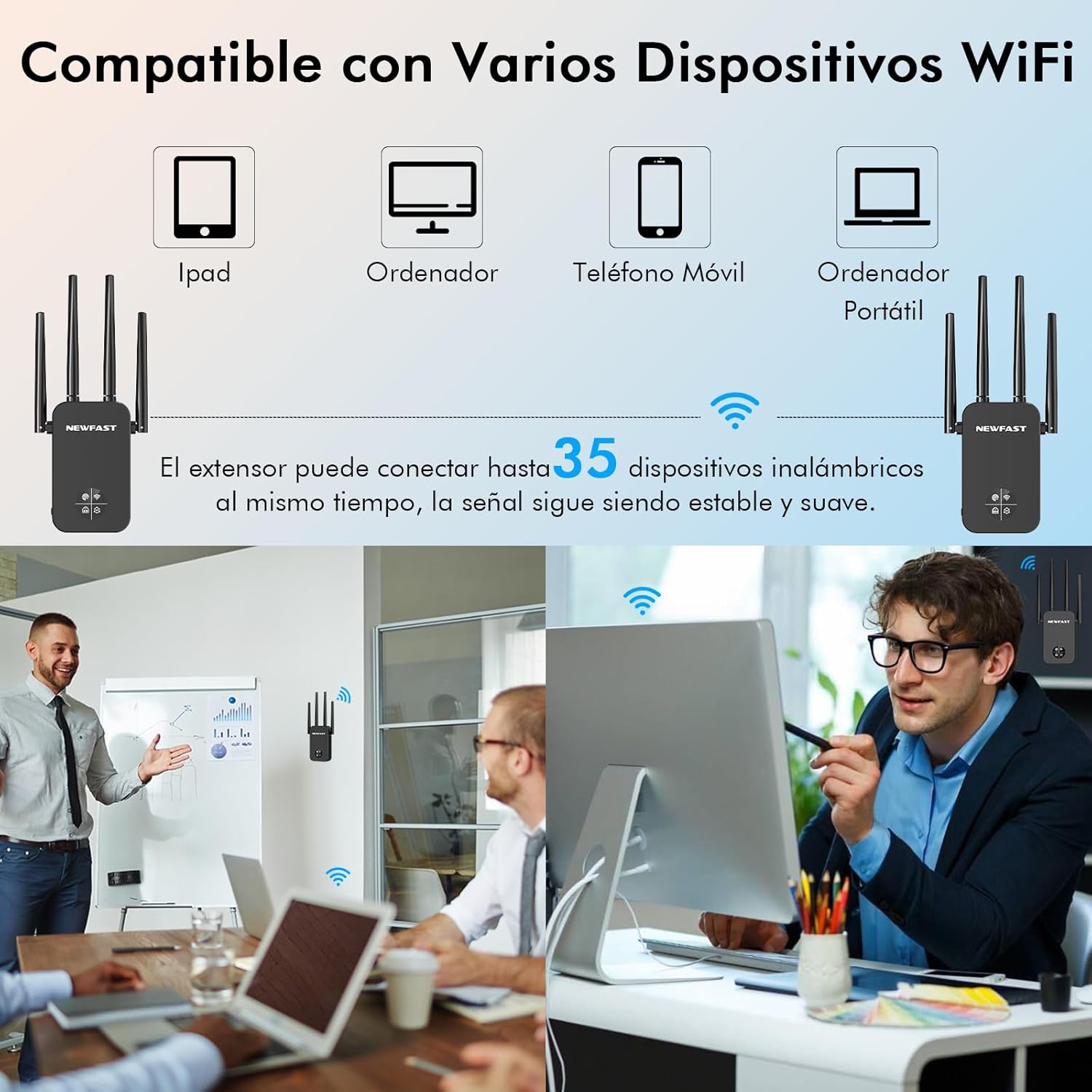
Figure 4.1.3: The extender can connect up to 35 wireless devices simultaneously, maintaining a stable and smooth signal.
5. Maintenance
To ensure optimal performance and longevity of your NEWFAST WiFi Repeater, consider the following maintenance tips:
- Placement: Place the repeater in an open area, away from obstructions like thick walls, large metal objects, and other electronic devices that may cause interference.
- Ventilation: Ensure the device has adequate ventilation to prevent overheating. Do not cover the ventilation holes.
- Cleaning: Regularly clean the exterior of the device with a soft, dry cloth. Do not use liquid cleaners or aerosols.
- Firmware Updates: Check the NEWFAST official website periodically for firmware updates to ensure the best performance and security.
- Power Cycle: If you experience network issues, try power cycling the repeater (unplug it for 10 seconds and then plug it back in).
6. Troubleshooting
If you encounter issues with your NEWFAST WiFi Repeater, refer to the following common problems and solutions:
- No Internet Access After Setup:
- Ensure the repeater is within range of your main router.
- Verify that your main router has an active internet connection.
- Try restarting both your main router and the repeater.
- Reconfigure the repeater, ensuring correct WiFi password entry.
- Weak Signal or Frequent Disconnections:
- Relocate the repeater closer to your main router or in a more central location.
- Adjust the antennas for optimal signal reception.
- Check for sources of interference (e.g., microwaves, cordless phones).
- Ensure the repeater's firmware is up to date.
- WPS Setup Fails:
- Ensure you press the WPS button on both devices within the specified time frame (usually 2 minutes).
- Try performing a manual setup via the web interface.
- Some routers may have WPS disabled or require specific steps. Consult your router's manual.
- OLED Screen Not Displaying Information:
- Ensure the device is properly powered on.
- If the screen remains blank, contact customer support.
For further assistance, please refer to the comprehensive user manual available on the NEWFAST website or contact customer support.
7. Specifications
| Feature | Specification |
|---|---|
| Brand | NEWFAST |
| Model | NF-RE523 |
| Dimensions | 20.8 x 9.8 x 7.7 cm |
| Weight | 250 g |
| Data Transfer Rate | 1200 Megabits per second |
| Wireless Standard | 802.11ac |
| Frequency Bands Supported | 5 GHz, 2.4 GHz |
| Range | Up to 1500 sq.ft |
| Antennas | 4 External Antennas |
| Special Features | OLED Screen, Dual Band 5GHz/2.4GHz |
| Compatible Devices | Router, various WiFi-enabled devices |
8. Warranty and Support
NEWFAST is committed to customer satisfaction and provides professional service. While specific warranty details are not provided in this manual, please refer to the product packaging or the official NEWFAST website for warranty information and terms.
For technical support, product inquiries, or service, please visit the NEWFAST brand store or contact their customer service channels. Software updates are provided, though the guaranteed period is unknown.
You can visit the NEWFAST store at: NEWFAST Official Store


