
1. Introduction
This manual provides essential information for setting up, operating, maintaining, and troubleshooting your Lenovo LOQ 15.6-inch Gaming Laptop. This device is designed for high-performance computing and gaming, featuring an AMD Ryzen 7 8845HS processor, NVIDIA GeForce RTX 4060 graphics, 16GB DDR5 RAM, and a 1TB SSD.

Image 1.1: Lenovo LOQ 15.6-inch Gaming Laptop. The laptop is open, displaying a game scene on its screen, with a docking station and microSD card visible in the foreground.
2. Package Contents
Verify that all items are present in your product packaging:
- Lenovo LOQ 15.6-inch Gaming Laptop
- Power Adapter and Cable
- Bonus Docking Station Set, which includes:
- 1x 7-in-1 Docking Station with 1TB Storage
- 1x 32GB MicroSD Card with Adapter
- 1x Type-C Data Cable
- 1x 3-in-1 Charging Cable
- 1x Suede Cleaning Cloth

Image 2.1: Bonus Docking Station Set components. This image displays the 7-in-1 docking station, 32GB MicroSD card with adapter, Type-C data cable, 3-in-1 charging cable, and a suede cleaning cloth.
3. Setup
3.1 Initial Power-On
- Connect Power: Plug the power adapter into the laptop's power connector and then into a wall outlet.
- Open Laptop: Carefully open the laptop lid.
- Power On: Press the power button, typically located on the keyboard deck.
- Windows Setup: Follow the on-screen instructions to complete the Windows 11 Home operating system setup. This includes selecting your region, connecting to a Wi-Fi network, and creating a user account.
3.2 Connecting Peripherals
The laptop offers various ports for connecting external devices:
- USB-A Ports: Connect USB devices such as mice, keyboards, or external storage drives.
- USB-C Port: For data transfer and connecting compatible USB-C devices.
- HDMI 2.1: Connect an external monitor or TV for extended display.
- RJ-45: For wired Ethernet network connection.
- Headphone/Mic Combo Jack: Connect headphones or a headset.
To use the 7-in-1 Docking Station, connect it to a USB-C port on your laptop. This expands your connectivity options and provides additional storage.

Image 3.1: Laptop connectivity ports. This image highlights the USB-A, RJ45, Power connector, HDMI 2.1, USB-C, and Headphone/mic combo ports on the sides of the laptop.
4. Operating Your Laptop
4.1 Display
The laptop features a 15.6-inch Full HD (1920x1080) IPS display with a 144Hz refresh rate. This display is designed for clear and fluid visual output, suitable for gaming and multimedia. It also includes an anti-glare screen mode and offers 300 nits brightness.

Image 4.1: Display features. The laptop screen displays a game, with callouts for 144Hz refresh rate, anti-glare screen mode, 300 nits brightness, and NVIDIA G-SYNC compatibility.
4.2 Performance Components
- Processor: Equipped with an AMD Ryzen 7 8845HS processor, the laptop provides robust performance for various computing tasks.
- RAM: 16GB of DDR5 RAM ensures efficient multitasking and faster data processing.
- Storage: A 1TB PCIe SSD offers fast boot times, quick application loading, and ample storage capacity.
- Graphics: The NVIDIA GeForce RTX 4060 graphics card with 8GB GDDR6 memory supports advanced visual technologies, enhancing graphical performance for applications and games.

Image 4.2: Performance overview. This image shows the laptop with text indicating FHD 1920x1080, AMD Ryzen 7 8845HS Processor, NVIDIA GeForce RTX 4060 Graphics, 16GB DDR5 RAM, and 1TB PCIe SSD.

Image 4.3: NVIDIA GeForce RTX graphics. Two laptops are shown with a focus on the NVIDIA GeForce RTX branding, indicating powerful graphics capabilities.
4.3 Keyboard and Input
The laptop features a 4-Zone RGB Backlit Keyboard, allowing for customizable lighting. It also includes a dedicated numeric keypad for enhanced productivity.

Image 4.4: Keyboard and features. The image highlights the backlit keyboard, numeric pad, 720p camera, Wi-Fi 6, and Bluetooth 5.2 capabilities.
4.4 Audio
The audio system is designed to deliver immersive sound, clear communication, and optimized streaming audio, enhancing the overall gaming and multimedia experience.
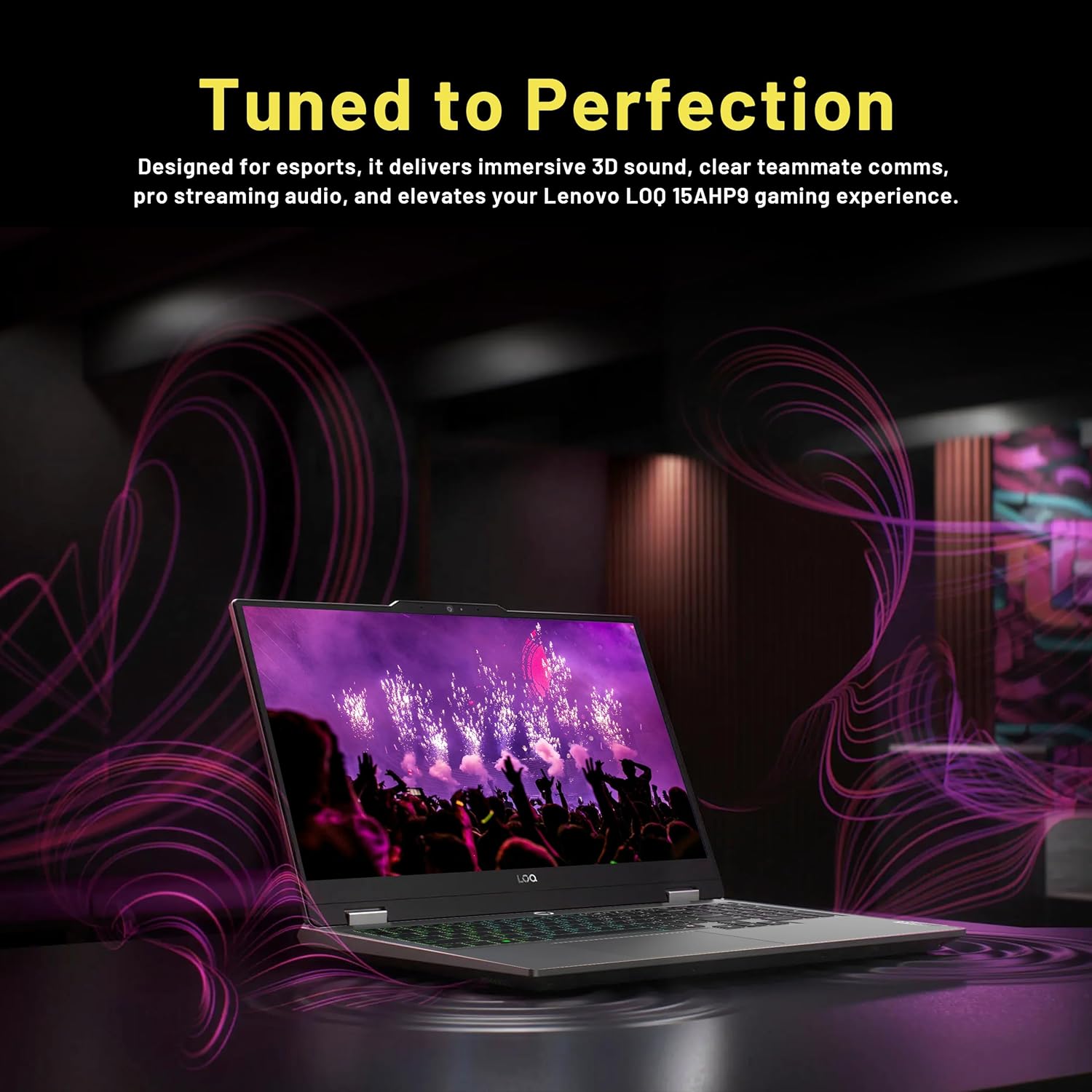
Image 4.5: Audio experience. The laptop is shown in a setting with visual effects representing immersive sound.
4.5 Operating System
The laptop comes pre-installed with Windows 11 Home, providing a modern and secure computing environment.
5. Maintenance
5.1 Cleaning
- Use a soft, lint-free cloth to clean the screen and exterior surfaces.
- Avoid using harsh chemicals or abrasive materials.
- For the screen, use a specialized screen cleaner if necessary, applied to the cloth, not directly to the screen.
5.2 Cooling System
The laptop is equipped with dual fans and larger vents to manage heat during operation. To ensure optimal cooling performance:
- Ensure the vents are not obstructed when using the laptop.
- Operate the laptop on a hard, flat surface to allow for proper airflow.
- Periodically check and gently clean the vents to prevent dust buildup.

Image 5.1: Cooling system. This image illustrates the dual fan and vent design on the underside of the laptop, indicating efficient heat dissipation.
5.3 Software Updates
Regularly update your Windows operating system and device drivers to ensure optimal performance and security. Updates can be managed through Windows Settings and Lenovo Vantage software.
6. Troubleshooting
- Laptop does not power on: Ensure the power adapter is securely connected to both the laptop and a working power outlet. Try a different outlet if available.
- Display issues (no image, flickering): Check external display connections if applicable. Restart the laptop. Ensure graphics drivers are updated.
- Slow performance: Close unnecessary applications. Check for background processes consuming high resources. Ensure sufficient free storage space. Verify cooling system is not obstructed.
- Connectivity problems (Wi-Fi, Bluetooth): Check network settings and ensure Wi-Fi/Bluetooth are enabled. Restart your router/modem. Update wireless drivers.
- Keyboard or touchpad unresponsive: Restart the laptop. Ensure no external devices are interfering. Check for driver updates.
7. Specifications
| Feature | Specification |
|---|---|
| Brand | Lenovo |
| Series | Lenovo LOQ |
| Model Number | Lenovo LOQ |
| Operating System | Windows 11 Home |
| Processor | AMD Ryzen 7 8845HS (3.8 GHz) |
| RAM | 16 GB DDR5 |
| Hard Drive | 1 TB SSD (PCIe) |
| Graphics Coprocessor | NVIDIA GeForce RTX 4060 |
| Graphics Card RAM Size | 8 GB GDDR6 |
| Screen Size | 15.6 Inches |
| Max Screen Resolution | 1920x1080 Pixels (FHD) |
| Display Features | 144Hz Refresh Rate, IPS, Anti-glare |
| Wireless Type | 802.11ax (Wi-Fi 6) |
| Bluetooth | Bluetooth 5.2 |
| Ports | 3x USB-A 3.2 Gen 1, 1x USB-C 3.2 Gen 2, 1x HDMI 2.1, 1x Headphone/Mic Combo, 1x RJ-45 |
| Special Features | Backlit Keyboard, Numeric Keypad |
| Color | Gray |
| Item Weight | 5.25 pounds |
| Product Dimensions (LxWxH) | 14.17 x 10.19 x 0.94 inches |
8. Warranty and Support
For warranty information and technical support, please refer to the documentation included with your purchase or visit the official Lenovo support website. Keep your proof of purchase for warranty claims.
Online resources and drivers can typically be found on the Lenovo support portal by searching for your specific model, "Lenovo LOQ 15.6-inch Gaming Laptop".