
Introduction
Thank you for choosing the TigerDad Overbed Table with Wheels. This versatile and adjustable table is designed to enhance comfort and productivity in various settings, including bedrooms, living rooms, and dining areas. It can function as an overbed table, a mobile computer desk, a writing desk, a study table, or even a standing desk. This manual provides detailed instructions for assembly, operation, maintenance, and safety to ensure optimal use of your new table.

Figure 1: Assembled TigerDad Overbed Table with Wheels, showcasing its use over a bed with a laptop and monitor.
Setup and Assembly
Unpacking and Parts Identification
Carefully unpack all components from the box. Verify that all parts and hardware listed in the assembly instructions are present before beginning assembly. The package includes the desk, assembly instructions, and necessary tools.
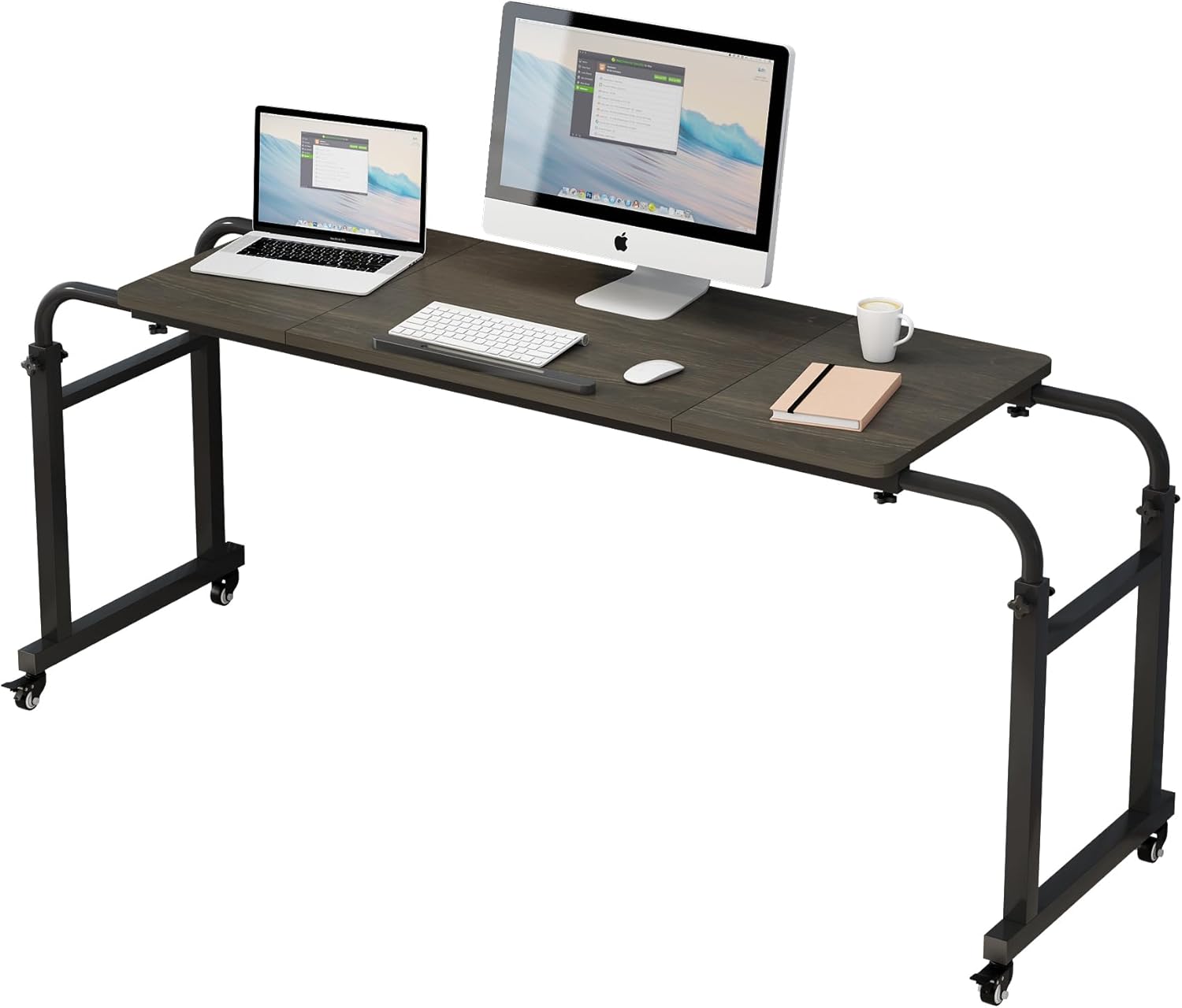
Figure 2: All components of the TigerDad Overbed Table laid out for identification prior to assembly.
Assembly Instructions
Assembly is required and instructions are included in the package. The process is designed to be quick, taking approximately 10 minutes. Follow the step-by-step guide provided with your product. Ensure all fasteners are securely tightened to maintain stability.
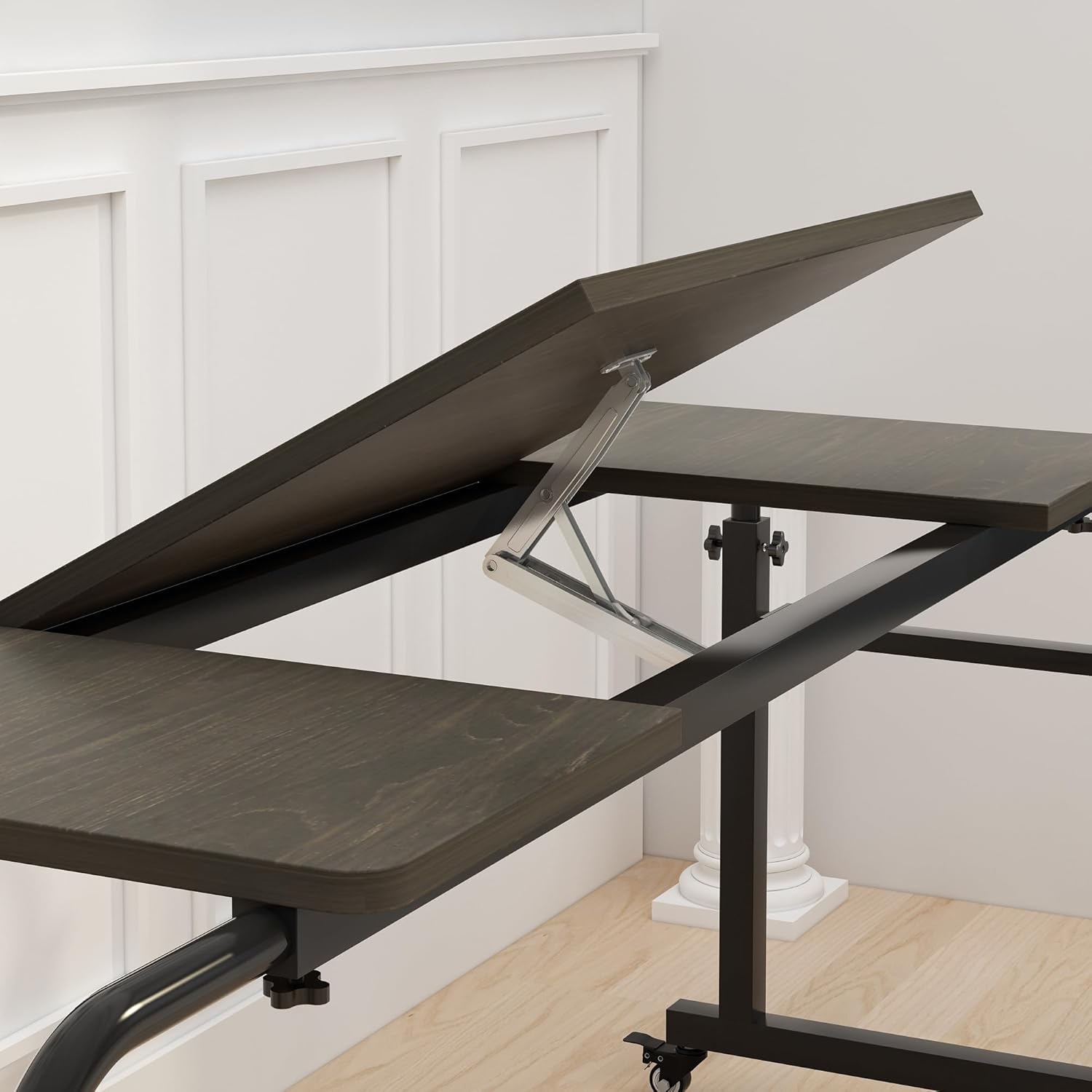
Figure 3: The desktop in its flat configuration, providing a stable surface.
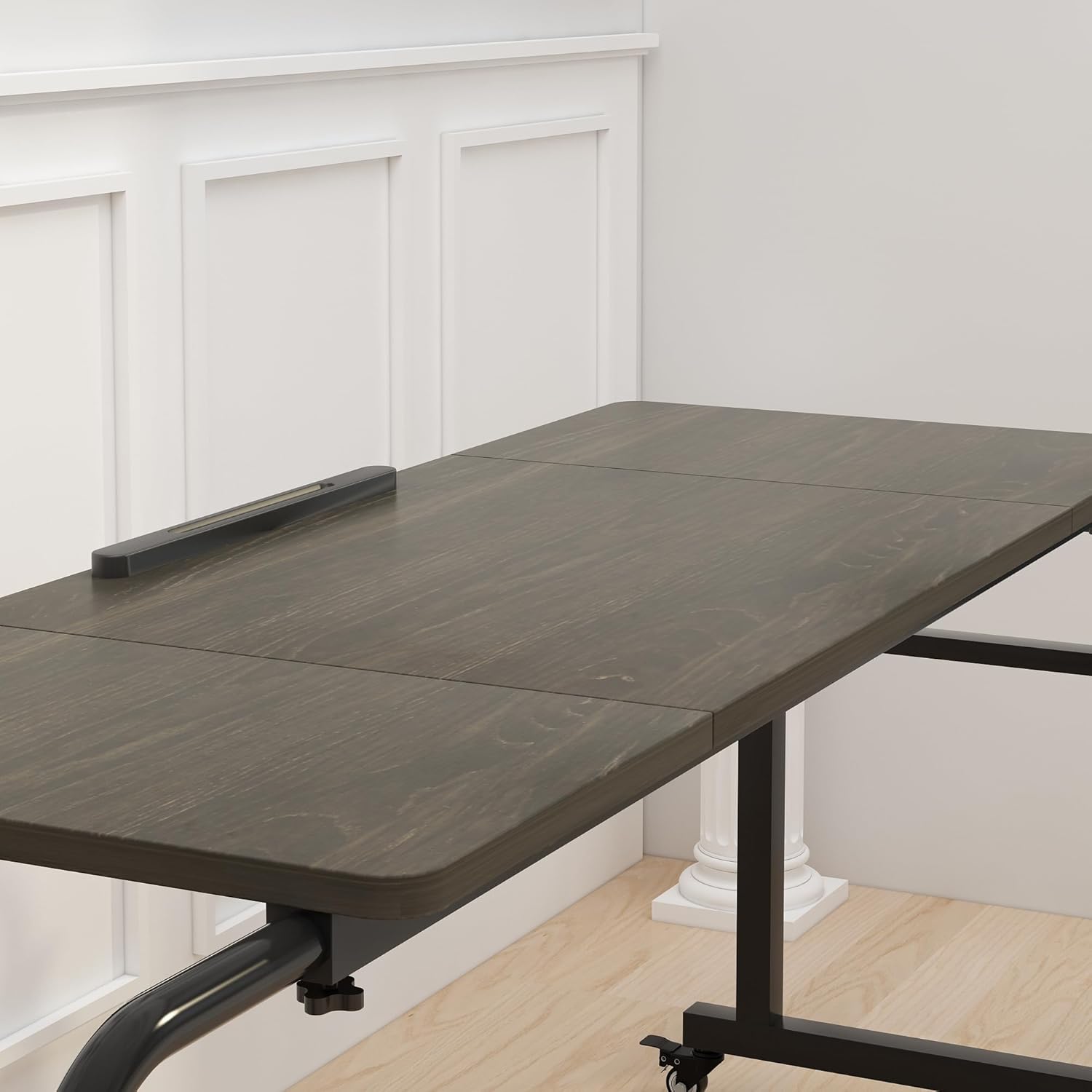
Figure 4: Detailed dimensions of the overbed table, illustrating its adjustable length and height.
Operating Instructions
Adjusting Height and Width
The table features adjustable length and height to accommodate various bed sizes and user preferences. The length can be adjusted from 50.4 inches to 78 inches, fitting queen and king-sized beds. The height can be adjusted from 23.6 inches to 41 inches. Use the adjustment knobs on the side of the frame to loosen, set your desired height or width, and then tighten securely.
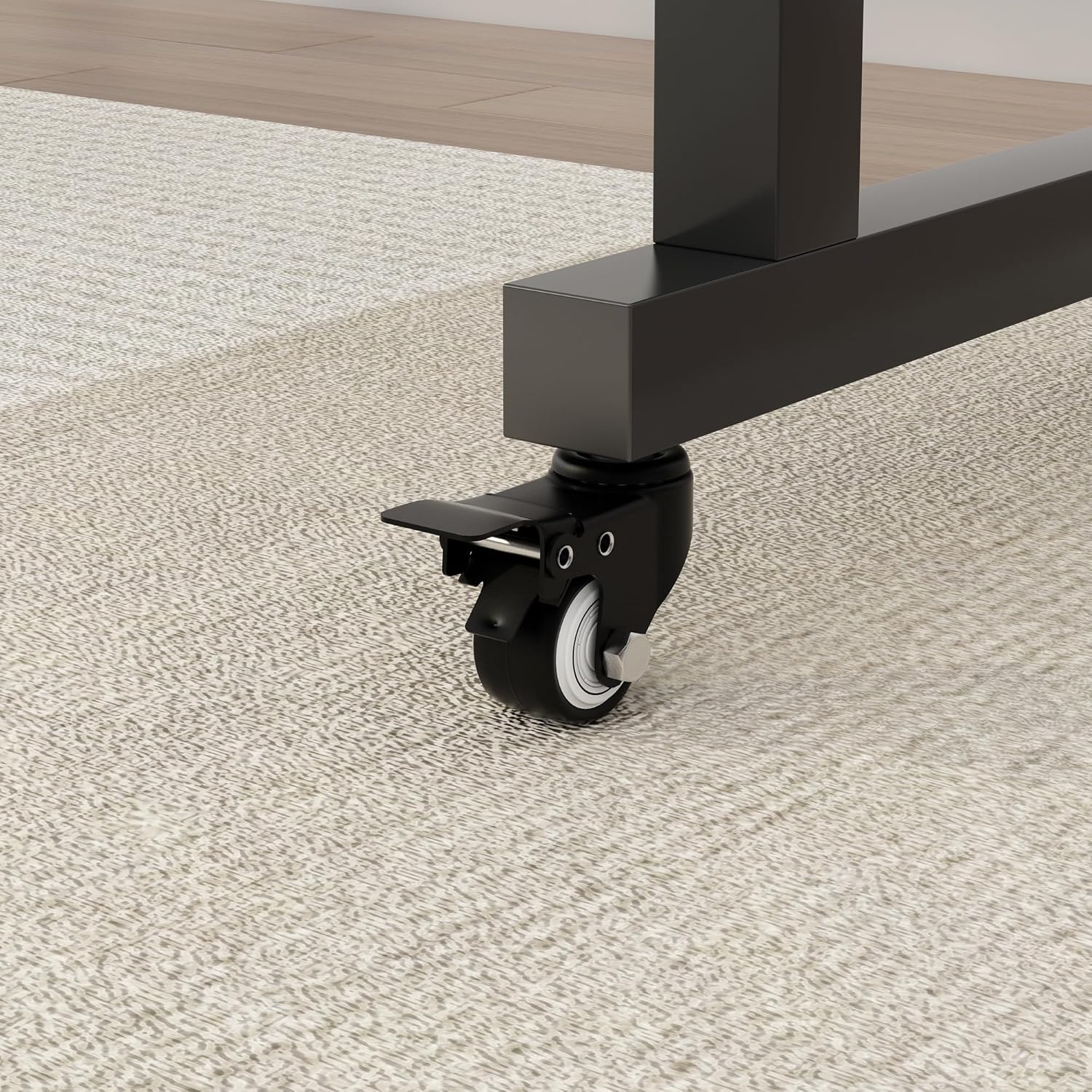
Figure 5: The adjustment knobs for customizing the table's height and width.
Caster Wheels with Brakes
The table is equipped with four 1.5-inch casters, each with a stop plug (brake). This allows for easy mobility when you need to move the table and secure positioning when in use. Simply press down on the brake lever to lock the wheels and lift to unlock.
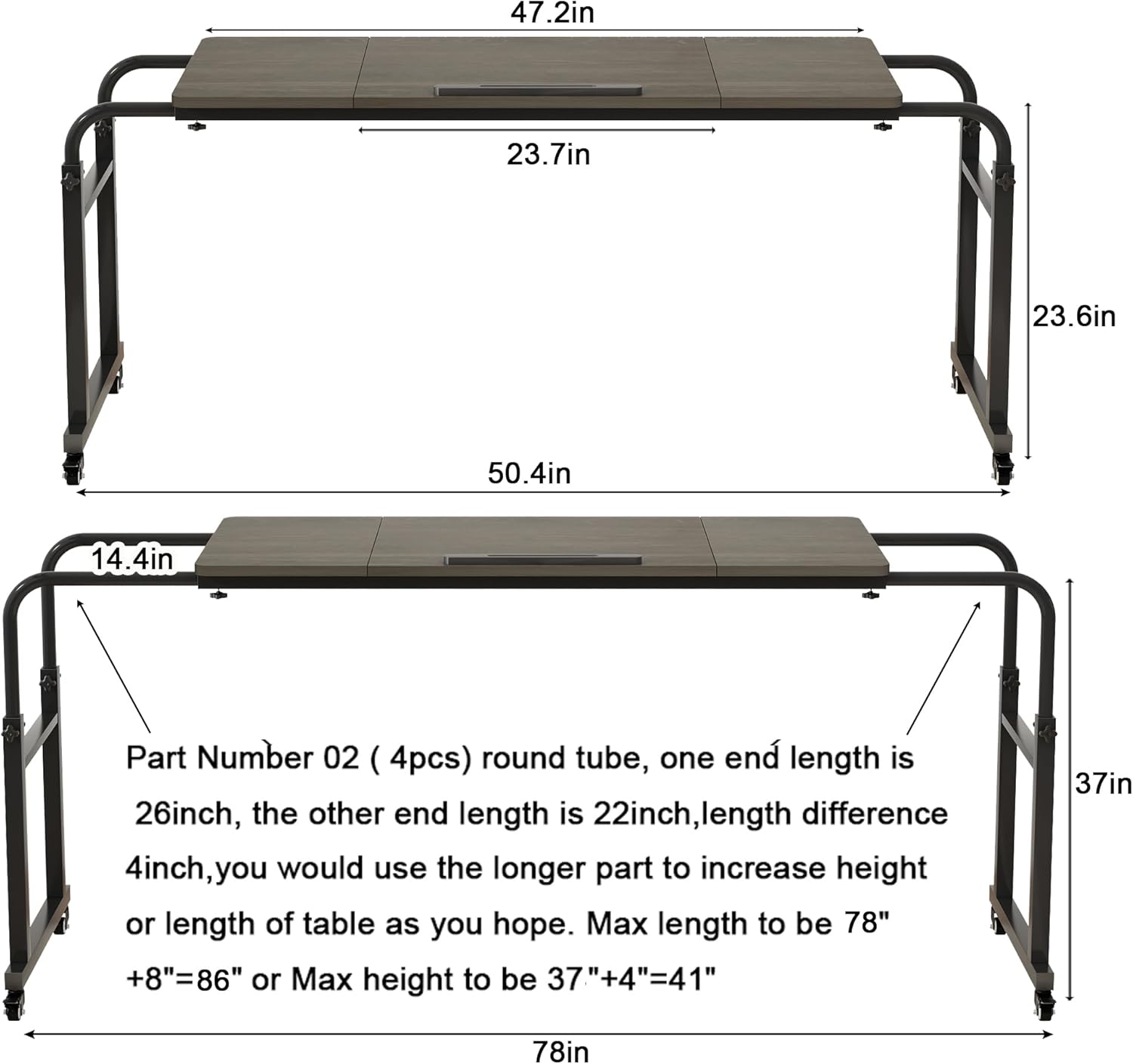
Figure 6: A detailed view of the caster wheel and its integrated brake for stability.
Multifunctional Use
This overbed table is designed for versatility. It can be used as:
- An overbed table for working with a laptop, eating, or reading in bed.
- A mobile computer desk or writing desk.
- A study table.
- A standing desk.
- A craft table or coffee bar.
The desktop also features a tilt function (0-47°) for ergonomic use, and cable organizing holes to keep your workspace tidy.
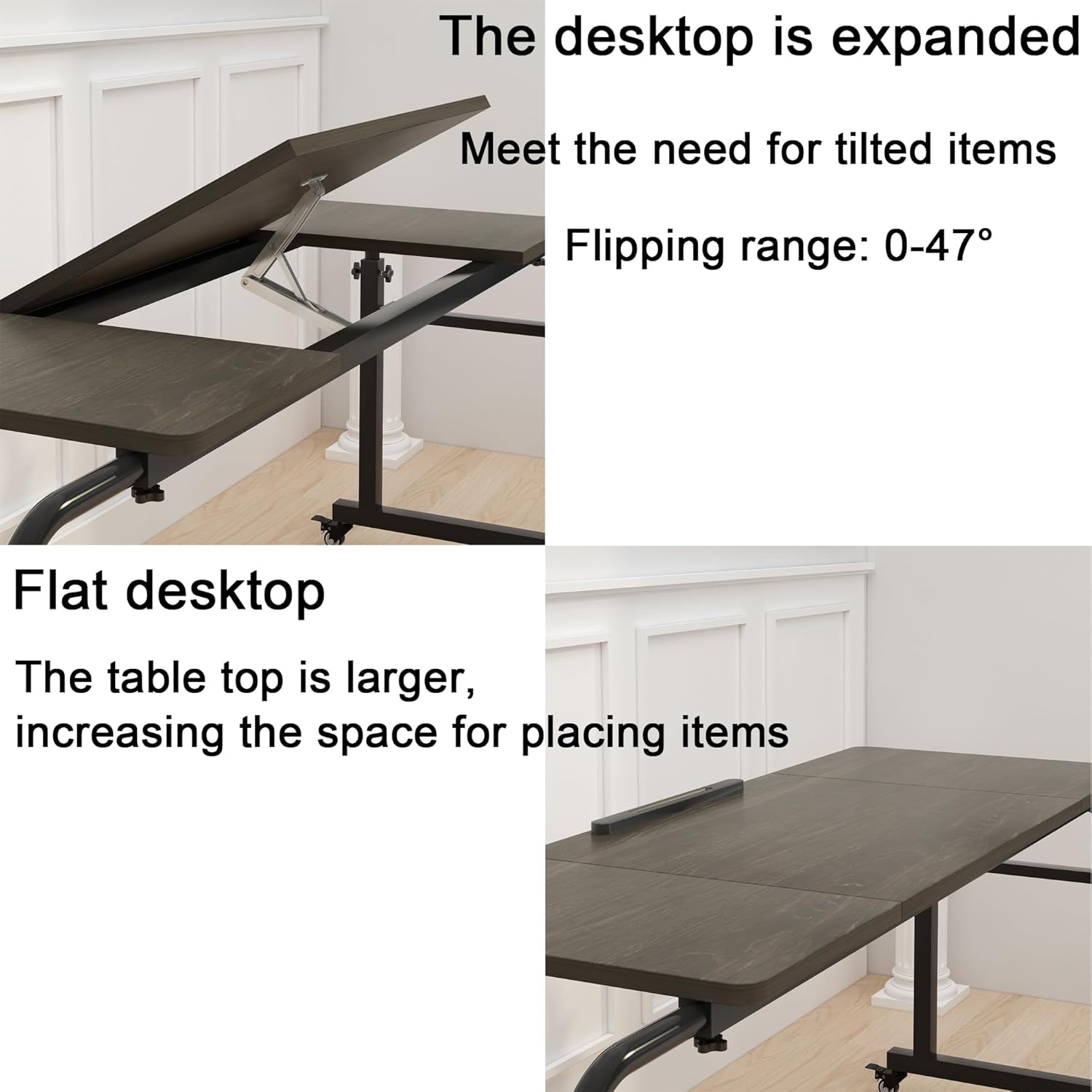
Figure 7: The desktop in a tilted position, ideal for activities like drawing or using a tablet.
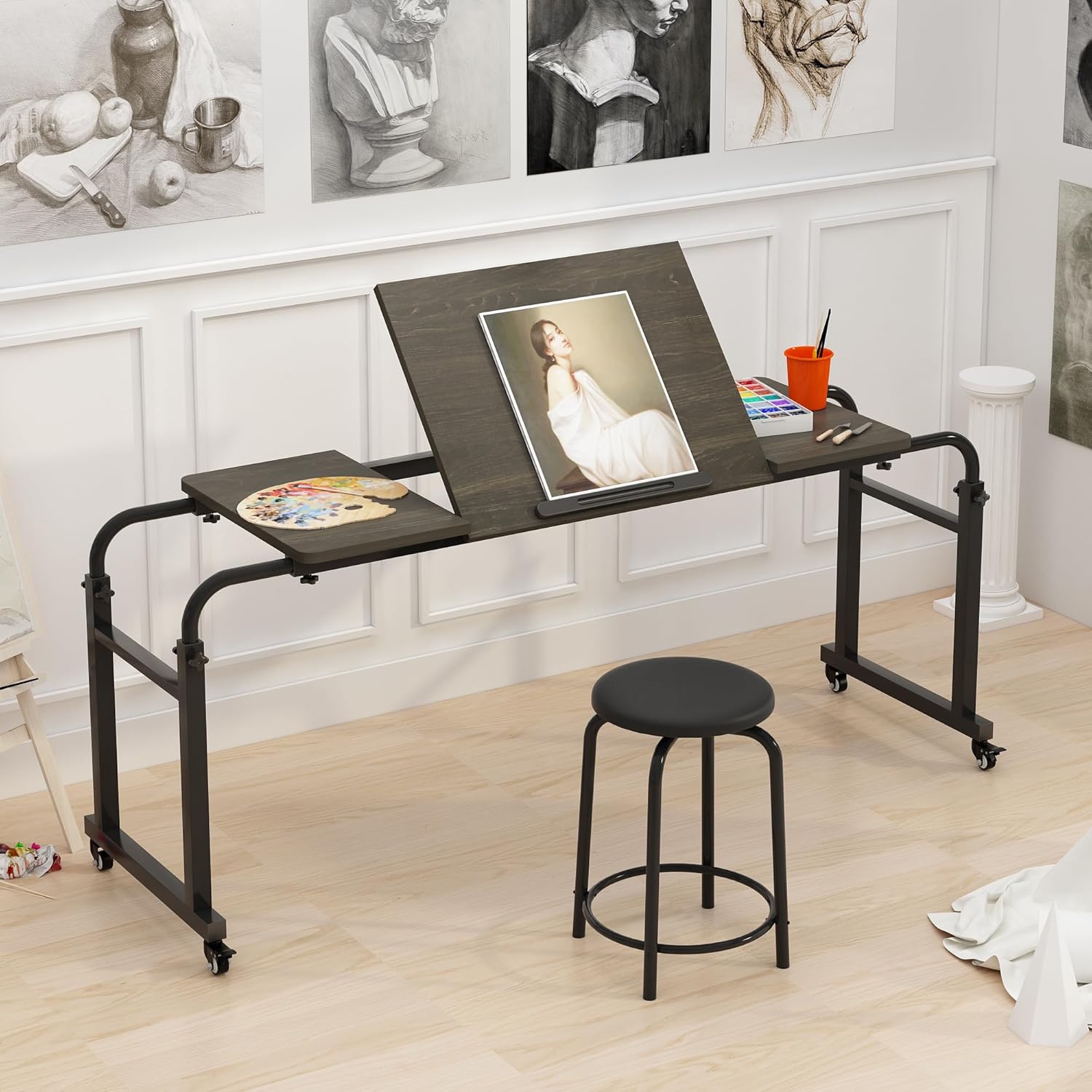
Figure 8: The table serving as an art station, demonstrating its versatility beyond a typical desk.
Maintenance
To ensure the longevity and optimal performance of your TigerDad Overbed Table, follow these maintenance guidelines:
- Cleaning: Wipe the table surfaces with a soft, damp cloth. Avoid harsh chemicals or abrasive cleaners that could damage the finish.
- Fasteners: Periodically check all screws and adjustment knobs to ensure they are tight. Retighten as necessary to maintain stability.
- Wheels: Keep the caster wheels free of debris to ensure smooth movement.
Troubleshooting
If you encounter any issues with your overbed table, refer to the following common troubleshooting tips:
- Instability/Wobbling: Ensure all assembly screws and adjustment knobs are fully tightened. Check that the table is on a flat, even surface.
- Difficulty Adjusting Height/Width: Loosen the adjustment knobs sufficiently before attempting to slide the frame components. Ensure no obstructions are present in the adjustment channels.
- Wheels Not Rolling Smoothly: Check for any hair or debris caught in the caster wheels. Clean as needed. Ensure brakes are disengaged.
If problems persist, please contact customer support.
Specifications
| Model | QQ-1000 |
| Brand | TigerDad |
| Color | Tilt Overbed Table- Dekuwood |
| Material | 15mm thick E1 grade MDF panel with thicker metal frame (Engineered Wood) |
| Product Dimensions | 74.8 x 14.57 x 37.01 inches (Adjustable Length: 50.4-78 inches, Adjustable Height: 23.6-41 inches) |
| Item Weight | 34 pounds |
| Weight Capacity | Up to 350lbs (steel frame legs not extended) |
| Special Feature | Adjustable, Tiltable Desktop (0-47°), 1.5-inch Caster Wheels with Brakes |
Safety Information
Please read and adhere to the following safety guidelines:
- Always ensure the table is properly assembled and all fasteners are tightened before use.
- Do not exceed the maximum weight capacity of 350lbs.
- Be cautious of potential pinch points or sharp edges during assembly and adjustment.
- Engage the wheel brakes when the table is in a stationary position to prevent accidental movement.
- Keep children and pets away from the table during assembly and adjustment.
Warranty and Support
For any questions, concerns, or support needs regarding your TigerDad Overbed Table, please refer to the contact information provided in your product packaging or visit the official TigerDad website. Specific warranty details are typically included with your purchase documentation.