
1. Product Overview
The Sony Ultra-Slim TV Wall Mount Bracket SU-WL905 is designed to securely mount select Sony BRAVIA™ TVs flush to the wall, providing a sleek, art-like appearance. This bracket also allows for easy swiveling of the TV for optimal viewing angles and convenient access to connections. It features integrated guides for neat cable management and a magnetic locking system for safe and easy installation.
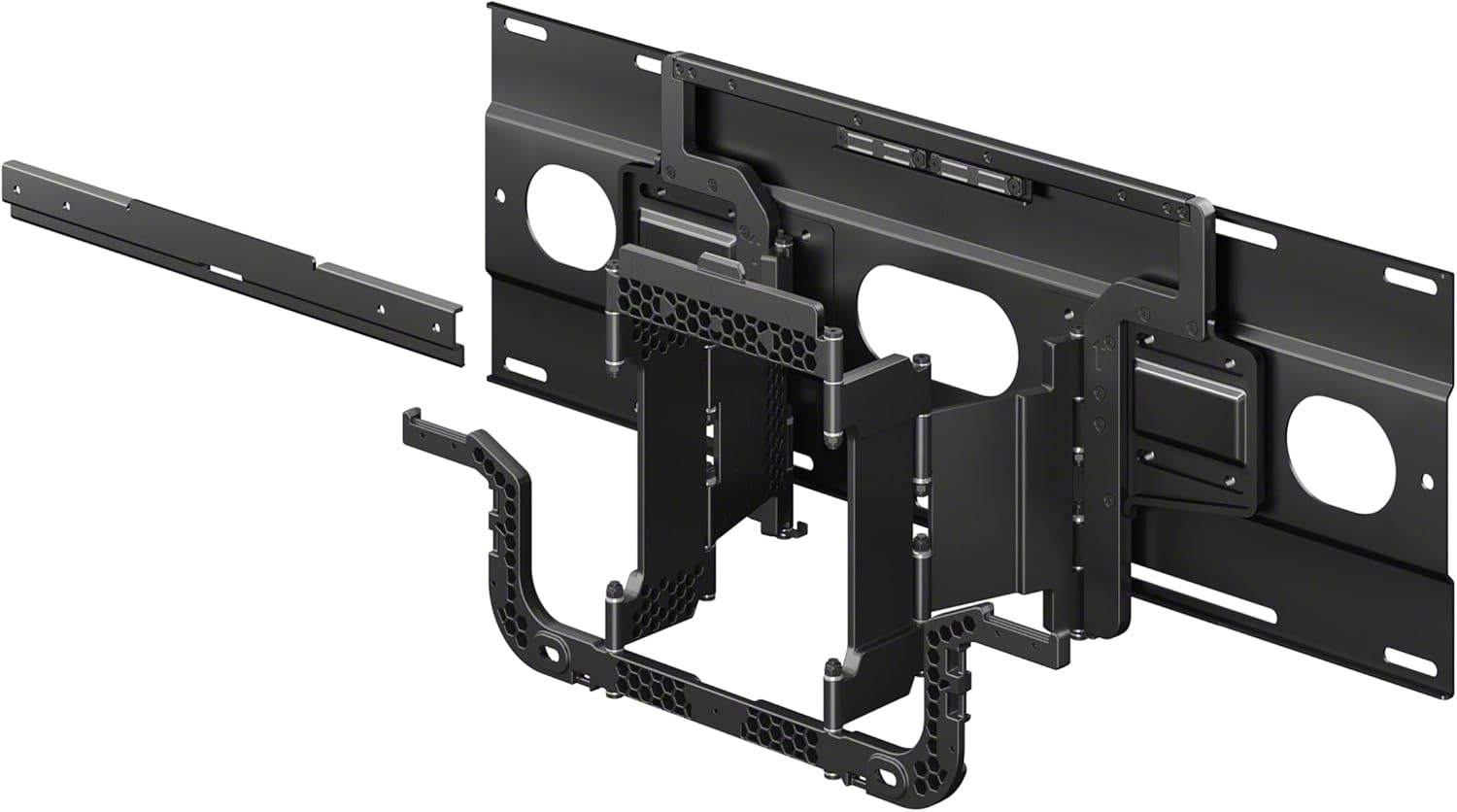
Image 1.1: Exploded view of the SU-WL905 wall mount bracket, showing its various components designed for assembly.
2. Compatibility
This wall mount bracket is compatible with select Sony BRAVIA TVs ranging from 55-inch Class up to 85-inch Class. Specific compatible models include:
- 2025 BRAVIA TVs: BRAVIA 8II (55” Class / 65” Class), BRAVIA 5 (55” Class / 65” Class / 75” Class / 85" Class), BRAVIA 2II (55” Class / 65” Class / 75” Class)
- 2024 BRAVIA TVs: BRAVIA 9 (65” Class / 75” Class / 85” Class), BRAVIA 8 (55” Class / 65” Class / 77” Class), BRAVIA 7 (55” Class / 65” Class / 75” Class / 85” Class), BRAVIA 3 (55” Class / 65” Class / 75” Class / 85” Class)
- 2023 BRAVIA TVs: BRAVIA XR Z9K (75” Class / 85” Class), BRAVIA XR A95L (55” Class / 65” Class / 75” Class), BRAVIA XR A80L (55” Class / 65” Class / 77” Class / 83” Class), BRAVIA XR X95L (85” Class), BRAVIA XR X93L (65” Class / 75” Class / 85” Class), BRAVIA XR X90L (55” Class / 65” Class / 75” Class / 85” Class), BRAVIA X85K (55” Class / 65” Class / 75” Class), BRAVIA X80K (55” Class / 65” Class / 75” Class / 85” Class), BRAVIA X77L (55” Class / 65” Class / 75” Class / 85” Class)
For soundbar integration, combine with the separately-sold WB1 soundbar bracket to allow the TV and soundbar to swivel in unison.
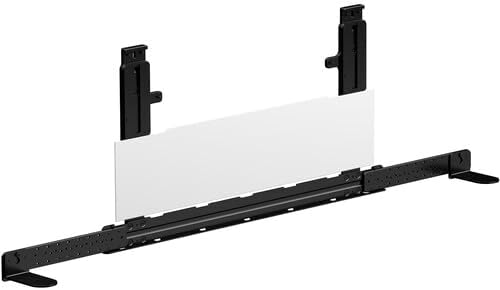
Image 2.1: The WB1 soundbar bracket, sold separately, designed to integrate with the TV wall mount for synchronized swiveling.
3. Features
- Ultra-Slim Design: Allows the TV to hang flush to the wall, resembling a work of art.
- Swivel Functionality: Enables easy swiveling of the TV for optimal viewing from various angles.
- Cable Management: Integrated guides help keep cables neatly hidden, even when the TV is swiveled.
- Magnetic Locking System: Designed for safe and straightforward installation.
- Soundbar Integration: Compatible with the optional WB1 soundbar bracket for synchronized movement.
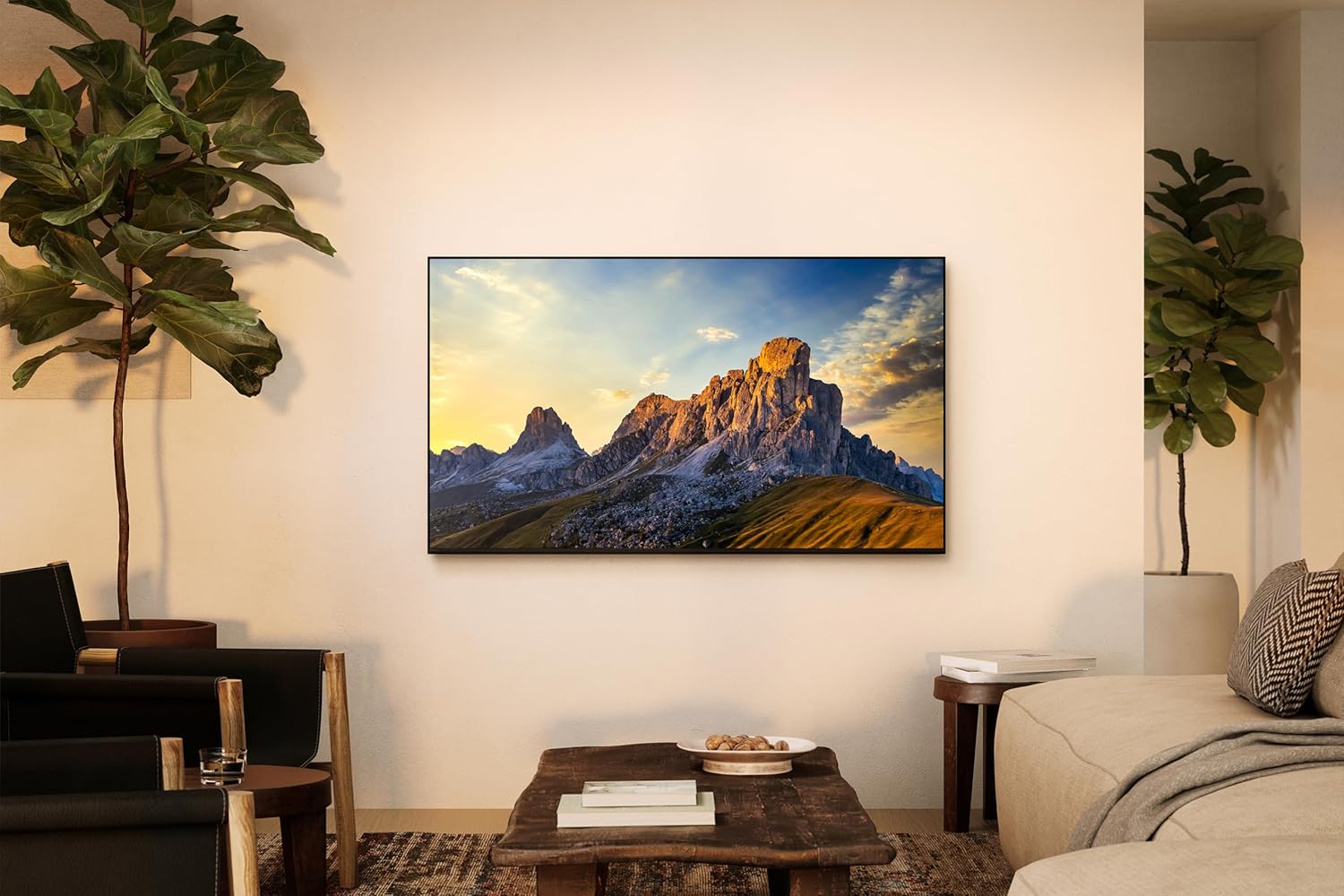
Image 3.1: A Sony BRAVIA TV mounted flush against a wall in a living room setting, demonstrating the ultra-slim profile.
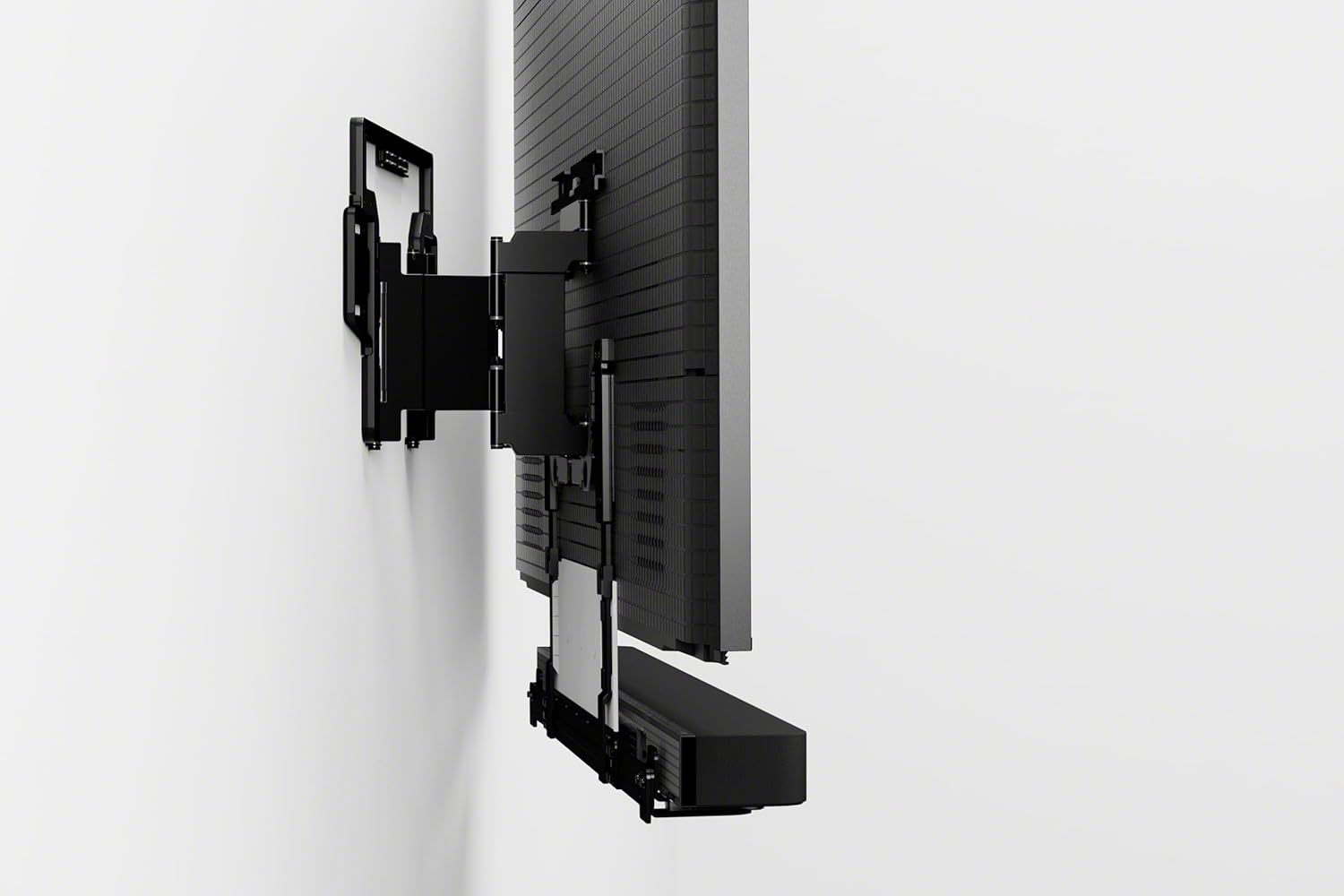
Image 3.2: A side view illustrating the swivel mechanism of the SU-WL905 wall mount, allowing the TV to be angled away from the wall.
4. Setup and Installation
Installation of the SU-WL905 wall mount bracket requires careful attention to detail to ensure secure mounting and optimal performance. It is recommended to consult the detailed installation guide provided with the product packaging for step-by-step instructions specific to your wall type and TV model.
Key Installation Considerations:
- Wall Type: Ensure your wall can support the weight of the TV and the mount. Appropriate anchors and fasteners must be used.
- Stud Location: For wood stud walls, locate and mark the center of the studs.
- Leveling: Use a level to ensure the wall plate is perfectly horizontal before drilling.
- Cable Management: Utilize the integrated cable guides to route all necessary cables (power, HDMI, etc.) before securing the TV to the mount. This helps maintain a clean appearance and prevents cable damage during swiveling.
- Magnetic Locking System: The magnetic locking system assists in securing the TV to the wall plate. Ensure it engages properly during the final mounting step.

Image 4.1: The rear view of a mounted television, highlighting the integrated cable management system of the wall mount.
5. Operating Instructions
Once installed, the SU-WL905 allows for easy adjustment of your television's viewing angle.
Swiveling the TV:
- Gently grasp the sides of your television.
- Carefully pull the TV away from the wall slightly to disengage the flush position.
- Pivot the TV horizontally to achieve your desired viewing angle. The mount is designed to allow smooth swivel movement.
- To return the TV to the flush position, gently push it back towards the wall until the magnetic locking system engages.
Accessing Connections:
The swivel feature also provides convenient access to the TV's rear ports and connections. Simply swivel the TV out from the wall to reach the necessary inputs and outputs for connecting devices or managing cables.
6. Maintenance
The SU-WL905 wall mount bracket requires minimal maintenance. Regular inspection and cleaning will help ensure its longevity and proper function.
- Cleaning: Wipe the mount's surfaces with a soft, dry cloth. Avoid abrasive cleaners or solvents that could damage the finish.
- Inspection: Periodically check all screws and fasteners to ensure they remain tight. Do not overtighten.
- Movement Check: Test the swivel mechanism occasionally to ensure it operates smoothly. If any resistance is felt, ensure no cables are obstructing the movement.
7. Troubleshooting
If you encounter issues with your SU-WL905 wall mount, refer to the following common troubleshooting steps:
| Problem | Possible Cause | Solution |
|---|---|---|
| TV is not level. | Mount not installed level; TV not properly seated. | Re-check wall plate level during installation. Ensure TV is fully engaged with the mount. |
| Difficulty swiveling the TV. | Cables obstructing movement; mechanism dirty; overtightened fasteners. | Ensure cables are routed correctly. Clean the mechanism. Check fasteners are not overtightened. |
| TV does not sit flush against the wall. | Magnetic locking system not engaged; obstruction behind TV. | Gently push TV towards the wall until magnets engage. Check for any objects or cables preventing flush contact. |
8. Specifications
| Attribute | Detail |
|---|---|
| Product Dimensions | 50 x 36.22 x 36.22 inches |
| Item Weight | 31.8 pounds |
| Item Model Number | SUWL905 |
| Mounting Type | Wall Mount |
| Movement Type | Swivel |
| Brand | Sony |
| Material | Metal |
| Color | Black |
| Compatible Devices | Television |
| Maximum Tilt Angle | 21 Degrees |
| UPC | 027242929647 |
9. Warranty and Support
For warranty information and technical support regarding your Sony Ultra-Slim TV Wall Mount Bracket (SU-WL905), please refer to the official Sony support channels.
- Online Support: Visit the official Sony support website for FAQs, troubleshooting guides, and contact options.
- Customer Service: Contact Sony customer service for direct assistance. Refer to your product packaging or the Sony website for current contact details.
- Product Registration: Register your product on the Sony website to receive updates and support.
Please retain your proof of purchase for warranty claims.


