
1. Product Overview
The DOOGEE T30E is an 11-inch Android 14 tablet designed for a seamless user experience, combining powerful performance with versatile features. It is equipped with an octa-core processor, ample memory, and a large battery, making it suitable for gaming, entertainment, and productivity.
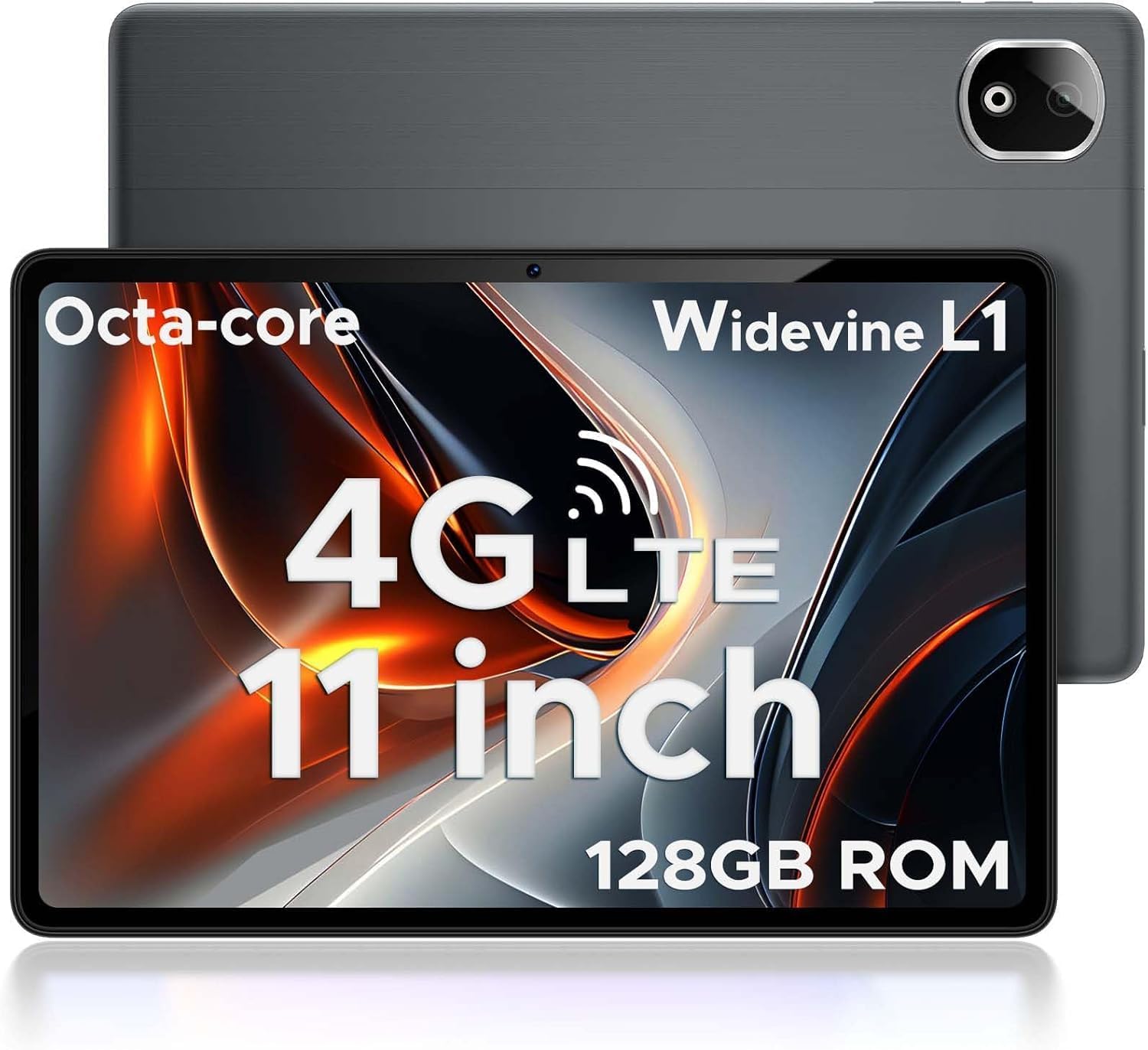
Figure 1.1: DOOGEE T30E Tablet, showcasing its sleek design and camera module.
2. What's in the Box
Upon opening the DOOGEE T30E package, you will find the following items:
- DOOGEE T30E Tablet (128GB Storage)
- USB-C Charging Cable
- Power Adapter
- User Manual
- SIM Ejector Tool
Video 2.1: Unboxing the DOOGEE T30E Tablet and its contents.
3. Initial Setup
3.1 Charging the Tablet
Before first use, fully charge your DOOGEE T30E tablet. Connect the provided USB-C cable to the tablet's charging port and the power adapter, then plug the adapter into a wall outlet. The battery indicator on the screen will show charging progress.
3.2 Powering On/Off
- To power on: Press and hold the Power button located on the side of the tablet until the DOOGEE logo appears.
- To power off: Press and hold the Power button, then select "Power off" from the options that appear on the screen.
3.3 SIM Card and MicroSD Card Installation
The DOOGEE T30E supports dual SIM cards and MicroSD card expansion up to 1TB. Use the provided SIM ejector tool to open the SIM tray.
- Locate the SIM tray on the side of the tablet.
- Insert the SIM ejector tool into the small hole next to the tray and push gently until the tray pops out.
- Place your Nano-SIM cards and/or MicroSD card into the designated slots on the tray. Ensure they are correctly oriented.
- Carefully push the tray back into the tablet until it clicks into place.

Figure 3.1: Location of the SIM card tray and dual speakers on the DOOGEE T30E.
Video 3.2: Demonstration of SIM card installation and 4G network capabilities.
4. Operating Instructions
4.1 Navigating the Android 14 Interface
The DOOGEE T30E runs on Android 14, offering an intuitive and secure user experience. Use touch gestures to navigate:
- Tap: Select an item or open an app.
- Swipe: Scroll through screens, menus, or content.
- Pinch: Zoom in or out on images and web pages.
- Long Press: Access contextual menus or move icons.

Figure 4.1: The Android 14 operating system interface on the DOOGEE T30E.
4.2 Connectivity (Wi-Fi, 4G LTE, Bluetooth)
Connect to the internet and other devices:
- Wi-Fi: Go to Settings > Network & internet > Wi-Fi to connect to available networks. Supports high-speed AC dual-band 2.4Ghz/5Ghz Wi-Fi.
- 4G LTE: With a valid SIM card, the tablet supports TD-LTE and FDD-LTE 4G for mobile data and VoLTE calls.
- Bluetooth 5.0: Enable Bluetooth in Settings > Connected devices > Connection preferences > Bluetooth to pair with headphones, speakers, or other Bluetooth-enabled devices.
4.3 Camera Usage
The tablet features a 13MP rear camera and an 8MP front camera for capturing photos and videos.
- Open the "Camera" app from the home screen or app drawer.
- Tap the shutter button to take a photo.
- Switch between photo and video modes as needed.
- Use the front/rear camera toggle for selfies or main shots.

Figure 4.2: Details on the 13MP rear camera and 5MP front camera capabilities.
4.4 Widevine L1 Support
The DOOGEE T30E supports Widevine L1, enabling high-definition streaming from popular platforms like Amazon Prime Video, YouTube, Disney+, and Hulu. This ensures a premium visual experience for your entertainment.
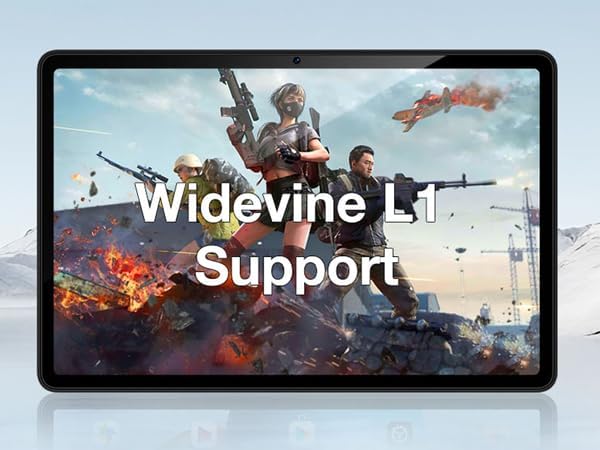
Figure 4.3: The tablet's display highlighting Widevine L1 support for high-definition streaming.
5. Key Features
5.1 Display and Performance
The tablet features an 11-inch HD display with a 1280x800 pixel resolution and an 83.2% screen-to-body ratio, providing an immersive viewing experience. Powered by a Spreadtrum T606 octa-core processor, it delivers superior performance for smooth multitasking and responsive gaming.

Figure 5.1: Visual comparison highlighting the 11-inch IPS large screen of the DOOGEE T30E.
Video 5.2: Overview of the 11-inch screen and 8000mAh battery capacity.
5.2 Memory and Storage
The T30E comes with 9GB RAM (4GB physical + 5GB virtual RAM expansion) and 128GB of internal storage. Storage can be expanded up to 1TB using a MicroSD card, providing ample space for apps, games, and media.

Figure 5.3: Illustration of the tablet's memory and storage capabilities.
Video 5.4: Demonstrating the 9GB RAM and 128GB ROM features of the DOOGEE Android tablet.
5.3 Battery Life
Equipped with an 8000mAh long-lasting battery, the DOOGEE T30E provides extended usage times for movies, music, and gaming, reducing battery anxiety.

Figure 5.5: Diagram illustrating the 8000mAh battery and its estimated usage times.
5.4 Audio Quality
The tablet is equipped with high-quality stereo speakers, delivering a 3D surround sound experience for enhanced audio enjoyment.
Video 5.6: Highlighting the high-quality stereo speakers of the 11-inch tablet.
6. Maintenance
6.1 Cleaning Your Tablet
To maintain the tablet's appearance and functionality:
- Use a soft, lint-free cloth to wipe the screen and body.
- For stubborn smudges, slightly dampen the cloth with water or a screen cleaner.
- Avoid using harsh chemicals, abrasive materials, or excessive moisture.
6.2 Software Updates
Regularly check for and install software updates to ensure optimal performance, security, and access to new features. Go to Settings > System > System update.
6.3 Battery Care
To prolong battery life:
- Avoid extreme temperatures.
- Do not let the battery completely drain frequently.
- Unplug the charger once the battery is full.
7. Troubleshooting
| Problem | Possible Solution |
|---|---|
| Tablet does not power on. | Ensure the battery is charged. Press and hold the Power button for at least 10-15 seconds to force a restart. |
| Wi-Fi connection issues. | Restart the tablet and your Wi-Fi router. Forget the network in Wi-Fi settings and reconnect. |
| Apps are crashing or freezing. | Clear the app's cache (Settings > Apps > [App Name] > Storage & cache > Clear cache). If the issue persists, uninstall and reinstall the app. |
| Slow performance. | Close unused apps, clear cache, and ensure sufficient storage space. Consider a factory reset as a last resort (backup data first). |
| SIM card not detected. | Ensure the SIM card is correctly inserted and activated. Restart the tablet. |
8. Specifications
- Model: T30E
- Operating System: Android 14
- Display: 11 Inches, 1280 x 800 pixels (HD)
- Processor: Spreadtrum T606 Octa-Core Processor (Unisoc)
- RAM: 9GB (4GB + 5GB RAM expansion)
- Internal Storage: 128GB
- Expandable Storage: Up to 1TB via MicroSD card
- Rear Camera: 13MP
- Front Camera: 8MP
- Battery: 8000mAh Lithium Ion (Average Battery Life: 2 days)
- Connectivity: 4G LTE (Dual SIM), 5G WiFi (802.11ac), Bluetooth 5.0
- Dimensions (LxWxH): 10 x 7 x 0.4 inches
- Item Weight: 2.01 pounds
- Additional Features: Widevine L1 Support, GPS, Face ID
9. Warranty and Support
The DOOGEE T30E comes with a 2-year warranty. Additionally, DOOGEE provides lifetime technical support and full 24/7 online support. If you encounter any problems or have questions regarding your tablet, please contact DOOGEE customer service for assistance. They aim to respond within 24 hours.
For further assistance, please visit the official DOOGEE website or refer to the contact information provided in your product packaging.


