
Lafocuse B0D31KMXF6

Lafocuse 12 Inch Outdoor Wall Clock with Thermometer and Hygrometer
Instruction Manual
Product Overview
The Lafocuse 12-inch Outdoor Wall Clock is designed for both indoor and outdoor use, featuring a durable waterproof construction, an accurate quartz movement, and integrated thermometer and hygrometer functions. Its classic farmhouse design with a distressed black frame and clear Arabic numerals makes it a stylish and functional addition to various environments.

Figure 1: Front view of the Lafocuse Outdoor Wall Clock, highlighting its waterproof design with water splashes.
Setup
1. Unpacking
Carefully remove the clock from its packaging. Inspect for any signs of damage. Keep the packaging for future storage or transport if needed.

Figure 2: The Lafocuse Wall Clock as it appears in its protective packaging.
2. Battery Installation
- Locate the battery compartment on the back of the clock.
- Insert one (1) AA battery into the compartment, ensuring the positive (+) and negative (-) terminals align correctly with the indicators. Note: Battery is not provided.
- Close the battery compartment cover securely.

Figure 3: Detailed view of the clock's features, including the silent clock movement mechanism at the back, where the battery is inserted.
3. Setting the Time
Once the battery is installed, turn the adjustment knob located on the back of the clock movement to set the correct time. Do not move the hands directly.
4. Mounting
The clock is designed for wall mounting. Choose a suitable location, ideally on a roofed outdoor wall for optimal protection and longevity, especially in harsh weather conditions. Ensure the mounting surface is stable and can support the clock's weight.
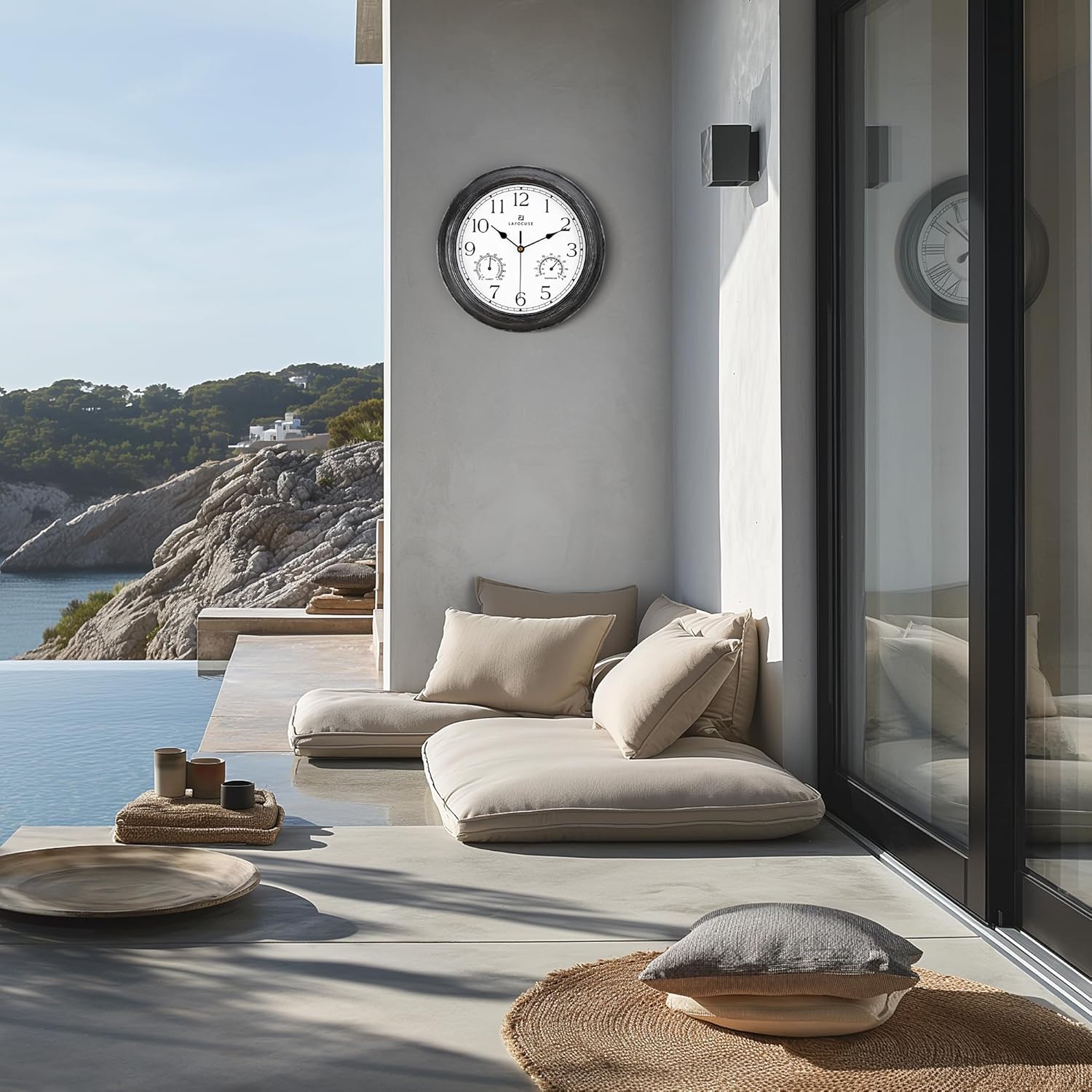
Figure 4: The clock displayed in an outdoor patio setting, demonstrating suitable placement.

Figure 5: The clock mounted on an exterior wall, illustrating its use in an outdoor environment.
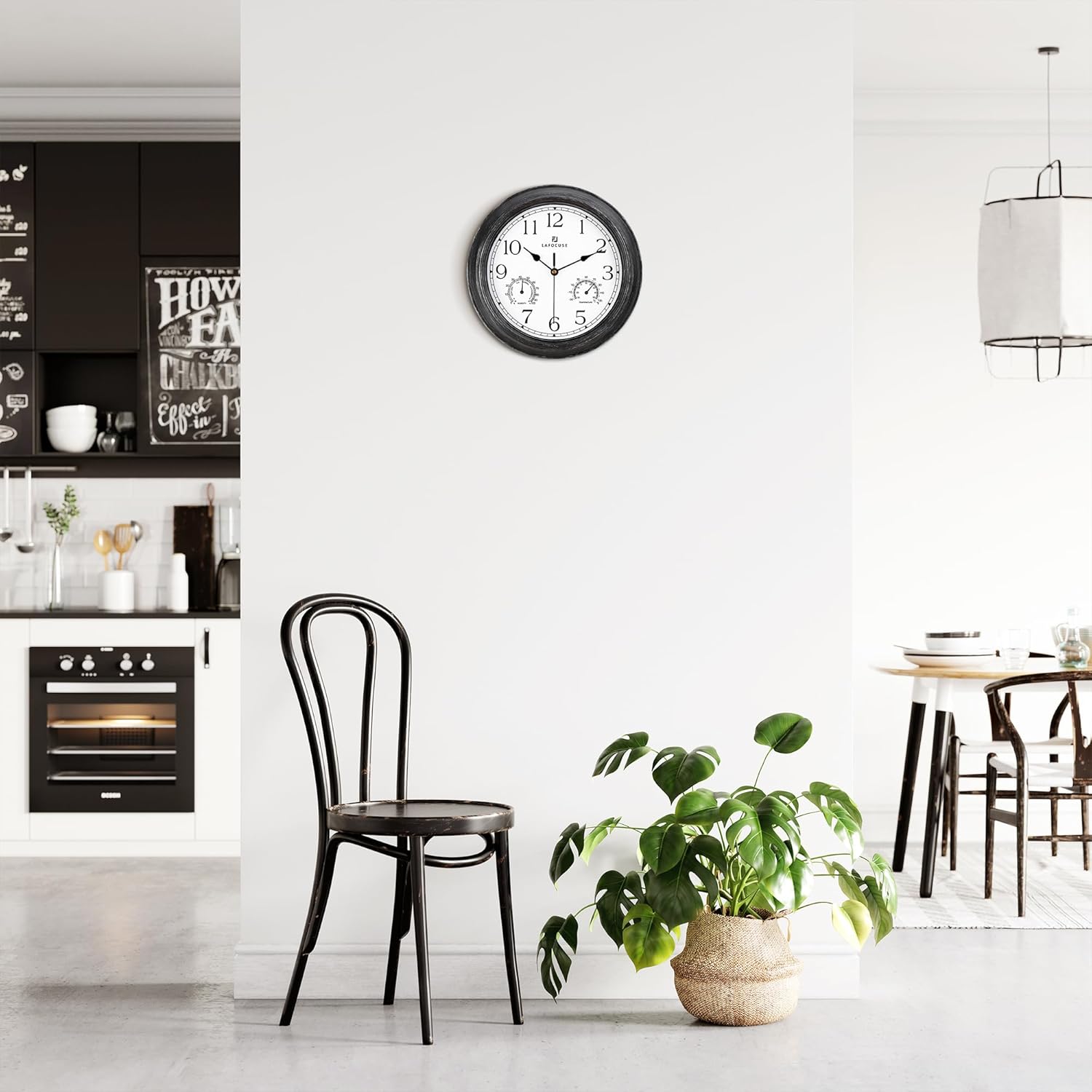
Figure 6: The clock displayed in an indoor setting, showcasing its versatility for various rooms.
Operating Instructions
Timekeeping
The clock utilizes a precise quartz movement to ensure accurate time display. Once the battery is installed and the time is set, the clock will operate continuously.
Thermometer and Hygrometer Functions
This clock includes integrated thermometer and hygrometer dials. These sensors provide readings for ambient temperature and humidity.
- Temperature Range: -30°F to 130°F. Please note that measurements below 14°F may be inaccurate.
- Humidity Range: 0% to 100% RH.
- Sensor Adjustment: When moving the clock to a new location, allow several minutes for the thermometer and hygrometer to adjust and display the current temperature and humidity accurately.
- Accuracy: Temperature error is approximately ±2°C. Humidity error is approximately ±8%.
Figure 7: Detailed view of the clock face, highlighting the thermometer and hygrometer dials for environmental readings.
Maintenance
Cleaning
To clean the clock, gently wipe the surface with a soft, dry cloth. For stubborn dirt, a slightly damp cloth can be used, followed by a dry cloth. Avoid using abrasive cleaners or solvents, as these may damage the finish or the waterproof sealing.
Battery Replacement
Replace the AA battery when the clock hands stop moving or the time becomes inaccurate. Follow the battery installation steps outlined in the Setup section.
Waterproof Care
While the clock is designed to be waterproof, it is recommended to hang it in a location with some overhead protection, such as a roofed patio or porch, to maximize its lifespan and maintain optimal performance, especially in areas with heavy rainfall or extreme weather conditions.

Figure 8: The clock undergoing a water test, showcasing its waterproof capabilities.
Troubleshooting
| Problem | Possible Cause | Solution |
|---|---|---|
| Clock hands not moving or time is inaccurate. | Battery is dead or incorrectly installed. | Replace the AA battery, ensuring correct polarity (+/-). |
| Thermometer/Hygrometer readings are inaccurate. | Sensors have not adjusted to the new environment. | Allow several minutes (up to 30 minutes) for the sensors to stabilize after moving the clock. Ensure the clock is not in direct sunlight or near heat/cold sources that could skew readings. |
| Clock appears damaged after exposure to water. | Extreme weather conditions or prolonged submersion beyond design limits. | Ensure the clock is installed under a roofed area for best protection. If damage persists, contact customer support. |
Specifications
| Feature | Detail |
|---|---|
| Brand | Lafocuse |
| Model | B0D31KMXF6 |
| Color | Black |
| Display Type | Analog |
| Style | Farmhouse |
| Special Features | Outdoor/Indoor, Silent non-ticking, Waterproof, with Thermometer and Hygrometer Combo |
| Product Dimensions | 12"W x 12"H (Diameter: 12" / 30 cm) |
| Power Source | Battery Powered (1 AA battery, not included) |
| Shape | Round |
| Material | Plastic |
| Frame Material | Plastic |
| Item Weight | 1.54 pounds |
| Manufacturer | Quarebest |
Warranty and Support
Movement Assurance
The Lafocuse Outdoor Wall Clock comes with a 3-Year Movement Assurance. If the clock experiences any quality problems related to its movement within 3 years from the date of purchase, please contact us for a solution.
Customer Support
For any questions, concerns, or support needs regarding your Lafocuse product, please refer to the contact information provided with your purchase or visit the official Lafocuse brand store online. We are committed to providing prompt assistance.
You can visit the Lafocuse Store at: Lafocuse Official Store
Ask a question about this manual
Ask about setup, troubleshooting, compatibility, parts, safety, or missing instructions. Manuals+ will review the question and use this page’s manual context to help answer it.