Introduction
This manual provides detailed instructions for the safe and efficient use of your LG SQC2 2.1 Channel Soundbar with Wireless Subwoofer. Please read this manual thoroughly before operating the unit and retain it for future reference. The LG SQC2 system is designed to enhance your home entertainment experience with clear audio and powerful bass, featuring 2.1 channel sound and a wireless subwoofer for flexible placement.
Key features include:
- 2.1 Channel Audio: Delivers a balanced sound experience.
- Wireless Subwoofer: Provides deep bass without the need for audio cables to the soundbar.
- Bluetooth Connectivity: Allows wireless streaming from compatible devices.
- Adaptive Sound Control (ASC): Optimizes sound settings based on content.
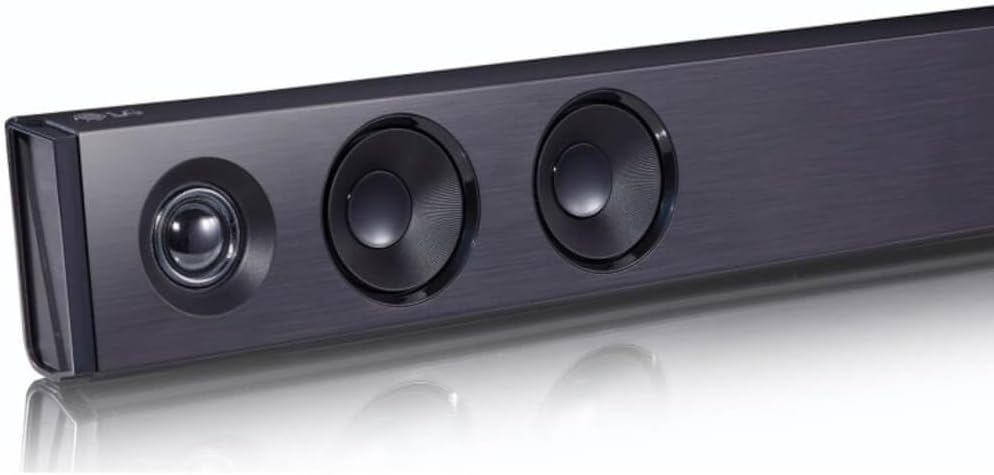
Image: An angled view of the LG SQC2 Soundbar, showcasing its front speakers and sleek profile.
What's in the Box
Carefully unpack all items and ensure you have the following components:
- LG SQC2 Soundbar
- Wireless Subwoofer
- Expected Accessories: Remote Control, Power Cords (for Soundbar and Subwoofer)

Image: Front view of the LG SQC2 Soundbar, showcasing its sleek design and speaker grilles.

Image: The LG SQC2 Wireless Subwoofer, a compact black unit designed to deliver deep bass.
Setup
1. Placement
Soundbar: Place the soundbar on a flat, stable surface directly in front of your television. Ensure there are no obstructions blocking the front speakers. The soundbar is designed for tabletop mounting.
Wireless Subwoofer: Position the wireless subwoofer anywhere in the room where it can receive power and is within range of the soundbar. For optimal bass performance, avoid placing it directly in a corner or enclosed space.
2. Power Connection
Connect the power cord to the soundbar's power input and then to a wall outlet. Do the same for the wireless subwoofer. The subwoofer will automatically attempt to pair with the soundbar once both are powered on.
3. Audio Connection to TV
Choose one of the following methods to connect the soundbar to your television:
- Optical Digital Audio Cable: Connect an optical cable from the OPTICAL IN port on the soundbar to the Optical Digital Output port on your TV. This is the recommended connection for high-quality digital audio.
- Bluetooth: For wireless audio from your TV (if supported) or other devices, refer to the "Bluetooth Pairing" section under Operating.
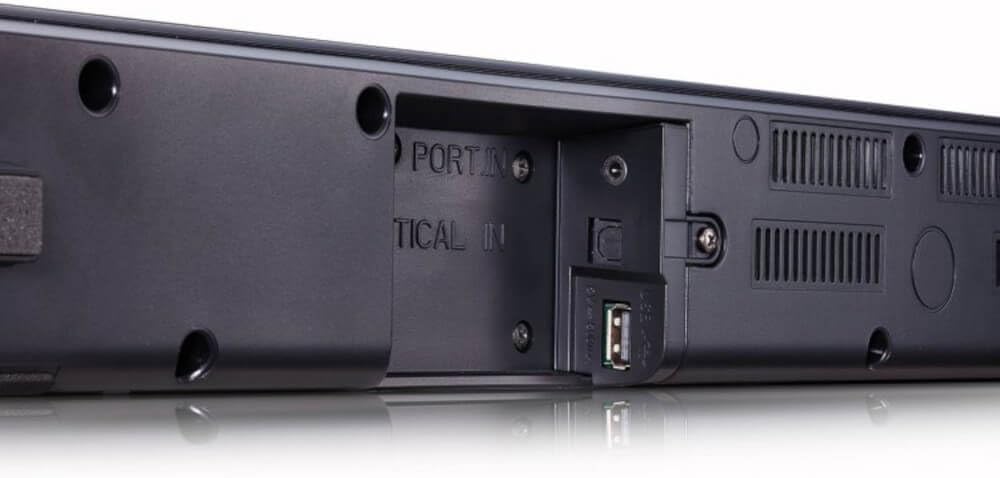
Image: Rear view of the LG SQC2 Soundbar, highlighting the "OPTICAL IN" port and other connection options.
Operating Instructions
1. Power On/Off
Press the Power button on the remote control or the soundbar to turn the unit on or off.
2. Input Selection
Press the Function button on the remote control or the soundbar repeatedly to cycle through available input sources (e.g., OPTICAL, BLUETOOTH).

Image: Top view of the LG SQC2 Soundbar, showing the integrated control buttons for power, volume, and function selection.
3. Volume Control
Use the Volume Up (+) and Volume Down (-) buttons on the remote control or the soundbar to adjust the master volume. The subwoofer volume can often be adjusted independently via the remote control.
4. Bluetooth Pairing
To connect a Bluetooth device (e.g., smartphone, tablet):
- Press the Function button on the soundbar or remote until "BT" (Bluetooth) is displayed.
- On your Bluetooth device, enable Bluetooth and search for available devices.
- Select "LG SQC2" from the list of devices. Once paired, the soundbar will indicate a successful connection.
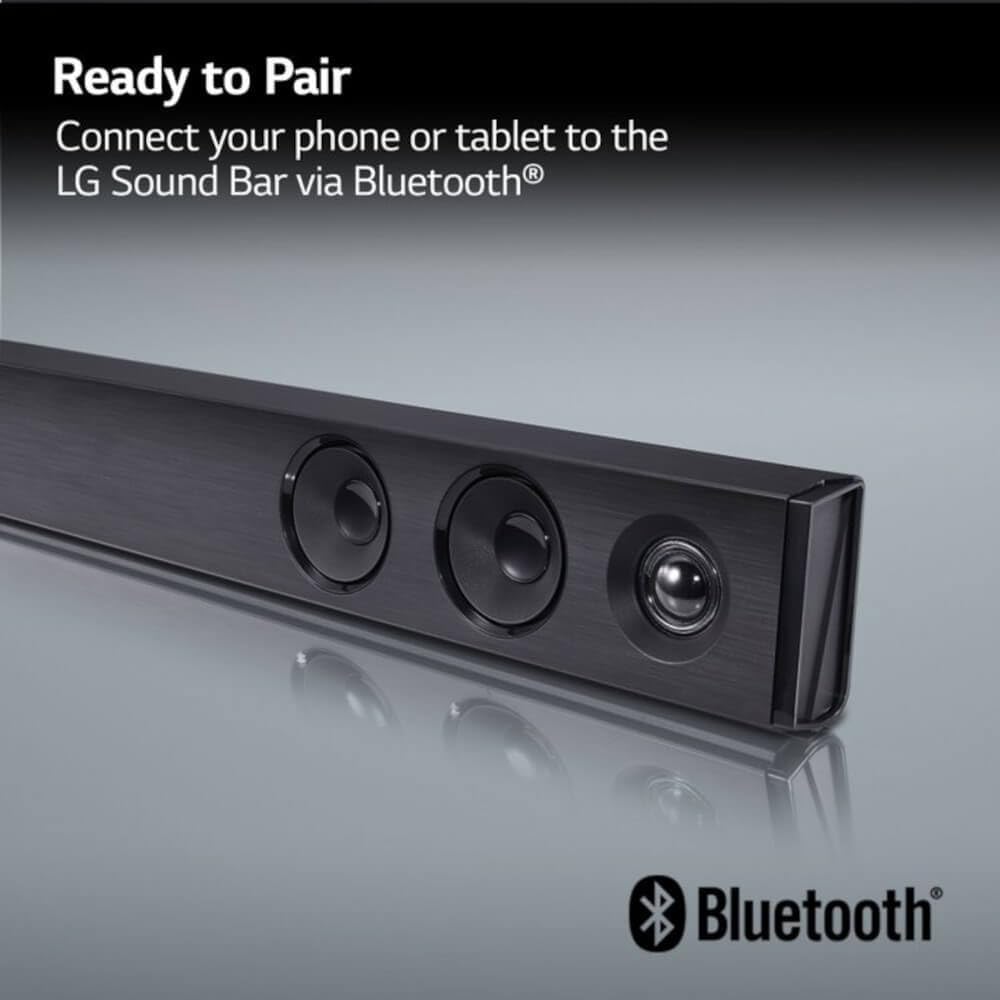
Image: The LG Soundbar displaying "Ready to Pair" with the Bluetooth logo, indicating it is in pairing mode.
5. Sound Modes
The LG SQC2 features Adaptive Sound Control (ASC), which automatically analyzes content and optimizes sound settings. Other sound modes may be available via the remote control to suit different audio types (e.g., Movie, Music, Standard).
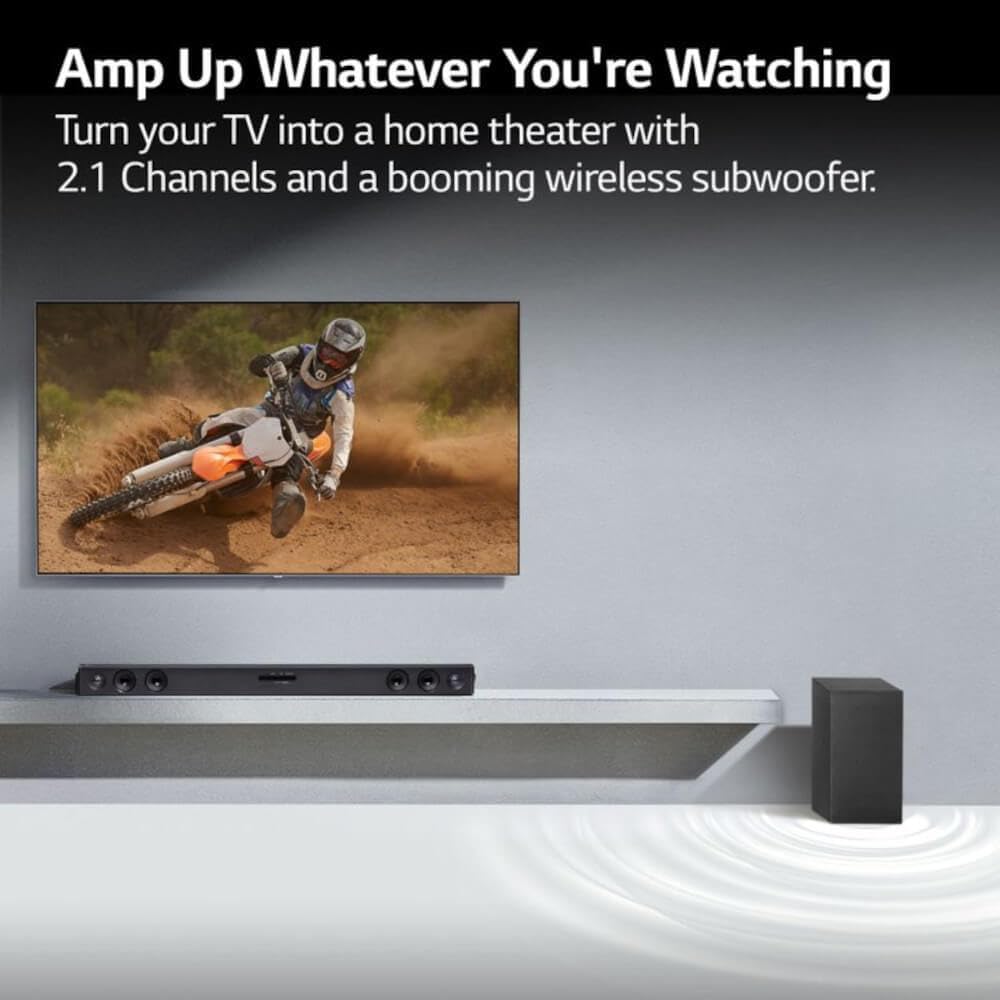
Image: An LG Soundbar and wireless subwoofer positioned below a television, illustrating their role in enhancing the audio experience for various content.
Maintenance
Cleaning
To clean the soundbar and subwoofer, use a soft, dry cloth. Do not use liquid cleaners, abrasive cleaners, or sprays, as these can damage the finish or internal components. Ensure the units are unplugged before cleaning.
Storage
If storing the unit for an extended period, unplug it from the power outlet and store it in a cool, dry place away from direct sunlight and extreme temperatures.
Troubleshooting
If you experience issues with your LG SQC2 soundbar system, refer to the following common problems and solutions:
- No Power:
- Check if the power cords for both the soundbar and subwoofer are securely plugged into the wall outlets and the units.
- Verify the wall outlet is functioning by plugging in another device.
- No Sound:
- Ensure the soundbar is powered on and the correct input source (e.g., OPTICAL, BLUETOOTH) is selected.
- Check the volume level on both the soundbar and your TV/connected device.
- If using an optical cable, ensure it is securely connected at both ends and that your TV's audio output is set to "Optical" or "External Speaker."
- If using Bluetooth, ensure the device is properly paired and connected.
- Subwoofer Not Pairing:
- Ensure both the soundbar and subwoofer are powered on.
- The subwoofer should automatically pair. If not, check the subwoofer's indicator light. If it's blinking, it's searching for a connection. If it's solid, it's connected.
- Refer to the specific pairing instructions in your full LG manual if automatic pairing fails. Sometimes a manual pairing button is available on the subwoofer.
- Try restarting both the soundbar and subwoofer by unplugging them for a minute and then plugging them back in.
- Bluetooth Connection Issues:
- Ensure the soundbar is in Bluetooth mode.
- Make sure your Bluetooth device is within range (typically 10 meters or 33 feet) and there are no significant obstructions.
- Try unpairing and re-pairing the device.
- Clear the Bluetooth memory on your device and the soundbar (if applicable) and try again.
Specifications
| Feature | Detail |
|---|---|
| Model Name | LG SQC2 |
| Speaker Type | Soundbar, Wireless Subwoofer |
| Surround Sound Channel Configuration | 2.1 |
| Speaker Maximum Output Power | 300 Watts |
| Connectivity Technology | Bluetooth, Optical |
| Wireless Communication Technology | Bluetooth |
| Subwoofer Connectivity Technology | Wireless |
| Control Method | Remote |
| Compatible Devices | Television |
| Recommended Uses | Home Entertainment, Watching TV, Listening to Music |
| Special Feature | Bass Boost, Adaptive Sound Control (ASC) |
| Material | Plastic |
| Product Dimensions (Overall System) | 41.1 x 16.4 x 8.5 inches |
| Item Weight (Overall System) | 18.39 pounds |
| Mounting Type | Tabletop Mount |
| Manufacturer | LG |
| UPC | 796575215764 |
Warranty and Support
The LG SQC2 2.1 Channel Soundbar with Wireless Subwoofer comes with a Limited Warranty. For specific details regarding warranty coverage, duration, and terms, please refer to the warranty card included with your product or visit the official LG website.
For technical support, service, or further assistance, please contact LG Customer Service. Contact information can typically be found on the LG official website or in the product packaging.
When contacting support, please have your product model number (SQC2) and serial number ready.