
Introduction
This user manual provides comprehensive instructions for the installation, operation, and maintenance of your Aroepurt Phone Case and Tempered Glass Screen Protector, designed specifically for the Senwa Plus Ls5018fp. This product offers robust protection and enhanced functionality for your device.
What's in the Box
- 1 x Aroepurt Phone Case (DYF-HJS model)
- 1 x Tempered Glass Screen Protector
- 1 x Adhesive Metal Finger Ring Support (pre-attached or separate, depending on packaging)
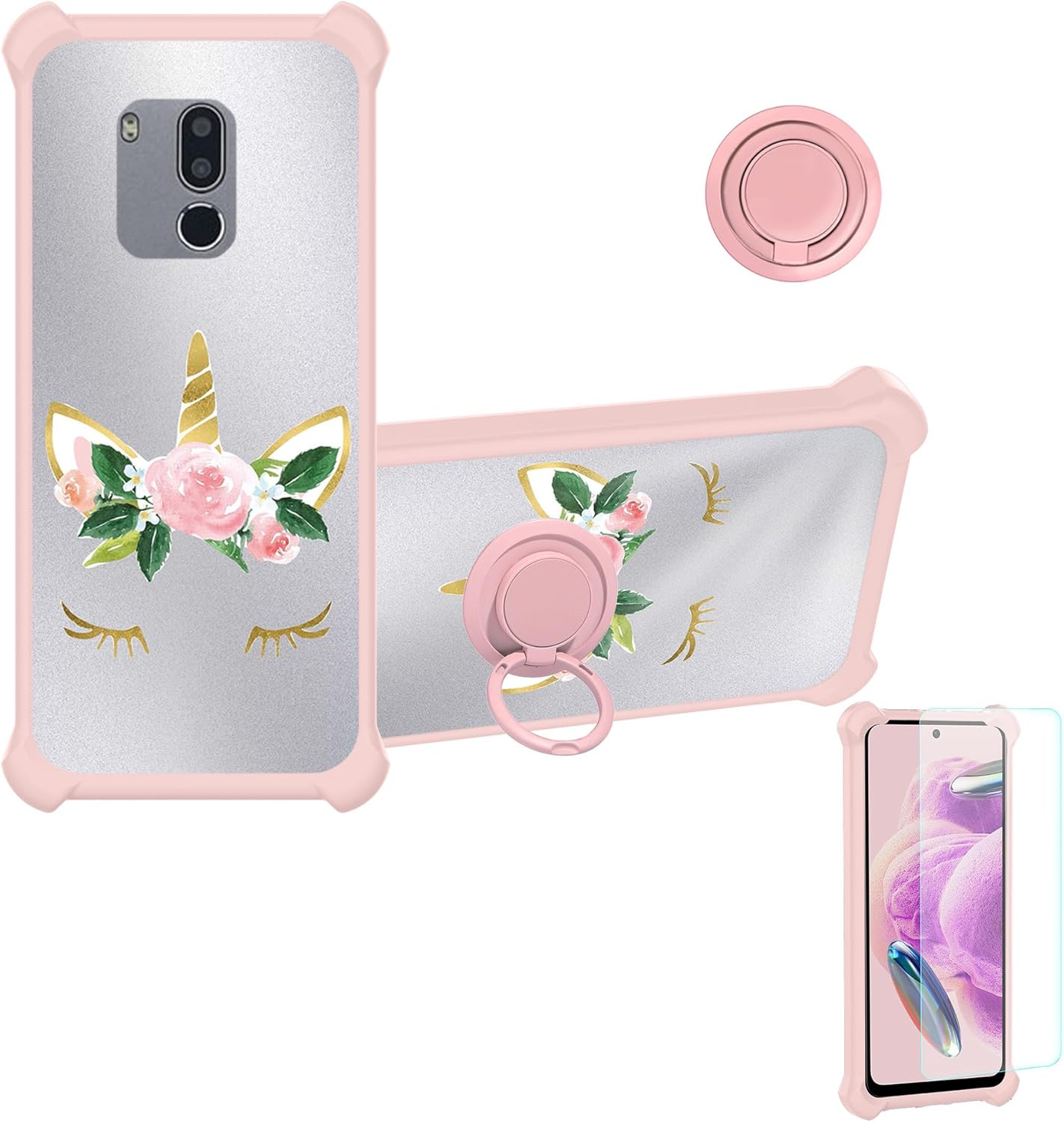
Image: Overview of the phone case, detachable ring stand, and tempered glass screen protector included in the package.
Setup and Installation
1. Installing the Tempered Glass Screen Protector
- Clean the Screen: Use a microfiber cloth to thoroughly clean your phone's screen, removing all dust, smudges, and fingerprints. Ensure the screen is completely dry.
- Align the Protector: Carefully align the tempered glass screen protector with your phone's screen, ensuring the cutouts for the camera and sensors match perfectly.
- Apply: Gently lower the protector onto the screen. It will adhere automatically. If bubbles appear, gently push them towards the edges using a soft cloth or squeegee.

Image: Key features of the tempered glass screen protector, including 9H hardness and anti-fingerprint properties.

Image: Visual representation of the screen protector's scratch-proof and shatterproof design.
2. Installing the Phone Case
- Insert Phone: Gently slide your Senwa Plus Ls5018fp phone into the soft silicone frame of the case, ensuring all buttons and ports align with the case's openings.
- Secure Fit: Press firmly around the edges to ensure the phone is fully seated within the case. The case is designed with a hard PC back panel and soft silicone frame for a secure fit.

Image: Illustration of the case's shockproof design with reinforced corners and shock airbags for impact absorption.
Operating Instructions
Using the Ring Support
- Finger Grip: Slide your finger through the ring for a secure grip, reducing the risk of accidental drops.
- Kickstand Function: Rotate the ring 180 degrees to use it as a kickstand for hands-free viewing in landscape mode.
- 360° Rotation: The ring can rotate 360 degrees, allowing for comfortable viewing angles from various positions.

Image: Demonstration of how the ring support facilitates one-hand operation and extended thumb reach on the screen.
Magnetic Car Mount Compatibility
The integrated metal plate within the ring support allows for direct attachment to magnetic car mounts (magnetic car mount not included). Simply place the back of the case onto a compatible magnetic car mount for secure navigation or hands-free calls.
Note: This case does not support wireless charging due to the metal ring component. Please remove the case for wireless charging or use a wired charger.

Image: Visual guide to using the case with a magnetic car mount and the rotational capabilities of the ring stand.
Maintenance and Care
- Cleaning the Case: Wipe the phone case with a soft, damp cloth to remove dust and smudges. For stubborn dirt, a mild soap solution can be used, followed by wiping with a clean, damp cloth and air drying.
- Cleaning the Screen Protector: Use a screen cleaner specifically designed for electronics and a microfiber cloth to clean the tempered glass. Avoid harsh chemicals.
- Avoid Extreme Temperatures: Do not expose the case or screen protector to extreme heat or cold, as this may affect their material integrity.
- Handle with Care: While designed for durability, avoid unnecessary drops or impacts to prolong the life of both the case and your phone.
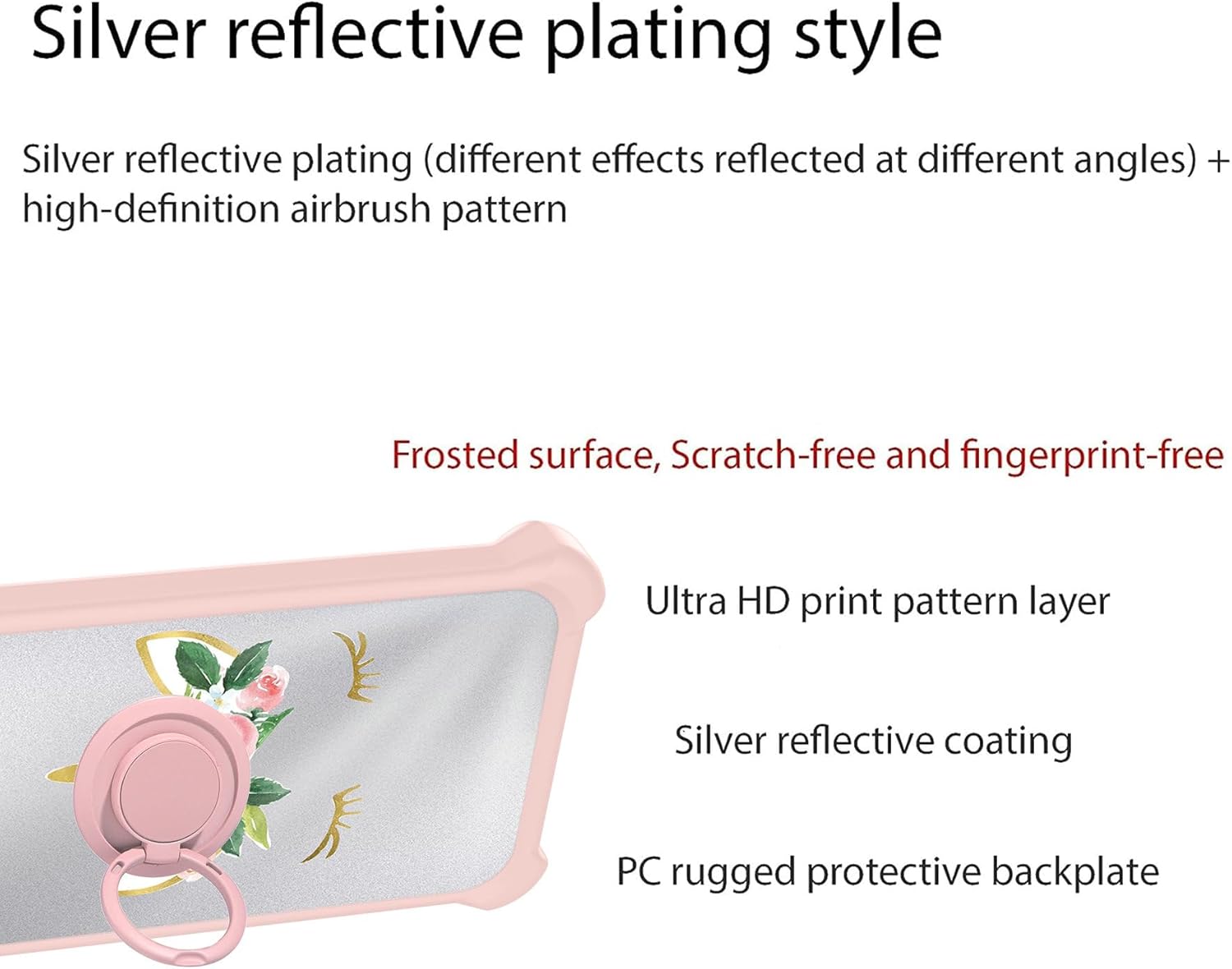
Image: Detailed view of the case's back panel construction, featuring a frosted surface that is scratch-free and fingerprint-free.
Troubleshooting
| Problem | Possible Cause | Solution |
|---|---|---|
| Bubbles under screen protector | Dust particles or improper application. | Gently lift the nearest edge of the protector and reapply, pushing out bubbles with a soft cloth. Ensure screen is dust-free before reapplication. |
| Phone not charging wirelessly | Metal ring on case interferes with wireless charging. | Remove the phone case before attempting wireless charging. Use a wired charger as an alternative. |
| Ring stand feels loose | Normal wear and tear or excessive force. | Ensure the ring is securely attached. If it becomes excessively loose, consider replacing the case. |
Specifications
| Feature | Detail |
|---|---|
| Compatible Phone Model | Senwa Plus Ls5018fp |
| Case Material | Hard PC back panel + Soft Silicone frame + Metal support finger ring |
| Screen Protector Hardness | 9H High Hardness |
| Special Features | 360° Rotating Ring, Finger ring support, Car bracket magnetic suction, Shock Airbags, Frosted surface, Silver Reflect Light |
| Color | DYF-HJS (Silver Reflect Light with Unicorn Design) |
| Product Dimensions | 0.39 x 0.39 x 0.39 inches (approximate, for packaging) |
| Item Weight | 2.46 ounces |
Warranty and Support
For information regarding warranty coverage, returns, or technical support, please refer to the product listing on the retailer's website or contact Aroepurt customer service directly through the contact information provided at the point of purchase. Please retain your proof of purchase for any warranty claims.