
PXOEH ELPLP87
PXOEH ELP-LP87 Projector Lamp Bulb User Manual
Model: ELPLP87 (V13H010L87)
1. Product Overview
The PXOEH ELP-LP87 (V13H010L87) is a high-quality replacement projector lamp bulb designed to restore optimal brightness and performance to your compatible Epson projector. This lamp features advanced wick technology for enhanced luminosity and extended operational life, ensuring a clear and vibrant projection experience.

Image 1: The PXOEH ELP-LP87 replacement projector lamp bulb, showcasing its design and integrated housing.
2. Key Features
- Enhanced Luminance: Equipped with a new generation of A+ wicks, providing 50% higher brightness compared to ordinary wicks.
- Extended Life: Designed for longevity, offering a highlight time of 3500-4500 hours, extending the operational life of your projector.
- Optimized Compatibility: Engineered through extensive data collection and testing to ensure accurate matching of production parameters, minimizing compatibility issues.

Image 2: Illustration highlighting the durability and eco power saving technique of the PXOEH lamp, indicating up to 4500 hours in energy saving mode and a 200-day warranty.
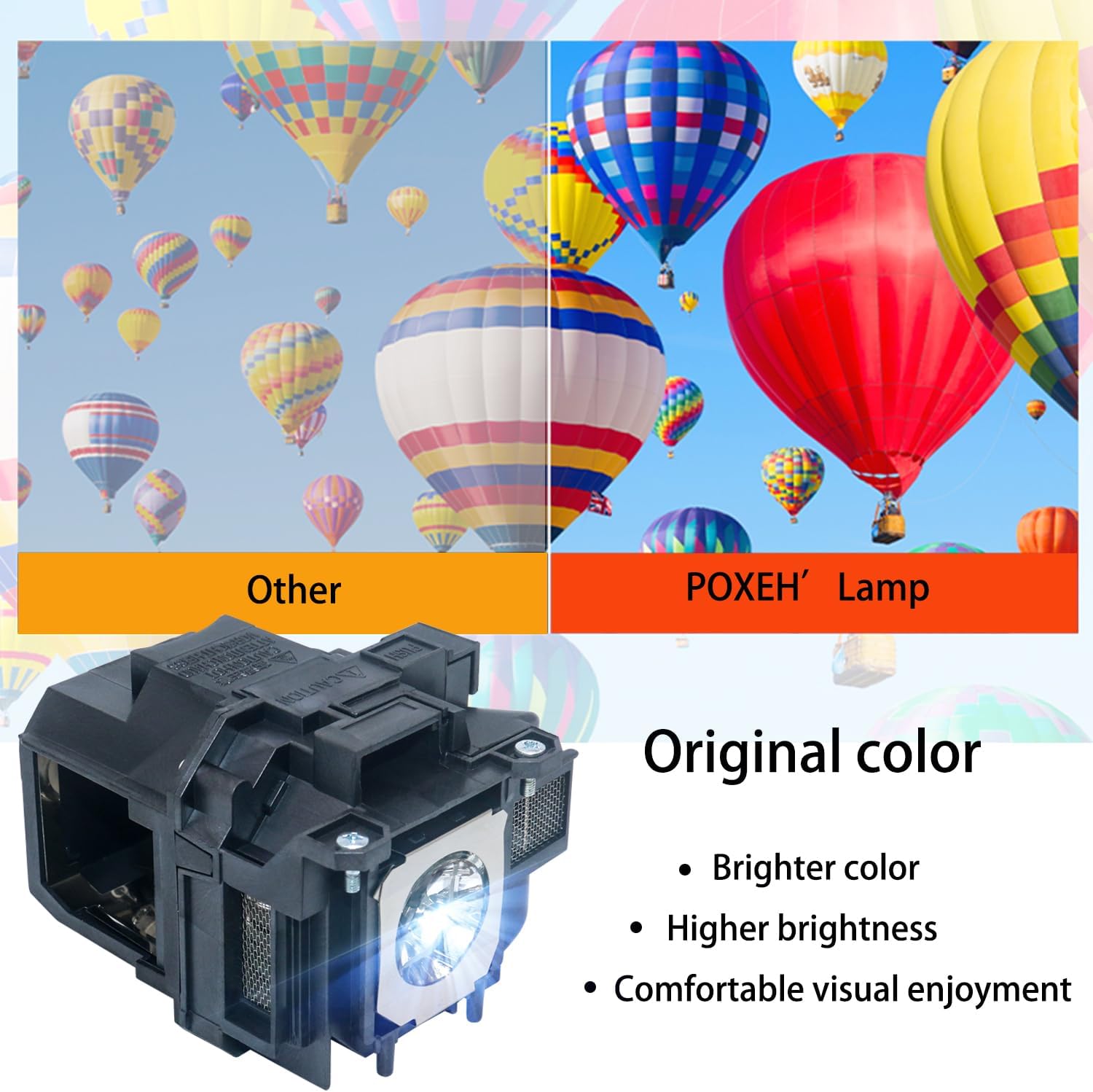
Image 3: A visual comparison demonstrating the "Original color" output of the PXOEH lamp versus other lamps, emphasizing brighter color, higher brightness, and comfortable visual enjoyment.

Image 4: Depiction of the lamp's ability to produce clear, bright, and gorgeous colors with 100% detail presentation, ensuring clarity even on large or small screens.

Image 5: An image illustrating the full-color picture and enhanced visual perception provided by the PXOEH lamp, restoring original colors and offering a brighter viewing experience.
3. Compatible Projector Models
This replacement lamp is compatible with a wide range of Epson PowerLite and BrightLink projector models, including but not limited to:
- EPSON BrightLink 536Wi
- PowerLite 520, 525W, 530, 535W
- PowerLite 955WH, 965H, 97H, 98H, 99WH
- PowerLite S27, W29, X27
- PowerLite 1040, 2045, 640, 2040, 740HD, VS240, EX3240, EX7240, EX5250
4. Installation Guide (Replacing the Lamp)
Warning: Let the lamp fully cool before replacing it to avoid injury.

Image 6: A step-by-step visual guide for replacing the projector lamp, showing the process from loosening screws to securing the new lamp.
- Step 1: Loosen Lamp Cover Screw. Locate the lamp cover on your projector. Loosen the screw securing the lamp cover. Then, slide the lamp cover off.
- Step 2: Loosen Lamp Securing Screws. Loosen the screws that secure the lamp assembly to the projector.
- Step 3: Remove Old Lamp. Carefully take out the old lamp set from the projector.
- Step 4: Insert New Lamp. Gently insert the new PXOEH ELP-LP87 lamp into the projector, ensuring it is seated correctly.
- Step 5: Tighten Securing Screws. Tighten the screws to secure the new lamp assembly in place.
- Step 6: Replace Lamp Cover. Replace the lamp cover and tighten its screw to secure it.
Note: Be sure the lamp cover is securely installed or the lamp will not come on. Reset the lamp timer to zero to keep track of the new lamp's usage.
5. Operating and Maintenance
Operating Considerations:
- Ensure proper ventilation around your projector to prevent overheating, which can shorten lamp life.
- Avoid frequent on/off cycles, as this can also reduce the lamp's lifespan.
- Operate the projector within its recommended temperature and humidity ranges.
Maintenance Tips:
- Regularly clean the projector's air filter to maintain optimal airflow and prevent dust buildup on the lamp.
- Monitor the lamp timer in your projector's menu to track usage and anticipate replacement.
- When handling the lamp, avoid touching the glass bulb directly with bare hands, as oils can cause hot spots and reduce lamp life.
6. Troubleshooting
Lamp Not Working After Installation:
If the new bulb does not work after installation, consider the following:
- Secure Installation: Double-check that the lamp assembly is fully seated and all securing screws are tightened.
- Lamp Cover: Ensure the lamp cover is securely installed and its screw is tightened. Many projectors have a safety switch that prevents the lamp from turning on if the cover is not properly closed.
- Reset Lamp Timer: After replacing the lamp, it is crucial to reset the lamp timer in your projector's settings. Refer to your projector's user manual for specific instructions on how to do this.
- Contact Support: If the issue persists after verifying the above steps, please refer to the "Warranty & Support" section for assistance.
7. Specifications
| Attribute | Detail |
|---|---|
| Brand | PXOEH |
| Model Number | ELPLP87 (V13H010L87) |
| Light Type | High Quality Projection Bulb |
| Special Feature | Long Lasting |
| Unit Count | 1.0 Count |
| Number of Items | 1 |
| Estimated Lamp Life | 3500-4500 hours (highlight time) |
8. Warranty & Support
PXOEH stands behind the quality of its products. This ELP-LP87 projector lamp bulb comes with a comprehensive 200-day warranty from the date of purchase.
- Warranty Coverage: If the bulb fails within the 200-day warranty period, PXOEH will provide an immediate replacement free of charge or issue a full refund.
- Contact Support: For any further information, technical assistance, or to claim your warranty, please contact PXOEH customer support. You can typically find contact details on the product packaging or through the seller's page on Amazon.
Ask a question about this manual
Ask about setup, troubleshooting, compatibility, parts, safety, or missing instructions. Manuals+ will review the question and use this page’s manual context to help answer it.