1. Product Overview
The Lifetime Air Mobile Air Conditioner is a versatile 3-in-1 appliance designed to cool, dehumidify, and ventilate rooms up to 16 square meters. Featuring an 8000 BTU cooling capacity, a two-speed fan, and a sleep mode, it provides comfortable climate control for various environments. Its mobile design with integrated casters allows for easy relocation, and the included remote control offers convenient operation from a distance. The unit operates at a low noise level of less than 65 dB, ensuring a quiet environment.
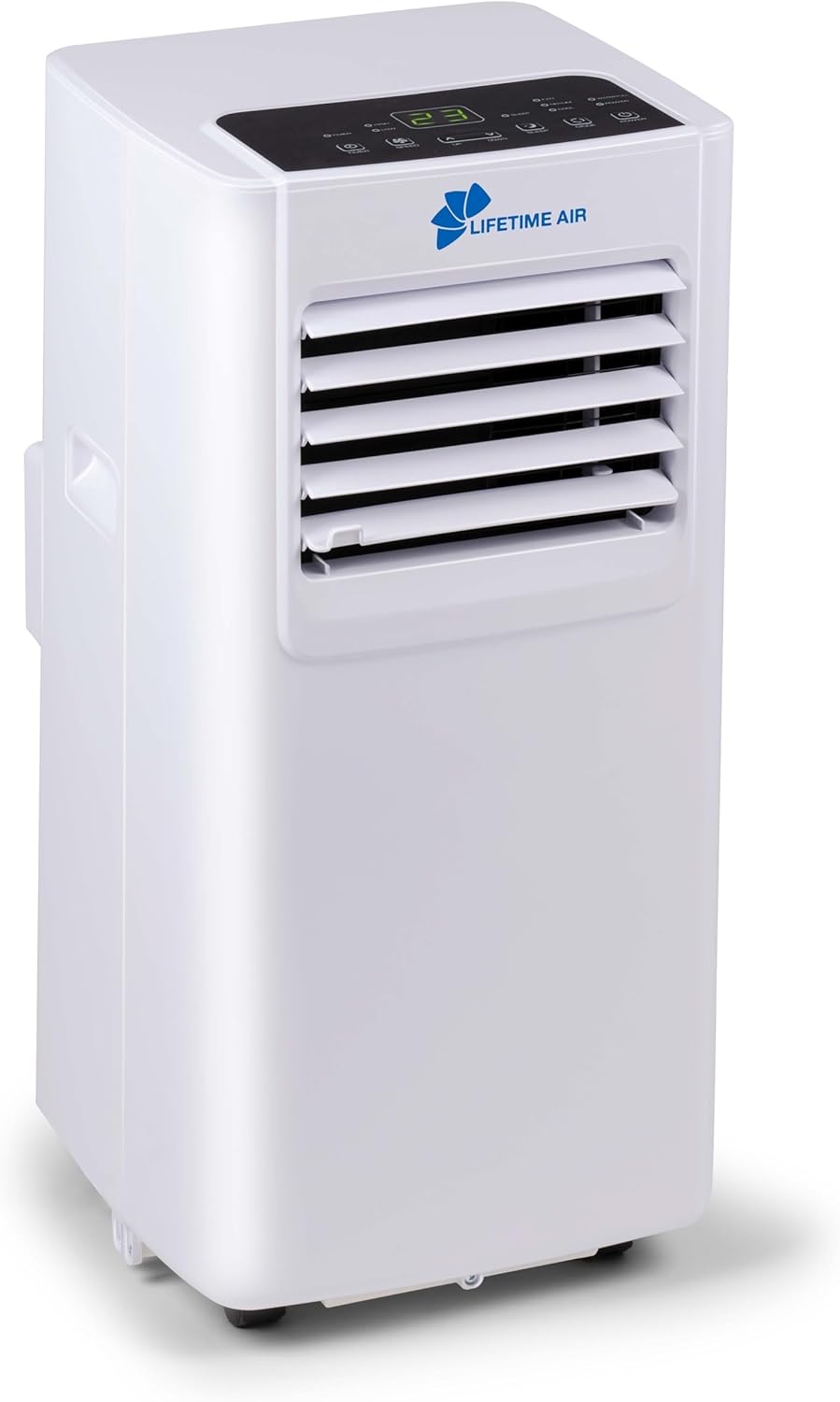
Image 1.1: Front view of the Lifetime Air Mobile Air Conditioner.

Image 1.2: Angled front view of the Lifetime Air Mobile Air Conditioner, highlighting its compact design.
2. Safety Information
Please read all safety instructions carefully before using this appliance. Failure to follow these instructions may result in electric shock, fire, or serious injury.
- Always connect the unit to a grounded power outlet with the correct voltage (220-240V ~ 50Hz).
- Do not operate the air conditioner with a damaged cord or plug.
- Do not block the air inlets or outlets. Ensure proper ventilation.
- Keep the unit away from water and other liquids. Do not immerse the unit in water.
- Do not insert objects into the air vents.
- Unplug the unit before cleaning or performing any maintenance.
- This appliance is not intended for use by persons (including children) with reduced physical, sensory or mental capabilities, or lack of experience and knowledge, unless they have been given supervision or instruction concerning use of the appliance by a person responsible for their safety.
- Children should be supervised to ensure that they do not play with the appliance.
- Ensure the exhaust hose is properly installed to vent hot air outside.
3. Package Contents
Verify that all components are present and undamaged upon opening the package:
- 1 x Lifetime Air Mobile Air Conditioner Unit
- 1 x Exhaust Hose
- 1 x Window Sealing Kit (Adjustable Window Panel, Hose Adapter, Connector)
- 1 x Remote Control
- 1 x User Manual (this document)
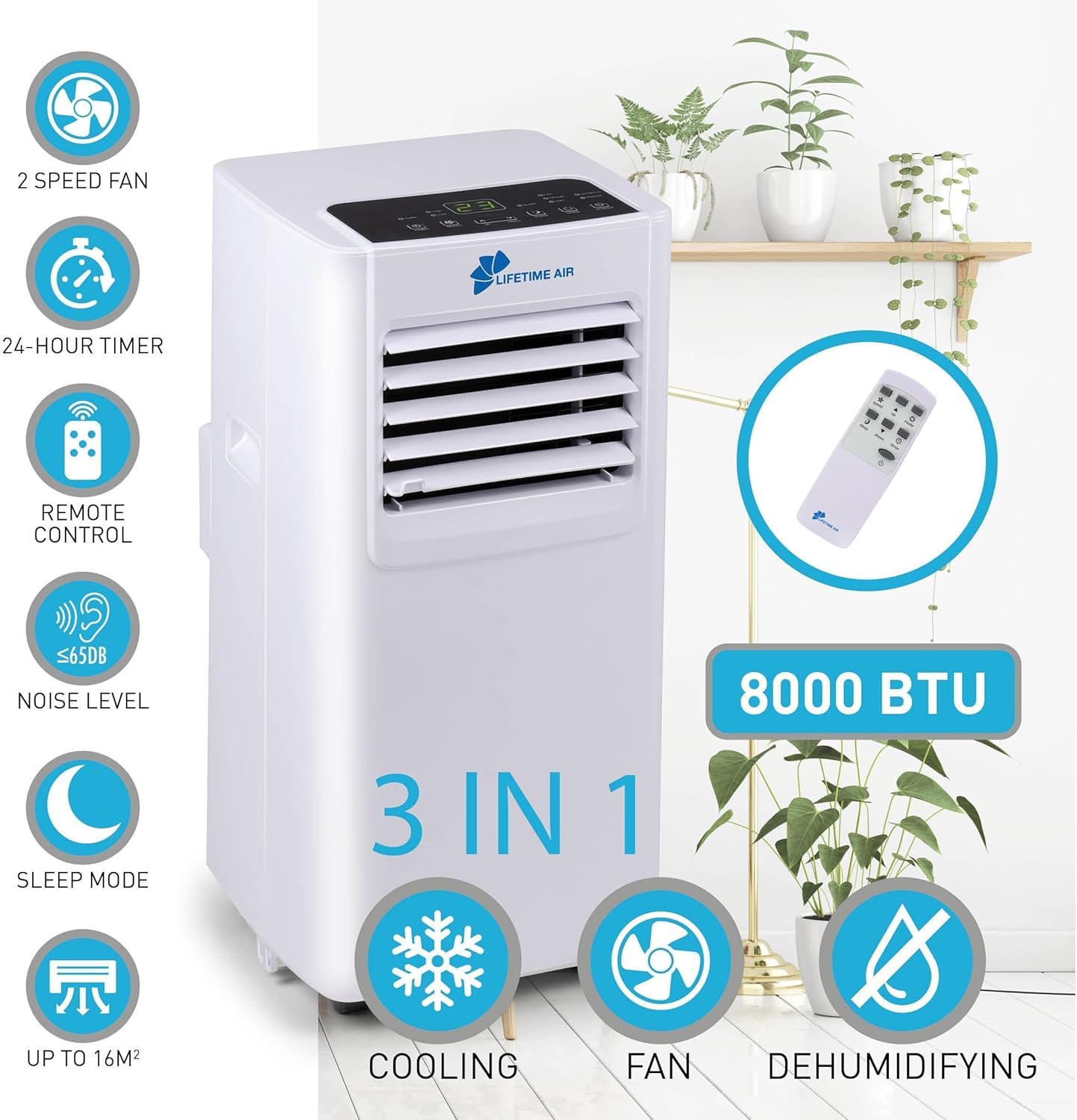
Image 3.1: Components of the exhaust hose and window sealing kit.
4. Product Features
- 3-in-1 Functionality: Offers Cooling, Dehumidifying, and Fan-only modes for year-round comfort.
- Mobile Design: Equipped with smooth-rolling casters for easy movement between rooms.
- Remote Control: Conveniently adjust settings from across the room.
- 24-Hour Timer: Program the unit to turn on or off automatically.
- Sleep Mode: Operates quietly with reduced fan speed for undisturbed rest.
- Low Noise Operation: Produces less than 65 dB of sound, suitable for bedrooms and living areas.
- LED Display: Clear digital display for current settings and temperature.

Image 4.1: Close-up view of the durable casters for easy mobility.
5. Setup and Installation
Follow these steps to set up your mobile air conditioner:
- Positioning: Place the air conditioner on a flat, stable surface near a window and a grounded power outlet. Ensure there is at least 30 cm (12 inches) of space around the unit for proper airflow.
- Assemble the Exhaust Hose: Attach the hose adapter to one end of the exhaust hose by twisting it clockwise until secure.
- Connect to Unit: Insert the other end of the exhaust hose (with the adapter) into the exhaust port on the back of the air conditioner. Twist to lock it in place.
- Install Window Kit:
- Open your window.
- Adjust the window sealing panel to fit the window opening. Secure it in place.
- Attach the window kit connector to the opening in the window sealing panel.
- Connect the free end of the exhaust hose (with the connector) to the window kit connector. Ensure a tight seal to prevent hot air from re-entering the room.
- Power Connection: Plug the power cord into a grounded 220-240V ~ 50Hz electrical outlet.

Image 5.1: Exhaust hose properly installed with the window kit.
6. Operation
The air conditioner can be operated using the control panel on the unit or the remote control.
Control Panel Overview
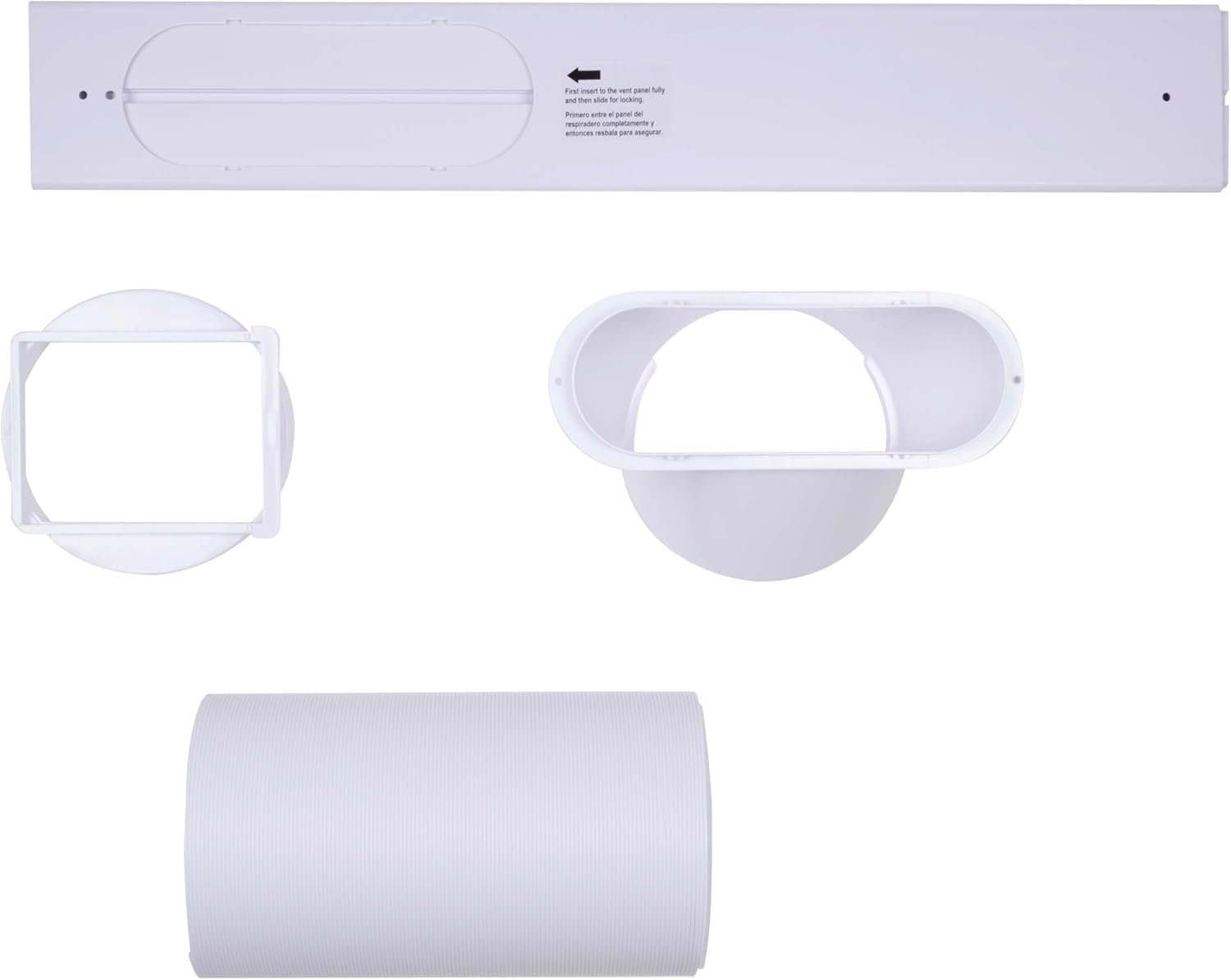
Image 6.1: Detailed view of the control panel and LED display.
- POWER Button: Press to turn the unit ON or OFF.
- MODE Button: Cycle through operating modes: Cool, Dehumidify, Fan.
- SPEED Button: Adjust fan speed (High/Low) in Cool or Fan mode.
- UP/DOWN Buttons (Temperature/Timer): Adjust desired temperature in Cool mode or set timer duration.
- SLEEP Button: Activates Sleep mode for quieter operation and gradual temperature adjustment.
- TIMER Button: Set the 24-hour timer for automatic ON/OFF.
Operating Modes
- Cool Mode: Select this mode for cooling. Use UP/DOWN buttons to set the desired temperature. The fan speed can be adjusted.
- Dehumidify Mode: Removes excess moisture from the air. The fan speed is typically fixed in this mode. Ensure continuous drainage if operating for extended periods.
- Fan Mode: Circulates air without cooling. Select High or Low fan speed.
Timer Function
To set the timer for automatic shut-off or turn-on:
- Press the TIMER button.
- Use the UP/DOWN buttons to set the desired number of hours (1-24) for the unit to turn ON or OFF.
- The timer indicator light will illuminate.
7. Maintenance
Regular maintenance ensures optimal performance and extends the lifespan of your air conditioner.
Cleaning the Air Filter
The air filter should be cleaned every two weeks or more frequently depending on usage and air quality.
- Unplug the air conditioner from the power outlet.
- Locate the air filter panel (usually on the back or side of the unit).
- Remove the filter.
- Clean the filter with a vacuum cleaner or wash it with warm, soapy water. Rinse thoroughly.
- Allow the filter to air dry completely before reinserting it.
Draining Condensed Water
The unit collects condensed water during operation. When the internal water tank is full, the unit will stop operating and display a "Water Full" indicator. You will need to drain the water.
- Unplug the air conditioner.
- Place a shallow pan or tray under the drainage port (usually at the bottom rear of the unit).
- Remove the drain plug/cap.
- Allow all water to drain out.
- Replace the drain plug/cap securely.
For continuous drainage in Dehumidify mode, connect a suitable drain hose (not included) to the continuous drainage port and lead it to a floor drain or bucket.
Cleaning the Unit Exterior
Wipe the exterior of the unit with a soft, damp cloth. Do not use harsh chemicals, abrasives, or solvents.
8. Troubleshooting
If you encounter issues with your air conditioner, refer to the following common problems and solutions:
| Problem | Possible Cause | Solution |
|---|---|---|
| Unit does not turn on. | No power supply. Power button not pressed. | Check power cord connection and outlet. Press the POWER button. |
| Unit is running but not cooling. | Air filter is dirty. Exhaust hose not properly installed. Room size too large. Doors/windows open. | Clean the air filter. Ensure exhaust hose is securely connected and venting outside. Unit is designed for rooms up to 16 m². Close all doors and windows. |
| "Water Full" indicator is on. | Internal water tank is full. | Drain the condensed water from the unit. |
| Unit is noisy. | Unit not on a flat surface. Obstruction in fan. | Place unit on a flat, stable surface. Check for and remove any obstructions. |
| Remote control not working. | Batteries are dead or incorrectly inserted. Obstruction between remote and unit. | Replace batteries and check polarity. Remove any obstructions. |
If the problem persists after trying these solutions, please contact customer support.
9. Specifications
| Feature | Specification |
|---|---|
| Model Number | 8711252495477 |
| Manufacturer | Lifetime Air |
| Product Dimensions (L x W x H) | 32.9 x 31.6 x 67.5 cm |
| Weight | 23 kg |
| Color | White |
| Power Source | Corded Electric |
| Voltage | 220-240 V |
| Frequency | 50 Hz |
| Wattage | 900 W |
| Cooling Capacity | 8000 BTU |
| Noise Level | 65 dB (max) |
| Recommended Room Size | Up to 16 m² |
| Refrigerant | R32 |
| Special Features | Dehumidifier, Remote Control, Timer, Sleep Mode, LED Display |
10. Warranty and Support
For warranty information, technical support, or service inquiries, please refer to the warranty card included with your product or contact Lifetime Air customer service directly. Keep your proof of purchase for warranty claims.
For the most up-to-date contact information, please visit the official Lifetime Air website or refer to the contact details provided in your product packaging.


