
1. Introduction
This manual provides instructions for the operation and maintenance of your Pomya 1080P HD Mini DV Camera. Please read this manual thoroughly before using the device to ensure proper functionality and to prevent damage.
2. Product Features
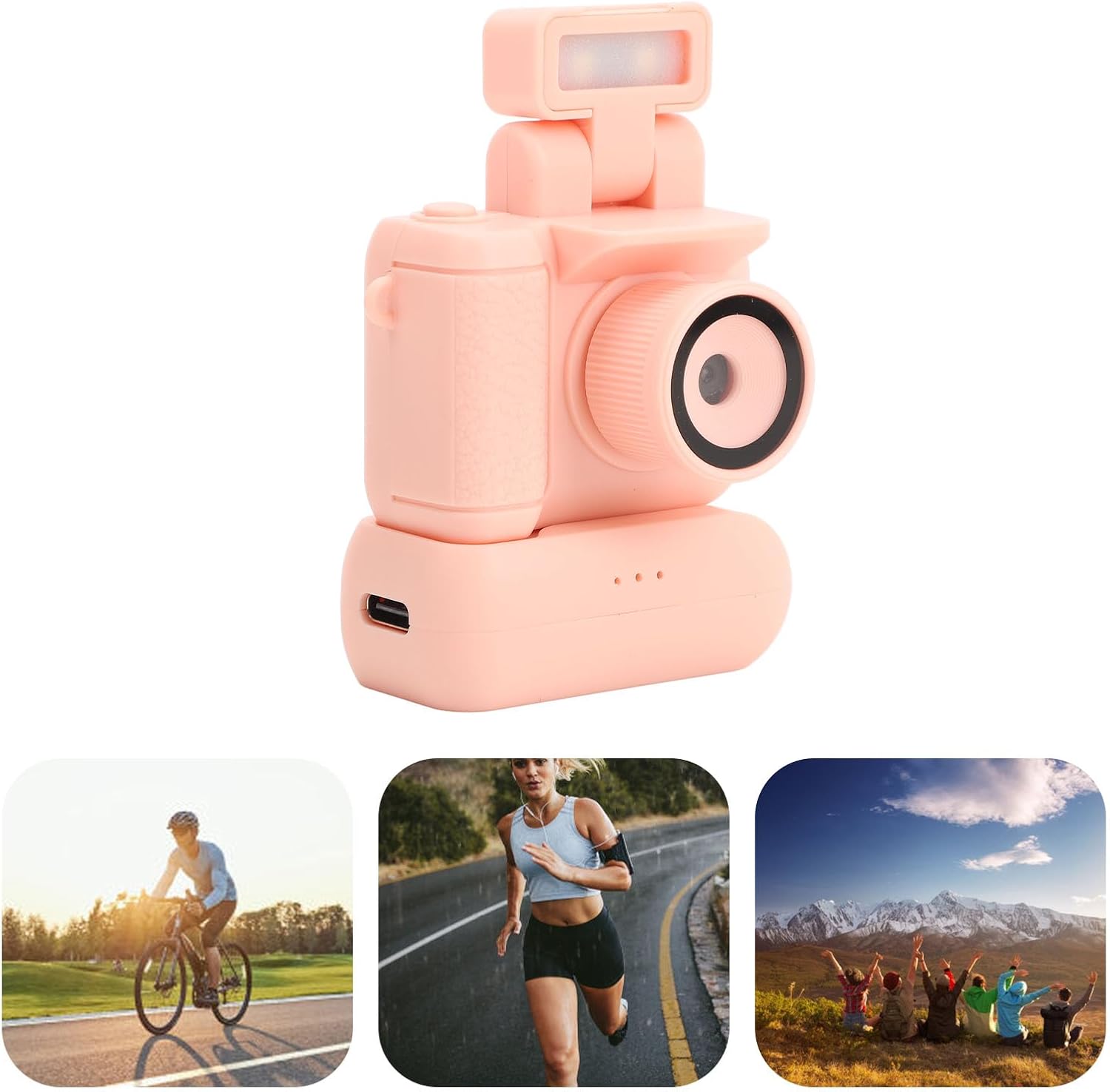
- High Definition Lens: Records videos in 1080P HD resolution and captures clear images with an optical lens. Features a flip-up flashlight for low-light environments.
- Large Advanced Screen: Equipped with a 1.44-inch display for real-time previews, aiding in clearer photo capture.
- Long Battery Life: Includes a 480mAh battery. When used with the charging case, the device can operate for up to a week.
- Automatic Loop Recording: Automatically saves segmented videos and overwrites the earliest segment when the memory card is full, ensuring continuous recording.
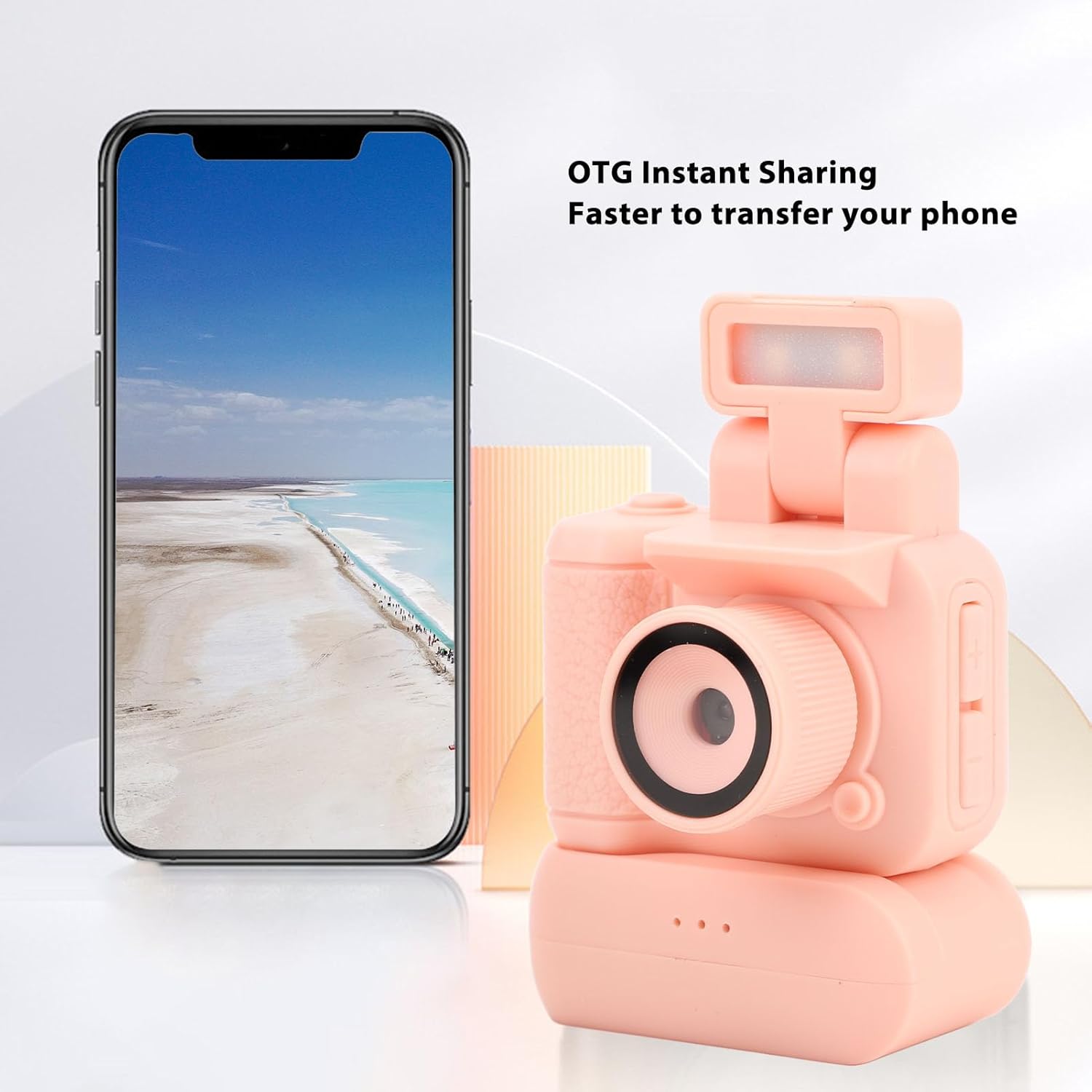
- OTG Connection: Compatible with Android 8.0 and newer systems for instant transfer and viewing of photos on smartphones.

3. What's in the Box
Verify that all items are present in the package:
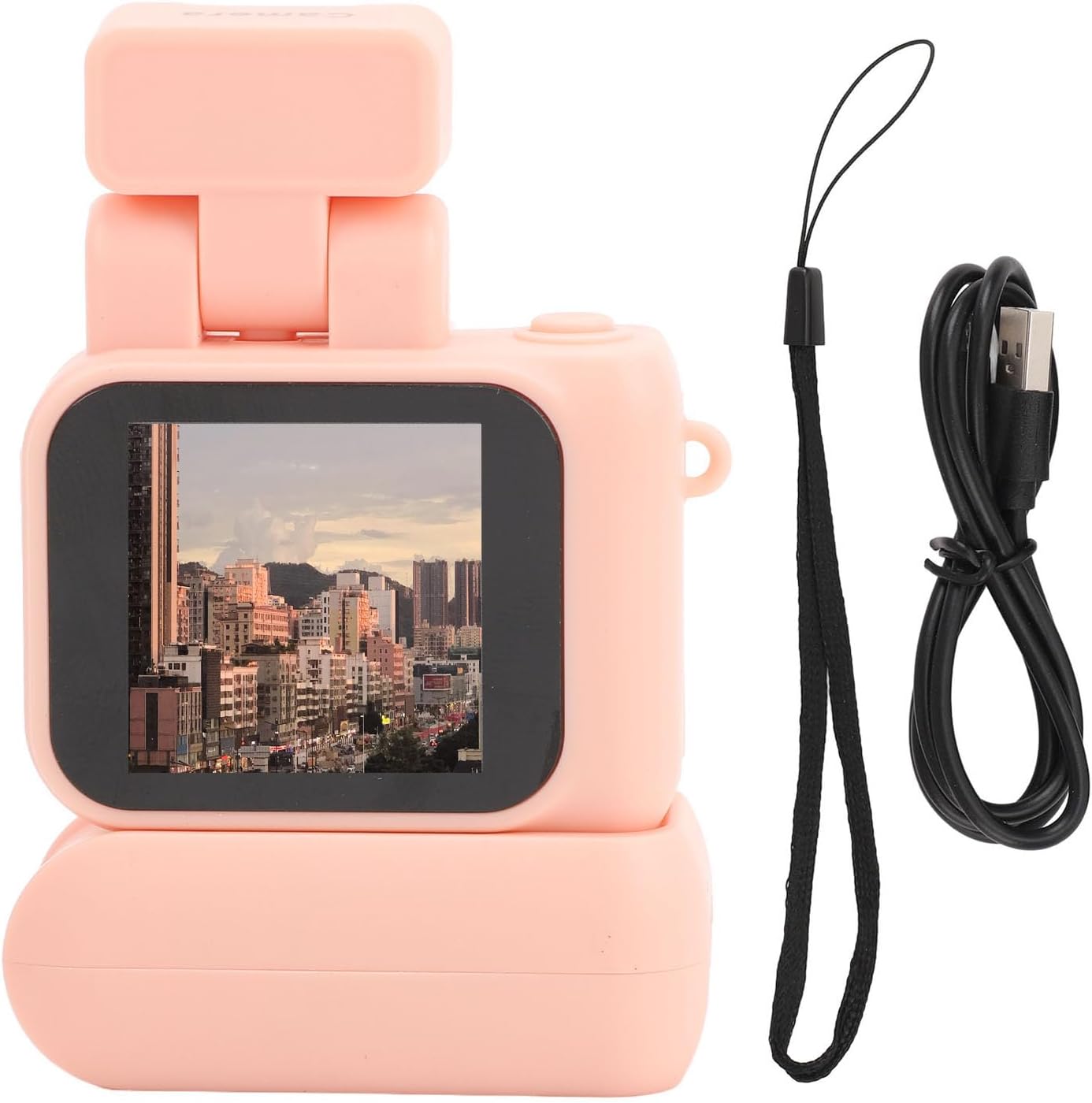
- 1 x Small DV Camera
- 1 x Charging Case
- 1 x Hand Strap
- 1 x Charging Cable
4. Setup
- Insert Memory Card: Locate the memory card slot on the camera. Insert a compatible storage card (up to 512GB, not included) into the slot until it clicks into place.
- Charge the Device: Connect the charging cable to the camera's USB port and a power source. The camera has a 480mAh battery, and the charging case has an 180mAh battery. Ensure both are fully charged before first use.
- Power On: Press and hold the top power button to turn on the camera.

Video: Demonstrates the unboxing and initial setup of the Pomya Mini DV Camera, including connecting the charging cable and hand strap.
5. Operating Instructions
5.1 Basic Operation
- Power On/Off: Press and hold the top power button to turn the camera on or off.
- Menu Navigation: Use the side buttons to navigate through the menu options. You can select between photo mode, video mode, and gallery.
- Switch Shooting Effect: The side buttons also allow you to switch between different shooting effects.

5.2 Using the Flashlight
The camera features a flip-up flashlight to enhance visibility in low-light conditions. Activate or deactivate the flashlight as needed to improve image quality.

5.3 OTG Connection
For quick transfer and viewing of media, connect the camera to your Android 8.0 or higher smartphone using the OTG function. This allows for instant access to your photos and videos without needing a computer.

Video: Overview of the camera's features, including its 1.44-inch color screen and 1080P HD recording capabilities.
Video: Demonstrates the camera's compact size and its ability to record 1080P HD video with a color screen.
Video: A brief demonstration of the camera's compact design and its function as a DVR camcorder for video recording.
6. Maintenance
To ensure the longevity and optimal performance of your camera, follow these maintenance guidelines:
- Cleaning: Use a soft, dry cloth to clean the camera body. For the lens and screen, use a specialized lens cleaning cloth and solution to avoid scratches.
- Storage: Store the camera in a cool, dry place away from direct sunlight, extreme temperatures, and high humidity.
- Battery Care: If not using the camera for an extended period, charge the battery periodically to maintain its health.
7. Troubleshooting
If you encounter issues with your Pomya Mini DV Camera, refer to the following common solutions:
- Camera not turning on: Ensure the battery is charged. Connect the camera to a power source and try again.
- Cannot record video/take photos: Check if a memory card is inserted correctly and if it has sufficient free space. The card might be full or corrupted.
- Poor image/video quality: Ensure the lens is clean and free from smudges. Check lighting conditions and use the flashlight if necessary.
- OTG connection issues: Verify that your smartphone supports OTG functionality and that the cable is securely connected.
8. Specifications
| Feature | Detail |
|---|---|
| Brand Name | Pomya |
| Item Weight | 3.32 ounces |
| Package Dimensions | 4.33 x 3.54 x 1.97 inches |
| Item Model Number | Pomya46smqa3vec-12 |
| Color | Pink |
| Special Features | Adjustable |
| Shooting Modes | RM |
| Exposure Control Type | Manual |
| Video Capture Resolution | 1080p |
| Water Resistance Level | Not Water Resistant |
| Storage Support | Up to 512G storage card (not included) |
| Battery Capacity | 480mA (camera), 180mAh (charging case) |
9. Warranty and Support
This product comes with a standard manufacturer's warranty. Please refer to the product packaging or retailer's website for specific warranty terms and conditions.
For technical support or customer service inquiries, please contact your point of purchase or visit the official Pomya website for assistance.