
1. Introduction
The Dpofirs Smart Health Ring is a sophisticated device designed for motion monitoring and health tracking. It features advanced sensors to analyze key data, helping users maintain an active and balanced lifestyle. The ring is energy-efficient, offering extended battery life, and is compatible with both Android and iOS devices via the JYouPro application. Its durable ceramic and stainless steel construction ensures IP68 waterproof and dustproof capabilities, making it suitable for various daily activities, including hand washing, bathing, and swimming.

Image: A person wearing the silver Smart Health Ring, demonstrating its discreet and comfortable fit.
2. What's Included
Upon opening the package, please verify that all the following items are present:
- 1 x Smart Health Ring
- 1 x User Manual (this document)
- 1 x Charging Cable

Image: The Smart Health Ring displayed next to its dedicated charging cable, showing the complete set of essential components.
3. Specifications
| Feature | Detail |
|---|---|
| Item Type | Smart Health Ring |
| Material | Ceramic, Stainless Steel |
| Battery Type | Built-in Battery |
| Battery Capacity | 18mAh |
| Battery Life | Approximately 7 Days |
| Charging Time | Approximately 60 Minutes |
| Compatible APP | JYouPro |
| Compatible Devices | Android, iOS Smartphones |
| Waterproof Rating | IP68 (Waterproof and Dustproof) |
| Color | Silver |
| Model Name | Dpofirsa25undw8ke-13 |
4. Setup Guide
4.1 Initial Charging
Before first use, fully charge your Smart Health Ring. Connect the provided charging cable to the ring and a compatible USB power source (e.g., computer USB port, USB wall adapter). A full charge takes approximately 60 minutes. The ring's indicator light will show charging status (refer to the app for detailed battery percentage).

Image: A top-down view of the Smart Health Ring, highlighting its sleek design and the charging contact points on the inner surface.
4.2 App Installation and Pairing
- Download the JYouPro App: Search for "JYouPro" in your smartphone's app store (Google Play Store for Android or Apple App Store for iOS) and download the official application.
- Create an Account: Open the JYouPro app and follow the on-screen instructions to create a new user account or log in if you already have one.
- Enable Bluetooth: Ensure Bluetooth is enabled on your smartphone.
- Pair the Ring: Within the JYouPro app, navigate to the device pairing section. The app will search for nearby Smart Health Rings. Select your ring from the list to initiate the pairing process. Follow any additional prompts in the app to complete the connection.
- Profile Setup: Complete your personal profile within the app, including details such as age, gender, height, and weight. This information is crucial for accurate health data analysis.
5. Operating Instructions
The Smart Health Ring continuously monitors your health data once paired with the JYouPro app. Data is automatically synced to your smartphone when the ring is within Bluetooth range and the app is running.
5.1 Motion Monitoring
The ring tracks your motion data throughout the day. This includes steps taken, distance covered, and calories burned. View detailed reports and trends in the JYouPro app under the "Activity" or "Motion" section.
5.2 Health Data Tracking
Utilizing its advanced sensors, the ring monitors various health metrics. These may include heart rate, sleep patterns, and stress levels. Access comprehensive insights and historical data within the JYouPro application. The app provides tailored advice and guidance based on your recorded data to help promote a healthier lifestyle.

Image: An angled view of the Smart Health Ring, revealing the intricate internal circuitry and sensors responsible for health data collection.
5.3 Sleep Monitoring
Wear the ring while sleeping to automatically track your sleep duration and quality. The JYouPro app will provide a breakdown of your sleep stages (e.g., deep sleep, light sleep, REM) and offer suggestions for improving sleep hygiene.
5.4 Data Synchronization
Ensure your smartphone's Bluetooth is active and the JYouPro app is open in the background for regular data synchronization. The ring stores data internally, but frequent syncing is recommended to keep your app data up-to-date.
6. Maintenance
6.1 Cleaning
To clean your Smart Health Ring, gently wipe it with a soft, damp cloth. Avoid using abrasive cleaners, solvents, or harsh chemicals, as these can damage the ceramic and stainless steel materials or the internal components.
6.2 Water Resistance (IP68)
The Smart Health Ring is rated IP68 for water and dust resistance. This means it can withstand immersion in water up to 1.5 meters for up to 30 minutes. You can wear it while washing hands, showering, or swimming in shallow water. However, it is not recommended for diving, high-pressure water activities, or prolonged submersion. Always ensure the charging contacts are dry before charging.
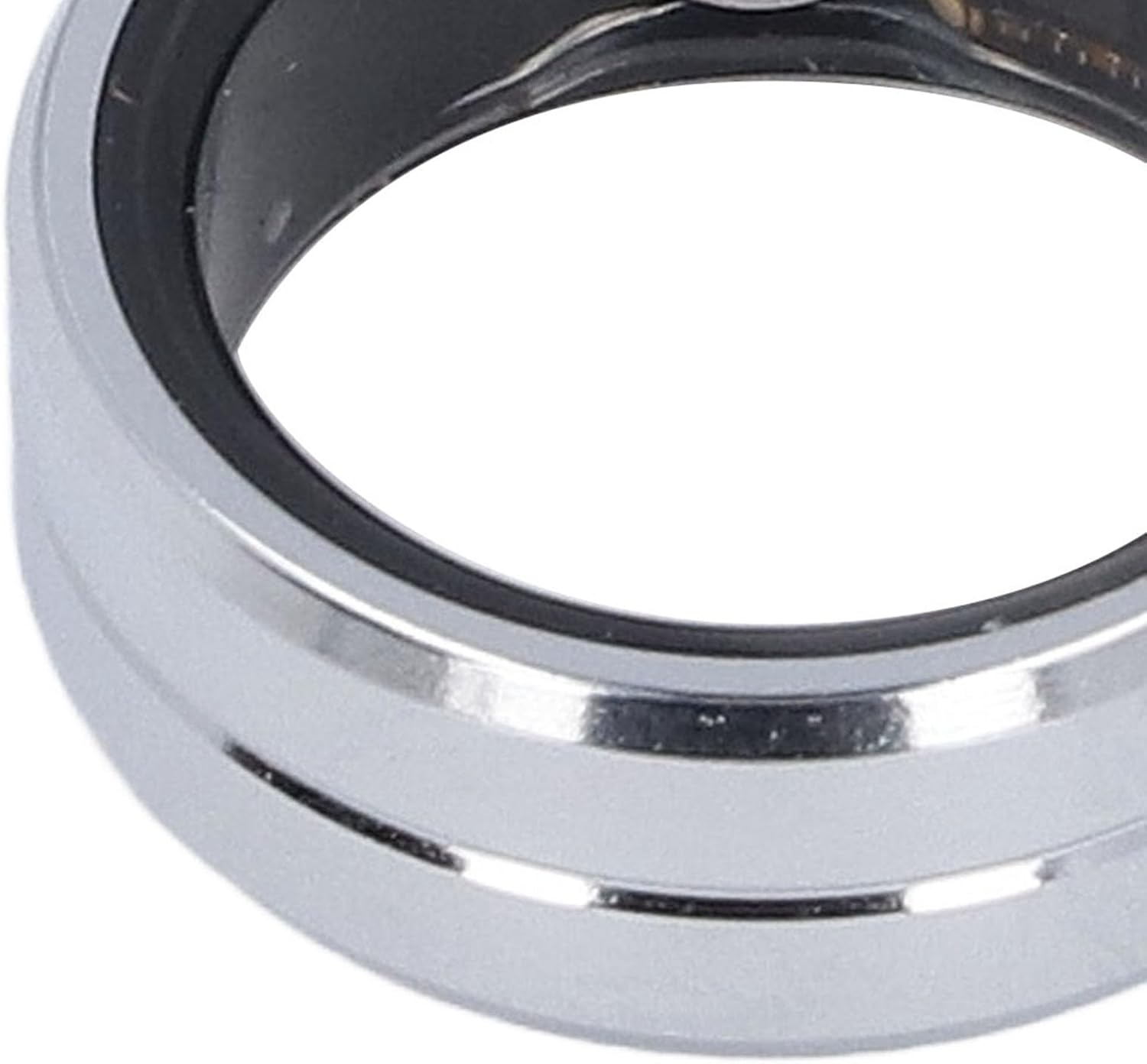
Image: A detailed close-up of the Smart Health Ring's exterior, showcasing the polished ceramic and stainless steel finish.
6.3 Storage
When not in use for extended periods, store the ring in a cool, dry place away from direct sunlight and extreme temperatures. It is advisable to fully charge the ring before storing it to preserve battery health.
7. Troubleshooting
| Problem | Possible Cause | Solution |
|---|---|---|
| Ring not charging | Loose connection, faulty cable/adapter, dirty contacts. | Ensure the charging cable is securely connected to both the ring and the power source. Try a different USB port or adapter. Clean the charging contacts on the ring and cable with a dry, soft cloth. |
| Cannot pair with app | Bluetooth off, ring out of battery, app issue, ring already paired. | Ensure Bluetooth is enabled on your phone. Charge the ring fully. Restart the JYouPro app and your phone. If previously paired, unpair it from your phone's Bluetooth settings before attempting to pair again. |
| Data not syncing | Bluetooth connection lost, app not running, ring memory full. | Check Bluetooth connection. Ensure the JYouPro app is open and running in the background. Bring the ring closer to your phone. Sync regularly to prevent memory overflow. |
| Inaccurate readings | Improper fit, sensor obstruction, app calibration. | Ensure the ring fits snugly but comfortably on your finger. Clean the sensors on the inside of the ring. Check app settings for any calibration options or personal data accuracy. |
8. Warranty and Support
For any product inquiries, technical assistance, or warranty claims, please contact Dpofirs customer support through the retailer where the product was purchased or visit the official Dpofirs brand store online. Please have your model number (Dpofirsa25undw8ke-13) and purchase details ready when contacting support.
For more information about Dpofirs products, you can visit their brand store: Dpofirs Official Store.