1. Introduction
The BAOFENG UV-22R is a versatile and powerful two-way radio designed for reliable communication. Featuring a 1.77-inch LCD screen, full keyboard, and 999 memory channels, it offers extensive functionality for various applications. This manual provides detailed instructions for setup, operation, maintenance, and troubleshooting to ensure optimal performance of your device.

Image 1.1: The BAOFENG UV-22R radio shown with its included accessories, including the tactical antenna, USB-C charging cable, and earpiece.
2. What's in the Box
Please verify that all items are present in your package:
- 1x Portable Radio (BAOFENG UV-22R)
- 1x Original High Gain Antenna
- 1x Type-C Charger Cable
- 1x 2500mAh Li-ion Battery
- 1x Belt Clip
- 1x Sling
- 1x Charger (Desktop Charging Cradle)
- 1x User’s Manual
- 1x 18.89in Tactical Antenna
- 1x Earpiece
3. Initial Setup
3.1. Battery Installation
- Ensure the radio is powered off.
- Align the 2500mAh Li-ion battery with the battery compartment on the back of the radio.
- Slide the battery into place until it clicks securely.
3.2. Antenna Attachment
- Screw the desired antenna (either the original high gain or the 18.89in tactical antenna) clockwise onto the antenna connector at the top of the radio until it is finger-tight. Do not overtighten.
3.3. Charging the Battery
The UV-22R supports both desktop charging and USB-C direct charging.
- Desktop Charger: Place the radio with the battery installed into the charging cradle. Ensure the charging indicator light illuminates.
- USB-C Charging: Connect the provided Type-C charger cable to the USB-C port on the side of the radio and to a compatible USB power source (e.g., wall adapter, power bank, car charger).
A full charge typically takes several hours. The charging indicator will change color or turn off when charging is complete.
3.4. Powering On/Off
Rotate the power/volume knob clockwise to power on the radio. Continue rotating to adjust the volume. Rotate counter-clockwise until a click is heard to power off the radio.
4. Operating Instructions
4.1. Display Overview

Image 4.1: The 1.77-inch color LCD screen of the BAOFENG UV-22R, displaying frequency information and status icons.
The 1.77-inch LCD screen provides clear information on current operating status, including frequency, channel number, battery level, signal strength, and various function indicators.
4.2. Channel and Frequency Selection
The UV-22R supports up to 999 named memory channels and VFO (Variable Frequency Oscillator) mode for direct frequency input.
- VFO Mode: Use the keypad to directly enter frequencies. The frequency step can be selected between 2.5K, 5.0K, 6.25K, 10.0K, 12.5K, 20.0K, 25.0K, and 50.0K via the menu.
- Channel Mode: Use the up/down arrow keys or the rotary knob to navigate through stored channels.
- Channel Naming: The built-in input method allows you to edit and name channels for easier identification.
4.3. Scanning Functions
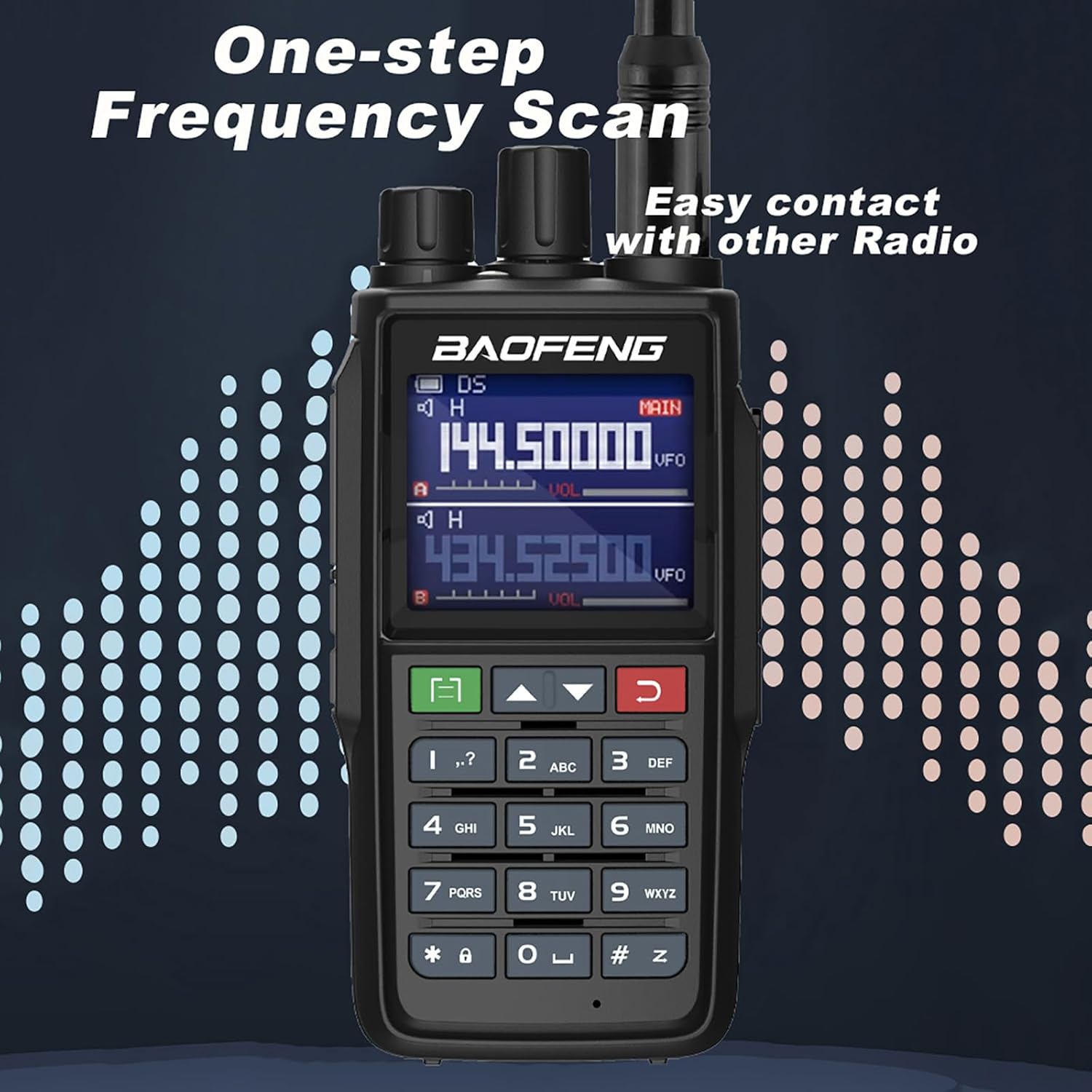
Image 4.2: The radio's display showing a frequency scan in progress, indicating its ability for quick channel discovery.
The radio offers various scanning capabilities:
- VFO Scan: Scans within a user-defined frequency range.
- Channel Scan: Scans through programmed memory channels.
- CTC/DCS Scan: Scans for CTCSS/DCS tones on a received signal.
- Scan Recovery Methods: Three methods are available to resume scanning after a signal is detected.
4.4. Advanced Features
- VOX (Voice Activated Transmit): Allows hands-free operation by transmitting when your voice is detected.
- DTMF Encoder and Manual Dial: For sending DTMF tones, useful for repeater access or selective calling.
- Dual Watch/Dual Reception: Monitors two different frequencies or channels simultaneously.
- Squelch Adjustment: Ten (10) levels of squelch adjustment to filter out weak signals and background noise.
- NOAA Weather Radio: Access NOAA weather alerts for critical weather information.
- FM Radio Receiver: Listen to broadcast FM radio stations.
- Keypad Lock: Prevents accidental key presses.
- Alarm Function: Activates an audible alarm.
- High/Low Power Selectable: Choose between high (5W) or low power output to conserve battery or for short-range communication.
- CTCSS/DCS Tones: 50 CTCSS tones and 105 DCS codes for private group communication.
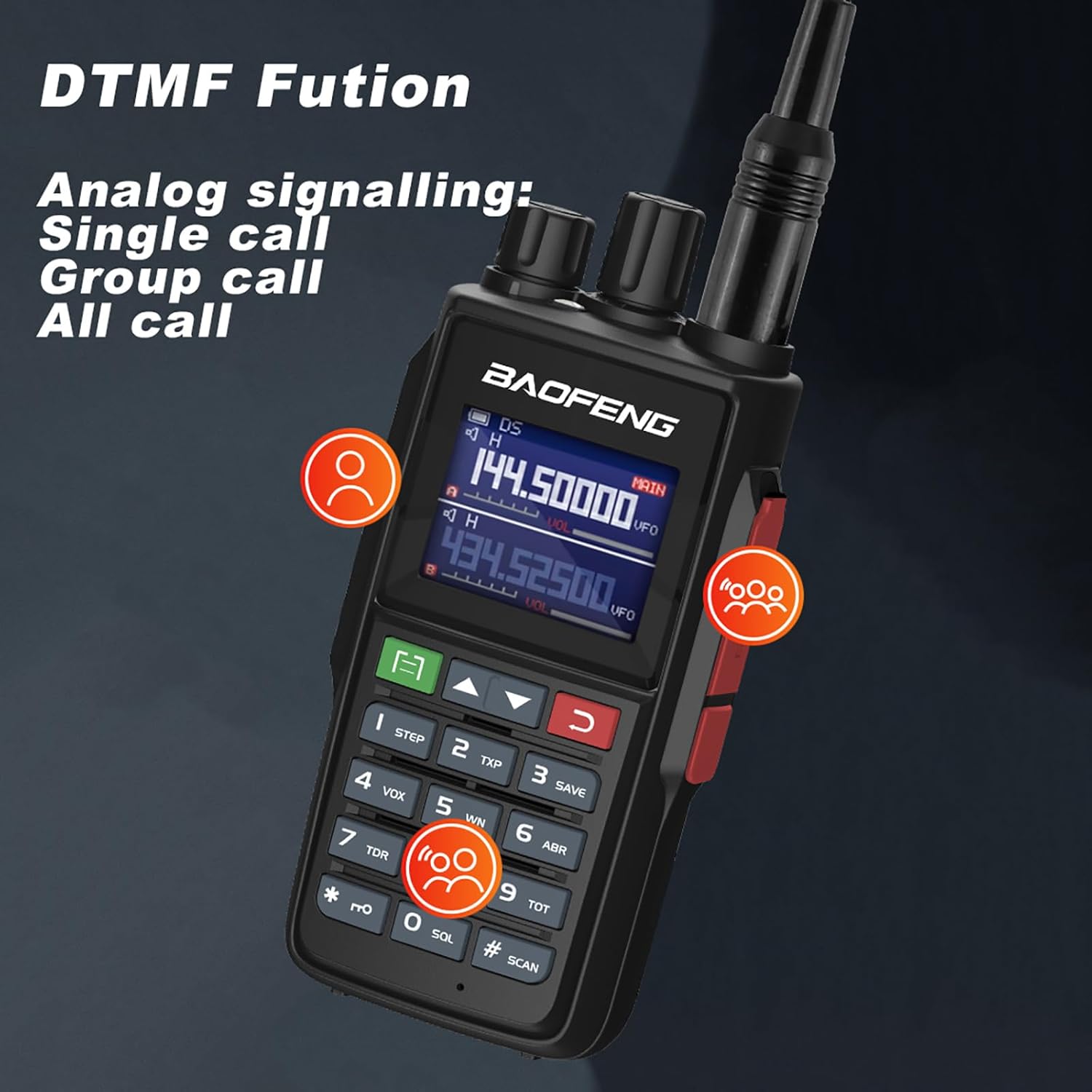
Image 4.3: Illustration of the DTMF function, enabling analog signaling for single, group, or all calls.
5. Maintenance
5.1. Cleaning
Wipe the radio's surface with a soft, damp cloth. Do not use harsh chemicals or abrasive cleaners. Ensure the USB-C port and antenna connector are free from dust and debris.
5.2. Battery Care
- Avoid fully discharging the Li-ion battery frequently.
- Store the radio and battery in a cool, dry place when not in use for extended periods.
- Do not expose the battery to extreme temperatures.
5.3. Storage
When storing the radio for long periods, remove the battery and store it separately. Keep the radio in a protective case to prevent damage.
6. Troubleshooting
If you encounter issues with your BAOFENG UV-22R, refer to the following common problems and solutions:
| Problem | Possible Cause | Solution |
|---|---|---|
| Radio does not power on | Low or dead battery; improperly installed battery | Charge the battery; ensure battery is correctly installed. |
| No reception or poor audio | Antenna not connected; squelch level too high; incorrect frequency/channel; out of range | Check antenna connection; adjust squelch level; verify frequency/channel; move closer to transmitting radio. |
| Cannot transmit | Low battery; incorrect frequency/channel; Busy Channel Lock Out (BCLO) active | Charge battery; verify frequency/channel; disable BCLO in menu if necessary. |
| Keypad unresponsive | Keypad lock is active | Deactivate keypad lock (refer to operating instructions for specific key combination). |
7. Specifications
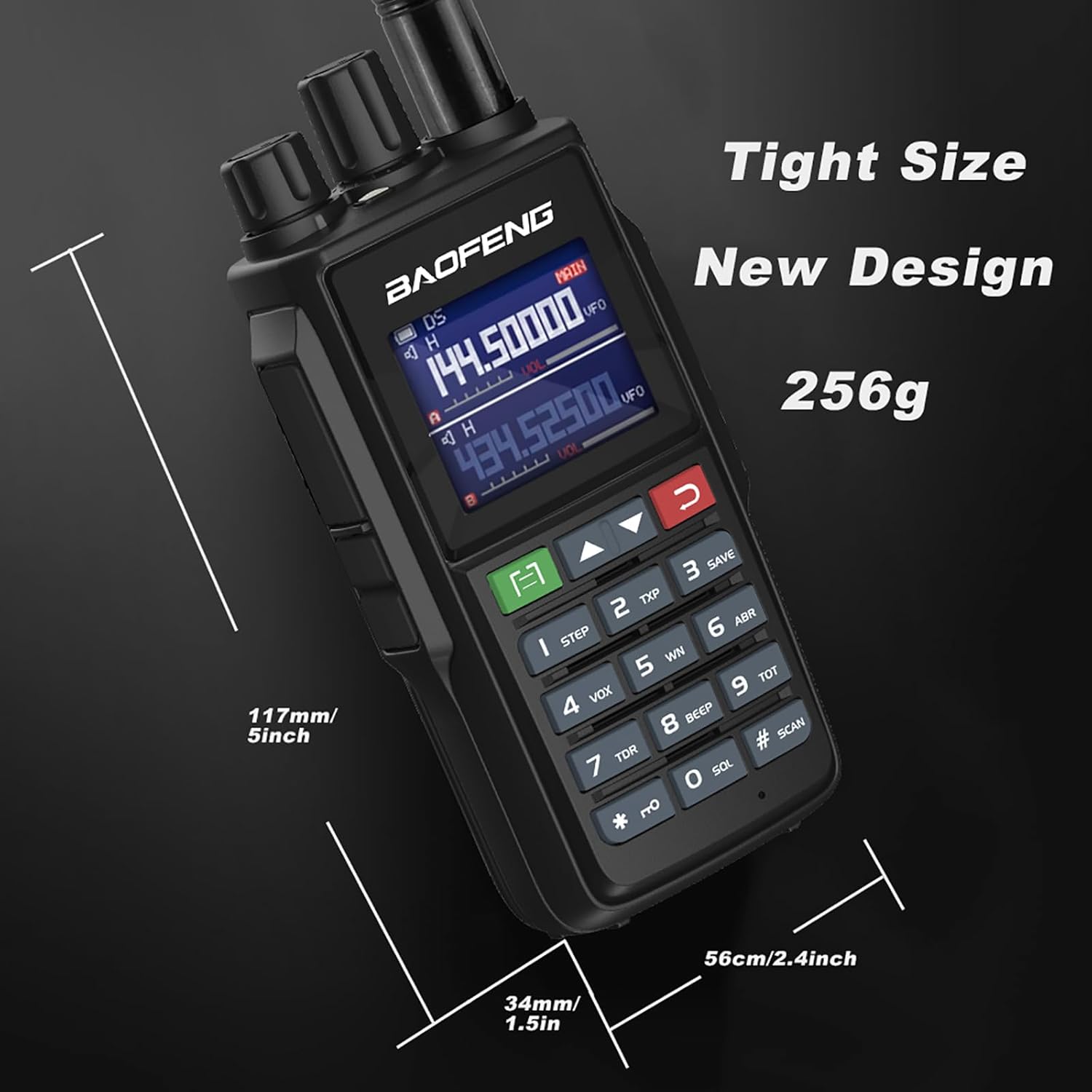
Image 7.1: Physical dimensions of the BAOFENG UV-22R radio.
| Feature | Detail |
|---|---|
| Model Number | UV-22R |
| Frequency Range | VHF: 144-148MHz, UHF: 420-450MHz |
| Output Power | 5W (High/Low selectable) |
| Number of Channels | 999 |
| Display | 1.77-inch LCD Screen |
| Battery | 2500mAh Lithium Ion |
| Charging | USB-C, Desktop Charger |
| Dimensions (H x W x D) | 5 x 2.4 x 1.5 inches (approx. 127 x 61 x 38 mm) |
| Weight | 1.37 pounds (approx. 621 grams) |
| Special Features | NOAA Weather, VOX, DTMF, Dual Watch, FM Radio, CTCSS/DCS, Programmable Repeater Offset |
| Water Resistance Level | Not Water Resistant |
8. Warranty and Support
8.1. Warranty Information
The BAOFENG UV-22R radio comes with a 1-year warranty. This warranty is provided exclusively through "Shiqun Electronics Co., Ltd". Please retain your proof of purchase for warranty claims.
8.2. Technical Support
For technical assistance, troubleshooting beyond this manual, or warranty inquiries, please contact the seller or manufacturer directly. Refer to your purchase documentation for specific contact details.


