
Introduction
The SVBONY ST1 Wireless HDMI Transmitter and Receiver system is designed to provide high-quality, low-latency video transmission for various applications, including filmmaking, live streaming, and professional video production. This manual provides detailed instructions for setting up, operating, maintaining, and troubleshooting your ST1 system.

Image: The SVBONY ST1 Wireless HDMI Transmitter (left) and Receiver (right) units, showcasing their compact design and external antennas.
What's in the Box
Please verify that all items are present in the package:
- Transmitter (TX) unit x1
- Receiver (RX) unit x1
- Camera connection bracket (hot shoe) x1
- HDMI 1.4 cable x1
- 8K Mini HDMI adapter x1
- 8K Micro HDMI adapter x1
- 5V Adapter x2
- Type-C to USB cable x2
- Antennas x4
- Waterproof case bag x1
- User Manual x1
Setup
1. Antenna Installation
Carefully screw the four antennas onto the corresponding ports on both the Transmitter (TX) and Receiver (RX) units. Ensure they are securely fastened but do not overtighten.
2. Powering the Device
The ST1 system offers three power supply methods:
- DC 9-16V Port: Connect the provided 5V adapter to the DC input port on the unit.
- NP-F Battery: Attach a compatible NP-F battery (not included) to the battery plate on the rear of the unit.
- Type-C 5V Interface: Use the provided Type-C to USB cable to power the unit via a 5V Type-C power source.

Image: The SVBONY ST1 unit highlighting its three power input options: Type-C, DC, and NP-F battery slot.
3. Connecting HDMI
- Connect your video source (e.g., camera, camcorder) to the HDMI IN port on the Transmitter (TX) unit using an HDMI cable.
- Connect your display device (e.g., monitor, TV) to the HDMI OUT port on the Receiver (RX) unit using an HDMI cable. The RX unit features two HDMI OUT ports for connecting two displays simultaneously.
- For the TX unit, if your camera has a Mini HDMI or Micro HDMI output, use the included 8K Mini HDMI adapter or 8K Micro HDMI adapter with your HDMI cable.

Image: A diagram illustrating the connection flow from a camera to the TX unit, wireless transmission to the RX unit, and output to multiple monitors and a mobile app.
4. Mounting the Units
The ST1 units can be mounted using the integrated 1/4-inch screw holes or the included hot shoe adapter for camera mounting.

Image: Demonstrates two ways to install the SVBONY ST1 unit: directly screwing into a mount and using a hot shoe adapter.
Operating
1. Power On/Off
Once powered, the units will automatically turn on. To power off, disconnect the power source.
2. OLED Screen Display
Both the TX and RX units feature a 0.96-inch OLED screen that displays critical information such as power status, channel scan results, video input resolution, and current channel number. This allows for quick monitoring of the system's operational state.

Image: A close-up of the SVBONY ST1's OLED screen, showing channel, Wi-Fi signal, battery voltage, and video resolution (1920x1080P60).
3. Channel Selection
The ST1 system operates on the 5.0GHz frequency band and offers 9 selectable channels (5.1 to 5.8 GHz). The system is designed to automatically switch frequencies to ensure stable transmission and minimize interference. Manual channel selection may be available via the unit's controls if needed.
4. Video Transmission
- UHD 4K@30Hz Support: The ST1 system supports video output resolutions up to UHD 4K at 30Hz, providing high-definition video quality.
- Low Latency: With a transmission delay of less than 0.06 seconds, the ST1 ensures near real-time video monitoring, crucial for professional applications.
- Long Transmission Distance: The system can transmit video signals up to 984 feet (300 meters) in an open environment.
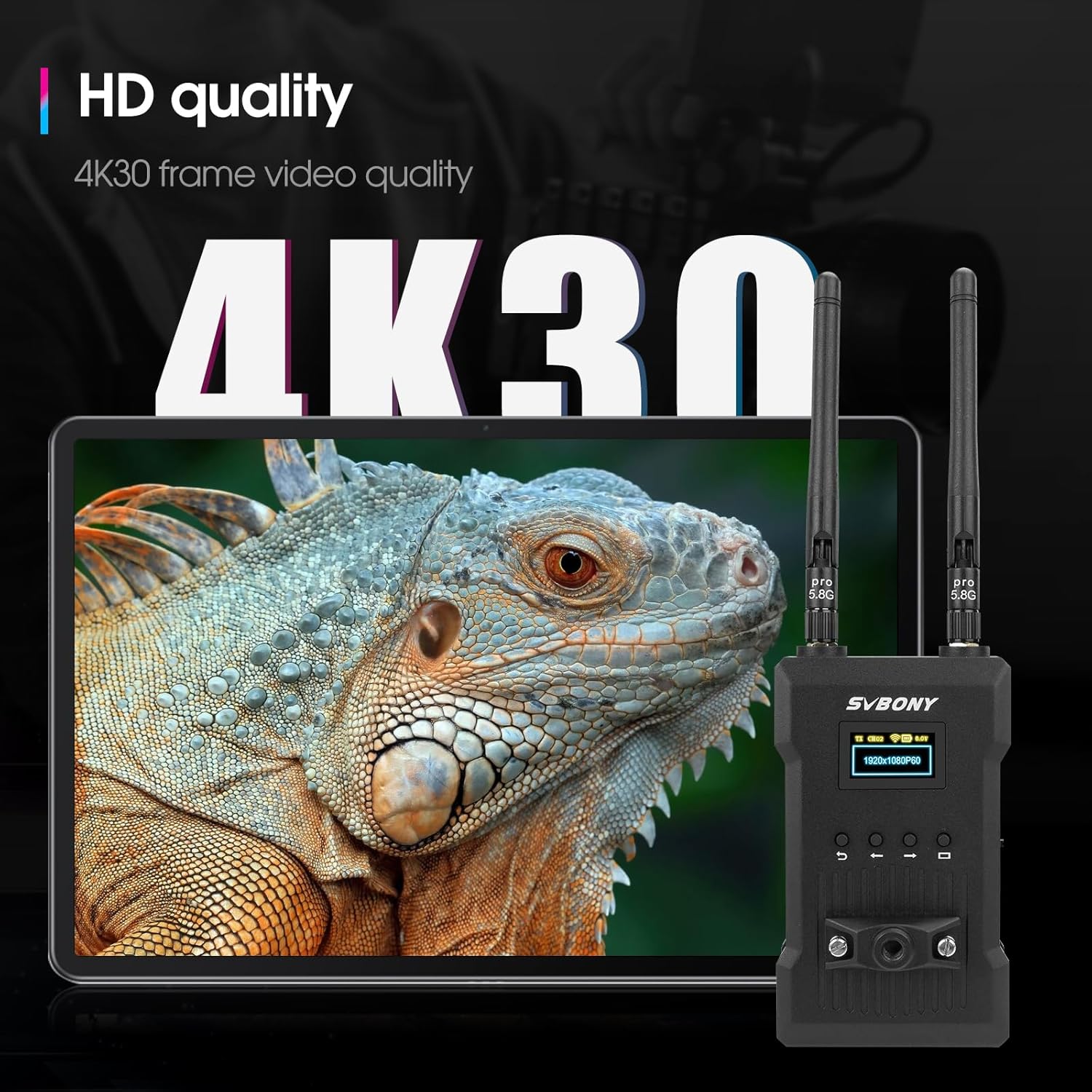
Image: An illustration emphasizing the 4K30 frame video quality supported by the SVBONY ST1 system, with a detailed image of an iguana on a tablet screen.

Image: A visual comparison demonstrating the 0.06s low latency of the SVBONY ST1 system versus other systems that may experience signal loss or delay.

Image: An illustration showing the SVBONY ST1 system transmitting video over a distance of 1000 feet (300 meters) in an open field setting.
5. Dual HDMI Output
The Receiver (RX) unit is equipped with two HDMI output ports, allowing you to connect and display the transmitted content on two separate monitors simultaneously. This feature provides flexibility for monitoring in different locations or for different team members.

Image: A diagram illustrating the dual HDMI output ports on the SVBONY ST1 Receiver (RX) unit and the HDMI input/output on the Transmitter (TX) unit.
6. One-to-Many Configuration
One ST1 Transmitter (TX) unit can support up to four Receiver (RX) units. This allows for multiple monitoring points from a single video source. Note that the transmission distance may be reduced by approximately 50 meters for each additional receiver in an open environment.

Image: A visual representation of the SVBONY ST1 system in a one-to-many configuration, where one transmitter sends video to multiple receivers and a tablet for monitoring.
7. APP Monitoring
The ST1 system supports app monitoring for both Android and iOS devices. Your mobile device can function as an additional receiver, allowing you to view the real-time image on its screen through the dedicated app. This feature enables remote observation of the shooting scene, facilitating adjustments to camera angle, exposure, and focus.

Image: The SVBONY ST1 system demonstrating its APP display feature, showing a camera connected to the transmitter and a tablet displaying the live feed.
Maintenance
To ensure the longevity and optimal performance of your SVBONY ST1 system, follow these maintenance guidelines:
- Cleaning: Use a soft, dry cloth to clean the exterior of the units. Avoid using liquid cleaners or solvents, which may damage the finish or internal components.
- Storage: When not in use, store the units in a cool, dry place, away from direct sunlight and extreme temperatures. Use the provided waterproof case bag for protection during transport or storage.
- Antennas: Handle antennas with care. Avoid bending or applying excessive force, as this can damage the connectors.
- Connectors: Keep HDMI and power ports free of dust and debris.
Troubleshooting
If you encounter issues with your SVBONY ST1 system, refer to the following common problems and solutions:
- No Signal on Receiver:
- Ensure both Transmitter (TX) and Receiver (RX) units are powered on.
- Check all HDMI cable connections between the source, TX, RX, and display. Try different HDMI cables if necessary.
- Verify that the video source is outputting a compatible resolution (up to 4K@30Hz).
- Ensure antennas are securely attached to both units.
- Reduce the distance between TX and RX units, or remove any obstructions.
- Check the OLED screen on both units for error messages or signal indicators.
- Intermittent Signal/Poor Quality:
- Move the units closer together.
- Ensure there are no large metal objects or other wireless devices operating on the 5GHz band nearby that could cause interference.
- Try changing the channel on the units if possible (refer to OLED screen and controls).
- Ensure antennas are oriented correctly for optimal signal reception.
- App Monitoring Not Working:
- Ensure your mobile device is connected to the correct Wi-Fi network broadcast by the ST1 system (if applicable, or directly connected via the app).
- Verify that the app is updated to the latest version.
- Restart both the ST1 units and your mobile device.
- Units Not Powering On:
- Check the power source. If using DC adapter, ensure it's plugged into a working outlet. If using NP-F battery, ensure it's charged and correctly inserted. If using Type-C, ensure the power source provides sufficient 5V.
- Try a different power method if available.
Specifications
| Feature | Specification |
|---|---|
| Model Number | ST1 |
| Product Dimensions | 7.56 x 4.72 x 2.2 inches |
| Item Weight | 1.76 pounds |
| Video Resolution | Up to UHD 4K@30Hz |
| Latency | Less than 0.06 seconds |
| Transmission Distance | Up to 984 feet (300 meters) in open environment |
| Frequency Band | 5.0GHz |
| Channels | 9 selectable channels (5.1 to 5.8 GHz) |
| Display | 0.96'' OLED screen |
| HDMI Output (RX) | Dual HDMI ports |
| Multi-Receiver Support | 1 Transmitter supports up to 4 Receivers |
| Power Supply Methods | DC 9-16V, NP-F battery (not included), Type-C 5V |
| App Monitoring | Supports Android and iOS systems |
| Manufacturer | SVBONY |
| Date First Available | April 24, 2024 |
Warranty and Support
For warranty information and technical support, please refer to the official SVBONY website or contact SVBONY customer service directly. Keep your purchase receipt as proof of purchase for any warranty claims.
Official SVBONY Store: SVBONY Store on Amazon


