Introduction
This manual provides comprehensive instructions for the setup, operation, and maintenance of your Bxmgr GT90-1 Garage Door Opener Remote. Designed for compatibility with various Genie and Overhead Door systems, this remote offers a reliable and secure solution for controlling your garage door.

Image: Two Bxmgr GT90-1 garage door opener remotes, showcasing their compact design and included visor clips.
Compatibility
The GT90-1 garage door remote control is a compatible replacement for a wide range of Genie and Overhead Door garage door openers operating at 390MHz with 9 or 12 dip switches. It is designed to replace models such as GT90, GT90-2, AT90-1, CPT90-1, GT912, MAT90, AT95, AT290, CT90, LD912, PMT90, PMT90-1, LD12, GPT90-1, LDT90, and ALT90-1.

Image: A visual guide detailing the compatibility of the GT90-1 remote with various Genie, BlueMax, Alliance, Lift-A-Door, Medallion, and AlliancePro12 Dial 390MHz garage door openers, as well as a list of specific replacement models.
Features
- Secure and Reliable Operation: The GT90-1 remote utilizes Intellicode and fixed code Trinity technology with a 390MHz separate frequency. This encrypted design minimizes radio wave interference, enhancing signal transmission security and overall performance for your garage property.
- Portable Design: Comes with a convenient visor clip, allowing for easy placement on a car's visor, in handbags, or pockets, reducing the risk of misplacement.

Image: Depiction of the GT90-1 remote's secure 390MHz frequency, highlighting its interference-minimizing design.
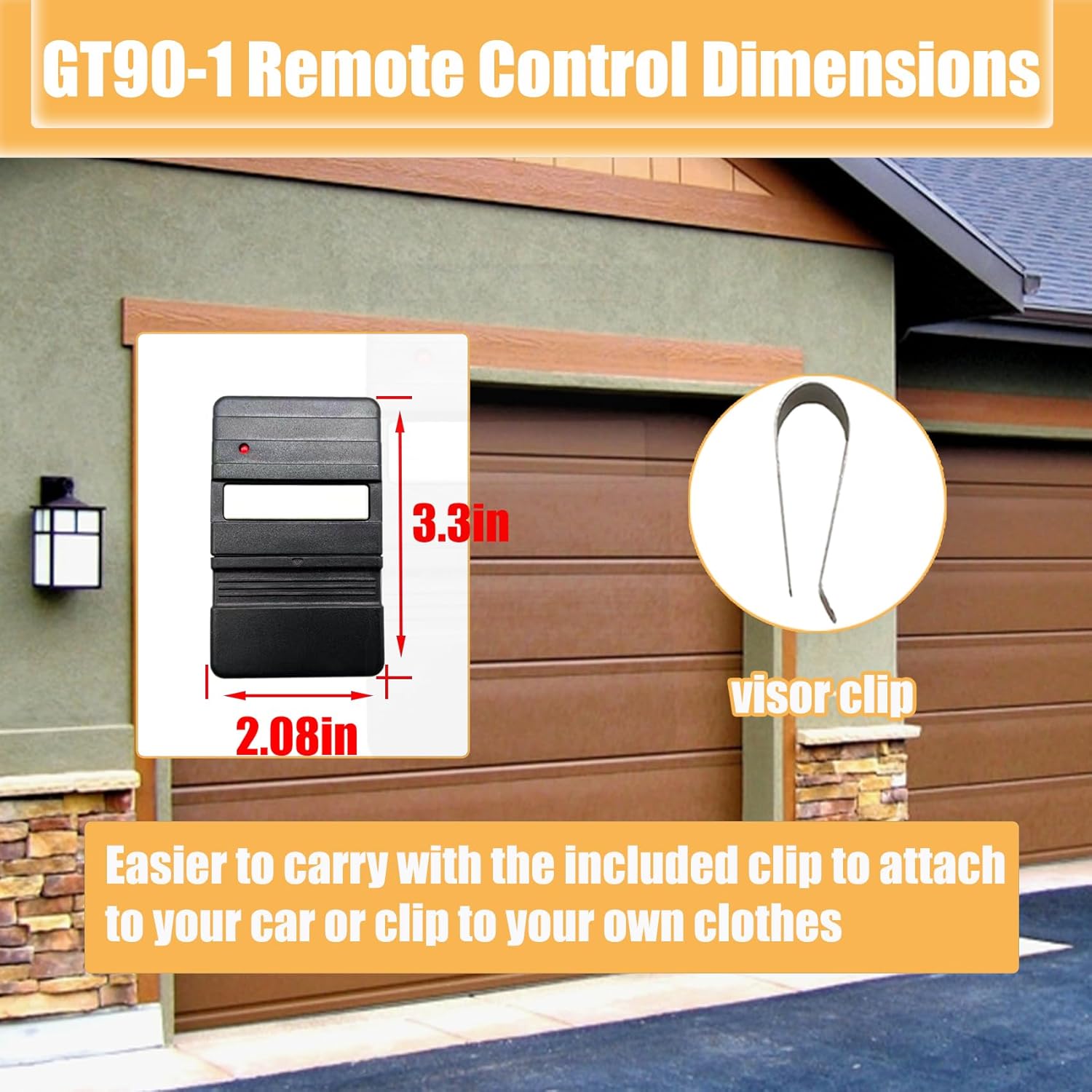
Image: The GT90-1 remote's compact dimensions (3.3in x 2.08in) and the included visor clip for easy portability.
Setup and Programming
The GT90-1 remote control is designed for easy programming. Before starting, verify if your garage door opener uses 9 or 12 DIP switches. The remote's internal switches must match the pattern of your existing opener or remote.
Programming Steps:
- Remove the Programming Cover: Carefully slide open the programming cover from your new GT90-1 remote to expose the internal DIP switches.
- Match the Switch Pattern: Locate the DIP switches on your existing garage door opener or old remote. Using a small, non-conductive tool (like a toothpick), adjust the switches inside your new GT90-1 remote to match the exact ON/OFF (or UP/DOWN) pattern of your original device. Ensure the button near the switches is set to the correct position (e.g., 'down' for 12 switches).
- Test the Remote: Once the switches are set, close the programming cover. Press the remote control button to test it with your garage door opener's receiver. The garage door should respond.

Image: Internal view of the GT90-1 remote configured for 9 DIP switches, starting from switch No.4.

Image: Internal view of the GT90-1 remote configured for 12 DIP switches, with all switches set downwards.

Image: An illustrative diagram showing how to configure the 9 or 12 DIP switches inside the GT90-1 remote to match your garage door opener.
Video Guide:
Video: This video demonstrates the programming process for the Bxmgr GT90-1 Garage Door Opener Remote, specifically for Genie 390 MHz 12-switch, 2-position dip switch systems. It shows how to remove the programming cover, match the dip switch pattern, and test the remote with the receiver.
Operating Instructions
Once programmed, operating your GT90-1 remote is straightforward. Simply press the large gray button on the remote to activate your garage door opener. The remote is designed to work effectively from a distance, allowing you to open or close your garage door conveniently before arriving or after departing.
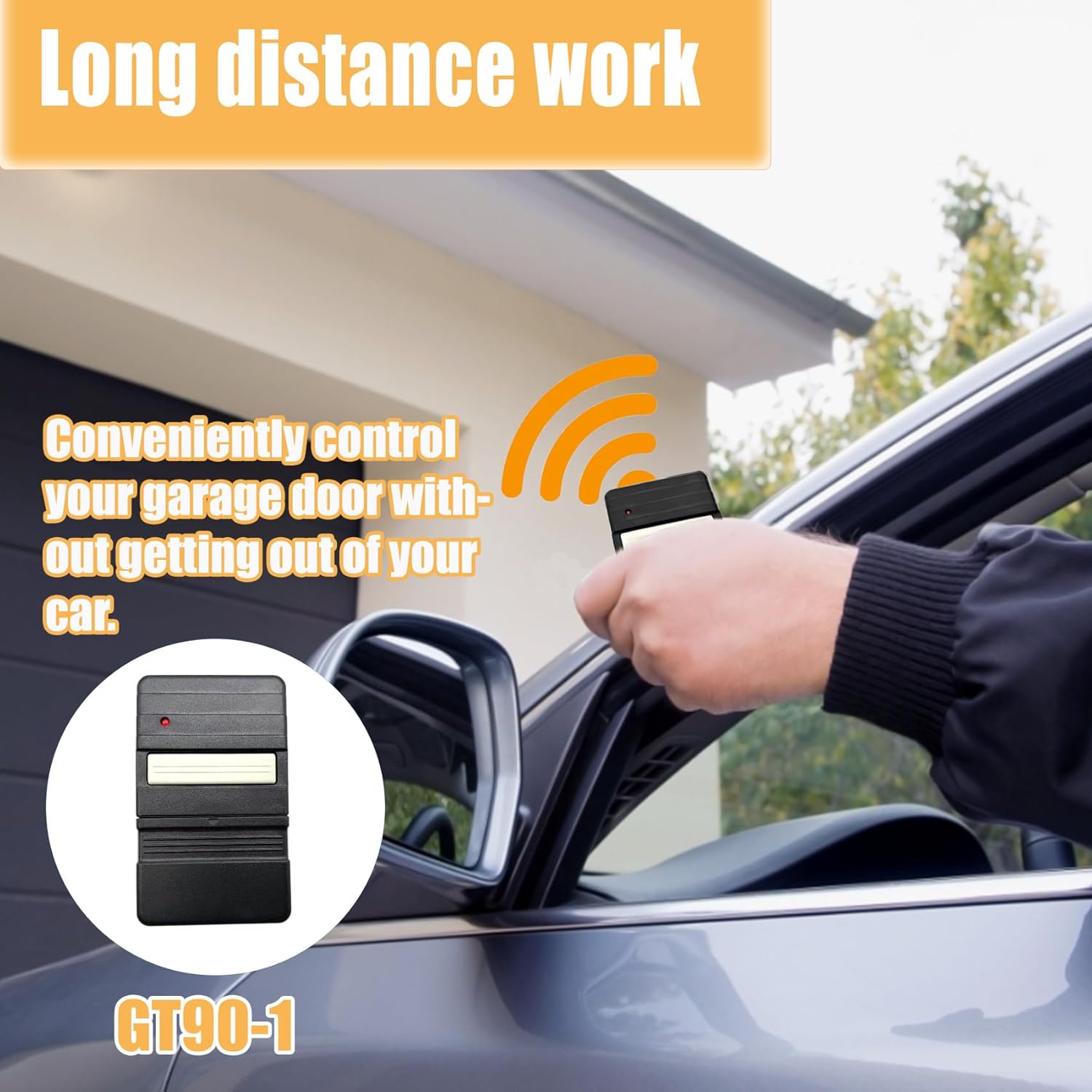
Image: A user operating the GT90-1 remote from inside a vehicle, illustrating its effective long-distance functionality for garage door control.
Maintenance
Battery Replacement:
The GT90-1 remote uses alkaline batteries (included). If the remote's range decreases or it stops responding, it may be time to replace the batteries. To replace, carefully slide open the programming cover as described in the setup section. The batteries are typically coin cell type and can be easily replaced by inserting new ones with the correct polarity.
Cleaning:
Wipe the remote with a soft, dry cloth to remove dust or dirt. Avoid using harsh chemicals or abrasive cleaners.
Troubleshooting
| Problem | Possible Cause | Solution |
|---|---|---|
| Remote not working after programming. | Incorrect DIP switch settings. | Re-check the DIP switch settings on your remote against your garage door opener or original remote. Ensure they match exactly. |
| Reduced operating range. | Low battery. | Replace the remote's batteries. |
| Remote works intermittently. | Interference or loose battery connection. | Ensure batteries are seated correctly. Check for strong radio interference sources nearby. |
If you encounter any further issues or have questions during the programming or operation process, please do not hesitate to contact Bxmgr customer support for detailed assistance.
Specifications
- Manufacturer: Bxmgr
- Model Number: GT90-1 Garage Door Opener Remote
- Item Weight: 1.13 ounces
- Product Dimensions: 3.5 x 1.4 x 0.6 inches
- Country of Origin: China
- Item Package Quantity: 2
- Batteries Included: Yes
- Batteries Required: Yes
- Battery Cell Type: Alkaline
Warranty and Support
Bxmgr provides a three-year warranty for the GT90-1 Garage Door Remote Control. We are confident in the quality and performance of our products. Should you require any assistance or have questions, even beyond the standard Amazon return period, please contact our customer service team. We are committed to providing sincere and helpful service to resolve any issues you may encounter.
For further information or support, please visit the official Bxmgr store: Bxmgr Store on Amazon.