
Introduction
This manual provides instructions for the LogiLink PA0330 in-dash car charger adapter. This device offers a convenient and efficient way to charge your electronic devices directly from your vehicle's power system. It features one USB-A port with Quick Charge 3.0 and one USB-C port with Power Delivery, enabling simultaneous fast charging for two compatible devices. Its integrated design ensures a secure and permanent installation within your vehicle's dashboard or console.

Image: The LogiLink PA0330 charger seamlessly integrated into a car's dashboard, actively charging two devices via its USB-A and USB-C ports.
Package Contents
- 1x LogiLink PA0330 In-Dash Car Charger Adapter
- 2x DC Power Cables (Red for positive, Black for negative)
- 2x Ring Nuts for securing the adapter
Setup and Installation
The LogiLink PA0330 is designed for fixed mounting. Professional installation is recommended to ensure proper wiring and safety.
- Choose Mounting Location: Select a suitable, flat surface in your vehicle's dashboard or console that allows for secure mounting and access to the rear for wiring. Ensure there is sufficient space behind the panel for the adapter body and connections.
- Disconnect Vehicle Power: Before proceeding with any electrical work, ensure the vehicle's battery is disconnected to prevent electrical shorts or damage.
- Drill Mounting Hole: Carefully drill a circular hole of appropriate diameter (typically 29-30mm) at the chosen location. Refer to the adapter's dimensions for precise sizing.
- Prepare Wiring: The included DC power cables are color-coded: Red for positive (+) and Black for negative (-). Connect these to your vehicle's 12V or 24V DC power source. Ensure connections are secure and insulated.
- Connect Adapter: Insert the adapter into the drilled hole from the front. Connect the prepared DC power cables to the corresponding terminals on the rear of the adapter. The adapter's terminals are typically marked for positive (+) and negative (-).
- Secure Adapter: From the rear of the panel, thread one of the ring nuts onto the adapter's body and tighten it securely to hold the adapter in place.
- Reconnect Power and Test: Reconnect the vehicle's battery. The charger is now ready for use. Test functionality by connecting a device.
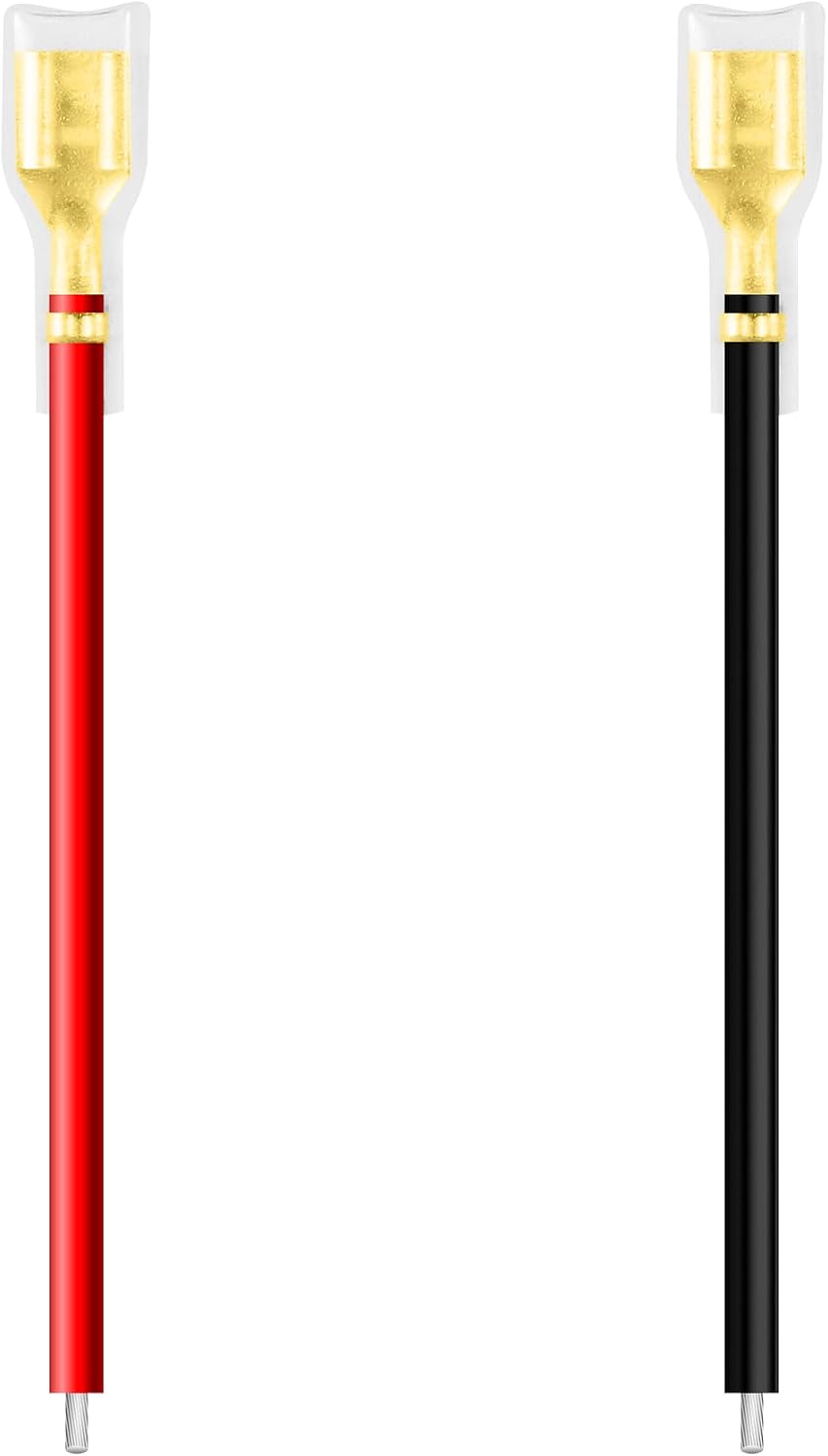
Image: Red and black DC power cables with spade terminals, ready for connection to the charger's rear terminals.
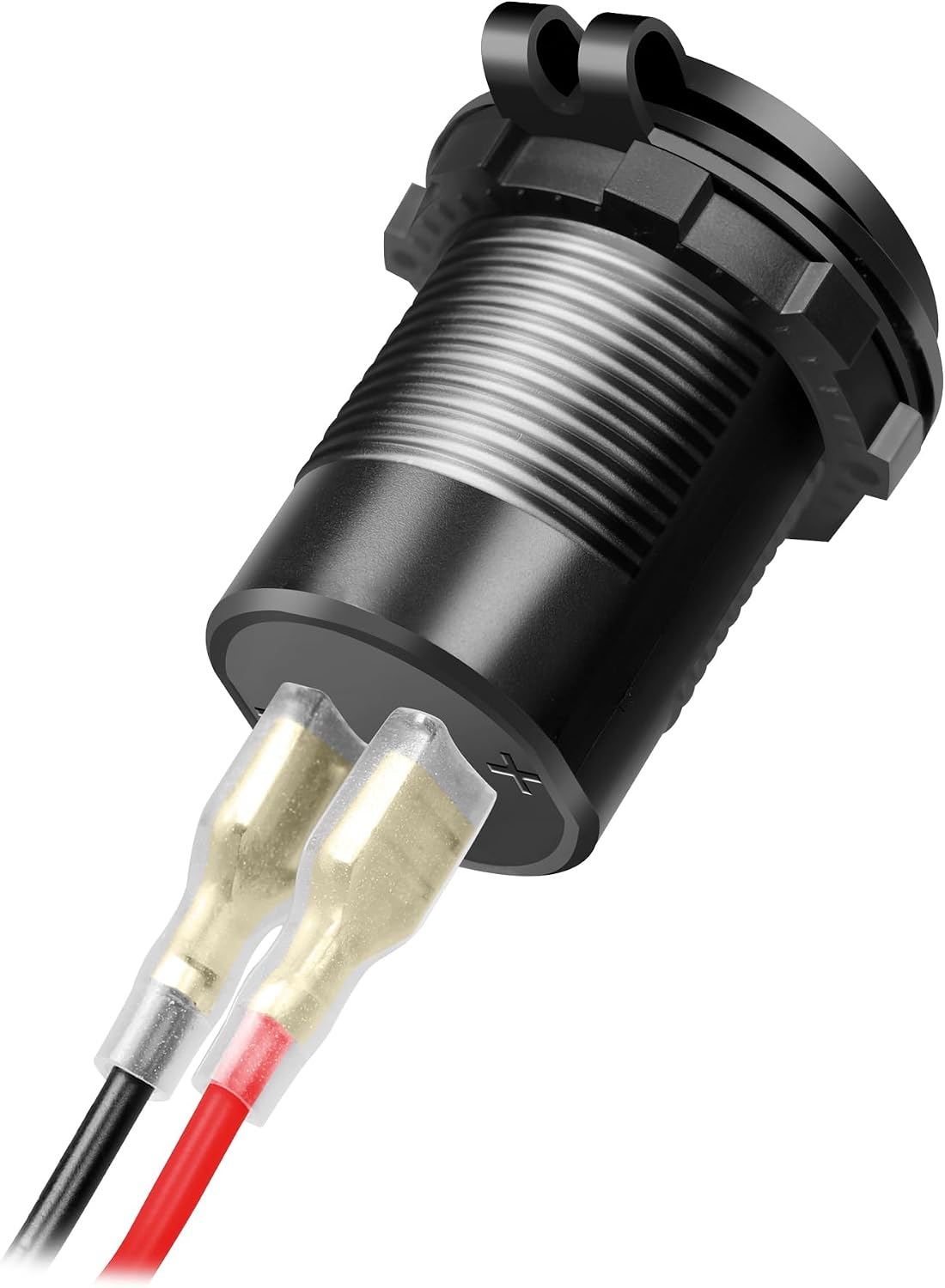
Image: Rear view of the LogiLink PA0330 charger, illustrating the spade terminals for power input.
Safety Warning: Incorrect wiring can cause damage to the charger, vehicle, or personal injury. If you are unsure about the installation process, consult a qualified automotive technician.
Operating Instructions
The LogiLink PA0330 charger is designed for simple operation.
- Connect Your Device: Use a compatible USB charging cable to connect your device to either the USB-A or USB-C port on the adapter.
- Automatic Detection: The charger will automatically detect the connected device and deliver the optimal charging current and voltage, utilizing Quick Charge 3.0 for USB-A and Power Delivery for USB-C, up to 30W per port.
- Simultaneous Charging: You can charge two devices simultaneously using both ports.
- Protective Cap: When not in use, close the integrated protective cap to shield the ports from dust and moisture.

Image: The LogiLink PA0330 charger with its protective cap open, revealing the USB-A and USB-C charging ports.
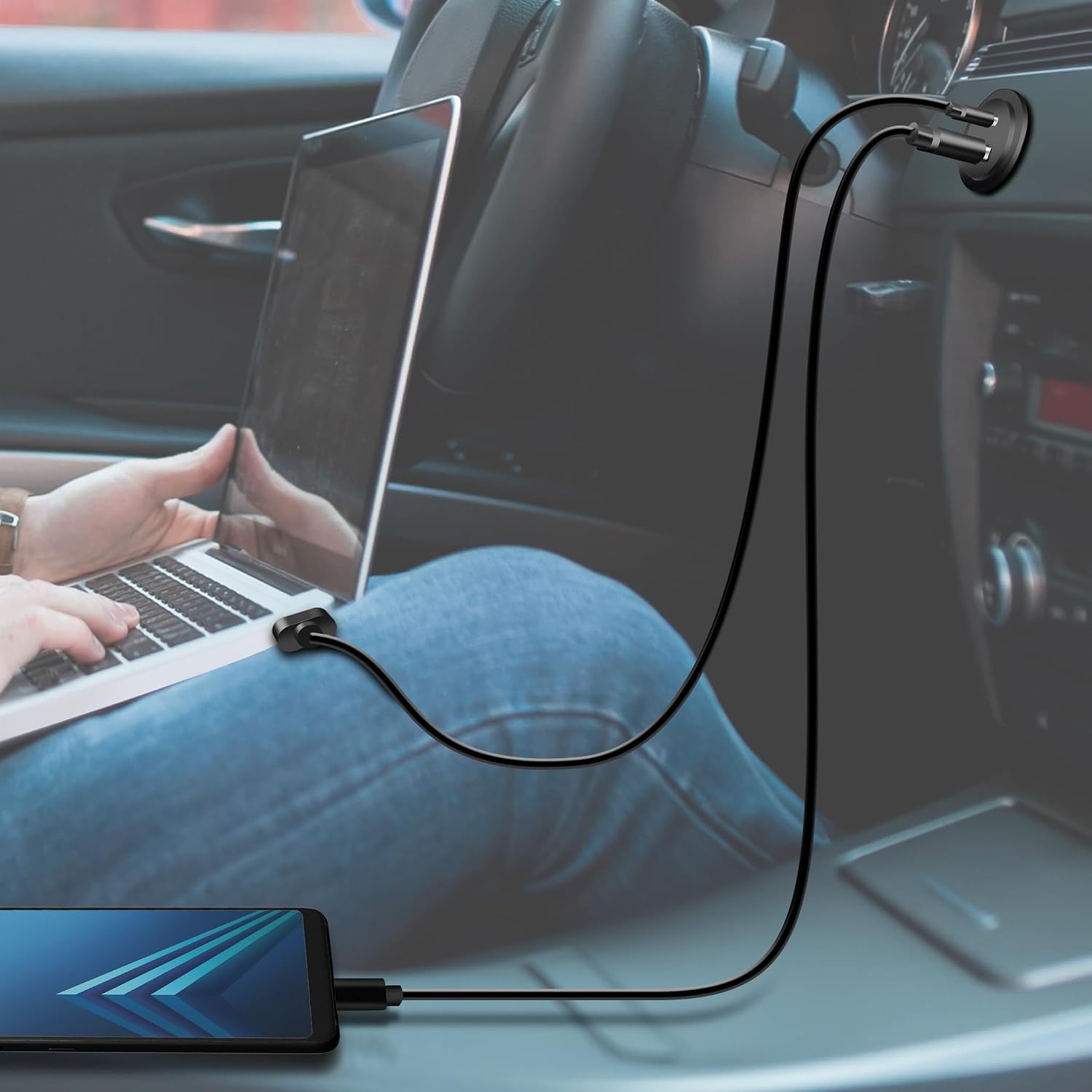
Image: A user charging a smartphone and powering a laptop in a car, highlighting the versatility of the LogiLink PA0330 charger.
Maintenance
- Keep the charging ports clean and free from dust and debris. Use a dry, soft cloth for cleaning.
- Avoid exposing the charger to excessive moisture or liquids.
- Periodically check the wiring connections to ensure they remain secure.
- Ensure the protective cap is closed when the charger is not in use to prevent ingress of foreign objects.
Troubleshooting
| Problem | Possible Cause | Solution |
|---|---|---|
| Device not charging | Loose connection, no power to charger, faulty cable/device | Check all wiring connections. Ensure vehicle power is on. Try a different USB cable or device. |
| Slow charging | Cable not supporting fast charging, device not compatible with QC/PD, multiple devices drawing power | Use a high-quality USB cable rated for fast charging. Ensure your device supports Quick Charge 3.0 or Power Delivery. If charging two devices, total power is shared. |
| Charger not working after installation | Incorrect wiring, blown fuse in vehicle circuit, internal fuse triggered | Verify positive and negative wiring. Check vehicle's fuse box for a blown fuse. The PA0330 has an integrated 48V/10A fuse for protection against overload, deep discharge, overcharge, and short circuits. If the internal fuse is triggered, professional inspection may be required. |
Technical Specifications
- Model: PA0330
- Input Voltage: DC 12V / 24V
- Output Ports: 1x USB-A, 1x USB-C
- USB-C Output (12V Input): 5V/3A, 9V/3A, 12V/2.5A (30W max)
- USB-A Output (12V Input): 5V/3A, 9V/3A, 12V/2.5A (30W max)
- USB-C Output (24V Input): 5V/3A, 9V/3A, 12V/2.5A, 15V/2A, 20V/1.5A (30W max)
- USB-A Output (24V Input): 5V/3A, 9V/3A, 12V/2.5A (30W max)
- Total Power Output: Up to 60W (30W per port)
- Features: Power Delivery (PD), Quick Charge 3.0 (QC 3.0)
- Protection: Integrated 48V/10A fuse, Overload protection, Deep discharge protection, Overcharge protection, Short-circuit protection
- Cable Length: 15 cm
- Color: Black
- Compatible Devices: Laptops, Smartphones, Tablets (with USB-C and USB-A fast charging capabilities)
Warranty Information
Specific warranty details are not provided in the product information. Please refer to the retailer or manufacturer's official website for warranty terms and conditions.
Support
For technical support or further assistance, please contact LogiLink customer service or visit their official website. Contact information can typically be found on the product packaging or the manufacturer's website.