
Introduction
This manual provides instructions for the AULCMEET YL-H03 replacement remote control, designed for use with various Haier AC Air Conditioner models. This remote offers a straightforward solution for controlling your air conditioning unit without complex setup.
Setup
Battery Installation
The remote control requires two (2) R-03 (AAA) alkaline batteries for operation.
- Locate the battery compartment on the back of the remote control.
- Slide open the battery compartment cover.
- Insert two R-03 (AAA) alkaline batteries, ensuring correct polarity (+/-) as indicated inside the compartment.
- Close the battery compartment cover securely.

This image shows the back of the AULCMEET YL-H03 remote control with the battery cover removed, revealing the battery compartment. Instructions for battery insertion and type are also visible on a label.
Important: Do not mix old and new batteries. Do not mix batteries of different types. Remove batteries if the remote control will not be used for an extended period (e.g., six months) to prevent leakage.
Operating Instructions
This remote control is pre-programmed and does not require any setup or programming. Simply insert batteries, and it is ready for use with compatible Haier AC models.
Compatible Models
This remote control is compatible with the following Haier AC Air Conditioner models:
- YR-H08
- YR-H10
- YR-H07
- YR-H74
- YR-H78
- YL-H24
- R-H33
- YR-H03
Basic Functions
The remote control features standard buttons for common air conditioner functions.
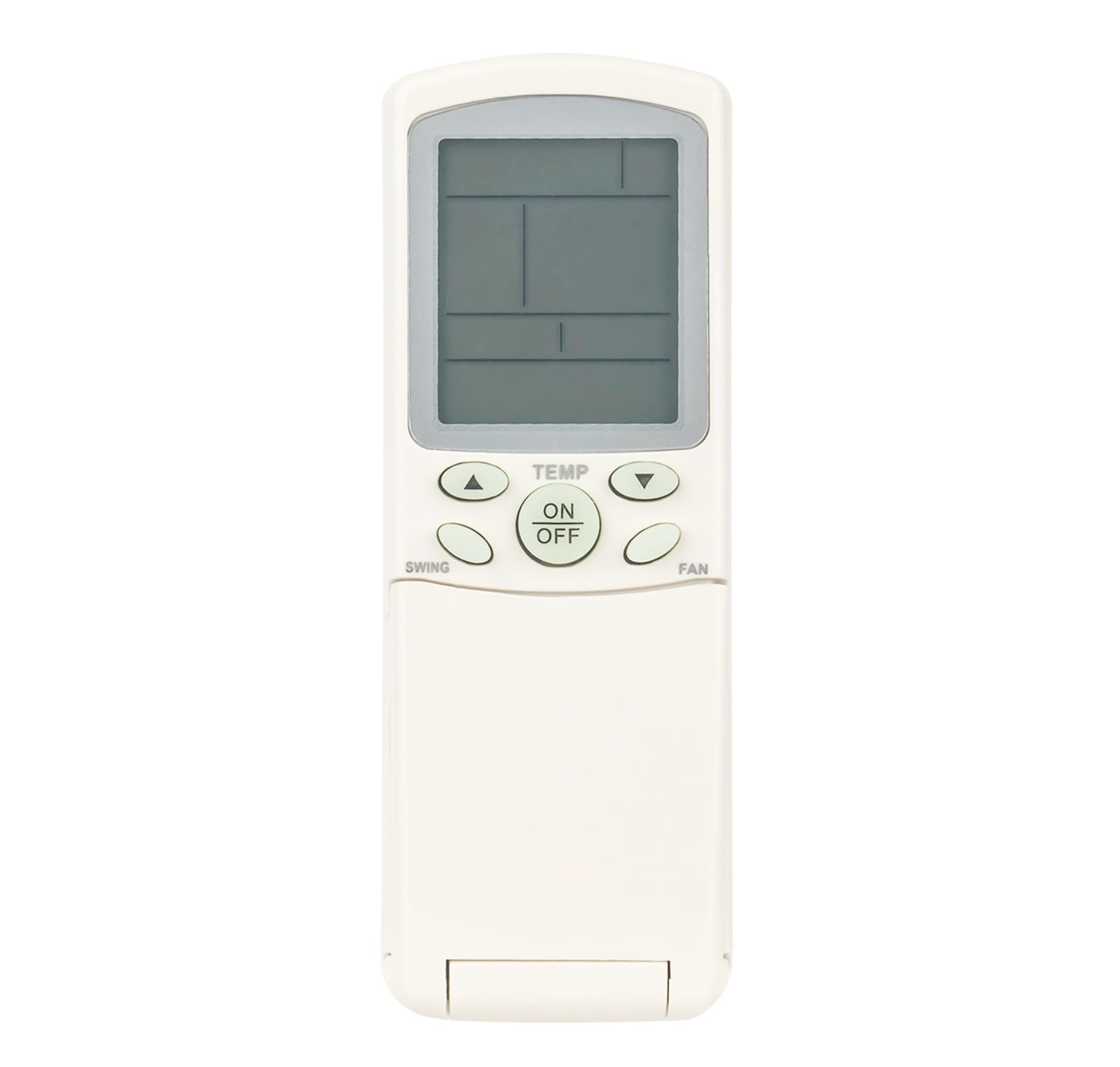
This image displays the front of the AULCMEET YL-H03 remote control, highlighting the layout of its buttons and the LCD screen. Key buttons such as ON/OFF, TEMP, MODE, FAN, SWING, SLEEP, CLOCK, TIMER, SET, RESET, CODE, and LOCK are visible.
- ON/OFF: Press to turn the air conditioner unit on or off.
- TEMP ▲/▼: Adjusts the temperature setting.
- MODE: Cycles through operating modes (e.g., Cool, Heat, Fan, Dry, Auto).
- FAN: Adjusts the fan speed.
- SWING: Controls the louver swing function.
- SLEEP: Activates or deactivates sleep mode.
- CLOCK: Sets the current time.
- TIMER: Sets the on/off timer for the unit.
- SET: Confirms settings for functions like CLOCK or TIMER.
- RESET: Resets certain settings.
- CODE: This button is present but no programming is required for this replacement remote.
- LOCK: Locks the remote control buttons to prevent accidental changes.
For detailed operation of specific modes and advanced features, refer to your Haier AC Air Conditioner's original user manual.
Maintenance
Cleaning
To clean the remote control, wipe it gently with a soft, dry cloth. Do not use liquid cleaners, sprays, or abrasive materials, as these can damage the remote.
Battery Replacement
Replace batteries when the remote control's range decreases or it stops responding. Always replace both batteries simultaneously with new R-03 (AAA) alkaline batteries.
Troubleshooting
- Remote not responding:
- Check if the batteries are inserted correctly with the correct polarity.
- Replace old batteries with new R-03 (AAA) alkaline batteries.
- Ensure there are no obstructions between the remote control and the air conditioner unit's receiver.
- Confirm the remote is pointed directly at the air conditioner unit.
- Limited range:
- Replace batteries.
- Ensure the remote is within the maximum operating range of 10 meters.
If issues persist after following these steps, contact customer support.
Specifications
| Feature | Specification |
|---|---|
| Model | YL-H03 |
| Brand | AULCMEET |
| Compatible AC Models | YR-H08, YR-H10, YR-H07, YR-H74, YR-H78, YL-H24, R-H33, YR-H03 |
| Power Source | 2 x R-03 (AAA) Alkaline Batteries (not included) |
| Maximum Range | 10 meters |
| Dimensions | 12 x 4 x 0.6 cm |
| Weight | 60 g |
| Number of Buttons | 20 |
Warranty and Support
For warranty information or technical support, please refer to the original purchase documentation or contact the seller directly.
For additional information regarding your Haier AC Air Conditioner unit, please consult its dedicated user manual or the manufacturer's website.