Download PDFFree PDF. The Save button below keeps a bookmark and private notes in your account.
Wbacon 7-in-1 External CD/DVD Drive User Manual
Model: 744316243262
Introduction
The Wbacon 7-in-1 External CD/DVD Drive is a versatile and portable optical drive designed to expand the media capabilities of your laptop or desktop computer. It supports reading and writing of both CD and DVD discs, and features integrated SD/TF card slots along with multiple USB 3.0 and Type-C ports for enhanced connectivity and data transfer.
Package Contents
Wbacon 7-in-1 External CD/DVD Drive
Integrated USB 3.0/Type-C Cable
User Manual
Key Features
7-in-1 Functionality: Supports reading and writing DVD/CD discs, with integrated SD/TF card slots, and USB 3.0/Type-C ports for data transfer.
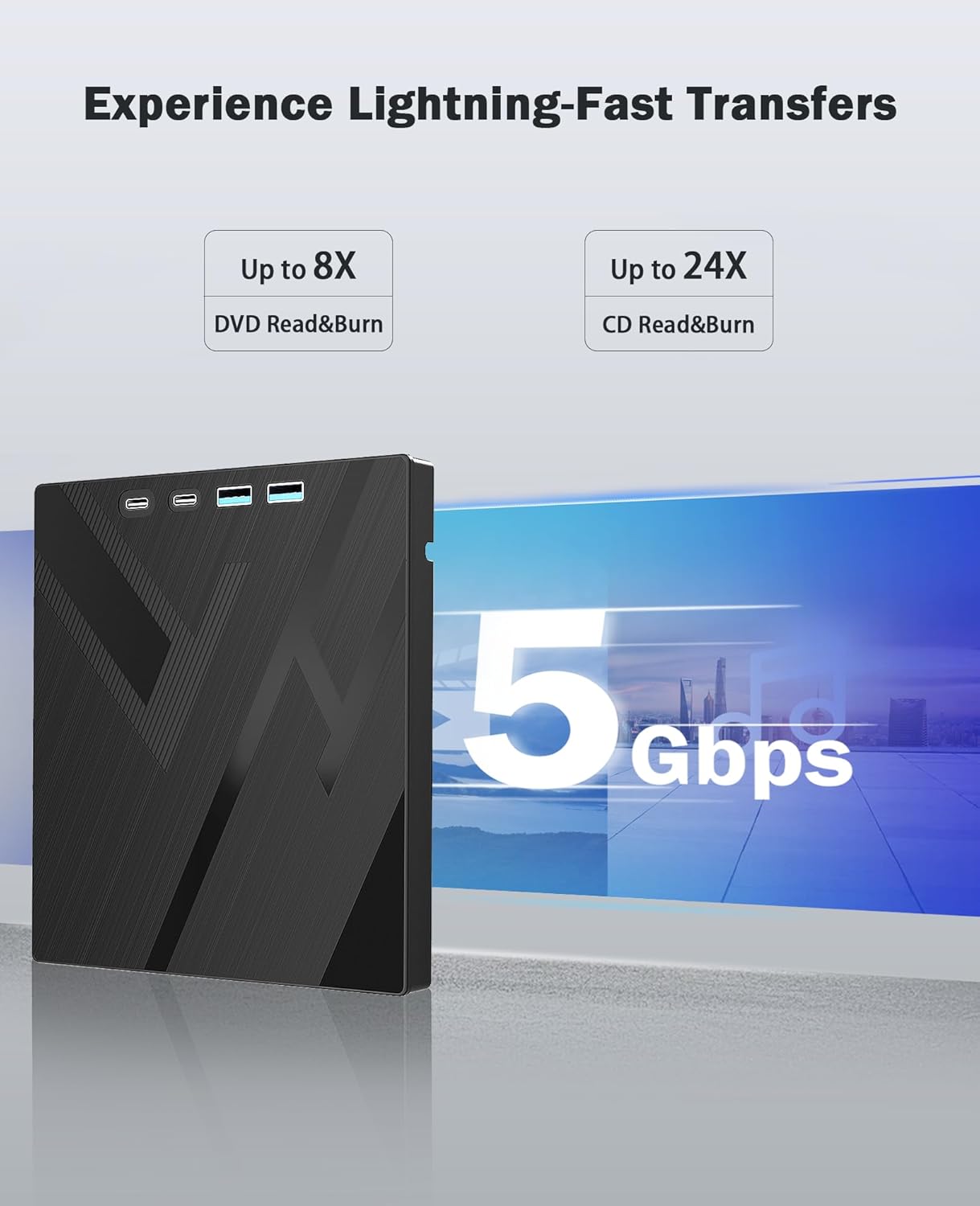
High-Speed Performance: Boasts up to 8x DVD-R Write Speed and 24x CD Write Speed for efficient data handling.
Plug & Play: No additional drivers required for most operating systems, ensuring immediate use.
Broad Compatibility: Works seamlessly with Windows (98/SE/ME/2000/XP/Vista/7/8/10/11), Mac OS, and Linux operating systems.
Compact & Portable: Features a slim and lightweight design, making it ideal for on-the-go use and easy storage.
Setup Guide
Connect the Drive:
Locate the integrated USB cable on the underside of the drive. Unclip it from its storage slot and connect the appropriate end (USB 3.0 or Type-C) to an available port on your laptop or desktop computer.
Image: The external drive connected to a laptop via its integrated USB cable, showcasing its compact design and multiple ports.
Power Connection (Optional for some devices):
For optimal performance or with certain devices, an additional power source might be required. Use a compatible USB power adapter (not included) connected to one of the drive's Type-C ports.
System Recognition:
Your operating system should automatically detect and install the necessary drivers. The drive is plug-and-play, so no manual driver installation is typically required.
Operating Instructions
Using the CD/DVD Drive:
Open the Disc Tray:
Press the eject button located on the front edge of the drive. The disc tray will slide out.
Image: The external drive with its disc tray extended, ready for disc insertion.
Insert a Disc:
Carefully place a CD or DVD onto the tray, ensuring it is centered on the spindle. Gently push the tray back into the drive until it clicks shut.
Accessing Disc Content:
Once the disc is inserted, your computer's operating system should prompt you to open the disc or play its content. If not, navigate to "This PC" or "Finder" and locate the optical drive icon to access the disc.
Ejecting a Disc:
To eject a disc, either press the eject button on the drive or use the eject function within your operating system (e.g., right-click the drive icon and select "Eject").
Using SD/TF Card Slots and USB Ports:
Card Insertion:
Insert your SD or TF card into the corresponding slot on the side of the drive. Ensure the card is inserted correctly to avoid damage.
Image: A diagram illustrating the various ports on the drive, including SD and TF card slots, and USB ports.
Note: SD and TF cards cannot be used simultaneously. Only one card can be active at a time. However, both can function simultaneously with the USB 3.0 ports.
USB Device Connection:
Connect USB devices (e.g., flash drives, external hard drives, charging cables for phones/headphones) to the available USB 3.0 or Type-C ports on the drive.
Data Transfer:
Once connected, your computer will recognize the inserted cards or USB devices, allowing you to transfer data as you would with any other storage device.
Maintenance and Care
Cleaning:
Wipe the exterior of the drive with a soft, dry cloth. Do not use liquid cleaners or solvents.
Disc Handling:
Always handle discs by their edges to avoid fingerprints and scratches. Store discs in protective cases when not in use.
Storage:
Store the drive in a cool, dry place away from direct sunlight and extreme temperatures. Ensure the integrated cable is neatly stored in its designated slot on the underside of the drive.
Avoid Magnetic Objects:
Keep the drive away from strong magnetic fields to prevent data corruption or damage.
Troubleshooting
Problem
Possible Cause
Solution
Drive not recognized by computer.
Loose connection, insufficient power, or driver issue.
Ensure the USB cable is securely connected to both the drive and the computer.
Try a different USB port on your computer.
Connect an external power source to the drive's Type-C port if available.
Restart your computer.
Disc tray does not open.
No power or mechanical issue.
Ensure the drive is properly connected and receiving power (the indicator light should be on).
Use the emergency eject hole (small pinhole next to the eject button) with a paperclip to manually open the tray.
Disc not reading/writing.
Dirty/damaged disc, incompatible format, or software issue.
Clean the disc with a soft, lint-free cloth.
Try a different disc.
Ensure you have compatible media player or burning software installed on your computer.
Check the disc's region code compatibility (see Specifications section).
SD/TF cards not recognized.
Incorrect insertion, incompatible card, or simultaneous use.
Ensure the card is fully and correctly inserted.
Verify that only one SD or TF card is inserted at a time (unless using USB 3.0 ports simultaneously).
Try a different card.
Specifications
Brand: Wbacon
Model Number: 744316243262
Hardware Platform: PC
Operating System Compatibility: Windows (98/SE/ME/2000/XP/Vista/7/8/10/11), Mac OS, Linux
The disc can only be played when the region code of the CD/DVD drive matches the disc. The region code can only be changed 5 times.
Region 1: USA, Canada
Region 2: Japan, Europe, South Africa, Middle East (including Egypt)
Region 3: Southeast Asia, East Asia (including Hong Kong)
Region 4: Australia, New Zealand, Pacific Islands, Central America, Mexico, South America, Caribbean
Region 5: Eastern Europe (Former Soviet Union), India, Africa
Region 6: China
Region 7: Reserved
Region 8: Airplane or Ship, etc.
Warranty and Support
The Wbacon External CD/DVD Drive is designed for ease of use and durability. If you encounter any concerns or issues with the product upon receiving it or during its use, please contact our customer service for assistance.
We are committed to customer satisfaction and will do everything we can to help.
Ask about setup, troubleshooting, compatibility, parts, safety, or missing instructions. Manuals+ will review the question and use this page’s manual context to help answer it.