
MANHATTAN 179829
MANHATTAN Bluetooth Wireless Neckband Headphones User Manual
Model: 179829
Introduction
Thank you for choosing MANHATTAN Bluetooth Wireless Neckband Headphones. These headphones are designed to provide high-quality audio and hands-free communication with comfort and durability, ideal for various activities including work, music, and calls. This manual will guide you through the setup, operation, and maintenance of your new headphones.

The MANHATTAN Bluetooth Wireless Neckband Headphones, showcasing the neckband, earbuds, and various ear tip sizes.
What's in the Box
Ensure all items are present before proceeding with setup.
- 1x Wireless Headphones with Neckband
- 1x USB Charging Cable (1 ft / 0.3 m)
- Earphone tips in three different sizes: Small, Medium, Large
- Ear hooks
- Instructions (this manual)

All components included with your MANHATTAN Neckband Headphones.
Product Overview
The MANHATTAN Bluetooth Wireless Neckband Headphones are designed for comfort and functionality, featuring a secure fit and intuitive controls.

The comfortable neckband design ensures a secure fit during various activities.

Built-in microphone for crystal clear calls in noisy environments.

Magnetic backs keep earbuds neatly together when not in use. Vibrant LEDs can be switched on/off.

IPX4-rated for water resistance, suitable for sweat and light rain.
Official product video showcasing the features and benefits of the MANHATTAN Bluetooth Wireless Neckband Headphones.
Setup
1. Charging the Headphones
Before first use, fully charge your headphones. Use the included USB charging cable.
- Connect the small end of the USB charging cable to the charging port on the neckband.
- Connect the larger end of the USB cable to a USB power source (e.g., computer USB port, USB wall adapter).
- The LED indicator will show charging status. Once fully charged, the LED will change or turn off.
2. Pairing with a Bluetooth Device
Pair your headphones with your smartphone, tablet, or other Bluetooth-enabled device.
- Ensure the headphones are turned off.
- Press and hold the power button on the neckband until the LED indicator flashes rapidly (usually blue and red), indicating pairing mode.
- On your device, go to Bluetooth settings and turn Bluetooth on.
- Select "MANHATTAN 179829" (or similar name) from the list of available devices.
- Once connected, the LED indicator on the headphones will typically show a solid blue light or flash slowly.

Bluetooth 5.2 ensures a stable and efficient wireless connection.
Operating Instructions
Power On/Off
- Power On: Press and hold the power button until the LED indicator lights up.
- Power Off: Press and hold the power button until the LED indicator turns off.
Music Playback
- Play/Pause: Press the Multi-function button once.
- Next Track: Press and hold the Volume Up button.
- Previous Track: Press and hold the Volume Down button.
- Volume Up: Short press the Volume Up button.
- Volume Down: Short press the Volume Down button.
Call Management
- Answer/End Call: Press the Multi-function button once.
- Reject Call: Press and hold the Multi-function button for 2 seconds.
- Redial Last Number: Double-press the Multi-function button.
Mode Switching (Music/Game Mode)
These headphones feature a quick mode switch for Music Mode and Gaming Mode.
- Switch Mode: Locate the dedicated Music/Game Mode button on the neckband and press it to toggle between modes.

Detailed view of the control buttons on the neckband for easy operation.
Maintenance
- Cleaning: Wipe the headphones with a soft, dry cloth. Do not use abrasive cleaners or solvents.
- Storage: When not in use, store the headphones in a cool, dry place, away from direct sunlight and extreme temperatures. The magnetic backs help keep the earbuds neatly together.
- Water Resistance: The headphones are IPX4-rated, meaning they are resistant to splashing water from any direction. Do not submerge them in water or expose them to heavy rain for extended periods.
- Battery Care: To prolong battery life, avoid fully discharging the battery frequently. Charge the headphones regularly, even if not in frequent use.
Troubleshooting
| Problem | Possible Solution |
|---|---|
| Headphones won't turn on. | Ensure the battery is charged. Connect to a power source and try again. |
| Cannot pair with device. |
|
| No sound or low volume. |
|
| Poor call quality. |
|
Specifications
| Feature | Detail |
|---|---|
| Model Number | 179829 |
| Bluetooth Version | 5.2 |
| Control Type | Media Control, Remote |
| Frequency Range | 20 Hz - 20,000 Hz |
| Playtime | Up to 15 hours |
| Standby Time | Up to 280 hours |
| Water Resistance | IPX4 Rated |
| Wireless Range | 30 ft (approx. 9 meters) |
| Material | Plastic |
| Item Weight | 5 ounces |
| Compatible Devices | Laptops, Desktops, Gaming Consoles, Tablets, Telephones, Smart Speaker, Television, Cellphones |
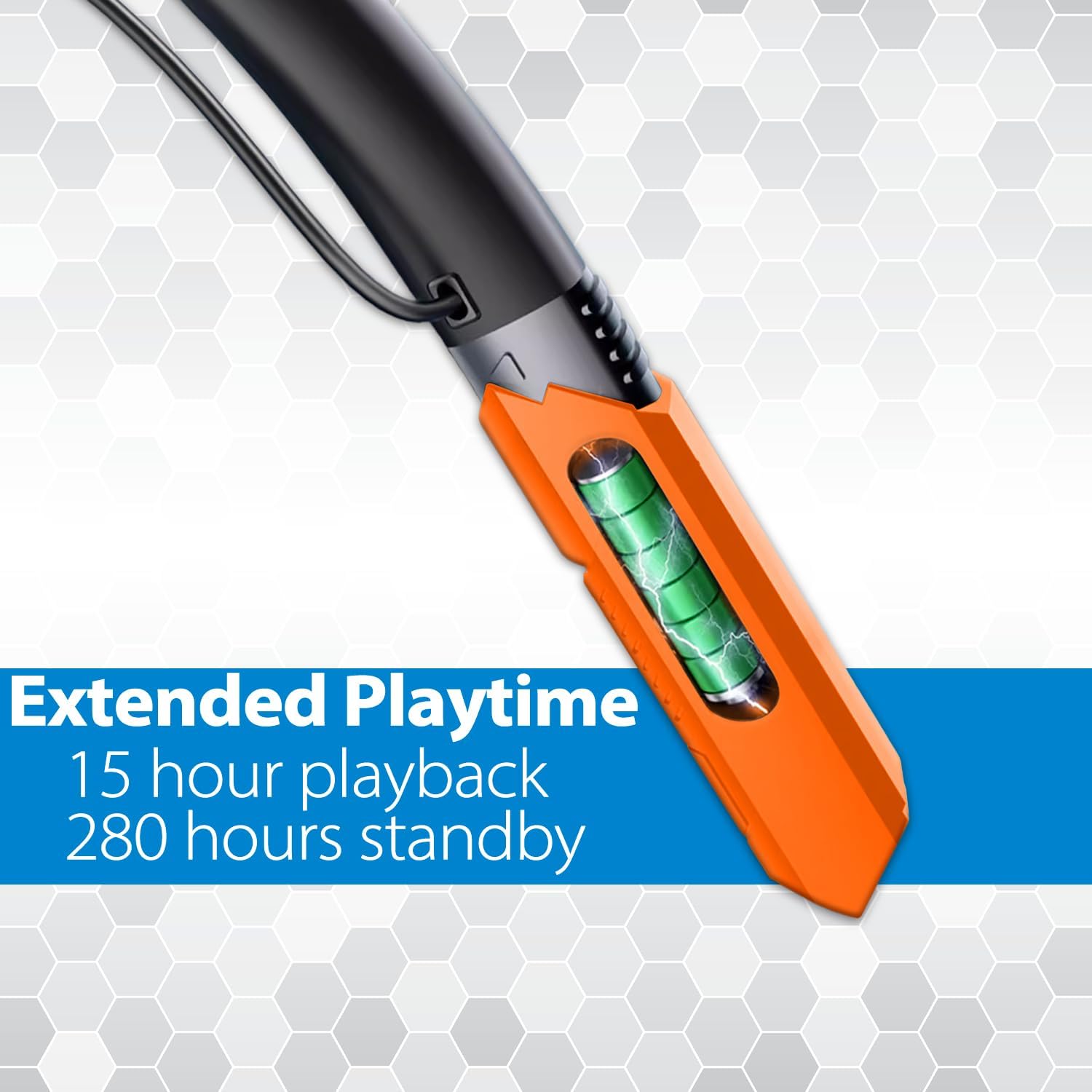
High-capacity battery delivers up to 15 hours of playback.
Warranty and Support
MANHATTAN products are backed by a 3-year manufacturer's warranty. For warranty claims, technical support, or product inquiries, please visit the official MANHATTAN website or contact their customer service.
Official MANHATTAN Store on Amazon: MANHATTAN Products Store
For additional support, refer to the contact information provided in your product packaging or on the manufacturer's website.
Related documents179829


Ask a question about this manual
Ask about setup, troubleshooting, compatibility, parts, safety, or missing instructions. Manuals+ will review the question and use this page’s manual context to help answer it.