
Introduction
The Positive Grid Spark Control X is an official wireless footswitch designed for Spark series guitar amplifiers. It features 6 customizable switches, offering enhanced functionality and advanced customization options for your Spark (40-Watt), Spark MINI, and Spark GO amps. Please note that Spark (40-Watt), Spark MINI, and Spark GO models require connection via the Spark app for full functionality.

Figure 1: Top view of the Spark Control X footswitch, showcasing its sleek design and illuminated control buttons.
This versatile controller allows you to plug in up to two TRS type expression pedals, enabling manipulation of channel volume and wah effects directly within the Spark app. It also includes three transparent overlays that fit perfectly over the pedal's face, allowing for custom labeling of your favorite functions for quick recall and access.
Setup
Initial Charging
Before first use, ensure the Spark Control X is fully charged. The rechargeable internal battery provides up to 150 hours of playtime on a single charge. Connect the included USB-C cable to the charging port on the rear of the unit and to a compatible USB power source.
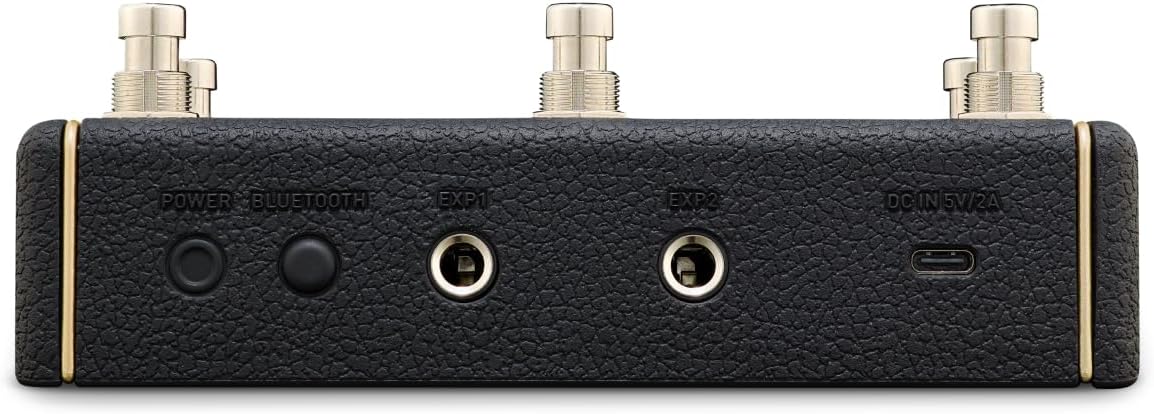
Figure 2: The rear panel of the Spark Control X, highlighting the USB-C charging port and expression pedal inputs.
Connecting to Your Spark Amp
The Spark Control X can connect directly to the Spark LIVE amp or via the Spark app for other Spark series amps (Spark 40, Spark MINI, Spark GO).
- Power On: Turn on your Spark Control X by pressing the power button. The power indicator light will illuminate.
- Pairing (Spark 40, MINI, GO via App):
- Ensure your Spark amp is powered on and connected to the Spark app on your mobile device via Bluetooth.
- Open the Spark app and navigate to the "Add Device" section.
- Select "Spark Control X" from the list of available devices. The app will guide you through the pairing process.
- Once paired, the "APP" indicator light on the Spark Control X will turn solid blue.
- Direct Pairing (Spark LIVE):
- Power on your Spark LIVE amp.
- Press and hold the Bluetooth button on your Spark LIVE amp until the Bluetooth and Wi-Fi lights flash slowly.
- The Spark Control X will automatically search for and connect to your Spark LIVE. The "AMP" indicator light on the Spark Control X will turn solid blue upon successful connection.
Video 1: An overview of the Spark Control X, demonstrating its connection capabilities and basic functions with a Spark amp and the Spark app.
Operating the Spark Control X
Customizable Switches
The Spark Control X features six programmable switches (labeled I, II, III, IV, A, B) that allow you to control various functions within your Spark amp or app. These switches can be customized to swap presets, toggle effects, and more, providing hands-free control during your performance or practice sessions.
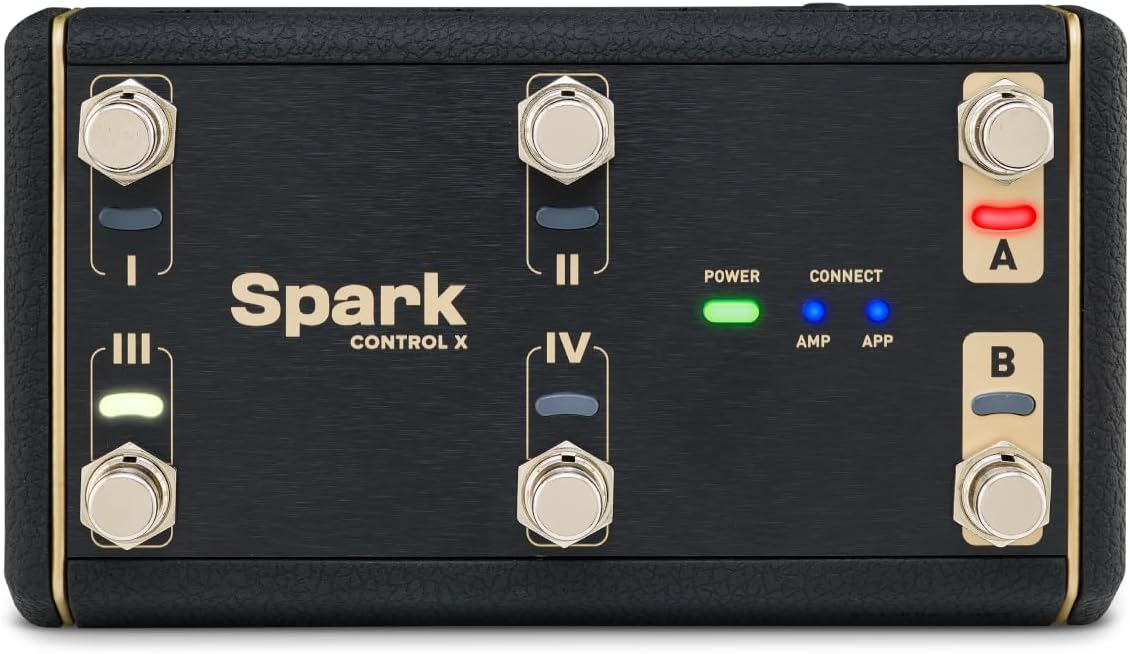
Figure 3: The Spark Control X's top panel, showing the six footswitches and their corresponding indicator lights.
- Preset Switching: Assign switches to navigate through your saved presets in the Spark app, allowing for quick tone changes.
- Effect Toggling: Configure switches to turn individual effects (e.g., overdrive, delay, reverb) on or off within your current preset.
- Bank Selection: Use the 'A' and 'B' switches to switch between different banks of presets or functions, expanding your control options.
Expression Pedal Integration
The Spark Control X includes two TRS type expression pedal inputs (EXP1 and EXP2) on the rear panel. These inputs allow you to connect external expression pedals to control parameters such as volume, wah, and other effects levels in real-time within the Spark app.
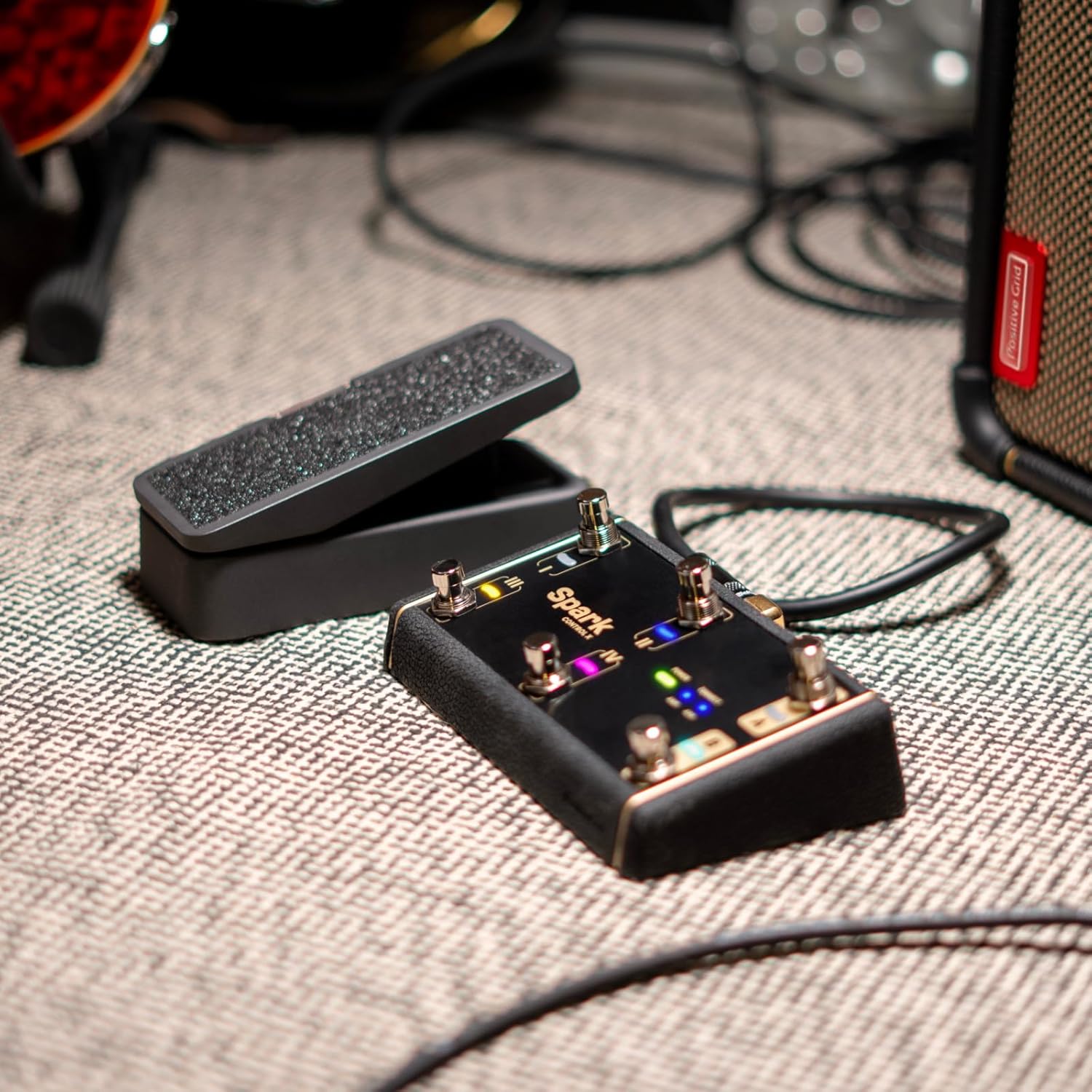
Figure 4: The Spark Control X with an external expression pedal connected, demonstrating its expandability.
Transparent Overlays
The included transparent overlays can be placed over the footswitches. Use a dry-erase marker to label each switch with its assigned function, making it easy to remember your custom configurations. These overlays can be wiped clean and relabeled as needed.
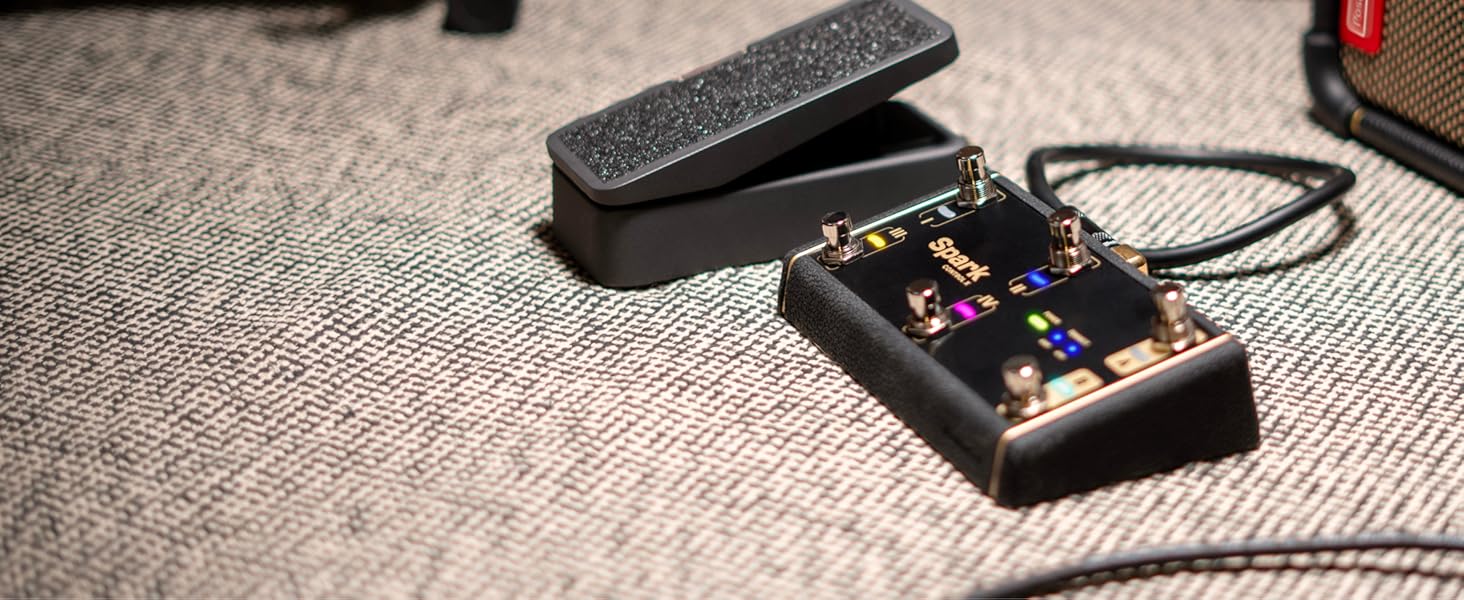
Figure 5: The Spark Control X with a transparent overlay, allowing users to write custom labels for each switch.
Maintenance
- Cleaning: The Spark Control X features durable housing and a one-piece silicon covering. To clean, wipe with a soft, dry cloth. Avoid using harsh chemicals or abrasive materials.
- Battery Care: To maximize battery life, avoid fully discharging the unit frequently. Recharge the internal battery as needed using the USB-C port.
- Storage: Store the unit in a cool, dry place away from extreme temperatures and direct sunlight when not in use for extended periods.
Troubleshooting
- Connection Issues: If the Spark Control X fails to connect, ensure both the footswitch and your Spark amp/app are powered on and within Bluetooth range. Try restarting both devices and the Spark app.
- Unresponsive Switches: Verify that the unit is charged and properly connected. Check the Spark app to ensure the switches are correctly assigned to functions.
- Battery Not Charging: Ensure the USB-C cable and power adapter are functioning correctly. Try a different cable or power source.
Specifications
| Feature | Detail |
|---|---|
| Item Weight | 15.9 ounces |
| Product Dimensions | 8.6 x 4.25 x 3.85 inches |
| Country of Origin | Indonesia |
| Item Model Number | SPD11M-EUSS |
| Batteries | 1 Lithium Ion batteries required. (included) |
| Battery Type | Lithium Ion |
| Power Source | Battery Powered |
| Voltage | 9 Volts |
Warranty and Support
For detailed warranty information and technical support, please visit the official Positive Grid website or contact their customer service. Keep your purchase receipt for warranty claims.
You can find more information and support resources on the Positive Grid Store on Amazon.