Introduction
This manual provides essential information for the safe and efficient operation of your Shop-Vac 5430087 Cordless Rechargeable Lithium 20V Handheld Vacuum. This high-quality product is designed for various cleaning needs, offering dependability and performance. Please read these instructions thoroughly before use and retain them for future reference.

Image: The Shop-Vac 5430087 handheld vacuum shown with its included accessories, including the main unit, battery, charger, and various nozzles.
Package Contents
Verify that all items listed below are included in your package. If any items are missing or damaged, please contact customer support.
- Shop-Vac 5430087 Handheld Vacuum Unit
- 2.0A Lithium Battery (20V Max)
- Fast Charger
- Gulper Nozzle
- Crevice Tool
- Extension Wands x 2
- Cartridge Filter
- Accessory Kit

Image: All components of the handheld vacuum, including the main unit, battery, charger, gulper nozzle, crevice tool, extension wands, and cartridge filter, are displayed on a white background.
Setup
- Charge the Battery: Before first use, fully charge the 2.0A lithium battery using the provided fast charger. The charging time is approximately 1 hour.
- Install the Battery: Slide the fully charged battery into the base of the handheld vacuum unit until it clicks securely into place.
- Attach Accessories: Select the appropriate nozzle or tool for your cleaning task.
- Gulper Nozzle: Ideal for larger debris and general cleaning.
- Crevice Tool: Use for tight spaces, corners, and edges.
- Extension Wands: Connect one or both wands to extend reach for floors or high areas.
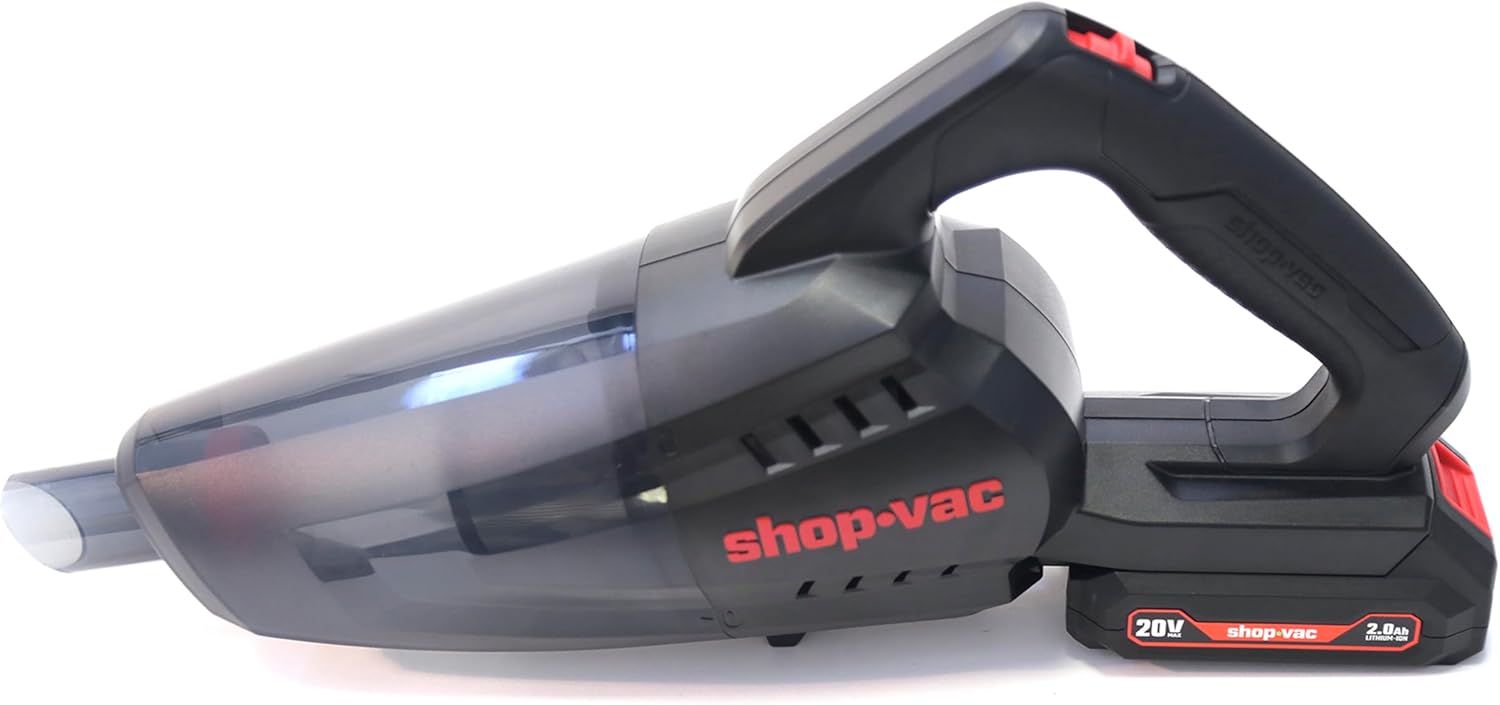
Image: A front view of the handheld vacuum, highlighting the nozzle and dustbin assembly.
Operating Instructions
- Power On/Off: Press the power button located on the handle to turn the vacuum on. Press it again to turn it off.
- Cleaning: Move the vacuum slowly over the surface to be cleaned. For optimal suction, ensure the nozzle makes good contact with the surface.
- Using Accessories:
- For car interiors, use the crevice tool to reach between seats and in tight corners.
- The gulper nozzle is effective for larger areas like car mats or upholstery.
- Extension wands can be used for floor-level cleaning or reaching higher spots.
- Battery Life: A fully charged 2.0A battery provides approximately 15 minutes of running time. A 4.0A battery (sold separately) can provide up to 28 minutes.
Video: An official demonstration of the Shop-Vac 5430087 handheld vacuum in use, showcasing its features and accessories for various cleaning tasks.
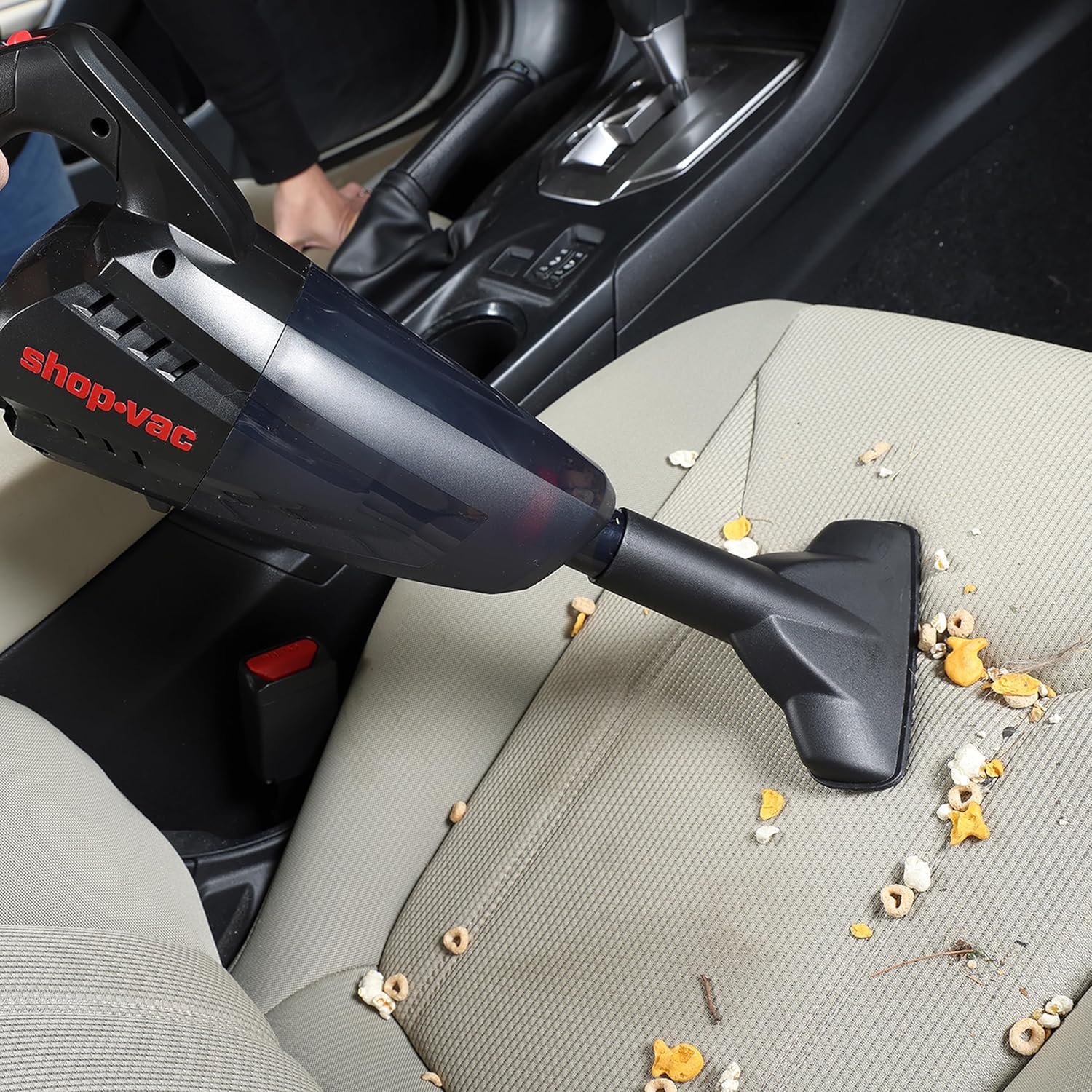
Image: The handheld vacuum with the gulper nozzle attached, effectively cleaning crumbs and debris from a car seat.
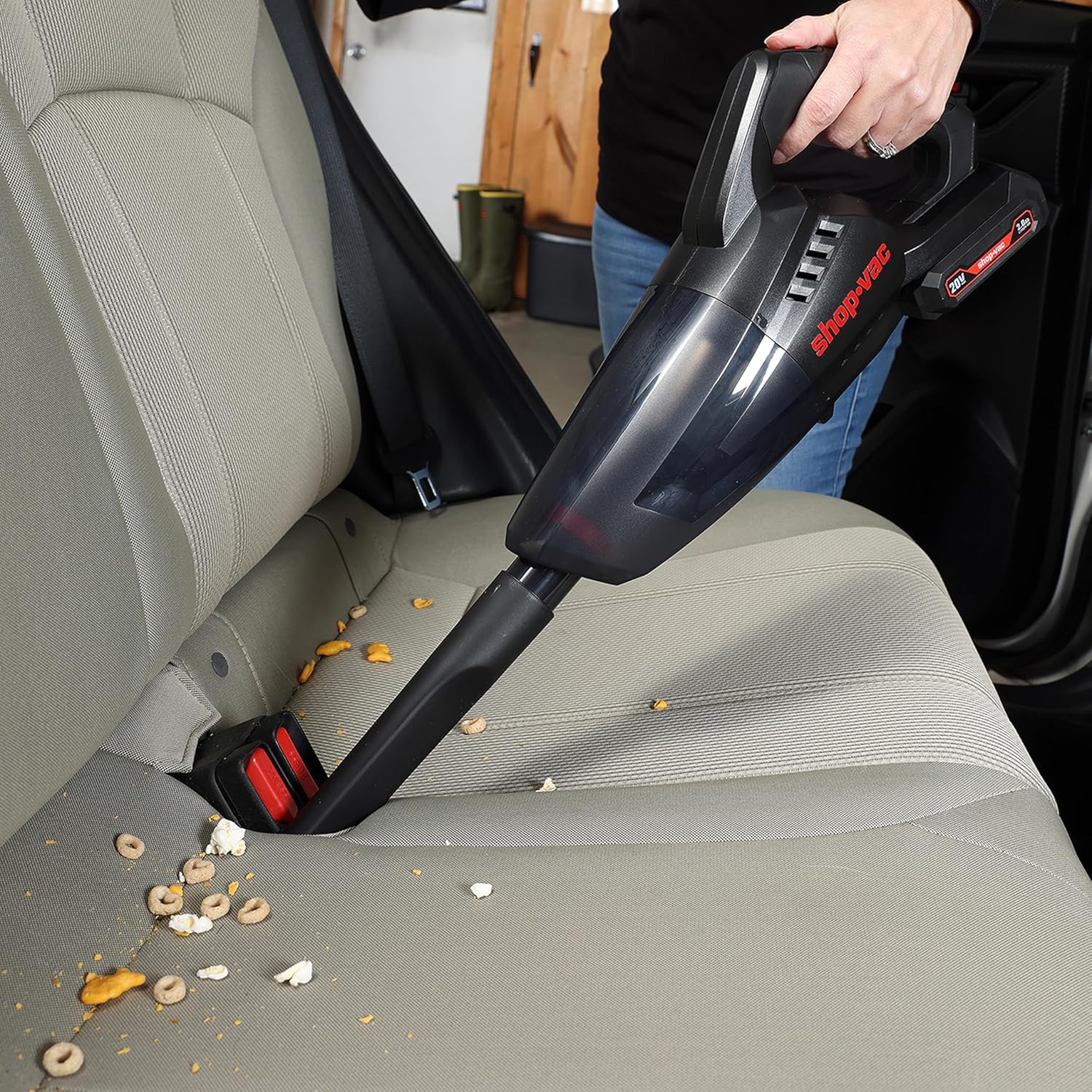
Image: The handheld vacuum with the crevice tool attached, reaching into the tight space between a car seat and the console to remove debris.

Image: The handheld vacuum with an accessory, possibly the gulper nozzle or a brush, being used to clean pet hair from the carpeted floor of a car, with a dog observing from the back seat.
Maintenance
- Emptying the Dustbin:
- To empty the dustbin, press the release button located on the side of the vacuum.
- Rotate the dustbin counter-clockwise and pull it away from the main unit.
- Carefully empty the contents into a trash receptacle.
- Cleaning the Cartridge Filter:
- Remove the cartridge filter from the dustbin.
- Tap the filter gently over a trash can to dislodge dust and debris.
- For a more thorough cleaning, the filter can be rinsed with water. Ensure it is completely dry before reinserting it into the dustbin.
- Reassembly: After emptying and cleaning, reinsert the filter into the dustbin, then align the dustbin with the main unit and twist clockwise until it locks into place.

Image: The handheld vacuum showing the dustbin rotating, indicating the mechanism for detachment and emptying.

Image: The handheld vacuum with its transparent dustbin detached from the main unit, ready for emptying.

Image: Two hands holding the separate components of the vacuum's filtration system: a pleated cartridge filter and a metal mesh screen, indicating they are removable for cleaning.
Troubleshooting
| Problem | Possible Cause | Solution |
|---|---|---|
| Vacuum does not turn on. | Battery is not charged or not properly installed. | Ensure battery is fully charged and securely clicked into place. |
| Low suction power. | Dustbin is full or filter is clogged. | Empty the dustbin and clean the cartridge filter. Ensure filter is dry before reassembly. |
| Unusual noise during operation. | Obstruction in the nozzle or hose. | Turn off the vacuum and check for any blockages in the nozzle, extension wands, or main suction inlet. |
Note: Replacement filters are essential for maintaining optimal performance. Please contact Shop-Vac customer support for information on purchasing replacement filters.
Specifications
| Feature | Detail |
|---|---|
| Model Name | 5430087 |
| Brand | Shop-Vac |
| Voltage | 20V Max |
| Power | 180W |
| Tank Capacity | 0.65 Liters / 22oz |
| Vacuum Pressure | 9Kpa |
| Max Air Flow | 40CFM |
| Max Efficiency | 25% Max |
| Battery Type | Lithium Ion (2.0A included) |
| Charging Time | 1 Hour |
| Running Time (2.0A battery) | 15 minutes |
| Running Time (4.0A battery) | 28 minutes |
| Filter Type | Cartridge |
| Item Weight | 4.4 pounds |
| Product Dimensions | 16.53"L x 5.7"W x 11"H |
| Noise Level | 40 Decibels |
Warranty & Support
For warranty information, product support, or to purchase replacement parts and accessories, please visit the official Shop-Vac website or contact their customer service department. Keep your purchase receipt as proof of purchase for any warranty claims.


