
1. Product Overview
The EUQQ Q92 Open Ear Clip-on Wireless Earbuds offer a unique listening experience designed for comfort and environmental awareness. These earbuds feature Bluetooth 5.3 connectivity, dual built-in microphones for clear calls, and a lightweight, secure fit ideal for various activities.
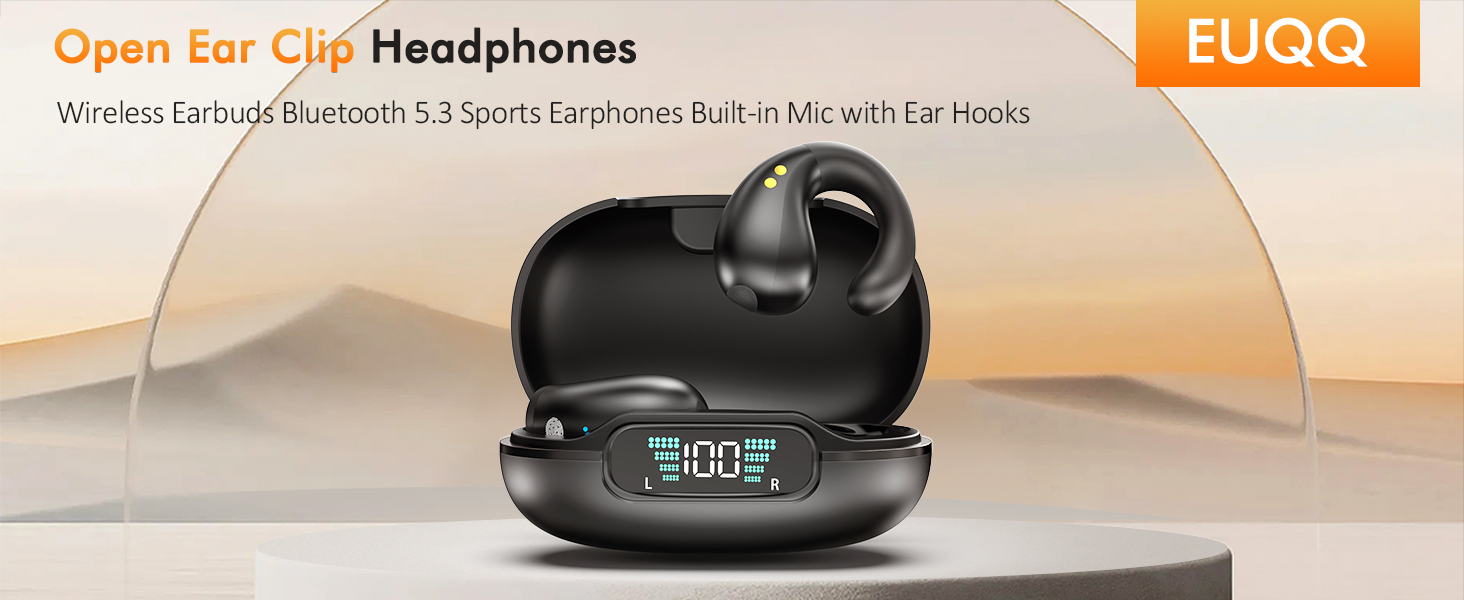
Image 1.1: EUQQ Q92 Open Ear Clip-on Wireless Earbuds and their charging case.
2. What's in the Box
Ensure all components are present upon unboxing:
- Earbuds (Left and Right)
- Charging Case
- User Manual
- Type-C Charging Cable

Image 2.1: Contents of the product packaging.
3. Setup and Pairing
3.1 Initial Charge
- Place both earbuds into the charging case.
- Connect the Type-C charging cable to the charging port on the case and a power source.
- The LED digital display on the case will show the battery level. A full charge takes approximately 1 hour.

Image 3.1: Charging case displaying battery status.
3.2 Bluetooth Pairing
- Open the charging case. The earbuds will automatically enter pairing mode.
- On your device (smartphone, tablet, laptop), enable Bluetooth and search for available devices.
- Select "Q92" from the list of devices to connect.
- Once connected, the earbuds are ready for use.

Image 3.2: Earbuds connected to various devices via Bluetooth.
4. Operating Instructions
4.1 Wearing the Earbuds
The Q92 earbuds feature an open-ear clip-on design. Gently clip each earbud onto the outside of your ear, ensuring the earpiece rests comfortably on your cochlea without entering the ear canal. This design allows for environmental awareness while listening.

Image 4.1: Proper wearing of the open-ear clip-on earbuds.
4.2 Touch Controls
The earbuds are equipped with flexible touch controls for easy operation:
- Play/Pause: Click 2 times (L/R earbud)
- Previous Song: Long Press 1 second (L earbud)
- Next Song: Long Press 1 second (R earbud)
- Answer/End Call: Long Press 2 seconds (L earbud)
- Hang Up Call: Long Press 2 seconds (R earbud)
- Volume +: Click 3 times (L earbud)
- Volume -: Click 3 times (R earbud)
- Activate Voice Assistant (Siri): Click 3 times (L/R earbud) when not playing music.
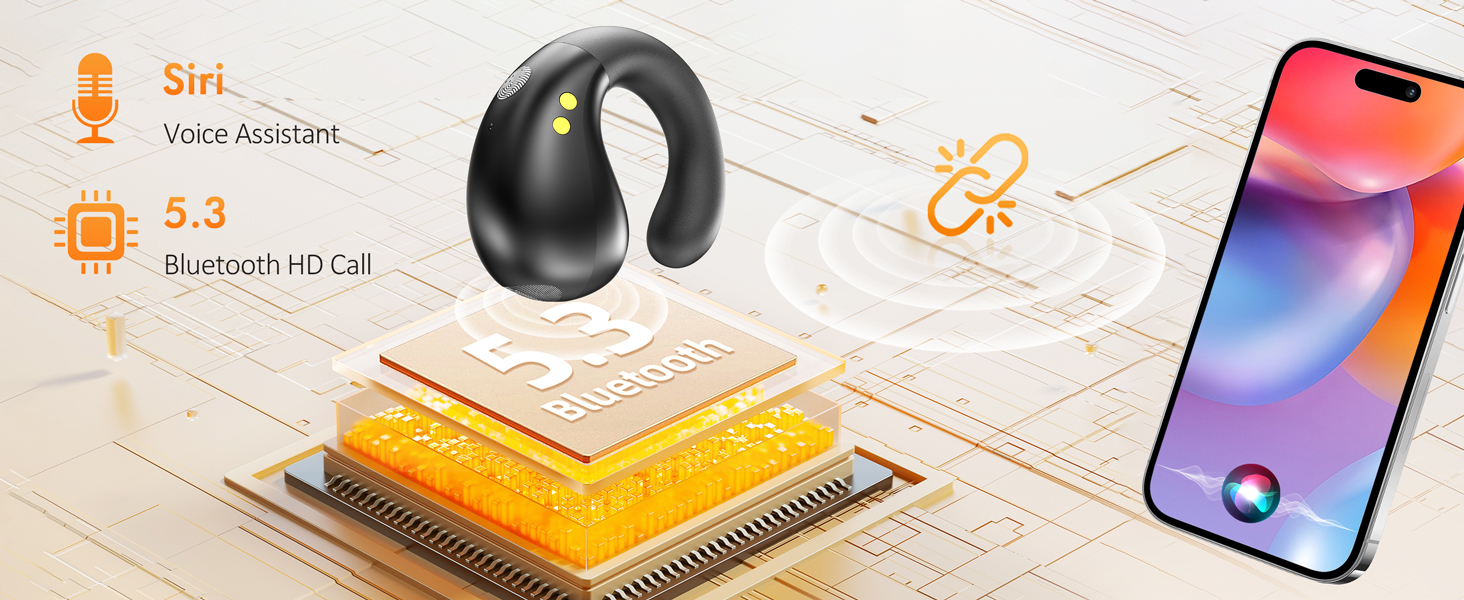
Image 4.2: Overview of touch control gestures.
4.3 Power Management
- Playtime: Up to 6 hours on a single charge.
- Extended Playtime: Up to 30 additional hours with the charging case, totaling 36 hours.
- Standby Time: Up to 80 hours.
- Battery Display: The LED digital display on the charging case shows current battery levels.
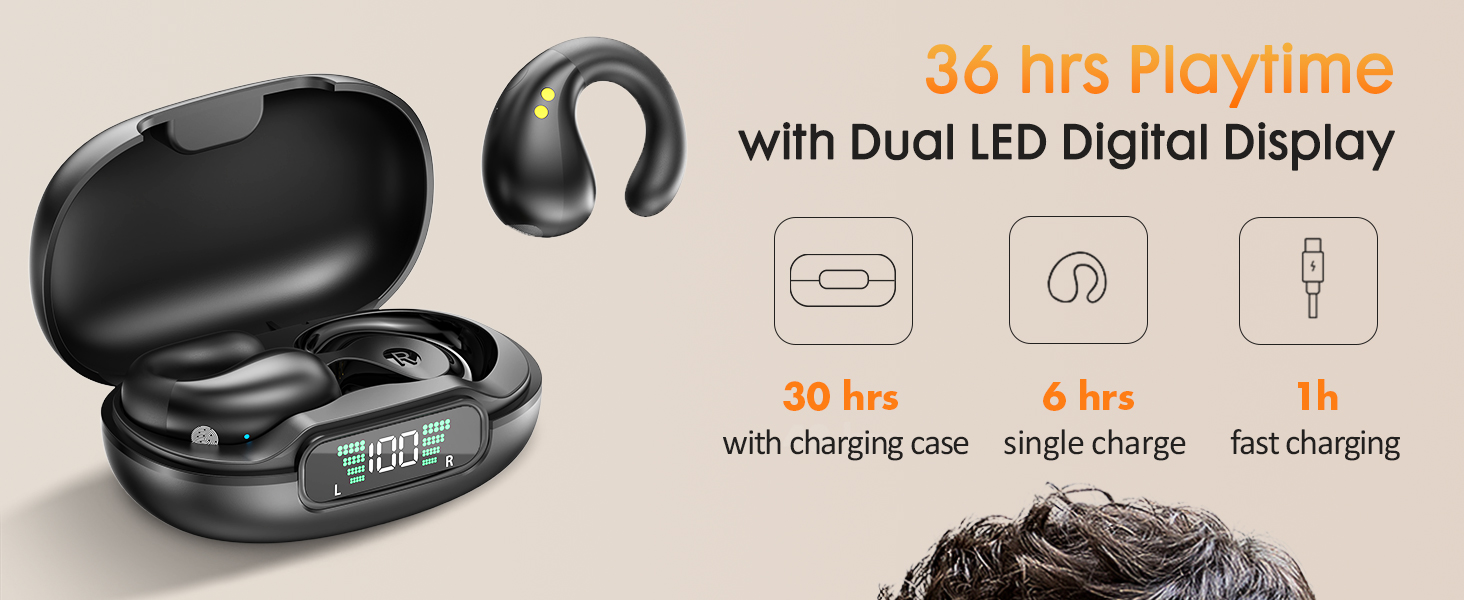
Image 4.3: Battery life and charging details.
5. Maintenance
- Cleaning: Use a soft, dry cloth to clean the earbuds and charging case. Avoid using harsh chemicals or abrasive materials.
- Water Resistance: The earbuds feature a waterproof design. However, avoid prolonged submersion in water. Dry thoroughly if exposed to moisture.
- Storage: Store the earbuds in their charging case when not in use to protect them and ensure they remain charged.
- Temperature: Avoid exposing the earbuds to extreme temperatures (hot or cold) to prevent damage to the battery and internal components.
6. Troubleshooting
- Earbuds not pairing: Ensure both earbuds are charged. Place them back in the case, close the lid, then open it again to re-enter pairing mode. Check your device's Bluetooth settings and try reconnecting.
- No sound: Verify the earbuds are connected to your device and the volume is turned up on both the earbuds and your device.
- Charging issues: Ensure the charging cable is securely connected to both the case and the power source. Try a different charging cable or power adapter if necessary.
- Uncomfortable fit: Adjust the position of the clip-on earbuds on your ear until a comfortable and secure fit is achieved.
7. Specifications
| Model Name | Q92-B |
| Connectivity Technology | Wireless (Bluetooth) |
| Wireless Communication Technology | Bluetooth 5.3 |
| Bluetooth Range | Up to 10 Meters |
| Charging Time | 1 Hour (Case) |
| Playtime (Single Charge) | 6 Hours |
| Total Playtime (with Charging Case) | 36 Hours |
| Standby Time | 80 Hours |
| Earbud Weight | 0.18 oz (per earbud) |
| Water Resistance Level | Waterproof |
| Control Method | Touch |
| Ear Placement | Open Ear |
| Compatible Devices | Cellphones, Tablets, Laptops, Smartwatches (any Bluetooth-enabled audio device) |
8. Official Product Video
Video 8.1: An official overview of the EUQQ YYK-Q92 Open Ear Wireless Earbuds, highlighting key features and design.
9. Warranty and Support
For warranty information and customer support, please refer to the contact details provided in your product packaging or visit the official EUQQ website. Keep your purchase receipt for warranty claims.

