
1. Setup
1.1 Package Contents
Verify that all items are present in your package:
- 1 x PAKRYS Smart Watch
- 1 x Watch Band
- 1 x Charging Cable
- 1 x User Manual (this document)
- 1 x Gift Box
1.2 Initial Charging
Before first use, fully charge your PAKRYS FT32 Smart Watch. Connect the magnetic charging cable to the charging points on the back of the watch and to a USB power source. A full charge typically takes approximately 2 hours. The watch has a 260mAh battery, providing about 3-5 days of working time and 7-15 days of standby time.
1.3 App Installation
To unlock the full functionality of your smart watch, download and install the GloryFit App on your smartphone. The app is compatible with Android 4.4 and above, and iOS 9.0 and above, requiring Bluetooth 5.0.
- Scan the QR code in the manual or on the watch screen (if available) to download.
- Alternatively, search for "GloryFit" in your phone's app store (Google Play Store for Android, Apple App Store for iOS).
1.4 Device Pairing
After installing the GloryFit App, follow these steps to pair your smart watch:
- Ensure Bluetooth is enabled on your smartphone.
- Open the GloryFit App and create an account or log in.
- Navigate to the 'Device' section within the app and select 'Add Device'.
- The app will search for available devices. Select 'FT32' or the device name that appears.
- Confirm the pairing request on both your phone and the smart watch.
- Grant all necessary permissions to the GloryFit App for full functionality, including notifications, location, and background operation.
2. Operating Instructions
2.1 Basic Navigation
The PAKRYS FT32 Smart Watch features a 1.32" HD full touch screen (IPS 360*360 pixels) for intuitive control. Swipe across the screen to access different functions and menus. Use the physical button(s) on the side for power on/off, returning to the home screen, or specific shortcuts as configured.

Image: The PAKRYS FT32 Smart Watch displaying its 1.32-inch HD screen with a vibrant watch face.
2.2 Bluetooth Calling
The smart watch supports making and answering calls directly from your wrist, thanks to its built-in high-quality speaker. Ensure your watch is connected to your smartphone via Bluetooth.
- Making Calls: Access the dial interface on the watch, enter the number, or select from your synced contacts.
- Answering Calls: When a call comes in, tap the green answer icon on the watch screen.
- Note: If the call function is not desired, it can be disabled in the watch settings or GloryFit App to conserve battery.
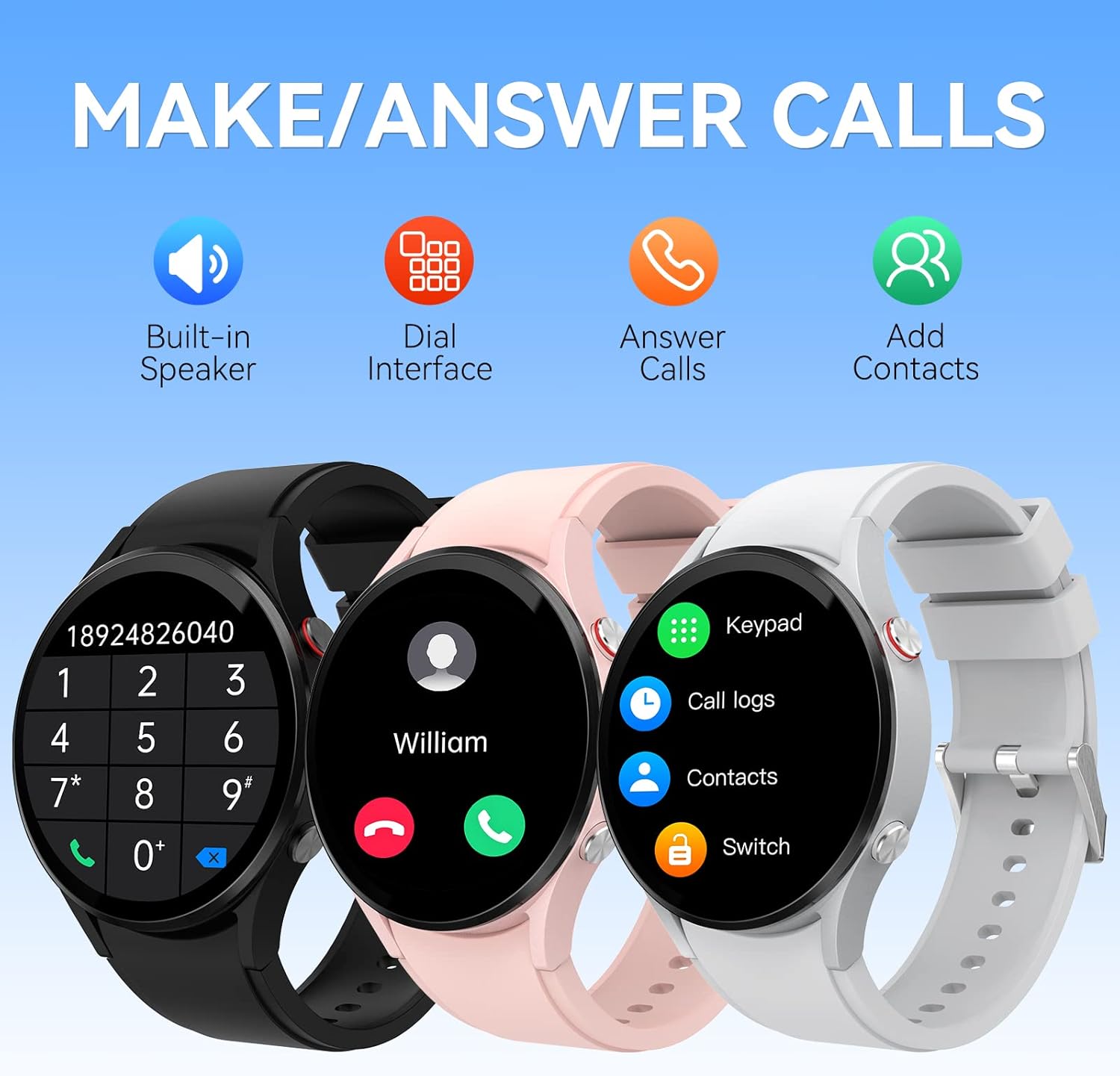
Image: Three PAKRYS FT32 Smart Watches in different colors demonstrating the call interface, dial pad, and contact list.
2.3 Smart Notifications
Receive calls, messages, and social media notifications directly on your wrist. Ensure the GloryFit App has notification permissions enabled for the desired applications (e.g., Twitter, Instagram, Facebook, Skype, WhatsApp, SMS, Gmail, Messenger).
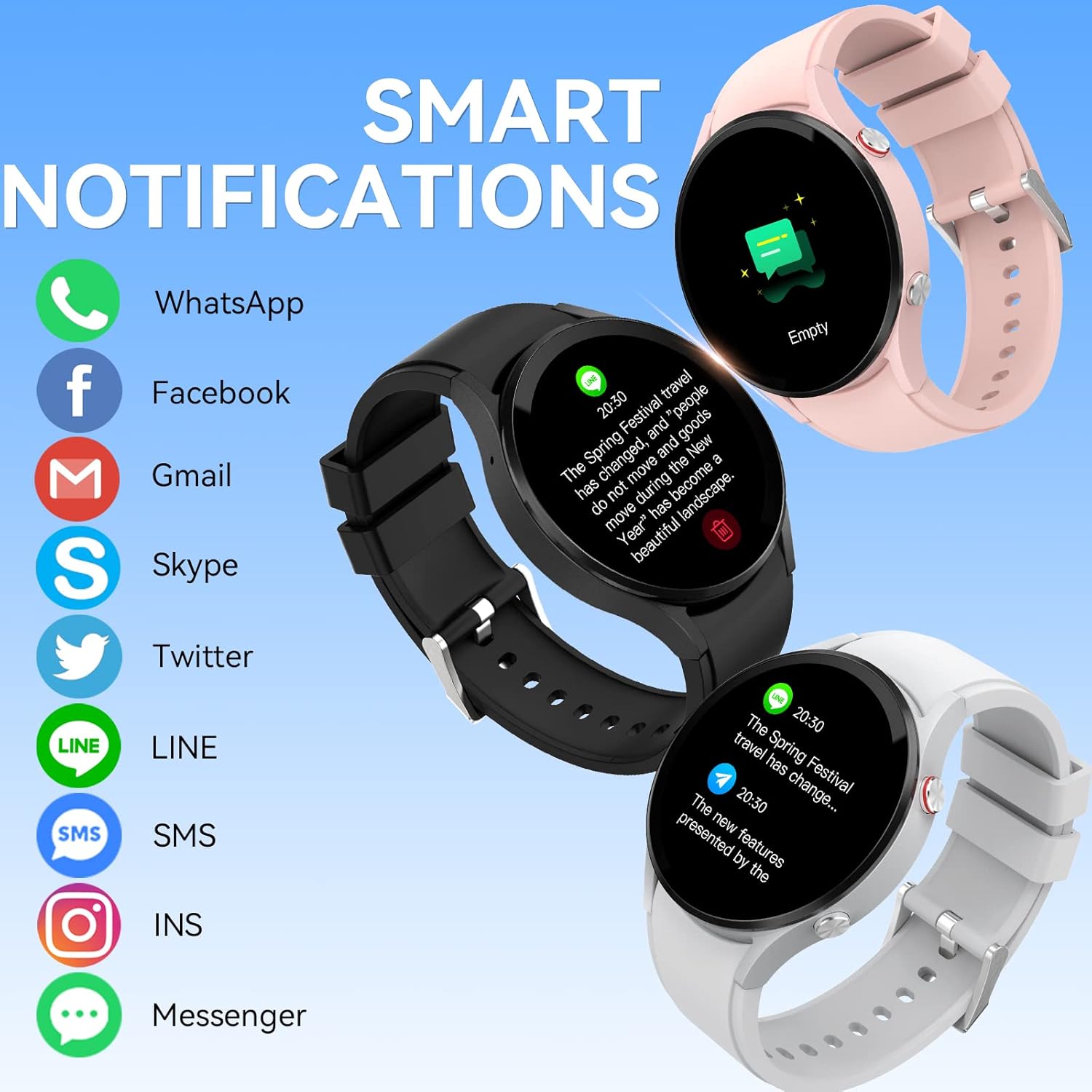
Image: Three PAKRYS FT32 Smart Watches displaying various smart notifications from applications like WhatsApp, Facebook, and Gmail.
2.4 Sports Modes
The watch includes over 70 sports modes to track your workouts. Select the appropriate mode before starting your exercise, and the watch will automatically record data such as steps, distance, calories burned, and heart rate. You can review detailed reports in the GloryFit App.

Image: A PAKRYS FT32 Smart Watch displaying a sports tracking interface with a person rock climbing in the background, illustrating the 70+ sports modes feature.
2.5 Health Monitoring
The FT32 Smart Watch features an upgraded sensor for 24/7 health tracking, including:
- Heart Rate Monitoring: Continuous tracking of your heart rate.
- Blood Oxygen Monitoring: Measures your blood oxygen saturation (SpO2).
- Blood Pressure Monitoring: Provides estimated blood pressure readings.
- Sleep Monitoring: Tracks your sleep patterns and quality.
- Body Temperature Monitoring: Measures your body temperature.
Important Note: This device is not a professional medical device. The data provided is for reference only and should not be used for medical diagnosis or treatment.

Image: A PAKRYS FT32 Smart Watch displaying heart rate, blood oxygen, and blood pressure readings, with a basketball player in the background.
2.6 Watch Face Customization
Personalize your watch with over 100 available dials. You can download new watch faces from the GloryFit App or even customize your own using personal photos.

Image: A smartphone screen showing the GloryFit App's dial center with numerous watch face options, alongside several PAKRYS FT32 Smart Watches displaying different watch faces.
2.7 Additional Functions
The PAKRYS FT32 Smart Watch offers more than 25 functions to enhance your daily life:
- Voice Assistant
- Workout Records
- Messages
- Weather
- Female Health Tracking
- Music Control
- Breath Training
- Stopwatch
- Timer
- Alarm Clock
- Collection Code
- Business Card
- Find Phone
- Calculator
- Calendar
- Remote Camera Control
- SOS Function
- Compass
- Flashlight
- Games
- Brightness Adjustment
- Screen Time Settings
- Raise to Wake
- Always-On Display (AOD) Clock
- Power Saving Mode
- Vibration & Ring Settings
- Language Settings
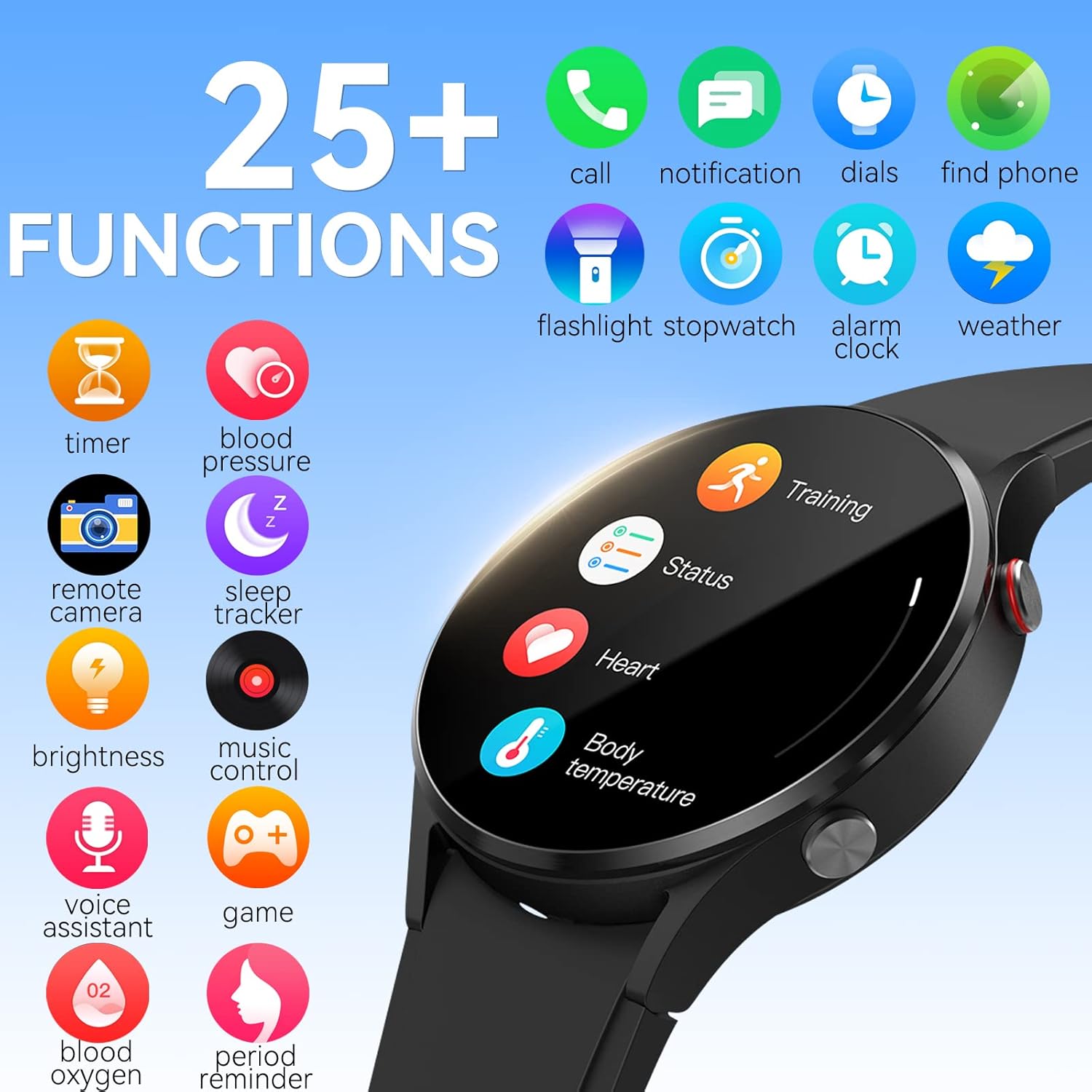
Image: A PAKRYS FT32 Smart Watch displaying its main interface, surrounded by icons representing various functions like call, notification, dials, find phone, flashlight, stopwatch, alarm, weather, timer, blood pressure, sleep tracker, remote camera, brightness, music control, voice assistant, game, blood oxygen, and period reminder.
3. Maintenance
3.1 Charging Guidelines
Use only the provided magnetic charging cable. Ensure the charging pins are clean and properly aligned with the watch's charging contacts. Avoid charging in extreme temperatures or humid environments.
3.2 Water Resistance
The PAKRYS FT32 Smart Watch is rated IP67 waterproof. This means it is resistant to splashes, sweat, and rain, making it suitable for activities like washing hands or jogging in light rain.
- Do NOT use the watch for swimming, diving, showering, or in a sauna.
- Avoid exposing the watch to hot water or steam, as this can compromise the water resistance.
- If the watch gets wet, wipe it dry with a soft cloth before charging or operating.
3.3 Cleaning and Care
Regularly clean your watch and watch band to prevent skin irritation and maintain performance.
- Wipe the watch screen and body with a soft, damp, lint-free cloth.
- For the watch band, follow the manufacturer's cleaning instructions for the specific material.
- Avoid using harsh chemicals, abrasive cleaners, or solvents.
4. Troubleshooting
4.1 Common Issues and Solutions
- Watch not turning on: Ensure the watch is fully charged. Connect it to the charger for at least 30 minutes.
- Unable to pair with phone:
- Ensure Bluetooth is enabled on your phone and the watch.
- Make sure the watch is within Bluetooth range of your phone.
- Restart both your phone and the watch.
- Clear the Bluetooth cache on your phone (Android) or forget the device and re-pair (iOS).
- Ensure the GloryFit App has all necessary permissions.
- Notifications not appearing:
- Check if notification permissions are granted to the GloryFit App in your phone's settings.
- Ensure the app is running in the background and not optimized for battery saving.
- Verify that notifications are enabled for specific apps within the GloryFit App.
- Ensure 'Do Not Disturb' mode is not active on either your phone or watch.
- Inaccurate health data:
- Ensure the watch is worn snugly on your wrist, not too tight or too loose.
- Clean the sensor on the back of the watch.
- Remember that data is for reference only and not for medical purposes.
- Short battery life:
- Reduce screen brightness and screen-on time.
- Disable features like 'Raise to Wake' or continuous heart rate monitoring if not needed.
- Turn off the Bluetooth call function if not in use.
- Limit the number of apps sending notifications to the watch.
5. Specifications
| Feature | Specification |
|---|---|
| Product Name | FT32 Smart Watch |
| Screen Size | 1.32 inches |
| Screen Type | IPS |
| Resolution | 360*360 pixels |
| Battery Capacity | 260mAh |
| Working Hours | Approx. 3-5 days |
| Standby Time | Approx. 7-15 days |
| Charging Type | Magnetic charging |
| Charging Time | Approx. 2 hours |
| Watch Weight | Approx. 200 g (0.44 lb) |
| APP Name | GloryFit |
| Bluetooth Version | BLE 5.2 |
| Compatible System | Android 4.4 and above; iOS 9.0 and above |
| Water Resistance | IP67 |
| Product Dimensions | 6.5 x 4 x 1.2 inches |
| Manufacturer | Pakrys |
6. Warranty and Support
6.1 Warranty Information
PAKRYS products are manufactured with high-quality standards. For specific warranty details, please refer to the warranty card included in your product packaging or contact PAKRYS customer support. The warranty typically covers manufacturing defects under normal use conditions.
6.2 Customer Support
If you encounter any issues or have questions not covered in this manual, please contact PAKRYS customer support. Have your product model (FT32) and purchase information ready when contacting support for faster assistance.
For the latest information and support resources, visit the official PAKRYS website or the brand store on Amazon: PAKRYS Amazon Store.