Product Overview
The BTXETUEL Mini 4-Key Programmable Keypad is a compact, one-handed mechanical gaming keypad designed for enhanced productivity and gaming performance. Its ultra-small size and detachable USB-C cable effectively save desktop space, allowing it to be used alongside a full-sized keyboard without interference. This versatile keypad offers default arrow key functionality and extensive programmability for various shortcuts and multimedia controls.
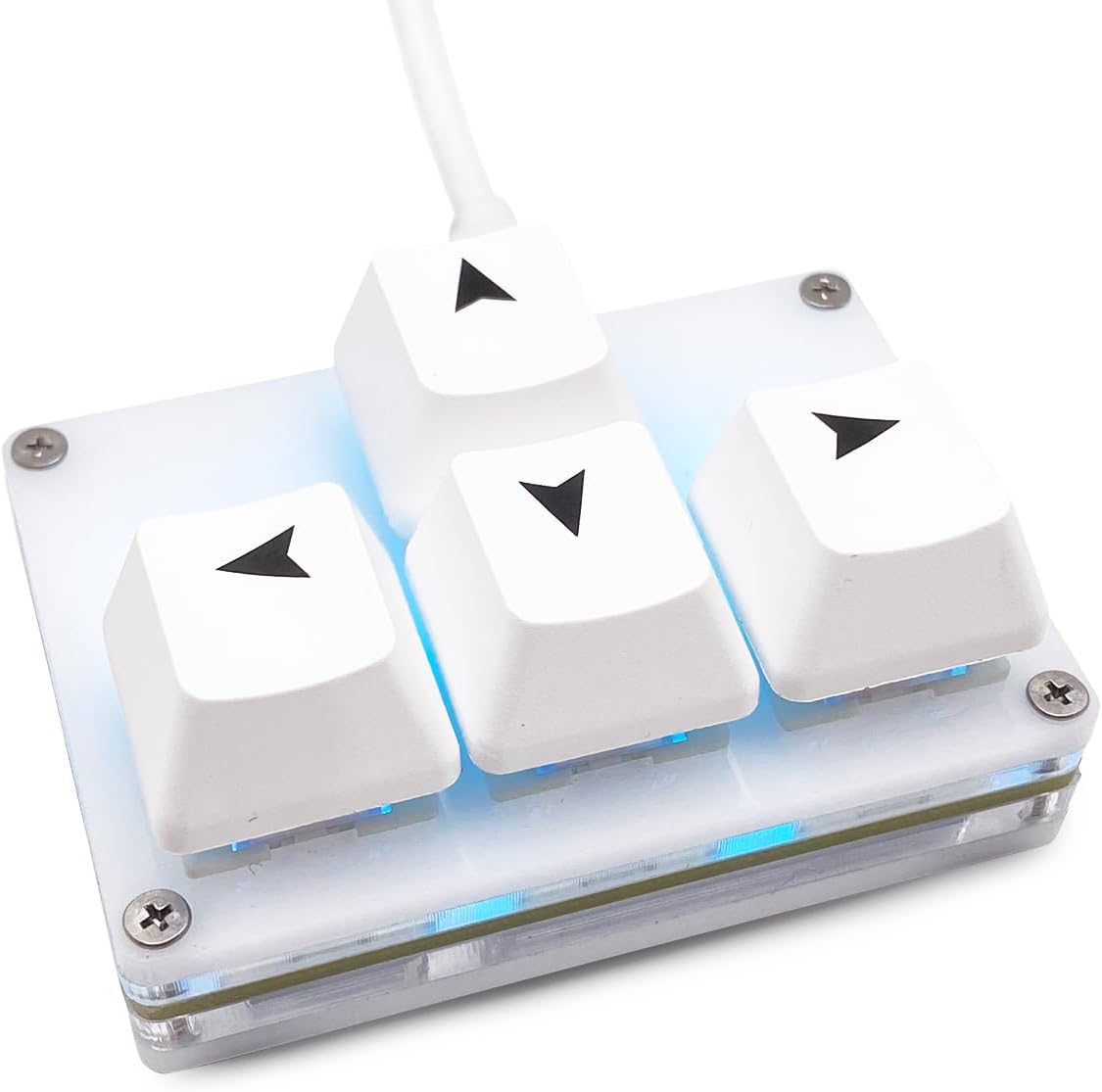
Figure 1: The BTXETUEL Mini 4-Key Programmable Keypad, featuring four white keycaps with arrow symbols and a subtle blue backlight.
Setup and Connection
The Mini 4-Key Keypad is designed for simple plug-and-play operation. Follow these steps to connect and begin using your keypad:
- Connect the USB-C Cable: Locate the USB-C port on the keypad and connect the provided detachable USB-C cable.
- Connect to Computer: Plug the other end of the USB-C cable into an available USB port on your computer (Laptop or PC).
- Automatic Recognition: The keypad will be automatically recognized by your operating system (Windows, MacOS, Linux) without the need for additional drivers.
- Default Functionality: Out of the box, the four keys are pre-programmed to function as Up, Left, Down, and Right arrow keys.
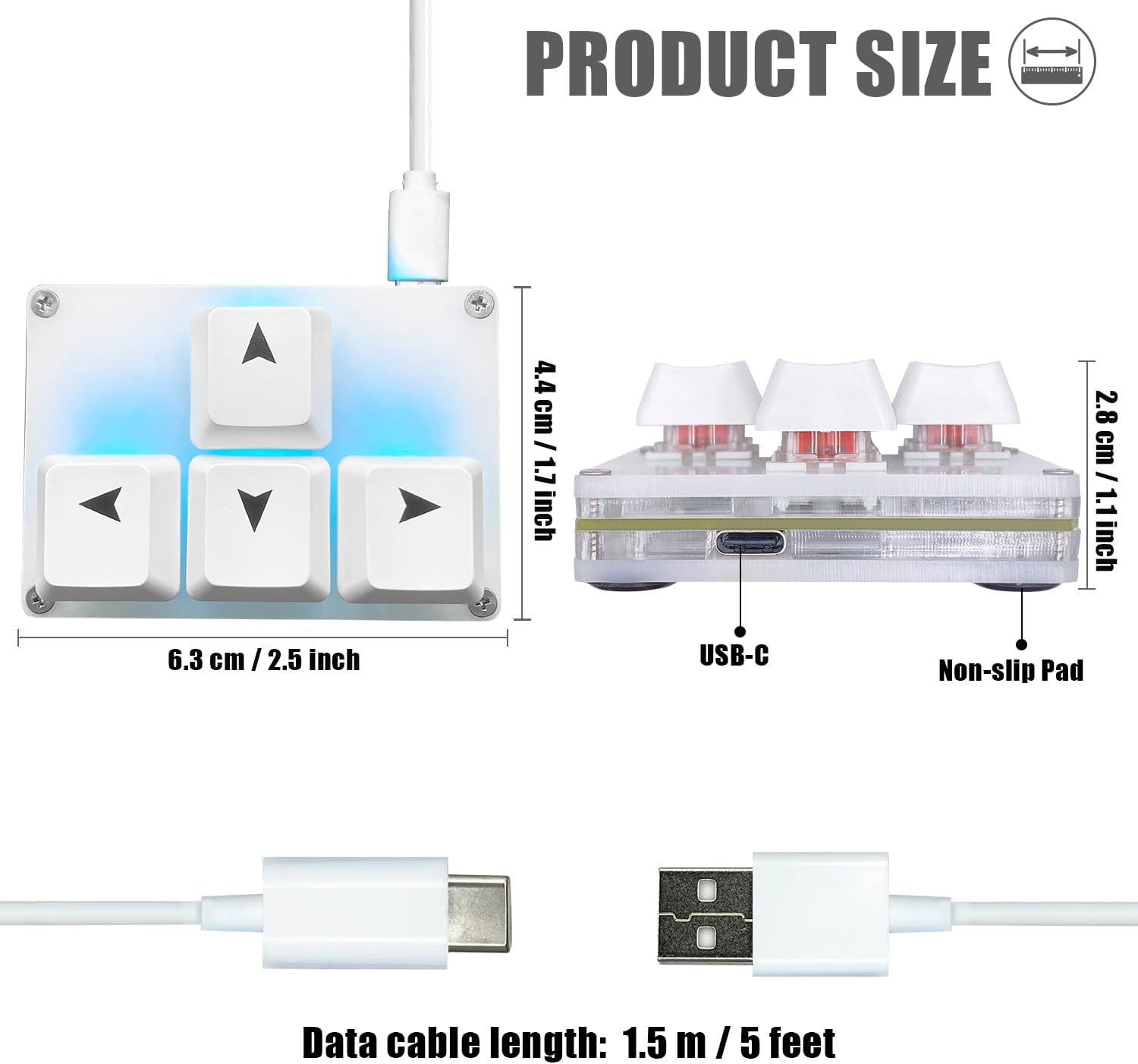
Figure 2: Illustration of the keypad's compact dimensions (2.5 inches wide, 1.7 inches deep, 1.1 inches high) and the location of the USB-C port. The included data cable is 1.5 meters (5 feet) long.
Operating and Programming
While the keypad offers default arrow key functionality, its true power lies in its programmability. You can customize key functions and lighting effects to suit your specific needs.
Key Functions and Customization
Beyond the default arrow keys, the keypad can be programmed for a wide range of functions, including:
- Shortcut Keys: Assign common keyboard shortcuts (e.g., Copy, Paste, Undo, Redo).
- Multi-step Operations: Program a single key to execute a sequence of commands.
- Multi-key in One: Combine multiple key presses into a single action.
- Multimedia Controls: Control playback (Play, Pause, Forward, Backward), volume (Volume Up, Volume Down, Mute), and switch songs.
Programming Methods
There are two primary methods for programming your keypad:
- Using the Software (Windows Only):
For Windows users, a dedicated software is available for comprehensive customization. You can download it from: https://dl.sayobot.cn/setting.zip
Note: Your Windows Firewall may issue a warning upon starting the software. The software is safe to use.
- Using the Website (MacOS, Linux, Windows):
For cross-platform compatibility, the keypad can be programmed via a web interface. This method is recommended for MacOS and Linux users, and also works on Windows. Access the website using Chrome or Edge browser: SayoDevice.com
Important: Programming settings are saved directly onto the device. This means you do not need to reconfigure the keypad when connecting it to a different computer.

Figure 3: Visual guide demonstrating the programming process via the SayoDevice website, including connecting the keyboard, navigating to the website, selecting the device, and customizing key settings.
Controlling Lighting
The keypad features customizable backlighting. You can control the light color and gradient mode through the programming software or website to match your aesthetic preferences.
Maintenance
To ensure the longevity and optimal performance of your BTXETUEL Mini 4-Key Keypad, follow these maintenance guidelines:
- Cleaning: Use a soft, dry cloth to wipe down the keypad surface. For deeper cleaning, you may use a slightly damp cloth, ensuring no moisture enters the internal components.
- Keycap Care: The keypad features hot-swappable switches, allowing for easy keycap replacement or cleaning. Gently pull keycaps straight up to remove them. Clean keycaps with mild soap and water if necessary, ensuring they are completely dry before reattaching.
- Storage: When not in use, store the keypad in a clean, dry environment away from extreme temperatures and direct sunlight.
- Cable Management: Avoid sharp bends or excessive pulling on the USB-C cable to prevent damage.
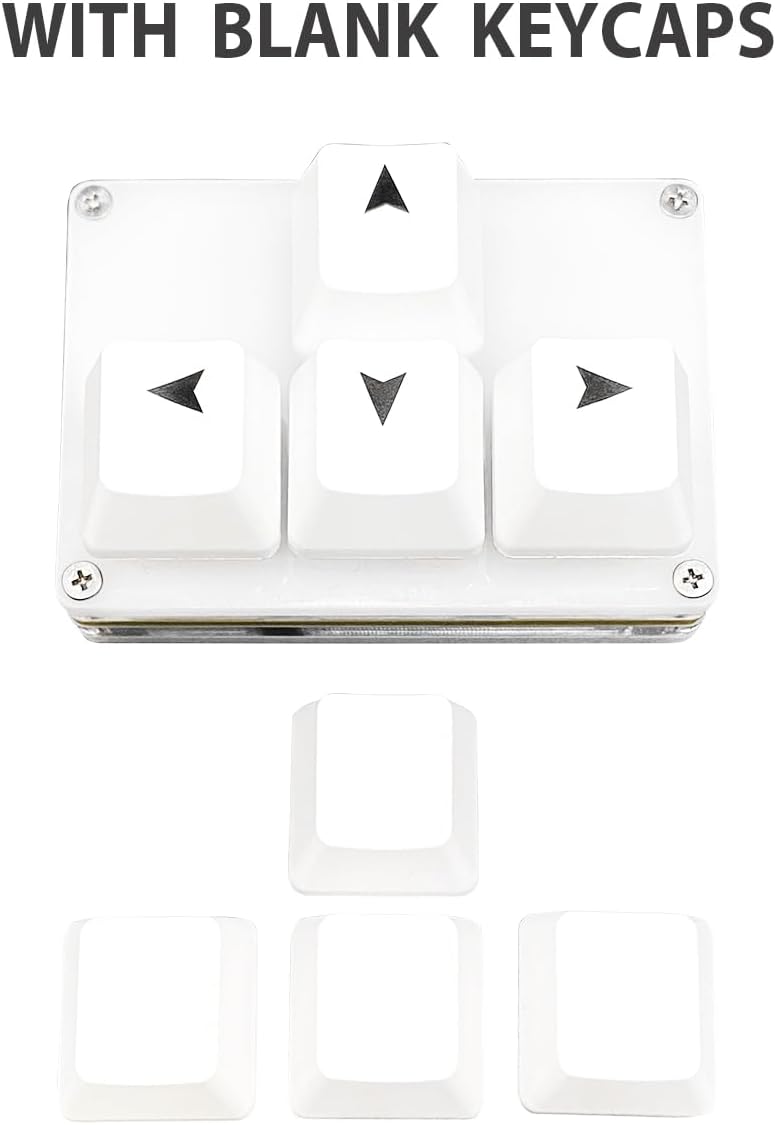
Figure 4: The keypad shown alongside a set of four blank keycaps, illustrating the possibility of customization or replacement.
Troubleshooting
If you encounter any issues with your keypad, please refer to the following common solutions:
- Keypad Not Responding:
- Ensure the USB-C cable is securely connected to both the keypad and your computer.
- Try connecting the keypad to a different USB port on your computer.
- Test the keypad on another computer to rule out system-specific issues.
- Programming Software/Website Issues:
- If using the Windows software, temporarily disable your firewall if it's blocking the application (re-enable after use).
- When using the website, ensure you are using a compatible browser like Chrome or Edge.
- If the website appears in a foreign language, use your browser's built-in translation feature.
- Remember to click "Save Settings" or equivalent on the website after making changes, as settings are saved directly to the device.
- Incorrect Key Output:
- Verify your programmed settings using the software or website.
- Ensure no other software or system settings are overriding the keypad's input.
If you continue to experience problems after attempting these solutions, please contact BTXETUEL customer support for further assistance.
Specifications
| Feature | Detail |
|---|---|
| Product Dimensions | 2.5 x 1.7 x 1.1 inches |
| Item Weight | 3.52 ounces |
| Manufacturer | BTXETUEL |
| Model Number | Sayodevice Arrow Keyboard |
| Connectivity Technology | USB-C |
| Number of Keys | 4 |
| Keyboard Description | Gaming |
| Compatible Devices | Laptop, PC |
| Special Features | Portable, Lightweight, Backlit, Programmable Keys, Hot-Swappable |
| Color | White (for this variant) |
| Keyboard Backlighting | Single Color |
| Country of Origin | China |
| Included in Box | USB Cable |
Warranty and Support
BTXETUEL is committed to providing high-quality products and customer satisfaction. While specific warranty details are not provided in this manual, please retain your proof of purchase for any warranty claims.
For technical support, troubleshooting assistance, or any inquiries regarding your Mini 4-Key Programmable Keypad, please contact BTXETUEL customer service. We are dedicated to helping you resolve any issues as quickly as possible.
You can also visit the official BTXETUEL Store on Amazon for more product information and support resources: BTXETUEL Store
Usage Scenarios
The BTXETUEL Mini 4-Key Programmable Keypad is versatile and can significantly enhance efficiency in various applications:
- For Working: Ideal for professionals who frequently use shortcuts in software like graphic design tools, video editors, or office applications. Program common commands to the keypad for a streamlined workflow.
- For Gaming: Provides quick access to essential in-game commands, macros, or movement controls (like WASD or arrow keys), giving gamers a competitive edge and more comfortable control.
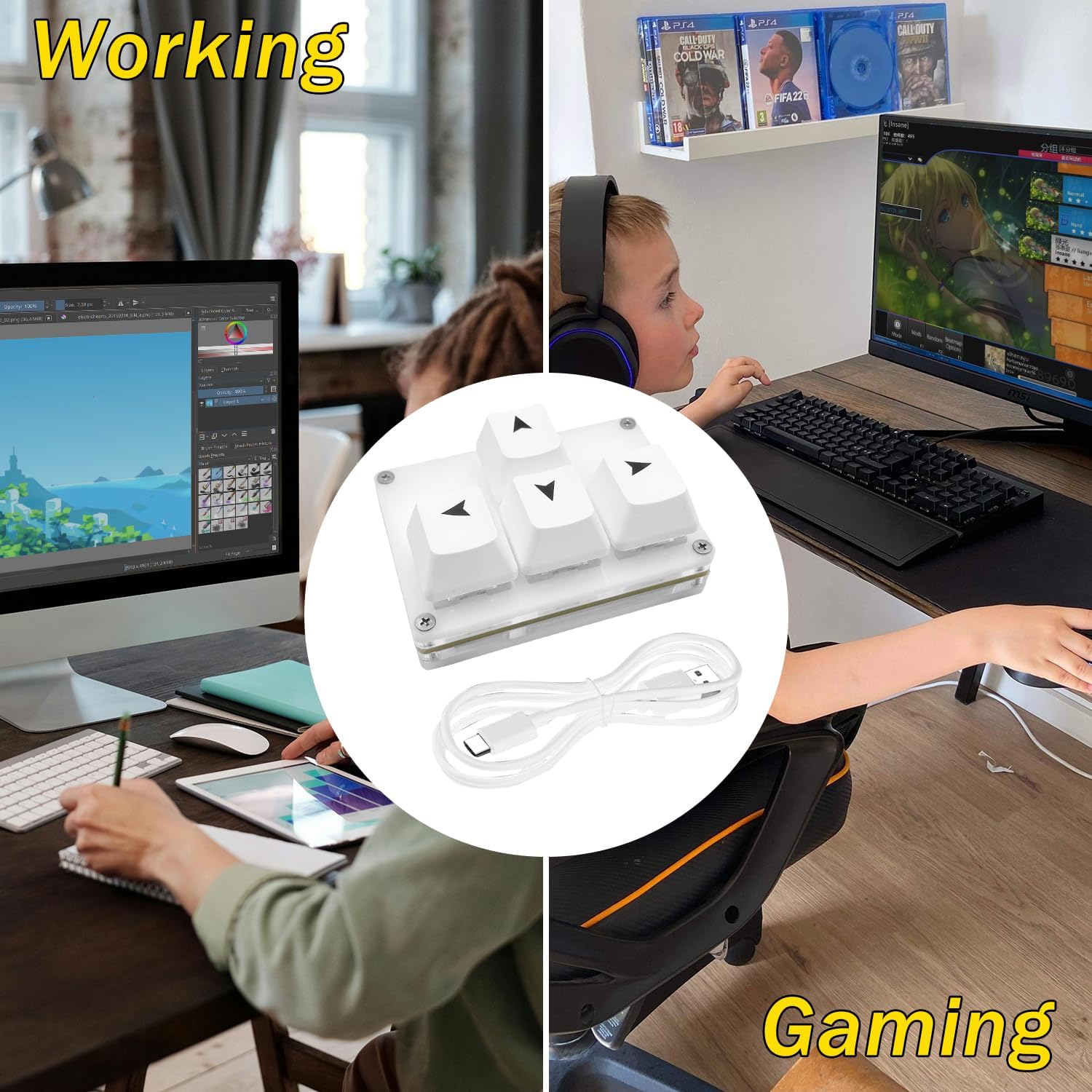
Figure 5: Depiction of the keypad in use, showing its application in both a professional working setup (e.g., graphic design) and a gaming setup.


