
SOVMIKU 2CQ1
Contents
SOVMIKU Video Doorbell 2CQ1 AI 2K Solar Security Camera User Manual
Model: 2CQ1
Your guide to setting up, operating, and maintaining your SOVMIKU security system.
Product Overview
The SOVMIKU 2CQ1 is an advanced AI-powered 2K solar security camera and video doorbell system designed for outdoor use. It features battery power, two-way audio, motion detection, and a 360° view for comprehensive surveillance. The system is built for durability with an IP65 weather-resistant rating and offers enhanced night vision capabilities.
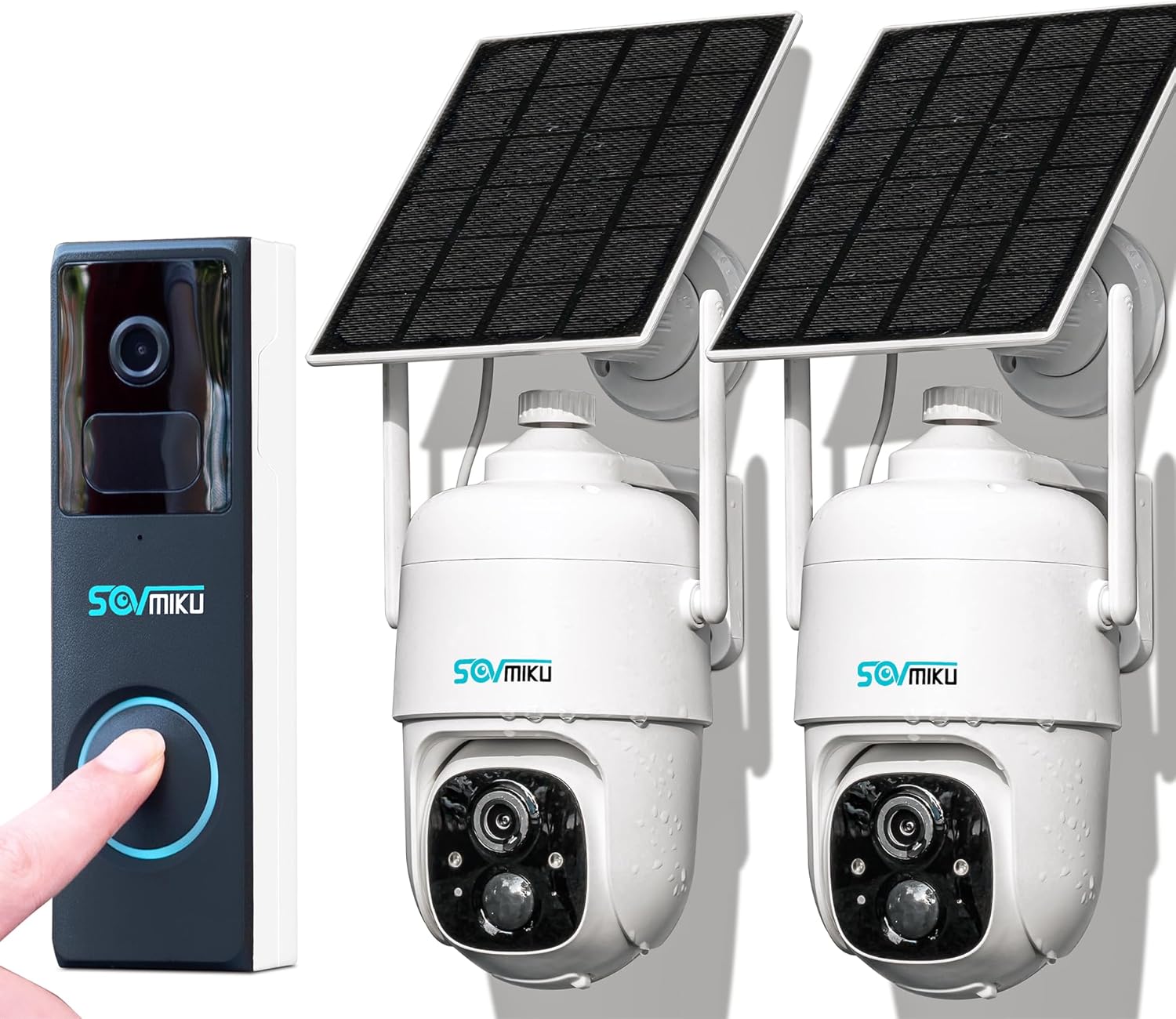
Image: The SOVMIKU Video Doorbell and two SOVMIKU Solar Security Cameras, showcasing the complete system.
Key Features
- 2K Resolution: Provides clear and detailed video footage.
- Solar Powered & Battery Backup: Monocrystalline silicon solar panels with up to 23% energy conversion rate, combined with a built-in 9000mAh battery, allow for extended operation (60+ days on a full charge) and reduced charging frequency.
- Always-On PIR Detection: The Passive Infrared Sensor is continuously active, triggering the camera and spotlight (at night) upon detecting warm bodies.
- Audible & Flashlight Alarm: When motion is detected, the device can automatically flash and sound an alert.
- Two-Way Audio: Communicate with visitors or deter intruders remotely via the Vicohome App.
- 360° View (Pan & Tilt): Control the camera's viewing angle remotely for comprehensive coverage.
- IP65 Weather Resistance: Designed to withstand splashes, water, and dust, suitable for outdoor installation.
- Color Night Vision: Starlight color night vision and infrared night vision modes for clear visibility in low-light conditions.
- 7-Day Free Cloud Storage: Each Vicohome account includes 7 days of free cloud storage from the date of registration.

Image: A close-up of the SOVMIKU camera highlighting its 2K resolution and PIR motion detection capabilities, with a smartwatch displaying a motion alert.

Image: The SOVMIKU camera with its solar panel, illustrating its day and night vision capabilities, including starlight color night vision and infrared night vision, along with an audible flashlight siren.
Setup Guide
- Charge the Device: Before initial use, ensure the camera's battery is fully charged. While solar panels provide continuous charging, a full initial charge ensures optimal performance.
- Download the Vicohome App: Search for "Vicohome" in the Google Play Store (for Android) or Apple App Store (for iOS) and download the free application.
- Create an Account: Open the Vicohome App and follow the on-screen instructions to create a new user account.
- Add Your Device: Within the app, select the option to add a new device. Follow the prompts to connect your SOVMIKU camera to your home Wi-Fi network. Ensure your Wi-Fi signal is strong at the installation location.
- Mounting: The camera supports wall mounting. Choose a suitable outdoor location that provides a clear view of the area you wish to monitor and receives adequate sunlight for the solar panel. Securely mount the camera using the provided hardware. Ensure the charging interface's silicone waterproof protective plug is properly sealed after installation.

Image: The SOVMIKU camera with its solar panel being exposed to water, illustrating its IP65 waterproof rating, suitable for outdoor installation.
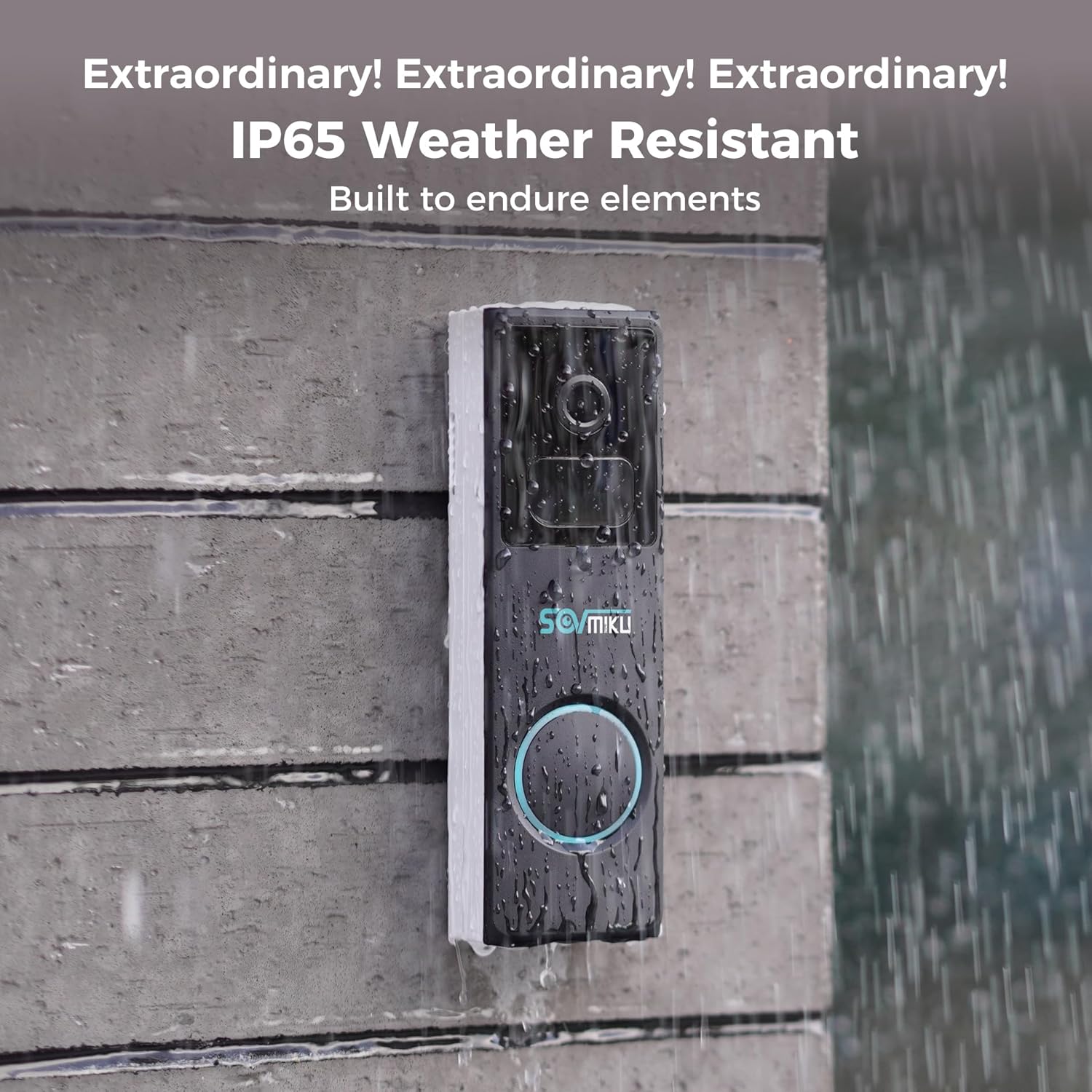
Image: The SOVMIKU video doorbell being rained on, demonstrating its IP65 weather resistance, built to endure outdoor elements.
Operating Instructions
- Live View: Open the Vicohome App and select your camera to access the live video feed.
- Two-Way Audio: While in live view, tap the microphone icon to speak through the camera. Tap the speaker icon to hear audio from the camera's location.
- Motion Detection & Alerts: Configure motion detection sensitivity and alert preferences within the app settings. When motion is detected, you will receive notifications on your smartphone.
- Pan and Tilt Control: For cameras with 360° view, use the directional controls within the app to remotely adjust the camera's pan (horizontal) and tilt (vertical) angles.
- Night Vision Modes: The camera automatically switches between day and night modes. You can typically adjust settings for infrared or color night vision within the app.
- Alarm Features: Enable or disable the alarm flashlight and siren features in the app settings. When enabled, these will activate upon motion detection.
- Cloud Storage Access: Recorded events are stored in the cloud. Access and review these recordings through the Vicohome App. Remember, 7 days of free cloud storage are provided upon account registration.

Image: A person communicating remotely via the SOVMIKU CQ1 camera's two-way audio feature, demonstrating clear voice transmission over distance.
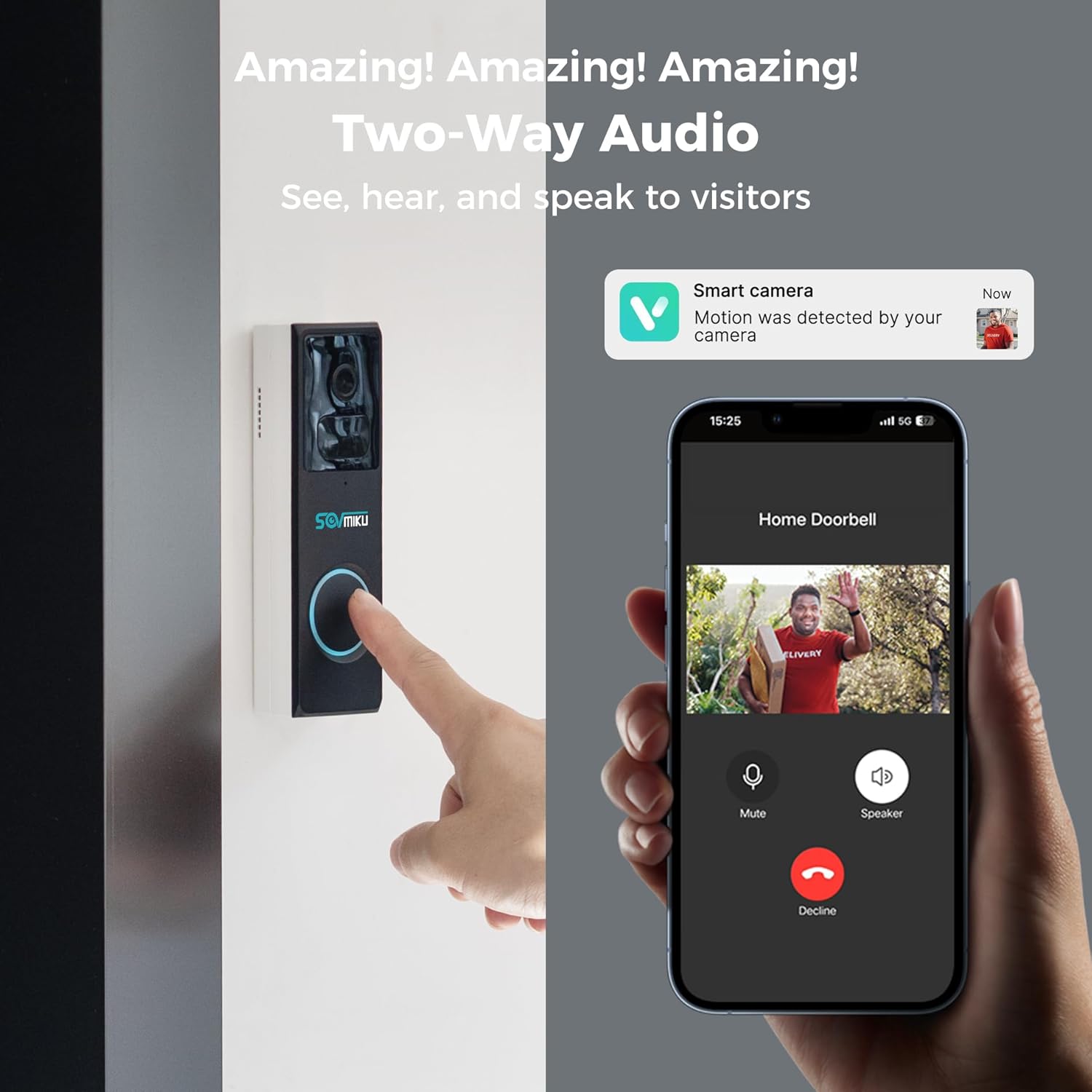
Image: The SOVMIKU video doorbell in use, showing a smartphone screen with the Vicohome app interface for two-way audio communication with a visitor.

Image: The SOVMIKU camera with its solar panel, illustrating its 360° view capability with pan (355°) and tilt (90°) control, providing wide area coverage.

Image: The SOVMIKU video doorbell with a cloud icon, indicating the availability of free 7-day cloud storage for recorded events.
Maintenance
- Cleaning: Regularly wipe the camera lens and solar panel with a soft, damp cloth to remove dust and debris. Avoid abrasive cleaners. Refer to the user guide for specific cleaning and drying instructions.
- Battery Care: While the solar panel helps maintain charge, ensure the camera receives adequate sunlight. In prolonged periods of low sunlight or heavy usage, the battery may require manual charging via the USB port.
- Weather Resistance: Although IP65 rated, extreme weather conditions can affect performance. Ensure the silicone waterproof protective plug for the charging interface remains securely in place.
Troubleshooting
| Problem | Possible Cause | Solution |
|---|---|---|
| Device not connecting to Wi-Fi | Incorrect Wi-Fi password; weak signal; router issues. | Verify Wi-Fi password. Move camera closer to router. Restart router. Ensure 2.4GHz Wi-Fi is used. |
| Poor video quality | Dirty lens; poor network connection; low light. | Clean the camera lens. Check Wi-Fi signal strength. Ensure adequate lighting or proper night vision mode is active. |
| Battery draining quickly | Insufficient sunlight for solar panel; frequent motion alerts; extreme temperatures. | Ensure solar panel is unobstructed and receives direct sunlight. Adjust motion detection sensitivity. Manually charge if needed. |
| No motion detection alerts | Motion detection disabled; sensitivity too low; app notifications off. | Enable motion detection in app. Increase sensitivity. Check phone notification settings for Vicohome App. |
For further assistance, please refer to the support section or contact SOVMIKU customer service.
Specifications
| Feature | Detail |
|---|---|
| Model | 2CQ1 |
| Video Capture Resolution | 2K |
| Wireless Communication Technology | Wi-Fi |
| Power Source | Battery Powered (with Solar Charging) |
| Mounting Type | Wall Mount |
| Alert Type | Motion Only |
| Controller Type | Android (Compatible with Smartphone) |
| Video Capture Format | MPEG-4 |
| IP Rating | IP65 |
Warranty and Support
SOVMIKU is committed to customer satisfaction. For any inquiries, technical support, or warranty claims, please contact our customer service team. We strive to respond to all inquiries within 12 hours.
- Email Support: Sovmik@163.com
- App Support: Utilize the 'Vicohome' App for in-app support features and FAQs.
Ask a question about this manual
Ask about setup, troubleshooting, compatibility, parts, safety, or missing instructions. Manuals+ will review the question and use this page’s manual context to help answer it.