
TECLAST P30
TECLAST P30 10-inch Tablet User Manual
Model: P30
1. Introduction
Welcome to the TECLAST P30 10-inch Tablet user manual. This guide provides detailed instructions to help you get started with your new device, understand its features, and troubleshoot common issues. The TECLAST P30 is a versatile tablet powered by the latest Android 14 operating system, featuring an octa-core processor, ample memory, and a vibrant IPS HD touch screen, designed for both productivity and entertainment.
2. What's in the Box
Upon opening your TECLAST P30 package, you should find the following items:
- TECLAST P30 Android 14 Tablet (x1)
- Charger (x1)
- Charging Cable (x1)
- Instruction Manual (x1)
- Ejection Pin (x1)

Image: Detailed view of the TECLAST P30 tablet and its included accessories.
Video: Official unboxing of the TECLAST P30 Android 14 Tablet, showcasing all components.
3. Product Overview
The TECLAST P30 tablet features a durable and robust metal body with a slim 8.7 mm bezel, weighing only 544g, making it highly portable. Its subtle space gray hue and straight edges provide a comfortable grip and modern aesthetic.

Image: The TECLAST P30 tablet's thin and light design.

Image: Rear view of the TECLAST P30 tablet.

Image: Key features of the TECLAST P30 tablet.
4. Key Features
4.1 Display
The P30 features a 10.1-inch incell TDDI display with a resolution of 1280x800 pixels, a 16:10 aspect ratio, and a 178-degree IPS wide viewing angle. It supports Widevine L1, allowing high-quality streaming from platforms like Amazon Prime Video, Disney+, and Hulu (Netflix HD playback is not supported).

Image: The tablet's display capabilities and Widevine L1 compatibility.

Image: Specifications of the 10.1-inch IPS screen.

Image: Widevine L1 compatibility for high-definition content.
Video: Demonstration of the TECLAST P30's 10.1-inch 1280x800 IPS screen quality.
4.2 Performance
Equipped with the Allwinner A523 octa-core processor, the TECLAST P30 offers significantly enhanced performance. It comes with 10GB RAM (4GB physical + 6GB virtual) and 64GB ROM, expandable up to 1TB via a micro SD card (FAT32 format, sold separately). The Mali-G57 GPU optimizes display for gaming and multimedia.

Image: Android 14 features and memory specifications.

Image: Memory and storage capabilities of the TECLAST P30.

Image: Processor and GPU details for enhanced performance.
Video: Overview of the TECLAST P30's 10GB+64GB Android 14 system and Wi-Fi capabilities.
4.3 Operating System
The TECLAST P30 runs on the latest Android 14, offering enhanced user protection, accessibility features, and customization options. It includes features like Parallel View for optimized landscape multitasking, improved privacy controls, and parental controls via Google's Family Link.

Image: Android 14 features for a personalized and secure experience.

Image: Parallel View for improved multitasking.

Image: Overview of Android 14 enhancements.

Image: GMS certification and access to Google Play Store.
4.4 Connectivity
The tablet supports AC dual-band Wi-Fi 6 for faster network speeds and Bluetooth 5.4 for high-fidelity connections with peripherals, ensuring seamless data transfer and audio experiences.

Image: Advanced Wi-Fi 6 and Bluetooth 5.4 connectivity.
4.5 Camera
The TECLAST P30 features a 5MP rear camera with auto-focus and LED flash for low-light capture, and a 2MP front camera for HD video calls. It also supports face recognition for convenient unlocking.

Image: Camera specifications and features.

Image: Face Unlock functionality.

Image: Camera modes for enhanced photography.
4.6 Audio
Experience immersive audio with dual speakers and a 3.5mm headphone jack. The tablet incorporates PureSound Audio and a digital amplifier chip for high volume and pure sound quality.

Image: Stereo sound feature.

Image: 3.5mm headphone jack for private listening.
4.7 Battery
The 6000mAh large-capacity lithium battery provides up to 8 hours of usage. Charging is convenient via the USB Type-C port.

Image: Battery capacity and charging details.
5. Setup
- Charging the Tablet: Before first use, fully charge your TECLAST P30 using the provided charger and USB Type-C cable. Connect the cable to the tablet's Type-C port and the charger to a power outlet. The battery indicator will show charging status.
- Powering On/Off: Press and hold the Power button (located on the side) for a few seconds to turn the tablet on. To turn off, press and hold the Power button, then select 'Power off' from the options.
- Initial Setup: Follow the on-screen prompts to complete the initial setup. This includes selecting your language, connecting to a Wi-Fi network, setting up your Google account, and configuring basic security settings like Face Unlock or a PIN/pattern.
- Inserting Micro SD Card: If you wish to expand storage, insert a FAT32 formatted micro SD card into the designated slot using the ejection pin.
6. Operating the Tablet
6.1 Basic Navigation
Navigate the Android 14 interface using touch gestures. Swipe down from the top for quick settings and notifications. Swipe up from the bottom to access the app drawer. Use the navigation buttons (or gestures) at the bottom of the screen for Home, Back, and Recent Apps.
6.2 Multitasking and Productivity
The TECLAST P30 supports multi-screen connectivity, split screen, and floating windows, allowing you to read or work without missing notifications. The Parallel View feature optimizes landscape usability by displaying both an app's main menu and content pages simultaneously.

Image: Tablet usage for meetings and communication.
6.3 Wireless Projection
Easily connect your tablet to larger displays like TVs using wireless projection for an enhanced viewing experience.

Image: Wireless projection feature.
6.4 Parental Controls
Utilize Google's built-in parental controls, Family Link, to manage screen time, monitor app usage, remotely lock devices, and track your child's location, balancing education and entertainment.
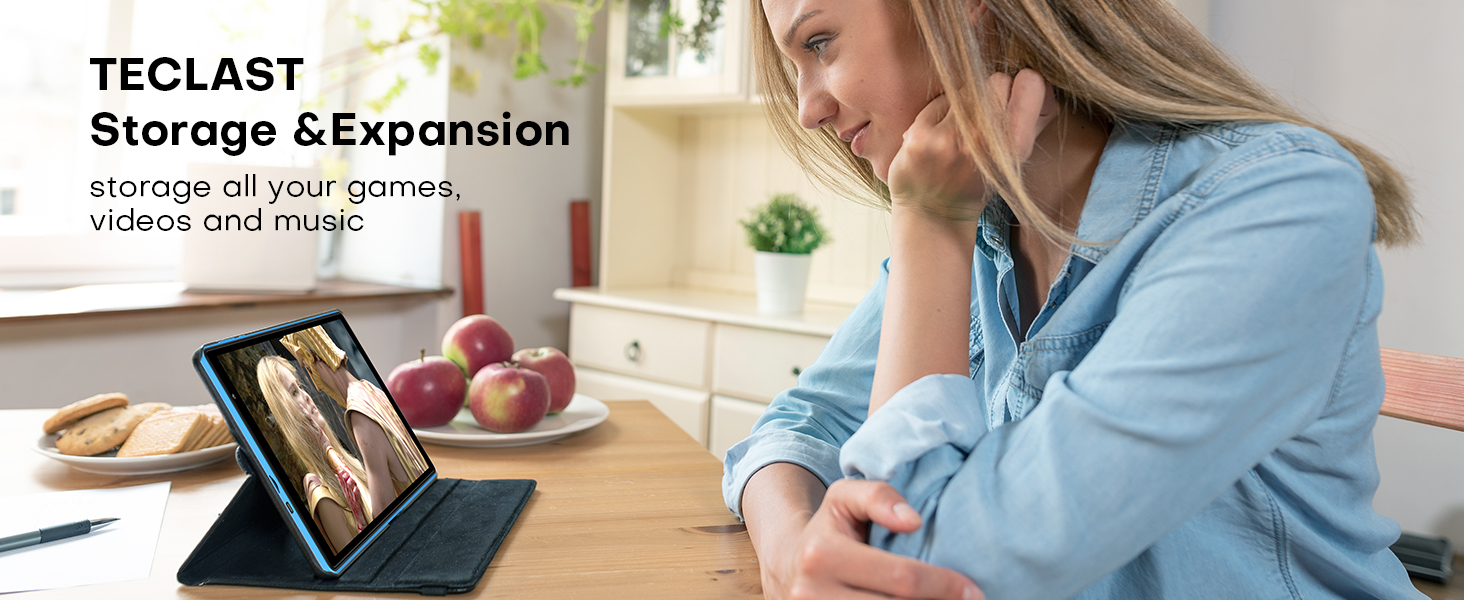
Image: Parental control features for child safety.
7. Maintenance
- Cleaning: Use a soft, lint-free cloth to clean the screen and body of the tablet. Avoid using harsh chemicals or abrasive materials.
- Storage: Store the tablet in a cool, dry place away from direct sunlight and extreme temperatures.
- Battery Care: To prolong battery life, avoid fully discharging the tablet frequently. Charge it regularly and avoid leaving it plugged in for extended periods after it's fully charged.
- Software Updates: Periodically check for system updates in the tablet's settings to ensure optimal performance and security.
8. Troubleshooting
- Tablet Not Turning On: Ensure the tablet is sufficiently charged. Connect it to the charger for at least 30 minutes before attempting to power it on again. If it still doesn't turn on, try holding the power button for 10-15 seconds for a forced restart.
- Screen Unresponsive: If the screen is unresponsive, try restarting the tablet. If the issue persists, a factory reset might be necessary (note: this will erase all data).
- Apps Crashing/Freezing: Close and reopen the app. Clear the app's cache and data in Settings > Apps. Ensure the app is updated to its latest version. If problems continue, uninstall and reinstall the app.
- Slow Performance: Close unused background apps. Clear cache data regularly. Consider uninstalling large or rarely used applications. Ensure sufficient free storage space.
- Wi-Fi Connectivity Issues: Restart your Wi-Fi router and the tablet. Forget the network in tablet settings and reconnect. Ensure you are within range of the Wi-Fi signal.
9. Specifications
| Feature | Specification |
|---|---|
| Brand | TECLAST |
| Model Name | P30 |
| Operating System | Android 14 |
| Screen Size | 10.1 Inches |
| Screen Resolution | 1280 x 800 Pixels |
| Processor | Allwinner A523 Octa-Core (1.8 GHz) |
| RAM | 10GB (4GB physical + 6GB virtual) |
| Internal Storage | 64GB |
| Expandable Storage | Up to 1TB Micro SD (FAT32) |
| Rear Camera | 5 MP |
| Front Camera | 2 MP |
| Wireless Type | 802.11ac (Wi-Fi 6) |
| Bluetooth | 5.4 |
| Battery Capacity | 6000mAh |
| Average Battery Life | 8 Hours |
| Item Weight | 1.18 pounds (535g) |
| Product Dimensions | 6.3 x 0.34 x 9.5 inches |
| Color | Blue |
10. Warranty & Support
All TECLAST products come with a 1-year quality after-sales service. If you encounter any issues or have questions regarding your TECLAST P30 tablet, please do not hesitate to contact TECLAST customer support. Most questions are answered within 24 hours to ensure a satisfactory experience with your product.
For further assistance, you may visit the official TECLAST Store on Amazon: TECLAST Store
Related documentsP30


Ask a question about this manual
Ask about setup, troubleshooting, compatibility, parts, safety, or missing instructions. Manuals+ will review the question and use this page’s manual context to help answer it.