
ZHENYEMEI ZYE05
ZHENYEMEI Sleep Mask with Bluetooth Headphones (Model ZYE05)
Instruction Manual
Introduction
The ZHENYEMEI Sleep Mask with Bluetooth Headphones (Model ZYE05) is designed to enhance sleep quality and relaxation. It features ultra-thin stereo speakers, Bluetooth 5.4 connectivity, and a comfortable, light-blocking design. This manual provides detailed instructions for setup, operation, and maintenance.
Important Safety Information
- Read all instructions before use.
- Do not expose the device to extreme temperatures or moisture.
- Keep out of reach of children.
- Use only the provided charging cable.
- Discontinue use if you experience discomfort or irritation.
Package Contents
- ZHENYEMEI Sleep Mask with Bluetooth Headphones
- USB Charging Cable
- Portable Storage Bag
- User Manual
Product Overview
The ZHENYEMEI Sleep Mask integrates a comfortable eye mask with ultra-thin Bluetooth headphones. It features a control panel for easy operation and an adjustable strap for a secure fit, designed to provide a serene environment for sleep or relaxation.

Image: Front view of the ZHENYEMEI Sleep Mask, highlighting the control panel and soft material.
Material and Design
The ZYE05 Sleep Mask is crafted from a soft, ultra-fine fabric with a 0.01mm molecular structure, ensuring a smooth, breathable, and skin-friendly experience. Its design includes a specialized nose pad for superior light blocking and ultra-thin speakers for comfort, especially for side sleepers.
Video: Demonstrates the material quality and softness of the ZHENYEMEI Sleep Mask. This video is provided by ZHENYEMEI Official US Store.
Video: Highlights the skin-friendly nature and comfort of the ZHENYEMEI Eye Mask. This video is provided by ZHENYEMEI Official US Store.
Setup Guide
1. Charging the Device
Before first use, fully charge your ZHENYEMEI Sleep Mask.
- Locate the charging port on the side of the control panel.
- Connect the provided USB charging cable to the mask and a compatible USB power source.
- The indicator light will illuminate during charging and turn off when fully charged. A full charge takes approximately 1.5 hours.

Image: Illustration of the sleep mask's charging port and battery life.
2. Bluetooth Pairing
Pair your sleep mask with your smartphone or other Bluetooth-enabled device.
- Ensure the sleep mask is charged and turned off.
- Press and hold the power button on the control panel until the indicator light begins to flash, indicating pairing mode.
- On your device, go to Bluetooth settings and search for available devices.
- Select "V03" from the list to connect.
- Once connected, the indicator light on the mask will turn off.
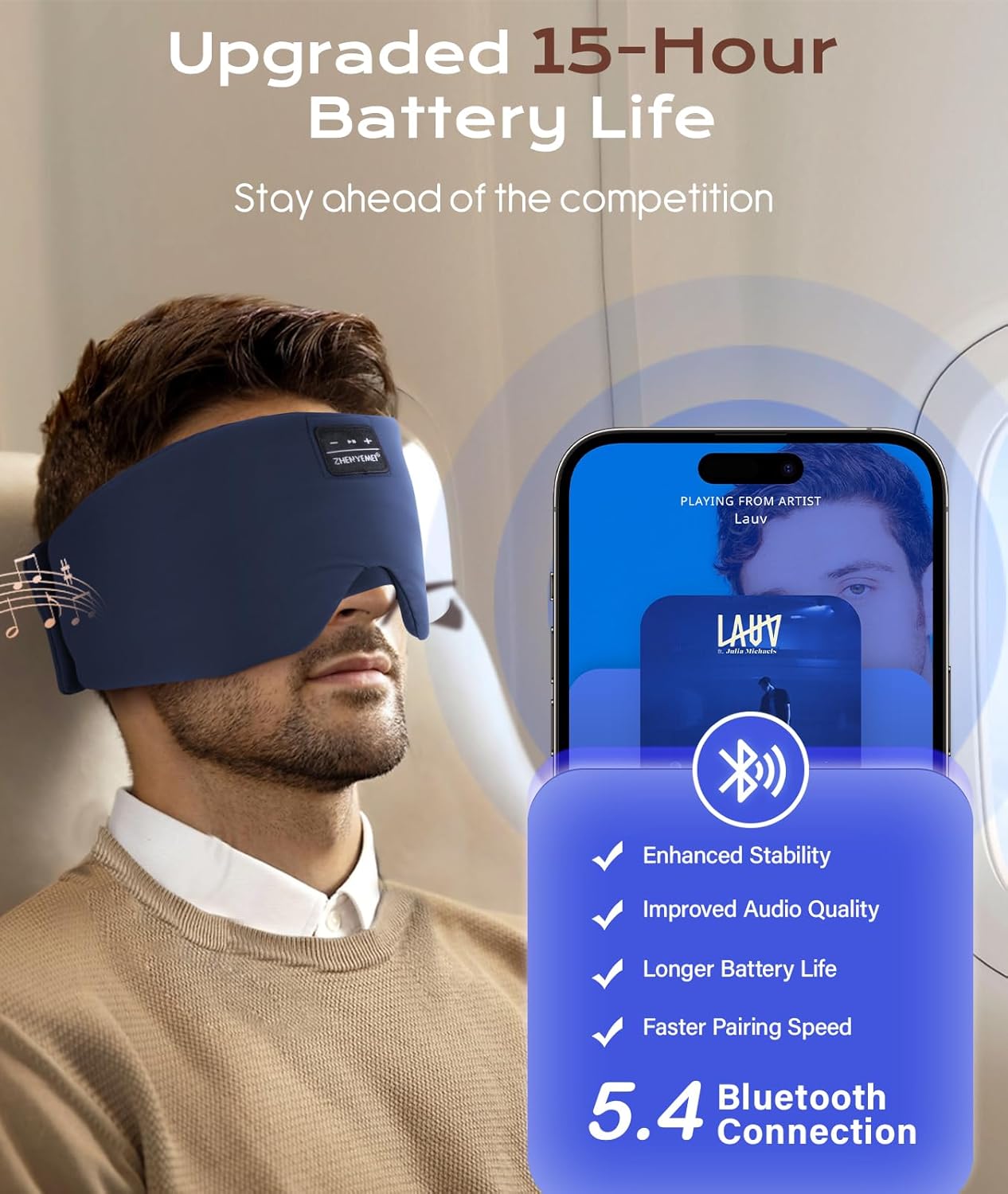
Image: Visual representation of Bluetooth 5.4 connectivity with a smartphone.
3. Wearing the Sleep Mask
Adjust the mask for a comfortable and secure fit.
- Place the mask over your eyes, ensuring the speakers are aligned with your ears.
- Use the adjustable Velcro strap at the back to secure the mask comfortably around your head.
- Ensure the specialized nose pad is positioned to block out light effectively.

Image: A person wearing the sleep mask, illustrating proper placement and fit.

Image: Detail of the adjustable Velcro strap for a secure and comfortable fit.
Operating Instructions
Power On/Off
- Power On: Press and hold the power button (usually the play/pause button) for 3 seconds until the indicator light flashes.
- Power Off: Press and hold the power button for 3 seconds until the indicator light turns off.
Music Playback
- Play/Pause: Press the power button once.
- Next Track: Press the "+" button once.
- Previous Track: Press the "-" button once.
- Volume Up: Press and hold the "+" button.
- Volume Down: Press and hold the "-" button.
Call Management
- Answer/End Call: Press the power button once.
- Reject Call: Press and hold the power button for 2 seconds.
Video: Demonstrates how to wear and adjust the ZHENYEMEI Sleep Mask with Bluetooth Headphones, and shows its use in various sleeping positions. This video is provided by ZHENYEMEI Official US Store.
Maintenance
Cleaning Instructions
To ensure the longevity and hygiene of your sleep mask:
- Before washing, locate the opening and carefully remove the Bluetooth module and speakers from the mask.
- Hand wash the fabric mask with cold water using a mild detergent.
- Air dry the mask completely, avoiding direct sunlight.
- Do not machine wash the electronic components.
- Once dry, reinsert the electronic components into their designated pockets.

Image: Step-by-step guide on how to remove electronic components and wash the sleep mask.
Storage
Store the sleep mask in its portable bag in a cool, dry place when not in use to protect it from dust and damage.
Troubleshooting
| Problem | Solution |
|---|---|
| Device does not power on. | Ensure the device is fully charged. Press and hold the power button for 3-5 seconds. |
| Cannot pair with Bluetooth device. | Ensure the mask is in pairing mode (flashing indicator light). Turn off and on your device's Bluetooth. Move closer to the mask. |
| No sound or low volume. | Check the volume levels on both the mask and your connected device. Ensure the speakers are correctly positioned over your ears. |
| Sound quality is poor. | Ensure the mask is fully charged. Move closer to your connected device to avoid interference. |
Specifications
- Model Number: ZYE05
- Product Dimensions: 25.2 x 5.31 x 0.39 inches
- Item Weight: 3.36 ounces
- Bluetooth Version: 5.4
- Battery: 1 Lithium Ion battery (included)
- Battery Life: Up to 15 hours
- Material Type: 100% Softness with Ultra-Fine Fabric, Cotton
- Material Features: Breathable, Compact, Hypoallergenic, Non Toxic, Side Sleep Without Pressure, Soft & Skin-Friendly, Width Upgrade
- Product Care: Hand Wash Only (after removing electronics)
- Closure Type: Hook and Loop
- Color: Cyan
Warranty and Support
ZHENYEMEI offers a 365-day unconditional refund policy and a 1-Year Worry-free Warranty for this product. For any questions or support needs, please contact our professional customer service team.

Image: ZHENYEMEI customer service commitment details.
Related Documents - ZYE05
 |
ZHENYEMEI Timing Bluetooth 3D Eye Mask User Manual User manual for the ZHENYEMEI Timing Bluetooth 3D Eye Mask, detailing features, specifications, setup, usage, cleaning, and care instructions. Includes Bluetooth connectivity, timing functions, and comfort features. |
 |
ZHENYEMEI Wireless Bluetooth Sleep Mask with Headphones - User Manual Comprehensive user manual for the ZHENYEMEI Wireless Bluetooth Sleep Mask with Headphones. Learn about product specifications, how to use, charge, connect via Bluetooth, manage calls, and use the timing function. Includes FAQ and warranty information. |
 |
ZHENYEMEI Bluetooth Sleep Mask: Features, Usage, and Troubleshooting Guide Discover the ZHENYEMEI Bluetooth Sleep Mask. This guide covers product features like passive noise reduction and Bluetooth connectivity, usage instructions for charging and pairing, troubleshooting tips, comfort aspects, and warranty information. |
 |
ZHENYEMEI Wireless Bluetooth Sleep Mask Headphones User Manual Comprehensive guide for the ZHENYEMEI Wireless Bluetooth Sleep Mask Headphones, covering specifications, usage, charging, button operations, and FAQs. Features Bluetooth 5.4 and HIFI sound. |