
1. Introduction
The Caliber ProTech Garage Flooring Tiles provide a high-quality, modular floor system designed for durability and ease of use in garages, shops, and trailers. These 9" x 18" interlocking tiles offer premium floor protection, anti-slip properties, and efficient drainage, making them suitable for various applications.

Figure 1: Caliber ProTech Garage Flooring Tiles (Black)
2. Safety Information
Caution:
- While these tiles are designed to be slip-resistant, they may not prevent slips in all conditions. Always ensure the floor is dry and free of debris.
- Do not use with vehicles or equipment that have sharp objects or heavy loads that could damage the tiles.
- Ensure proper ventilation if installing in enclosed spaces, especially when using adhesives (if applicable, though these are interlocking).
3. Product Features and Dimensions
The Caliber ProTech tiles are engineered for performance and longevity. Each tile measures 9 inches by 18 inches and is 0.5 inches thick. A 24-pack covers approximately 27 square feet.
- High Quality Modular System: Ultra-durable construction.
- Slip Resistant: Designed with a surface that enhances traction.
- Easy to Clean: Built-in drainage channels allow liquids and debris to pass through, facilitating easy cleaning.
- Premium Protection: Built to withstand the demands of powersports vehicles, stud and carbide safe.
- Recessed Fastening Slots: Eliminates exposed screw heads for a smooth finish.

Figure 2: Tile Dimensions and Pack Coverage

Figure 3: Anti-Slip Surface and Drainage Features
Video 1: Overview of ProTech Flooring for Garage or Shop. This video demonstrates the durability and aesthetic appeal of the flooring in a garage setting.
4. Setup and Installation
Caliber ProTech tiles are designed for easy, snap-together installation. No special tools are required for basic assembly. The tiles can be installed in four primary configurations:
- Floating: Tiles are laid directly on the existing surface without being secured.
- Partially Floating: Sections of tiles are secured, while others remain floating.
- Fixed: Tiles are fully secured to the subfloor using the recessed fastening slots.
- Partially Fixed: A combination of fixed and floating sections.
Installation Steps:
- Preparation: Ensure the subfloor is clean, dry, and level. Remove any debris or obstacles.
- Layout: Plan your desired pattern. Tiles can be combined with different colors and finishes for a custom look.
- Interlocking: Align the male and female connectors of two tiles and press firmly until they snap together. A rubber mallet may be used for a tighter fit.
- Securing (Optional): If choosing a fixed or partially fixed installation, use appropriate fasteners (not included) through the recessed slots to secure tiles to the subfloor.
- Edging (Optional): Install ramped edging pieces (sold separately) around the perimeter for a finished look and smooth transition.
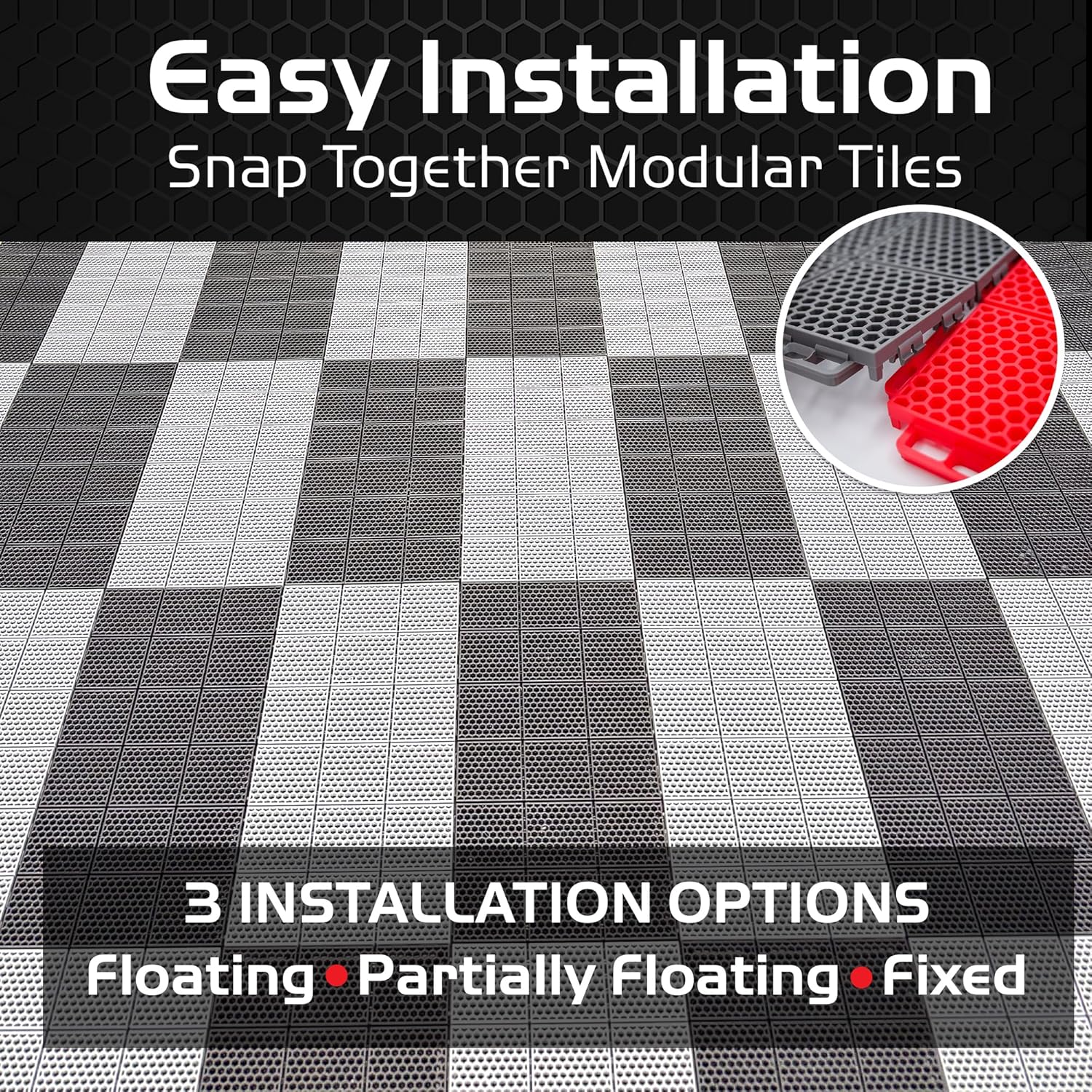
Figure 4: Easy Installation and Options
Video 2: ProTech Flooring Traction and Protection. This video demonstrates the installation process and the use of the tiles for various vehicles, highlighting their protective qualities.
5. Operating and Usage
Caliber ProTech tiles are designed for heavy-duty use in environments such as garages, workshops, and enclosed trailers. They provide a protective, durable, and aesthetically pleasing surface.
- Vehicle Parking: Suitable for parking cars, motorcycles, ATVs, snowmobiles, and other powersports vehicles.
- Work Areas: Provides a stable and comfortable surface for standing and working.
- Drainage: The open grid design allows water, snowmelt, and debris to drain away, keeping the top surface dry and safe.
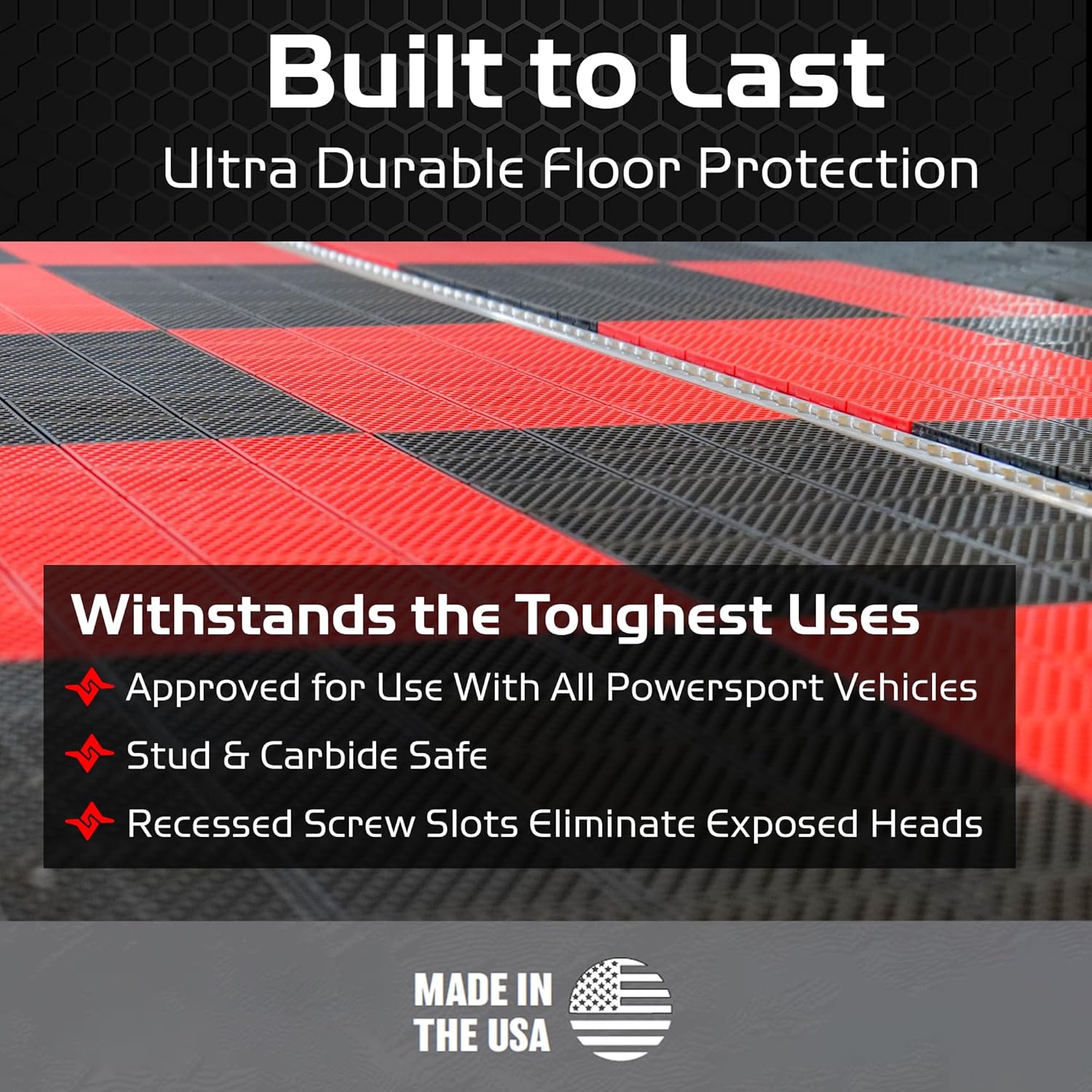
Figure 5: Durability and Protection Features
6. Maintenance
Maintaining your Caliber ProTech flooring is straightforward due to its design.
- Regular Cleaning: Wipe with a damp cloth or mop as needed.
- Drainage: Periodically check and clear any accumulated debris from beneath the tiles to ensure proper drainage. The tiles can be easily lifted for thorough cleaning of the subfloor if necessary.
- Stain Removal: For tougher stains, use a mild detergent and water. Avoid harsh chemicals that may damage the tile material.
7. Customization Options
Caliber ProTech tiles are available in various colors and finishes (smooth or traction) allowing for personalized designs and functional layouts. You can mix and match different types of tiles to create specific zones or patterns within your space.

Figure 6: Combining Smooth and Traction Tiles
8. Troubleshooting
Most issues with Caliber ProTech tiles can be resolved with simple adjustments.
- Tiles Not Snapping Together: Ensure tiles are properly aligned. Apply firm, even pressure. A rubber mallet can assist in seating the connectors.
- Uneven Surface: Check the subfloor for irregularities. If the subfloor is uneven, it may cause tiles to sit improperly. Consider leveling the subfloor before installation.
- Drainage Issues: Inspect drainage channels for blockages. Lift tiles to clear any debris from the subfloor if necessary.
9. Specifications
| Feature | Detail |
|---|---|
| Brand | Caliber |
| Model Number | 13612-1 |
| Color | Black |
| Product Dimensions | 18"L x 9"W x 0.5"Th |
| Number of Items | 24 (covers approx. 27 sq ft) |
| Item Weight | 22.6 pounds (for 24-pack) |
| Special Feature | Anti-Slip, Durable, Drainage |
| Pattern | Solid (Hexagonal Grid) |
| Product Care Instructions | Wipe with Damp Cloth |
| UPC | 850042757208 |
10. Warranty and Support
Caliber offers a lifetime warranty for these ProTech Garage Flooring Tiles, ensuring long-term protection and peace of mind. For warranty claims, technical assistance, or any product-related inquiries, please contact Caliber customer support.
Contact Information:
- Visit the official Caliber website for support resources.
- Refer to your purchase documentation for specific contact details.