
1. Product Overview
The OUILA GLS-C002 LED Cabinet Lights are a set of two 5000K white LED lights designed for various indoor applications. Each light measures 23 x 3.5 x 1.4 cm and features 36 LEDs with a Color Rendering Index (CRI) greater than 80Ra, providing bright and eye-friendly illumination. These lights are equipped with a motion sensor and a built-in 1000 mAh rechargeable battery, making them versatile for cabinets, hallways, wardrobes, or as emergency and stair lights.
Constructed from high-quality aluminum alloy, these lights offer superior heat dissipation, durability, and aesthetics compared to plastic alternatives. Their portable design makes them suitable for various applications including cabinets, drawers, kitchen cupboards, bedside tables, stairwells, garages, and even camping.

Image 1.1: Overview of the OUILA GLS-C002 LED Cabinet Lights, highlighting their compact design and suitability for various indoor environments like kitchens, bedrooms, and staircases.
2. What's in the Box
Please check the package contents to ensure all items are present:
- 2 x OUILA GLS-C002 LED Cabinet Lights
- 2 x USB Type-C Charging Cables
- 4 x Nano-adhesive Patches
3. Setup and Installation
The OUILA GLS-C002 LED Cabinet Lights offer two convenient installation methods:
- Magnetic Attachment (for Iron Surfaces): The lights have integrated magnets. Simply attach the light directly to any iron surface, such as a metal cabinet or refrigerator.
- Nano-Adhesive Patches (for Non-Iron Surfaces): For surfaces that are not magnetic, use the provided nano-adhesive patches. Peel off the protective film from one side of a patch and stick it to the desired surface. Then, attach the light to the patch. The nano-adhesive provides a strong hold without leaving residue upon removal.
Ensure the surface is clean and dry before applying the adhesive patches for optimal adhesion.

Image 3.1: Illustration of the two installation methods: direct magnetic attachment to iron surfaces and using nano-adhesive patches for non-iron surfaces.
4. Operating Instructions
The OUILA GLS-C002 LED Cabinet Lights feature a multi-functional switch to select between four operating modes:
- ① Night Sensing Mode (Moon Icon): In this mode, the light will only activate when motion is detected in a dark environment. If there is sufficient ambient light, the motion sensor will not trigger the light, conserving battery.
- ② Day Sensing Mode (Sun Icon): When this mode is selected, the light will activate upon motion detection regardless of the ambient light conditions (day or night).
- ③ Always On Mode (ON Icon): The light will remain continuously on, functioning as a steady light source.
- ④ Off Mode (OFF Icon): The light is completely turned off and will not respond to motion.
To switch between modes, locate the toggle switch on the light bar and slide it to the desired setting. The energy-saving induction functions contribute to a long lifespan for the cabinet lights.
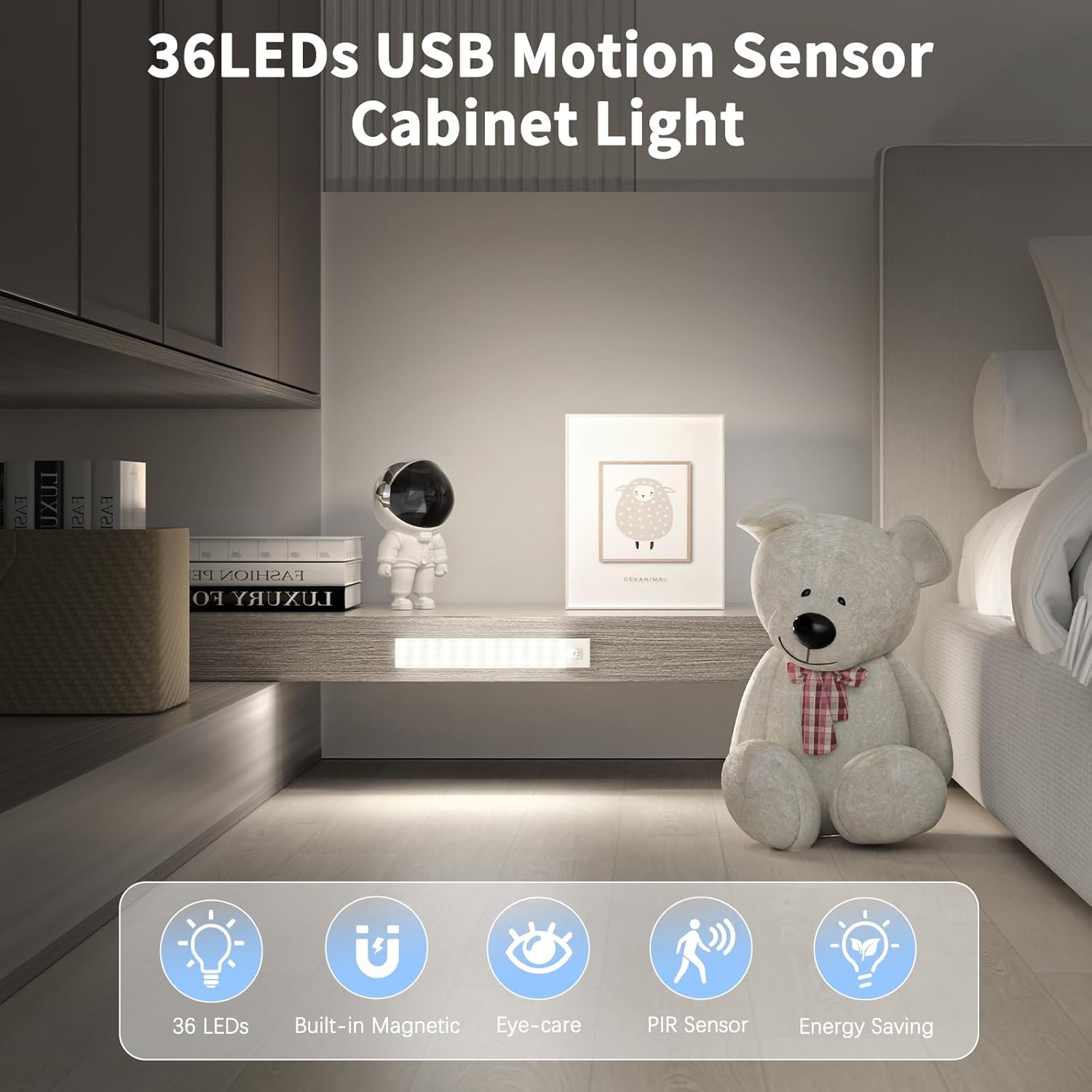
Image 4.1: Visual representation of the four operating modes: Daytime Sensing, Night Sensing, Always On, and Off.
5. Charging Instructions
The OUILA GLS-C002 LED Cabinet Lights are equipped with a built-in 1000 mAh high-capacity rechargeable battery and an advanced Type-C charging port for broad compatibility.
- Connect: Use one of the provided USB Type-C charging cables to connect the light to a power source. Compatible power sources include any DC 5V-1A USB adapter, computer USB port, or power bank.
- Charging Indicator: During charging, a red indicator light will illuminate. Once fully charged, the indicator light will turn green.
- Charging Time: A full charge typically takes 3 to 4 hours.
- Battery Life: Depending on the selected brightness and operating mode, a full charge can provide 5 to 80 hours of continuous use.

Image 5.1: Depiction of the Type-C charging port, charging indicator lights (red for charging, green for charged), and compatible power sources.
6. Maintenance
To ensure the longevity and optimal performance of your OUILA GLS-C002 LED Cabinet Lights, follow these maintenance guidelines:
- Cleaning: Wipe the light bar with a soft, dry cloth. Avoid using abrasive cleaners or solvents, as these can damage the finish or electronic components.
- Battery Care: For best battery life, avoid fully discharging the battery frequently. Recharge the lights when the brightness noticeably diminishes.
- Storage: If storing the lights for an extended period, charge them to approximately 50% capacity and store in a cool, dry place. Recharge every few months to prevent deep discharge.
- Environment: These lights are designed for indoor use and are not waterproof. Avoid exposure to water or high humidity.
7. Troubleshooting
If you encounter issues with your OUILA GLS-C002 LED Cabinet Lights, please refer to the following common troubleshooting steps:
-
Light Not Turning On:
- Check if the battery is charged. Connect the light to a charger and observe the indicator light.
- Ensure the light is not in 'Off Mode'. Adjust the toggle switch to a sensing mode or 'Always On Mode'.
- In 'Night Sensing Mode', ensure the environment is sufficiently dark for the sensor to activate.
-
Motion Sensor Not Working:
- Verify the light is in 'Night Sensing Mode' or 'Day Sensing Mode'.
- Ensure there are no obstructions blocking the sensor.
- Test the sensor in different lighting conditions (for 'Night Sensing Mode').
-
Short Battery Life:
- Ensure the light is fully charged (green indicator).
- Consider using 'Night Sensing Mode' to conserve battery power, as 'Always On Mode' consumes more energy.
- The battery life can vary based on usage frequency and ambient temperature.
If these steps do not resolve the issue, please contact customer support.
8. Specifications
| Feature | Specification |
|---|---|
| Brand | OUILA |
| Model Number | GLS-C002 |
| Color Temperature | 5000 Kelvin (White) |
| Material | Aluminum |
| Dimensions (L x W x H) | 23 x 3.5 x 1.3 cm |
| Power Source | Battery Powered (1000 mAh) |
| Charging Port | USB Type-C |
| Charging Time | 3-4 hours |
| Continuous Use Time | 5-80 hours (depending on mode/brightness) |
| Features | Motion Sensor, Rechargeable |
| Control Method | Toggle Switch |
| Number of LEDs | 36 per light |
| Luminous Output | Up to 800 Lumens |
| Waterproof Level | Not waterproof (Indoor use only) |
| Items Included | 2 Cabinet Lights, 2 USB Cables, 4 Nano-adhesive Patches |
9. Warranty and Support
OUILA products are designed for reliability and performance. For specific warranty details, please refer to the documentation included with your purchase or visit the official OUILA website.
If you require technical assistance, have questions about your product, or need to report a defect, please contact OUILA customer support through the retailer where you purchased the product or via the contact information provided on the official OUILA website.
Please have your model number (GLS-C002) and purchase date ready when contacting support.