
1. Product Overview
The Retevis B3S is a portable FRS two-way radio designed for clear and efficient communication. It features an LCD display, a 1620mAh rechargeable battery, and comes with a 6-way multi-unit charger and earpieces for convenient use in various professional settings.

Image: Package contents including 6 walkie-talkies, belt clips, earpieces, adapter, charger, and user manual.
What's in the Box:
- 6 x Retevis B3S Walkie Talkie (with 1620 mAh Li-ion battery included)
- 6 x Belt Clip
- 6 x Earpiece
- 1 x Adapter
- 1 x 6-Way Multi-Unit Charger
- 1 x User Manual
2. Setup
2.1 Charging the Radios
The Retevis B3S radios come with a 6-way multi-unit charger, allowing you to charge up to six radios simultaneously. This saves space and time compared to individual charging.

Image: Six Retevis B3S walkie-talkies charging in a multi-unit charging station.
To charge:
- Connect the adapter to the 6-way multi-unit charger.
- Plug the adapter into a power outlet.
- Place each Retevis B3S radio into an available slot on the charger. The indicator light on the charger will show the charging status.
Alternatively, each radio can be charged individually via its USB-C port.
Video: Demonstrates the Retevis B3S walkie-talkie with its 6-way multi-unit charger, highlighting its charging capabilities.
2.2 Attaching the Belt Clip
Each Retevis B3S radio includes a belt clip for convenient carrying. The clip is designed for easy attachment and removal.

Image: Rear view of the Retevis B3S walkie-talkie, showing the attached belt clip and product information.
2.3 Connecting the Earpiece
For discreet communication and clear audio in noisy environments, connect the included earpiece to the radio's dedicated port.

Image: A Retevis B3S walkie-talkie with an earpiece connected, demonstrating discreet communication.
Video: Shows the Retevis B3S walkie-talkie being used with headphones, emphasizing its discreet communication feature.
3. Operating Instructions
3.1 Power On/Off and Channel Selection
To power on the radio, rotate the knob clockwise. The LCD display will show the current channel and battery status. Rotate the knob to select your desired channel (1-16).

Image: Comparison of a Retevis B3S with an LCD display showing channel and battery information versus a radio without a display.
Video: Highlights the LCD display of the Retevis B3S, showing channel and battery information.
3.2 Transmit and Receive
To transmit, press and hold the Push-to-Talk (PTT) button on the side of the radio and speak clearly into the microphone. Release the PTT button to receive.
3.3 VOX Hands-free Function
The VOX (Voice Operated Exchange) function allows for hands-free communication. When activated, the radio will transmit automatically when it detects your voice.

Image: A Retevis B3S walkie-talkie demonstrating the VOX hands-free function, allowing communication without pressing buttons.
3.4 Emergency Alarm
In case of an emergency, the radio features an alarm function. Long press the defined side key to activate the emergency alarm. Press the PTT button to exit the alarm mode.
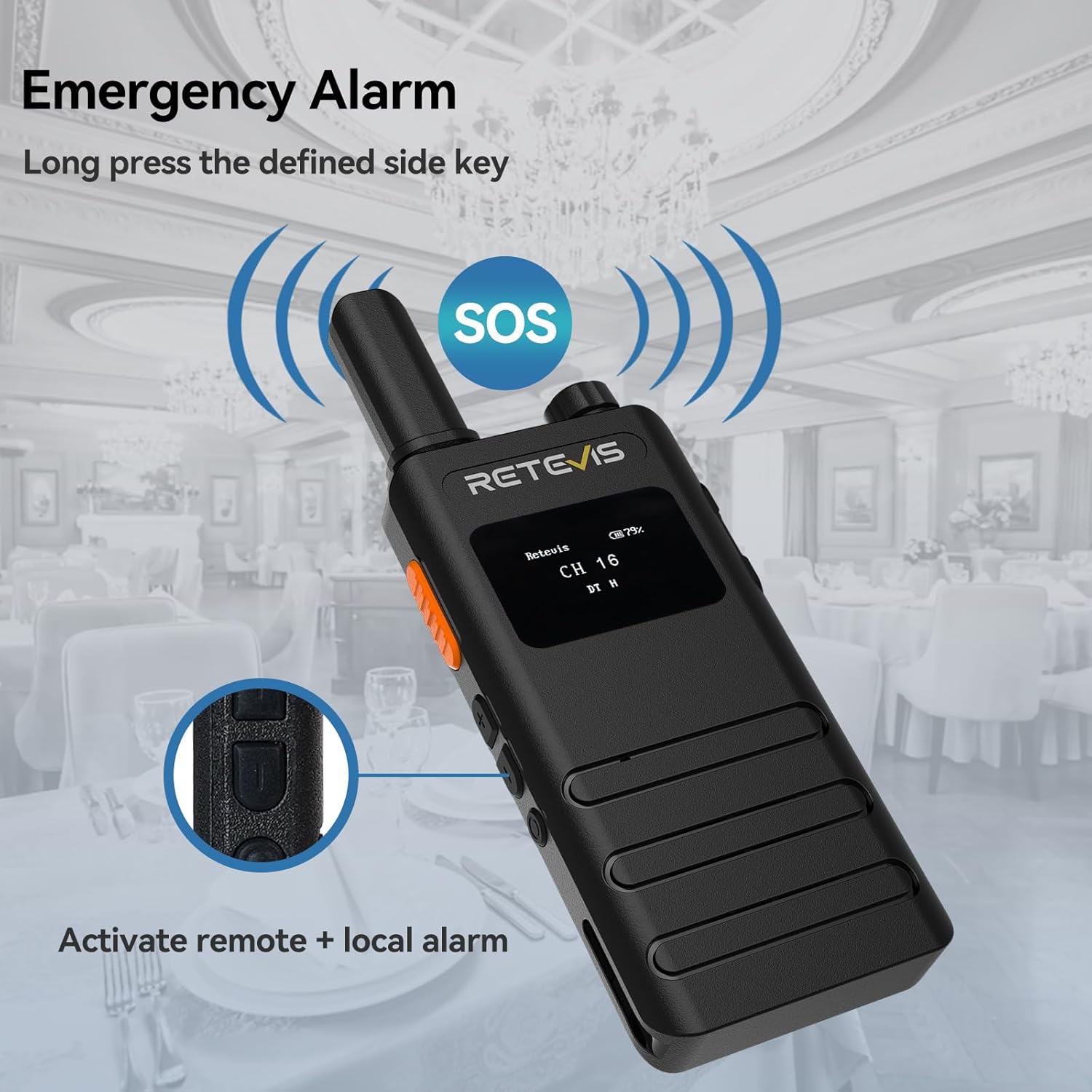
Image: A Retevis B3S walkie-talkie displaying an SOS icon, indicating the emergency alarm is active.
Video: Demonstrates how to activate and deactivate the emergency alarm function on the Retevis B3S walkie-talkie.
3.5 Flashlight
The radio includes a built-in flashlight for use in low-light conditions. Refer to the user manual for specific activation instructions.
3.6 Key Lock
To prevent accidental changes to settings, the radio features a key lock function. Consult the user manual for details on how to activate and deactivate this feature.
3.7 Squelch Function
The squelch function helps to suppress weak signals and background noise, ensuring clearer communication. The LCD display can show the squelch level.
4. Maintenance
4.1 Battery Care
The Retevis B3S is equipped with a 1620mAh large-capacity Li-ion battery, providing approximately 18 hours of continuous operation and up to 49 hours of standby time. To maximize battery life, ensure regular charging using the provided multi-unit charger or USB-C port.
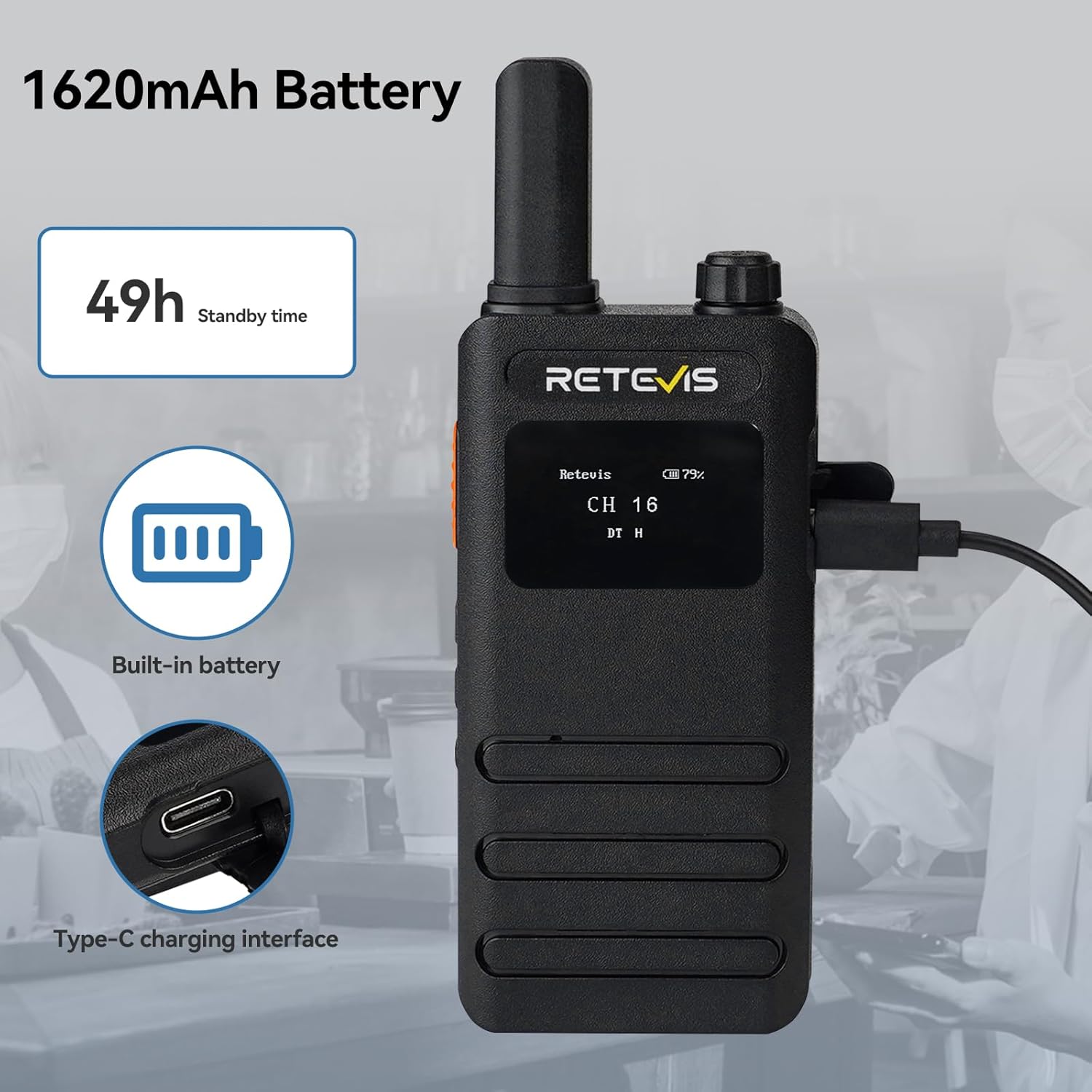
Image: A Retevis B3S walkie-talkie showing its 1620mAh battery capacity and USB-C charging interface.
4.2 Cleaning
Wipe the radio and charger with a soft, dry cloth. Avoid using harsh chemicals or abrasive cleaners.
5. Troubleshooting
If you encounter issues with your Retevis B3S radio, please refer to the detailed troubleshooting section in the included user manual. Common issues may include:
- No power: Ensure the battery is charged and properly inserted.
- No sound: Check volume levels and earpiece connection.
- Cannot transmit/receive: Verify both radios are on the same channel and within range.
6. Specifications
| Feature | Specification |
|---|---|
| Item Weight | 4.97 pounds (for 6-pack) |
| Product Dimensions | 0.59 x 0.59 x 0.59 inches (per radio) |
| Item Model Number | B3S |
| Batteries | 6 Lithium Ion batteries required (included) |
| Brand | Retevis |
| Color | Black |
| Number of Channels | 16 |
| Special Feature | 1620 mAh Long lasting battery; LCD display screen |
| Frequency Range | FRS |
| Talking Range Maximum | 2 Kilometer |
| Voltage | 3.7 Volts |
| Water Resistance Level | Not Water Resistant |
7. Warranty and Support
7.1 Warranty Information
Retevis provides a 2-year warranty for the radio body and a 1-year warranty for accessories. Additionally, a 30-day no-reason return policy is offered. Beyond the warranty period, maintenance services are available, with buyers responsible for associated costs.
7.2 Customer Support
For any questions or support needs, please contact Retevis customer service on Amazon. They aim to reply within 12 hours.


