
FOREVER SW-710
FOREVER Smartwatch Grand 2 SW-710 User Manual
Model: SW-710
Introduction
The FOREVER Smartwatch Grand 2 SW-710 is designed to enhance your daily life with its advanced features and intuitive interface. Featuring a vibrant 1.45-inch TFT screen with 412 x 412 px resolution, it offers clear visuals and efficient energy consumption. This manual provides comprehensive instructions for setting up, operating, and maintaining your smartwatch to ensure optimal performance and longevity.

Image: The FOREVER Smartwatch Grand 2 SW-710, showcasing its sleek design with both metal and silicone strap options. The display shows various functionalities including call management and fitness tracking.
Safety Information
Please read this section carefully before using your device to ensure safe and proper use.
- Do not attempt to disassemble, repair, or modify the device. Unauthorized modifications may void your warranty and cause damage.
- Keep the device away from extreme temperatures, direct sunlight, and high humidity.
- Avoid exposing the device to strong impacts or vibrations.
- Use only original or certified charging cables and adapters.
- If the device becomes excessively hot, discontinue use immediately and contact customer support.
- This device is IP67 waterproof, meaning it is resistant to dust and can withstand immersion in water up to 1 meter for 30 minutes. Avoid prolonged immersion or use in hot water/steam.
Package Contents
Ensure all items are present in the package:
- FOREVER Smartwatch Grand 2 SW-710
- Charging cable
- User Manual (this document)
- Additional wristband (silicone and metal options may be included)
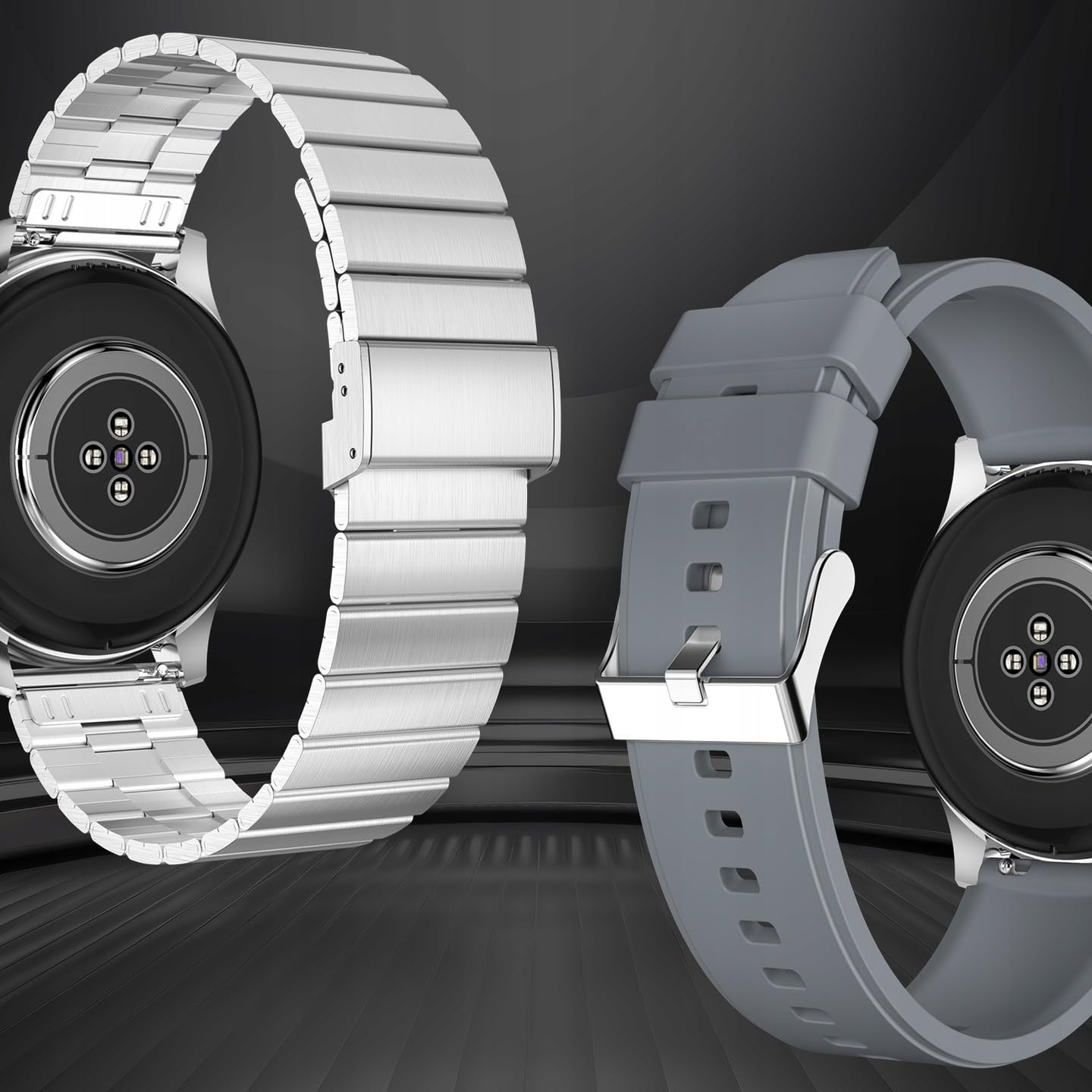
Image: The rear view of the smartwatch, highlighting its health sensors and the two included wristbands (metal and silicone), allowing for style customization.
Setup
1. Charging the Device
Before first use, fully charge your smartwatch. Connect the magnetic charging cable to the charging contacts on the back of the watch and plug the USB end into a power adapter (not included) or a computer's USB port.
- A full charge typically takes approximately 2 hours.
- The battery icon on the screen will indicate charging status.

Image: The smartwatch connected to its magnetic charging cable, displaying a battery charging indicator on its screen.
2. Powering On/Off
- Power On: Press and hold the side button (digital crown) for a few seconds until the FOREVER logo appears.
- Power Off: From the watch face, swipe down to access quick settings, or navigate to the settings menu. Locate the power off option and confirm. Alternatively, press and hold the side button until the power off prompt appears.
3. Pairing with Your Smartphone
To unlock the full potential of your smartwatch, pair it with your smartphone via Bluetooth.
- Download the App: Scan the QR code in the manual or on the watch screen (if available) or search for the official FOREVER smartwatch app in your phone's app store (compatible with Android and iOS).
- Enable Bluetooth: Ensure Bluetooth is enabled on your smartphone.
- Open the App: Launch the FOREVER app on your phone and follow the on-screen instructions to create an account or log in.
- Add Device: In the app, select "Add Device" or "Pair New Device". The app will search for available smartwatches.
- Select Your Watch: Choose "SW-710" or "Grand 2" from the list of found devices.
- Confirm Pairing: A pairing request will appear on both your phone and the watch. Confirm the pairing on both devices.
Once paired, the watch will synchronize data with your phone and receive notifications.
Operating Instructions
1. Navigating the Interface
- Touch Screen: Swipe left/right to access different widgets (e.g., activity, heart rate, weather). Swipe up to view notifications. Swipe down to access quick settings. Tap to select an option.
- Digital Crown (Side Button): Press to return to the watch face or to enter the app menu. Rotate to scroll through lists or zoom in/out (functionality may vary by app).
2. Key Features
- Time Display: The main watch face displays time, date, and other customizable information.
- Pedometer: Automatically tracks your steps, distance, and calories burned throughout the day. View your daily progress on the watch or in the app.
- Pulse Monitor: Measures your heart rate. Access this feature from the app menu or a dedicated widget. Ensure the watch is snug on your wrist for accurate readings.
- Fitness Tracking (Sports Modes): The watch supports various sports modes (e.g., running, cycling, walking). Select a mode before starting your activity to track specific metrics.
- Notifications: Receive call, SMS, and app notifications directly on your wrist. Manage which app notifications you receive through the companion app on your phone.
- Music Control: Control music playback on your paired smartphone (play, pause, skip tracks, adjust volume) directly from your watch.
- Camera Control: Use your watch as a remote shutter for your smartphone's camera.
- Weather: View current weather conditions and forecasts after syncing with the app.
- Sleep Monitoring: Tracks your sleep patterns (deep sleep, light sleep, awake time). View detailed analysis in the app.

Image: The smartwatch screen showing fitness data, surrounded by icons representing different sports activities it can track, such as running, cycling, and walking.
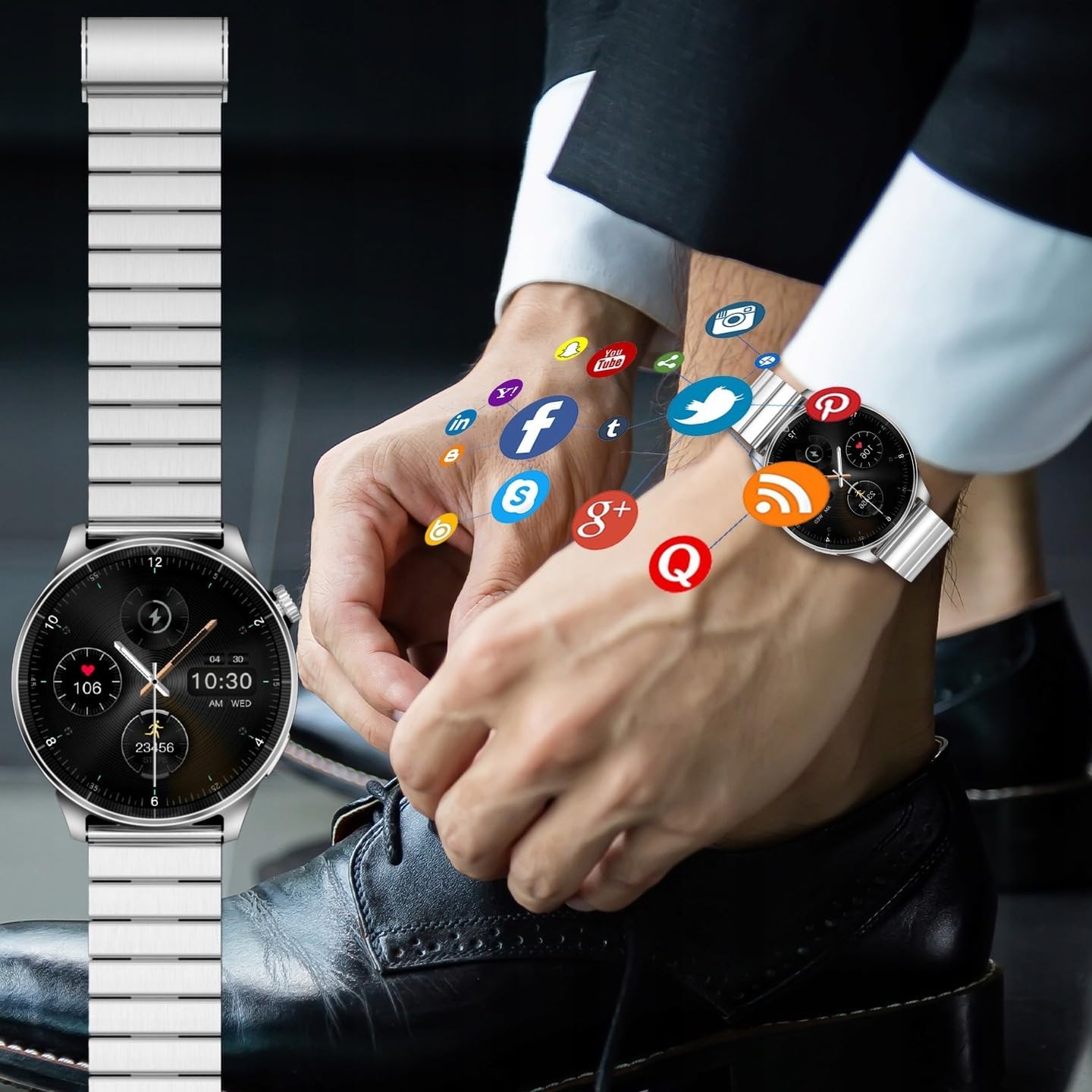
Image: A smartwatch on a wrist, with various social media and application icons digitally overlaid, illustrating its ability to display notifications from connected apps.
3. Customization
- Watch Faces: Change the watch face from the watch settings or through the companion app. Many designs are available to suit your style.
- Wristbands: The FOREVER Smartwatch Grand 2 SW-710 comes with interchangeable wristbands (metal and silicone). Refer to the package contents for details. To change, locate the quick-release pins on the underside of the strap and gently pull to detach. Attach the new strap by aligning the pins and pushing them into place.
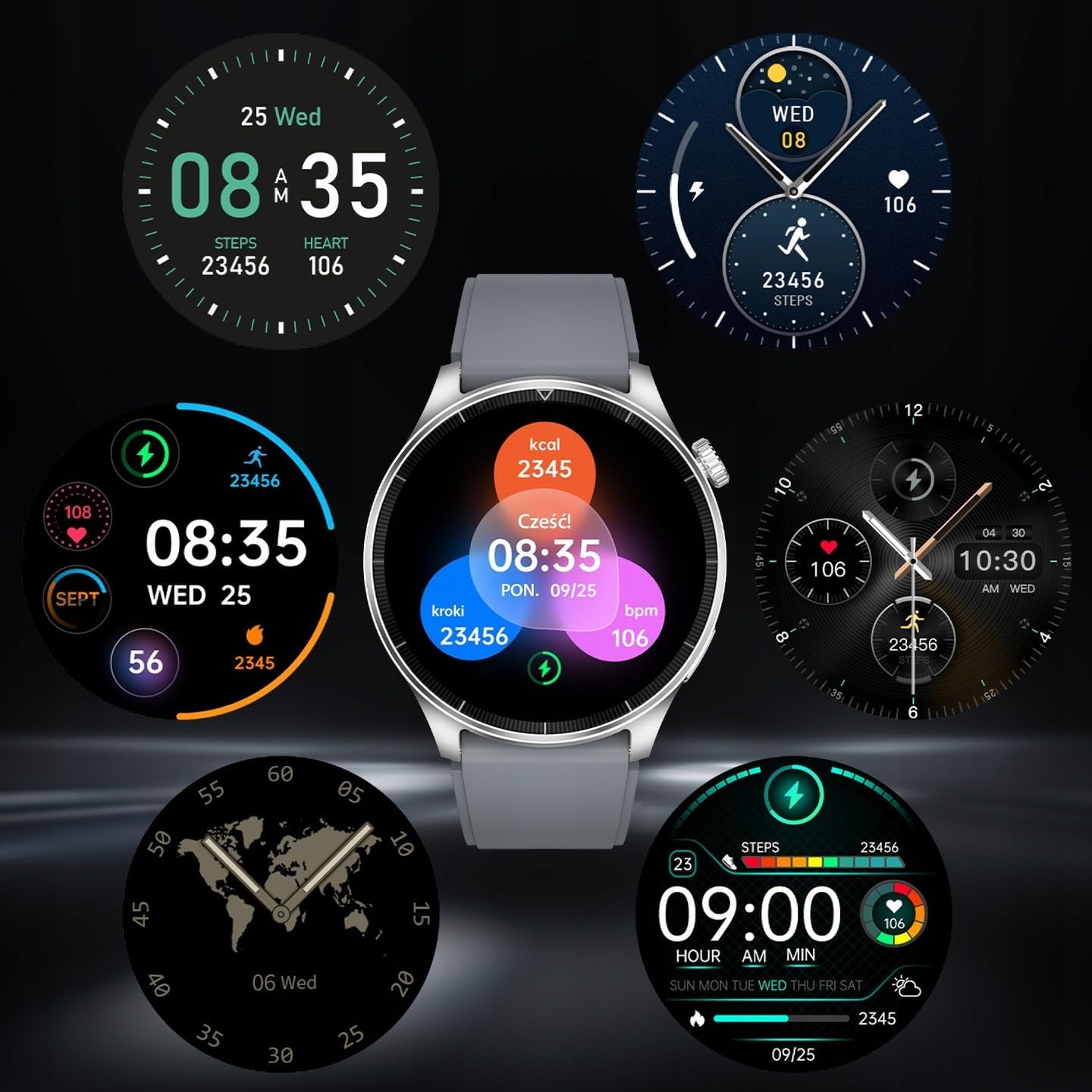
Image: A collection of diverse watch face designs for the smartwatch, demonstrating the customization options available to users, from minimalist to data-rich displays.
Maintenance
- Cleaning: Wipe the watch and strap regularly with a soft, damp cloth. Avoid using harsh chemicals or abrasive materials.
- Water Resistance (IP67): The watch is IP67 rated, meaning it is protected from dust and can withstand immersion in up to 1 meter of fresh water for 30 minutes. It is suitable for daily use, hand washing, and light rain. It is not suitable for swimming, diving, hot showers, or saunas. Always dry the watch thoroughly after exposure to water.
- Battery Care: To prolong battery life, avoid fully discharging the battery frequently. Charge the device when the battery level is low. Store the device in a cool, dry place if not used for extended periods.
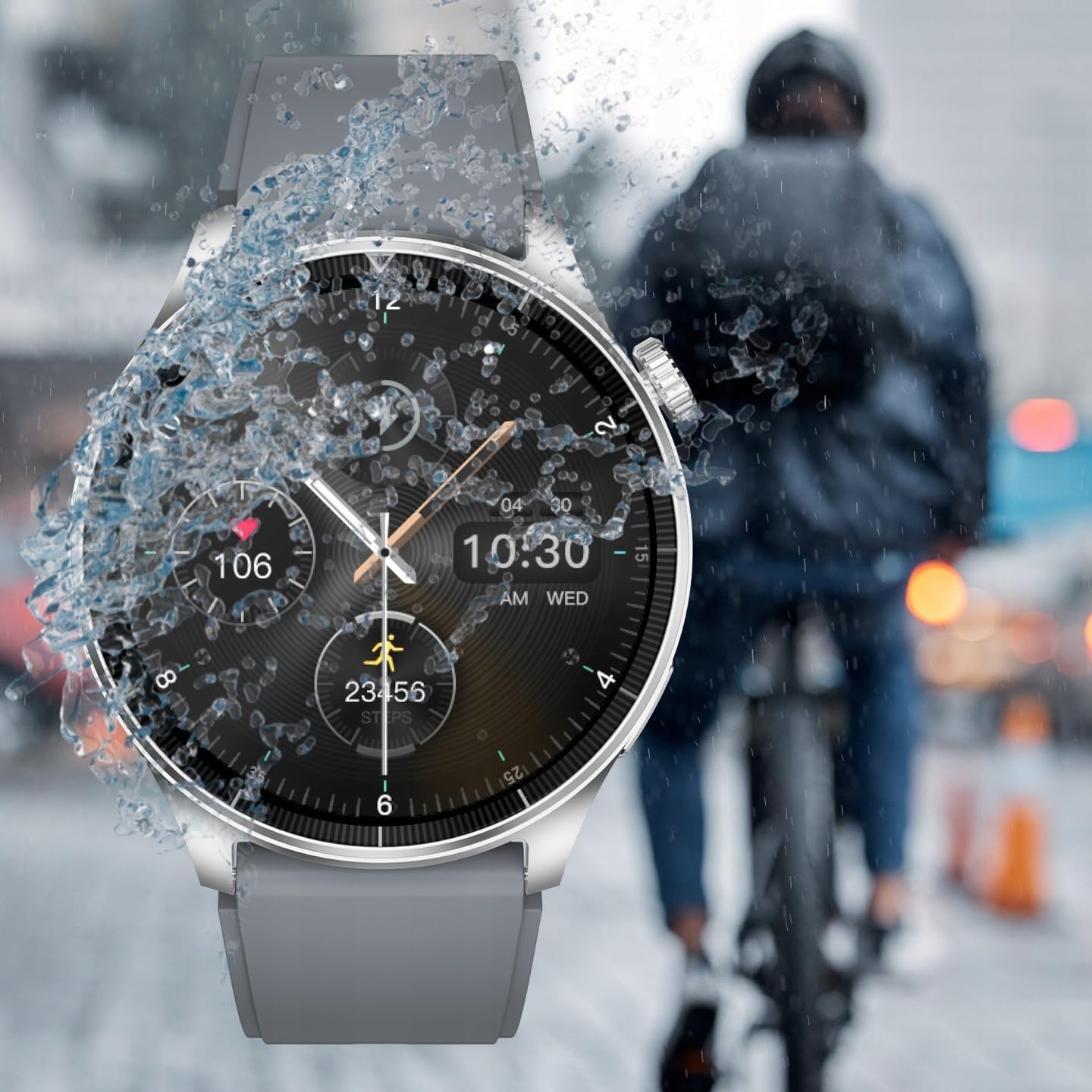
Image: The smartwatch being splashed with water, demonstrating its IP67 water resistance, suitable for use in light rain or during hand washing.
Troubleshooting
| Problem | Possible Solution |
|---|---|
| Watch does not turn on. | Ensure the watch is fully charged. Connect it to the charger for at least 30 minutes. |
| Cannot pair with smartphone. |
|
| Notifications are not received. |
|
| Inaccurate heart rate readings. | Ensure the watch is worn snugly on your wrist, not too loose or too tight. Clean the sensor on the back of the watch. |
| Screen is unresponsive. | Restart the watch by pressing and holding the side button. If the issue persists, ensure the screen is clean and dry. |
Specifications
| Feature | Detail |
|---|---|
| Model | SW-710 (Grand 2) |
| Display | 1.45 inches TFT, 412 x 412 px resolution |
| Connectivity | Bluetooth v5.0 |
| Battery Capacity | 300 mAh Lithium Ion |
| Waterproof Rating | IP67 |
| Operating System Compatibility | Android, iOS |
| Dimensions (Package) | 12 x 9.5 x 7 cm |
| Weight (Package) | 400 g |
| Manufacturer | TelForceOne S.A. |
| EAN/UPC | 5907457734883 |

Image: The back of the product packaging, detailing technical specifications such as display type, resolution, battery, and waterproof rating, along with manufacturer information and EAN code.
Warranty and Support
For warranty information, please refer to the warranty card included in your product packaging or visit the official FOREVER website. For technical support, troubleshooting assistance, or service inquiries, please contact FOREVER customer support through their official channels.
Keep your purchase receipt as proof of purchase for warranty claims.
Related documentsSW-710


Ask a question about this manual
Ask about setup, troubleshooting, compatibility, parts, safety, or missing instructions. Manuals+ will review the question and use this page’s manual context to help answer it.