1. Introduction
This manual provides essential information for setting up, operating, maintaining, and troubleshooting your Dell Inspiron 16 5640 Laptop. The Dell Inspiron 16 5640 is designed for seamless productivity and immersive entertainment, featuring an Intel Core 7 Processor, Intel Graphics, and a large 16-inch FHD+ (1920 x 1200) display. It includes Dell ComfortView Plus for reduced blue light emissions and Dolby Atmos for enhanced audio.

Figure 1: Dell Inspiron 16 5640 Laptop, top-down view with screen displaying a desktop interface.
2. Setup
2.1 Unboxing and Initial Power On
Your Dell Inspiron 16 5640 Laptop package includes:
- Inspiron 16 5640 Laptop
- 65 Watt AC Adapter
- Power Cord
- Documentation
To begin, connect the AC adapter to the laptop and a power outlet. Open the laptop lid, and the system should power on automatically. Follow the on-screen instructions to complete the initial Windows 11 Pro setup.
2.2 Dell Migrate Service
Dell Migrate is a tool designed to simplify the transfer of your data, personal records, and important files from an older Windows PC to your new Dell laptop. This service helps ensure a smooth transition to your new device.

Figure 2: Dell Migrate service, showing data transfer from an old PC to a new Dell PC.
3. Operating Your Laptop
3.1 Display Features
The Inspiron 16 5640 features a 16-inch FHD+ (1920 x 1200) display with a 16:10 aspect ratio, providing an expansive and immersive viewing experience. Dell ComfortView Plus technology is integrated to reduce harmful blue light emissions, enhancing eye comfort during prolonged use while maintaining accurate color representation.

Figure 3: Laptop screen showing expansive visuals, highlighting the 16-inch display.
3.2 Keyboard and Touchpad
The laptop is equipped with a full-size keyboard and a responsive touchpad for navigation. The keyboard features backlighting for use in low-light conditions. For optimal performance, ensure your hands are clean and dry when using the touchpad.
3.3 Camera and Microphone
The integrated FHD camera offers clear images for video conferencing, supported by Wide Dynamic Range and Temporal Noise Reduction to adapt to various lighting conditions. Dual microphones with AI-powered noise reduction ensure your voice is clear, minimizing background distractions. A mechanical privacy shutter is included for enhanced privacy when the camera is not in use.
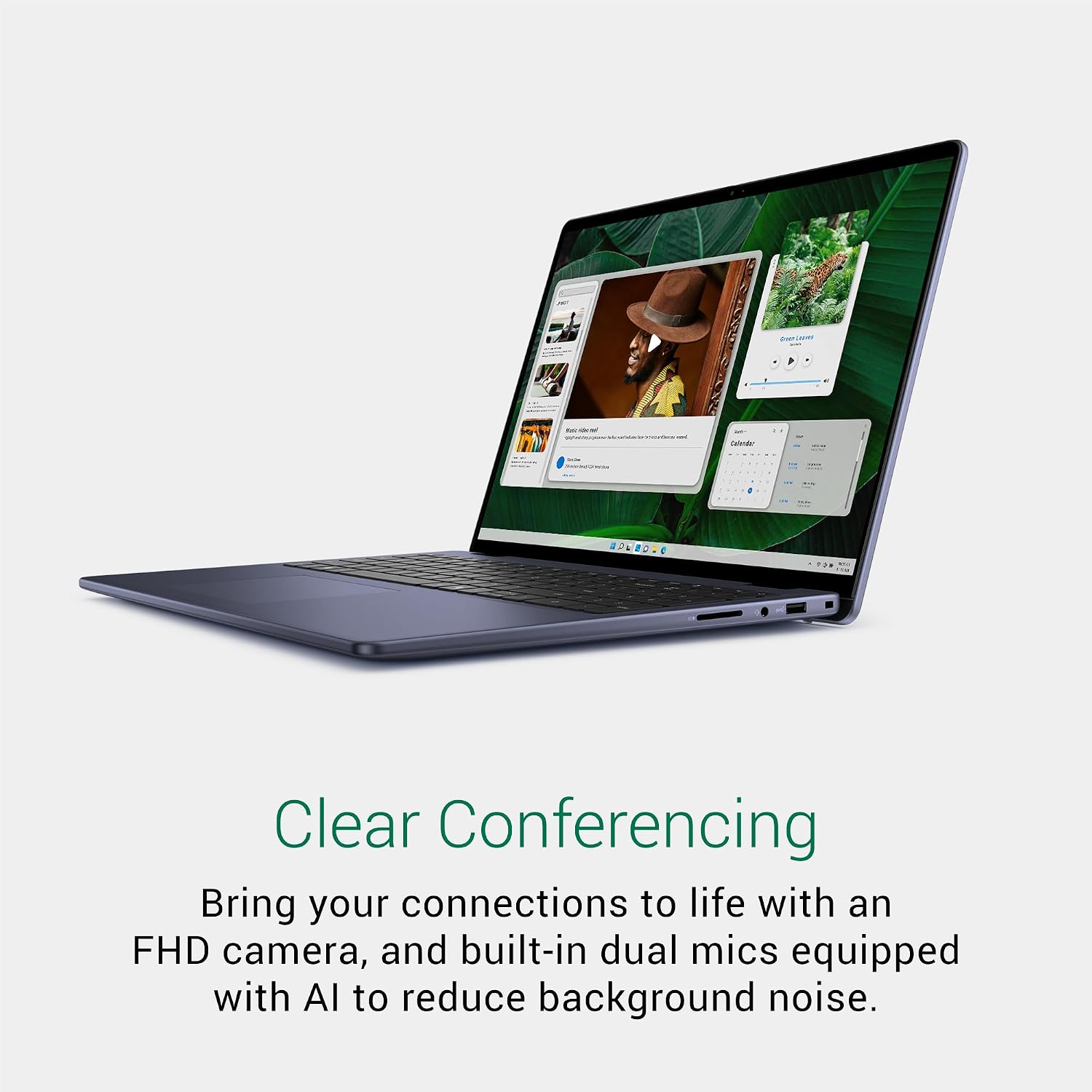
Figure 4: Laptop screen displaying a clear video conferencing image, emphasizing the camera and microphone capabilities.
3.4 Connectivity
The Inspiron 16 5640 provides a range of ports for connecting peripherals and external devices:
- Wedge-shaped lock slot: For security cables.
- Audio Jack: For headphones or external speakers.
- SD Card Reader: For memory cards.
- USB 3.2 Gen 1 Type-A ports (x2): For standard USB devices.
- USB 3.2 Gen 2 Type-C™ (DP/PowerDelivery): Supports display output and power delivery.
- HDMI 1.4: For connecting to external displays.
- Power Jack: For connecting the AC adapter.

Figure 5: Side view diagram illustrating the various ports and their locations on the Dell Inspiron 16 5640 Laptop.
4. Maintenance
4.1 General Care
- Keep your laptop clean by gently wiping surfaces with a soft, lint-free cloth.
- Avoid exposing the laptop to extreme temperatures, direct sunlight, or excessive moisture.
- Ensure proper ventilation by not blocking the air vents.
4.2 Software Updates
Regularly update your Windows 11 Pro operating system and drivers to ensure optimal performance, security, and compatibility. You can check for updates through the Windows Settings menu.
4.3 Battery Care
To prolong battery life, avoid fully discharging the battery frequently. It is recommended to keep the battery charged between 20% and 80% for long-term health. Store the laptop in a cool, dry place if not used for extended periods.
5. Troubleshooting
This section addresses common issues you might encounter. For more detailed troubleshooting or issues not listed here, please refer to Dell's official support resources.
5.1 Display Issues
If your display is not showing images correctly or appears dim, ensure the brightness settings are adjusted. If the screen remains blank, try connecting an external monitor to determine if the issue is with the laptop's display or graphics output.
5.2 Performance Slowdown
If your laptop is running slowly, consider the following:
- Close unnecessary applications running in the background.
- Check for and install any pending Windows updates.
- Ensure your storage (SSD) has sufficient free space.
- Run a system scan for malware or viruses.
The Dell Inspiron 16 5640 comes with 16GB DDR5 RAM. While this is generally sufficient for most tasks, some users performing intensive tasks might consider a RAM upgrade. Consult Dell's official documentation or support for compatible RAM modules and upgrade procedures.
5.3 Keyboard Backlight
The Dell Inspiron 16 5640 Laptop is equipped with a backlit keyboard. If the backlight is not functioning, ensure it is enabled through the system's function keys (often Fn + F10 or similar, depending on the specific model configuration) or through the Windows Mobility Center settings.
6. Specifications
| Feature | Specification |
|---|---|
| Brand | Dell |
| Model Name | Dell Inspiron 16 5640 Laptop |
| Item Model Number | i5640-7769BLU-PUS |
| Screen Size | 16 Inches |
| Screen Resolution | 1920 x 1200 pixels (FHD+) |
| Processor | Intel Core 7-150U (1.8 GHz) |
| RAM | 16 GB DDR5 (5200 MHz) |
| Hard Drive | 1 TB SSD (Solid State) |
| Graphics Coprocessor | Intel Graphics (Integrated) |
| Operating System | Windows 11 Pro |
| Wireless Type | Bluetooth |
| USB 3.0 Ports | 3 |
| Special Features | Anti Glare Coating, Backlit Keyboard, Fingerprint Reader, HD Audio, Memory Card Slot |
| Item Weight | 4.71 pounds |
| Product Dimensions | 9.82 x 14.04 x 0.68 inches |
| Color | Midnight Blue |
7. Warranty and Support
7.1 Dell Services
Your Dell Inspiron 16 5640 Laptop includes comprehensive support services:
- 1 Year Onsite Service: Dell provides support at your home, office, or chosen location if an issue covered by the Limited Hardware Warranty cannot be resolved remotely.
- Dell Migrate: A simple tool to transfer data from your old PC to your new Dell.
- SupportAssist: AI-powered technology designed to keep your PC running like new.
- 24x7 Access to Dell Hardware Support: For technical assistance whenever you need it.

Figure 6: Dell Technologies Services highlighting 1 Year Onsite Service.
7.2 Optional Protection Plans
Additional protection plans are available for purchase to extend coverage beyond the standard warranty. These plans offer various levels of service and duration to suit your needs.
8. Environmental Information
The Dell Inspiron 16 5640 is designed with sustainability in mind, incorporating post-consumer recycled plastics and post-industrial recycled aluminum. It is ENERGY STAR 8.0 certified and registered EPEAT Silver, having achieved the EPEAT Climate+ designation for meeting industry best practices in decarbonization.
Video 1: Dell Sustainability Video. This video from Dell Marketing USA, LP, details Dell's commitment to environmental responsibility and recycling efforts.


