
Introduction
Thank you for choosing the FullHouse Wireless Door Chime and Entry Alarm. This system provides a reliable alert when a door or window is opened, enhancing security and convenience for your home or business. This manual provides detailed instructions for setup, operation, and maintenance to ensure optimal performance of your device.
Package Contents
Please verify that all items are present in your package:
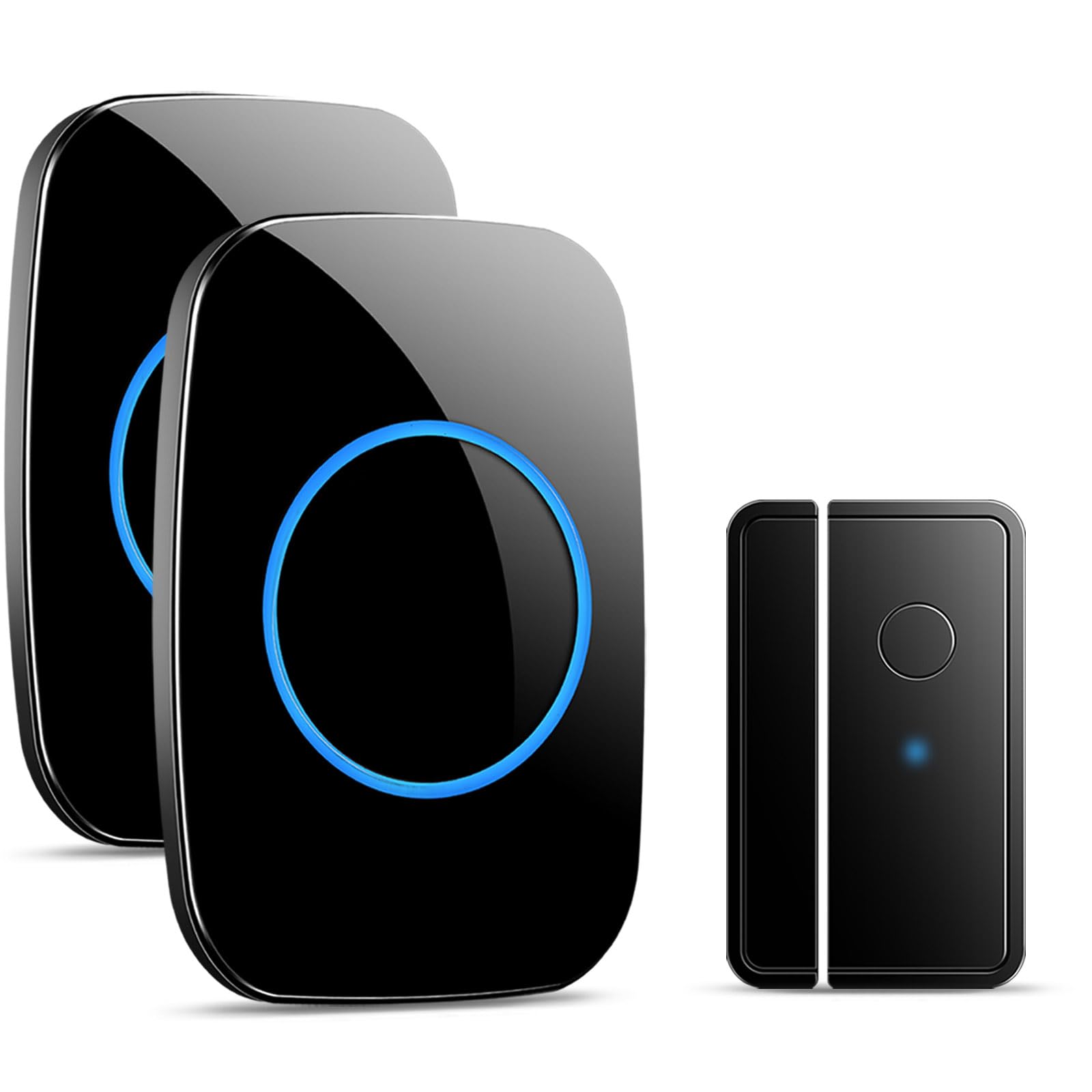
- 1 x Wireless Door Sensor (Transmitter)
- 2 x Plug-in Receivers
- 1 x 23A 12V Alkaline Battery (pre-installed in sensor)
- Double-sided Adhesive Pads for sensor mounting
Setup Instructions
The FullHouse Door Chime system is pre-paired for convenience. Follow these steps for quick installation:
- Prepare the Sensor: Locate the power button on the side of the door sensor. Ensure it is switched to the 'ON' position. The 23A 12V battery is pre-installed.
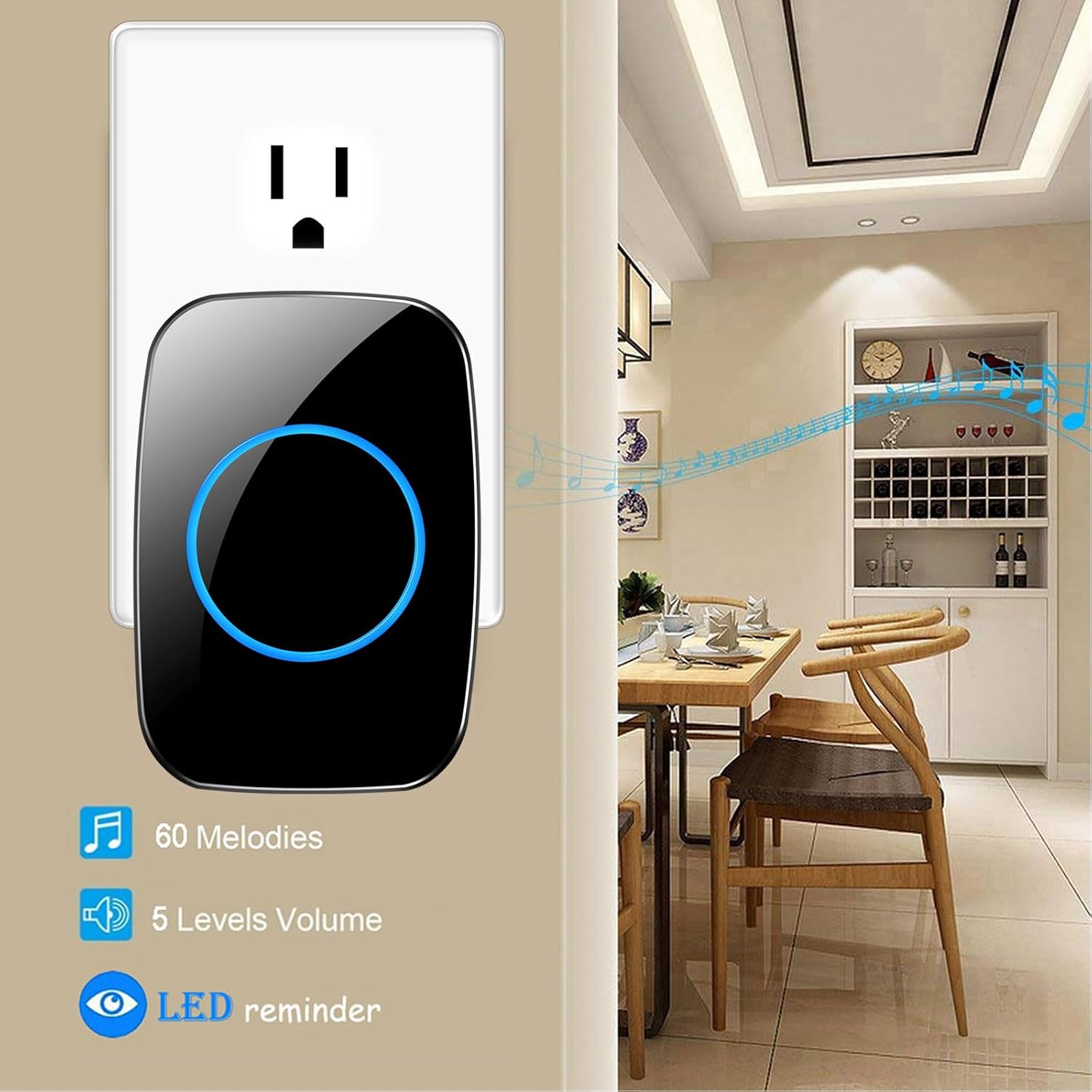
- Install Receivers: Plug each receiver into a standard electrical outlet in your desired locations. The receivers will light up, indicating they are powered.
- Mount the Sensor:
- Clean the surface where you intend to mount the sensor and its magnetic strip. Ensure the surface is dry and free of dust or grease.
- Peel off the protective film from one side of the double-sided adhesive pad and apply it to the back of the sensor. Repeat for the magnetic strip.
- Attach the main sensor unit to the door or window frame, and the smaller magnetic strip to the moving part of the door or window. Ensure the two parts are aligned and are within 1 cm (0.4 inches) of each other when the door/window is closed.
- Test the System: Open the door or window where the sensor is installed. The receiver(s) should chime and flash, confirming successful setup.

Operating Instructions
Customize your door chime experience with various settings:
- Adjusting Volume: Press the volume button on the side of the receiver to cycle through 5 different volume levels, ranging from 0dB (silent mode with LED flash only) to 110dB (maximum volume).
- Changing Chime Melody: Press the chime button on the side of the receiver to cycle through 60 available melodies. Stop pressing when you hear your preferred chime.
- Silent Mode: To activate silent mode, cycle the volume down to 0dB. The receiver will only flash its LED indicator when triggered, providing a visual alert without sound.
- Distinguishing Front and Rear Doors: If you have multiple sensors, you can assign a unique chime to each to differentiate which door has been opened.
- Re-pairing / Custom Pairing: If you need to re-pair a sensor or assign a specific chime to a sensor (e.g., for one-to-one operation or distinguishing doors):
- On the receiver, press the chime button to select your desired melody.
- Then, press and hold the volume button on the receiver for approximately 5 seconds until it emits a 'ding-dong' sound and the LED indicator flashes rapidly. This indicates it's in pairing mode.
- Within 10 seconds, activate the sensor by separating its two parts (e.g., open the door). The receiver will chime with the selected melody, confirming successful pairing.
- Repeat this process for any other sensors you wish to pair, assigning different melodies as needed.

Video: Demonstrates how to adjust the tune and volume settings on the FullHouse door chime receiver.
Video: Explains how to distinguish between front and rear doors using different chime settings.
Features
- Extended Wireless Range: Operates up to 1000 feet in open air, or approximately 300 feet with walls, ensuring coverage throughout most homes or small businesses.
- Customizable Alerts: Choose from 60 distinct chime melodies and 5 adjustable volume levels (0-110dB), including a silent mode with LED flash.
- Energy-Efficient Sensor: The door sensor includes a power button to conserve battery life during periods of inactivity or extended storage. The included 23A 12V battery typically lasts 1-2 years.
- Expandable System: Compatible with other FullHouse-branded transmitters and receivers, allowing you to expand your system as needed. Each transmitter can be set to a different tone.

Maintenance
- Battery Replacement (Sensor): When the sensor's performance degrades or it stops triggering, it may be time to replace the 23A 12V battery. To replace:
- Carefully open the sensor's casing using a small screwdriver.
- Remove the old battery and insert a new 23A 12V alkaline battery, ensuring correct polarity.
- Close the casing securely.
- Cleaning: Wipe the receiver and sensor units with a soft, dry cloth. Do not use abrasive cleaners or solvents, as these can damage the finish or internal components.
- Storage: If the system will not be used for an extended period, switch the sensor's power button to 'OFF' to preserve battery life.

Troubleshooting
If you encounter issues with your FullHouse Door Chime, refer to the following common problems and solutions:
| Problem | Possible Cause | Solution |
|---|---|---|
| Receiver does not chime or flash. | Receiver unplugged, sensor battery low/off, sensor not paired, volume set to 0dB. | Ensure receiver is plugged in. Check sensor power button is ON. Replace sensor battery if needed. Verify volume is not 0dB. Re-pair sensor and receiver (see 'Re-pairing / Custom Pairing' section). |
| Short wireless range or intermittent alerts. | Obstructions (thick walls, metal objects), interference from other electronics, receiver too far from sensor. | Relocate receiver to a more central position. Avoid mounting near large electrical appliances. Ensure line of sight is as clear as possible. |
| Chime settings are not saved after power loss. | This model may not have memory for chime settings after a power interruption. | Re-select your preferred chime melody after any power outage or if the receiver is unplugged. |
| Sensor not triggering when door/window opens. | Sensor and magnetic strip misaligned, sensor battery low/off, sensor not paired. | Ensure sensor and magnetic strip are aligned and within 1 cm when closed. Check sensor power button is ON. Replace sensor battery. Re-pair sensor and receiver. |
Specifications
| Brand | Full House |
| Model Number | YB18-4FBA |
| Color | Black |
| Power Source | Battery Powered (Sensor), Plug-in (Receiver) |
| Battery Type | 1 x 23A 12V Alkaline (included) |
| Voltage | 12 Volts |
| Audible Noise | Up to 110 dB |
| Mounting Type | Door/Window Mount (Adhesive) |
| Maximum Wireless Range | 1000 feet (open air), 300 feet (with walls) |
| Sensor Technology | Contact Sensor |
| Chime Options | 60 |
| Volume Levels | 5 (0dB - 110dB) |
| Manufacturer | 1 PLUS ONE |
Warranty and Support
For warranty information, technical support, or any questions regarding your FullHouse Wireless Door Chime and Entry Alarm, please refer to the contact details provided on the product packaging or visit the official Full House website. Our customer service team is available to assist you.