
1. Introduction
Thank you for choosing the Irfora IRX6 Portable Electric Grinding Engraving Pen. This compact and versatile tool is designed for precision tasks such as grinding, engraving, polishing, and cutting. Featuring adjustable speeds and a rechargeable battery, it offers convenience and efficiency for various applications, including smartphone chip repair, motherboard work, and other delicate projects. Please read this manual thoroughly before use to ensure safe and optimal operation.
2. Safety Information
Always follow these basic safety precautions to reduce the risk of injury or damage to the product:
- Keep the tool away from children.
- Wear appropriate personal protective equipment, such as safety glasses, during operation.
- Ensure the grinding bits are securely installed before operating the device.
- Do not touch the rotating bit during operation.
- Avoid using the tool near flammable materials or in explosive atmospheres.
- Do not immerse the tool in water or other liquids.
- Use only the provided USB cable for charging.
- Store the tool in a dry, safe place when not in use.
3. Package Contents
Verify that all items are present in your package:
- 1 x Irfora IRX6 Engraving Pen
- 1 x USB Charging Cable
- 9 x Grinding Bits (various specifications)

Image: Contents of the Irfora IRX6 package, including the pen, USB cable, and a set of grinding bits.
4. Product Overview
The Irfora IRX6 features a durable steel body and an efficient motor designed for stable and powerful operation. It includes an integrated rechargeable battery and intuitive speed controls.

Image: The robust steel body of the Irfora IRX6, highlighting its quality construction.

Image: An internal view illustrating the high-speed motor and its strong, stable power output.
5. Setup
5.1 Charging the Device
Before first use, fully charge the Irfora IRX6. Connect the provided USB cable to the charging port on the pen and plug the other end into a standard USB power adapter (not included) or a computer USB port. The indicator light will show charging status and turn off or change color when fully charged.
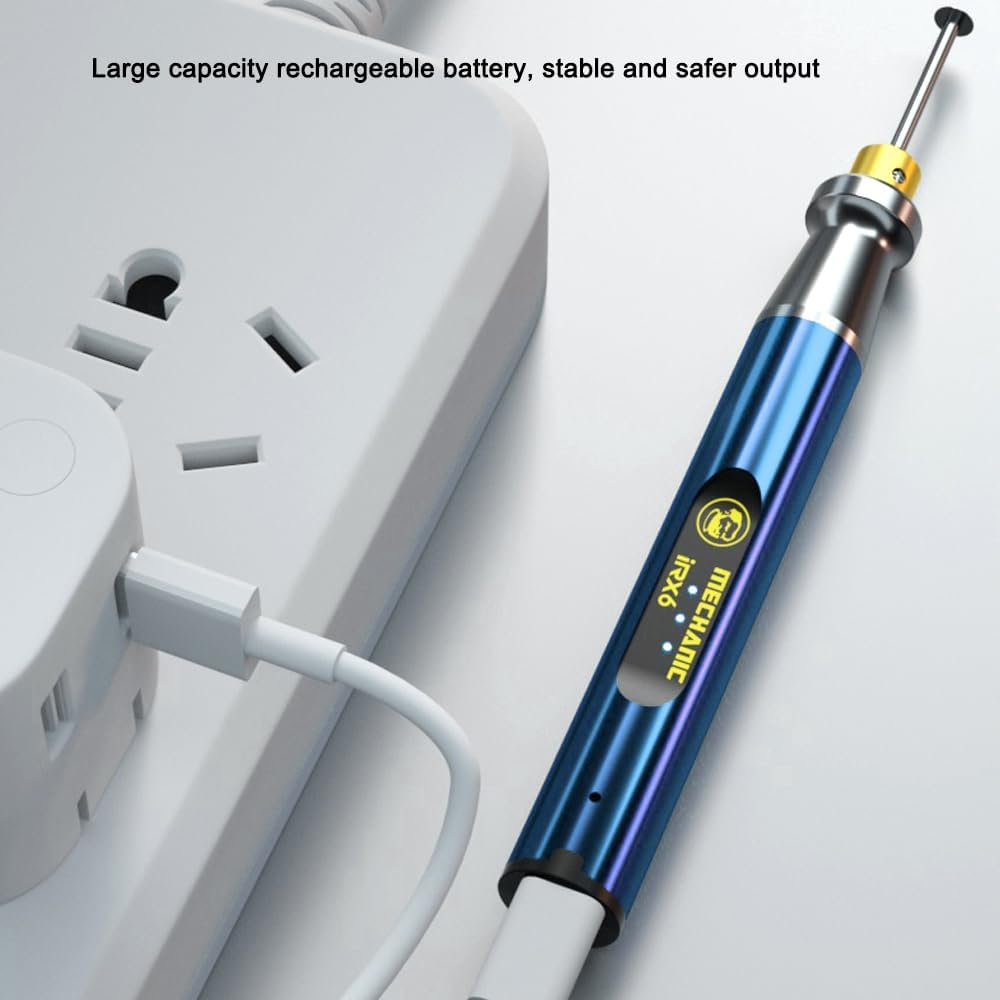
Image: The Irfora IRX6 pen being charged via its USB cable, connected to a wall adapter.
5.2 Attaching Grinding Bits
- Ensure the device is turned off.
- Loosen the chuck at the tip of the pen by twisting it counter-clockwise.
- Insert the desired grinding bit into the chuck. Ensure it is inserted as far as possible for stability.
- Tighten the chuck by twisting it clockwise until the bit is firmly secured. Do not overtighten.
6. Operating Instructions
6.1 Power On/Off
Press and hold the power button located on the pen to turn the device on or off.
6.2 Adjusting Speed
The Irfora IRX6 offers three speed settings. Briefly press the power button while the device is on to cycle through the available speeds. The indicator lights will show the current speed level.

Image: The three speed indicator lights on the Irfora IRX6, allowing users to select different polishing and grinding intensities.
6.3 Grinding and Engraving
Once the desired bit is attached and the speed is set, gently apply the rotating bit to the workpiece. Use light pressure and a steady hand for best results. For delicate tasks like smartphone chip grinding, proceed with caution and precision.

Image: The Irfora IRX6 in action, demonstrating its suitability for precision tasks such as chip grinding and motherboard work.
7. Maintenance
7.1 Cleaning
After each use, turn off the device and disconnect any power source. Use a soft, dry cloth to wipe down the pen. Remove any dust or debris from the chuck area. Do not use harsh chemicals or abrasive cleaners.
7.2 Storage
Store the Irfora IRX6 in a cool, dry place, away from direct sunlight and moisture. Keep it out of reach of children. If storing for an extended period, ensure the battery is partially charged (around 50%) to prolong its lifespan.
8. Troubleshooting
- Device not turning on: Ensure the battery is charged. Connect to a power source and try again.
- Bit not rotating: Check if the bit is properly secured in the chuck. Ensure the device is powered on.
- Reduced performance: The battery might be low. Recharge the device. Ensure the grinding bit is not worn out and replace if necessary.
- Overheating: If the device feels excessively hot, turn it off immediately and allow it to cool down before resuming use. Avoid continuous heavy-duty operation for prolonged periods.
9. Specifications
| Feature | Specification |
|---|---|
| Model | IRX6 |
| Rotating Speed | Up to 37000 rpm/min |
| Voltage | 3.6V |
| Clamping Diameter | 2.35mm |
| Battery | 3.7V, 280mAh (Rechargeable) |
| Item Size | 155 x 16 x 16 mm (6.1 x 0.6 x 0.6 inches) |
| Item Weight | 3.56 ounces |
| Manufacturer | Irfora |
10. Warranty and Support
For warranty information or technical support, please refer to the retailer where you purchased the Irfora IRX6 or visit the official Irfora website. Keep your purchase receipt as proof of purchase.