
1. Introduction
Thank you for purchasing the eKids Marvel Deadpool Wireless Earbuds. These earbuds are designed to provide a high-quality audio experience with the convenience of wireless connectivity. This manual will guide you through the setup, operation, and maintenance of your new earbuds.
Please read this manual carefully before using the product and retain it for future reference.
2. Product Overview
The eKids Marvel Deadpool Wireless Earbuds feature a distinctive Deadpool design and offer wireless stereo sound streaming with a built-in microphone for calls. They come with a portable charging case and multiple ear cushion sizes for comfort.
Key Features:
- Wireless stereo sound streaming
- Built-in microphone for calls
- Three sizes of rubber ear cushions (small, medium, large) for personalized comfort
- USB-C charging connection
- Bluetooth connectivity
- Up to 22 hours total music playtime with charging case
- Ergonomic shape for comfort
- Lightweight construction
- Compatible with iPhone, Android, smartphones, tablets, and computers
- Suitable for gaming, audiobooks, video calls, and various entertainment/educational content
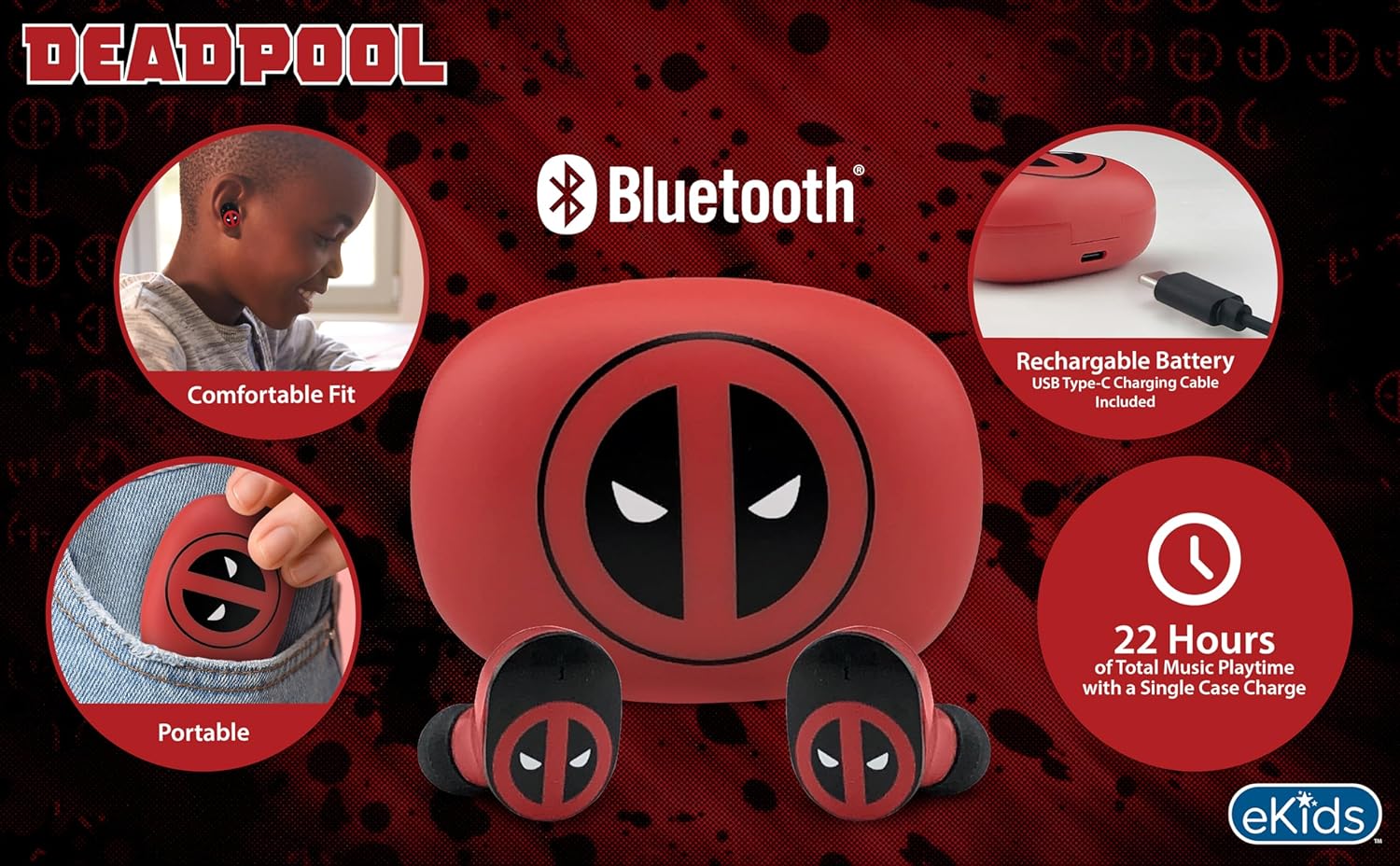
Image 2.1: The eKids Marvel Deadpool Wireless Earbuds and their charging case, showcasing the distinctive Deadpool logo.
3. Setup
3.1 Charging the Earbuds and Case
- Open the charging case and place both earbuds inside, ensuring they are correctly seated.
- Connect the provided USB-C charging cable to the charging port on the case.
- Connect the other end of the USB-C cable to a compatible USB power source (e.g., computer, wall adapter).
- The indicator light on the charging case will illuminate to show charging status. Once fully charged, the light may change color or turn off.
A full charge provides up to 22 hours of total music playtime, with the case offering 2.5 times extra charge for the earbuds.

Image 3.1: The Deadpool-themed charging case with the USB-C charging cable connected, illustrating the charging process.
3.2 Pairing with a Bluetooth Device
- Ensure the earbuds are charged and placed in the charging case.
- Open the charging case. The earbuds will automatically power on and attempt to connect to the last paired device.
- On your device (smartphone, tablet, computer), go to the Bluetooth settings.
- Search for available devices and select "eKids Deadpool Earbuds" (or similar name).
- Once connected, the LED light on the earbuds will stop flashing or change to a solid color.
The earbuds are compatible with iPhone, Android, and other Bluetooth-enabled devices.
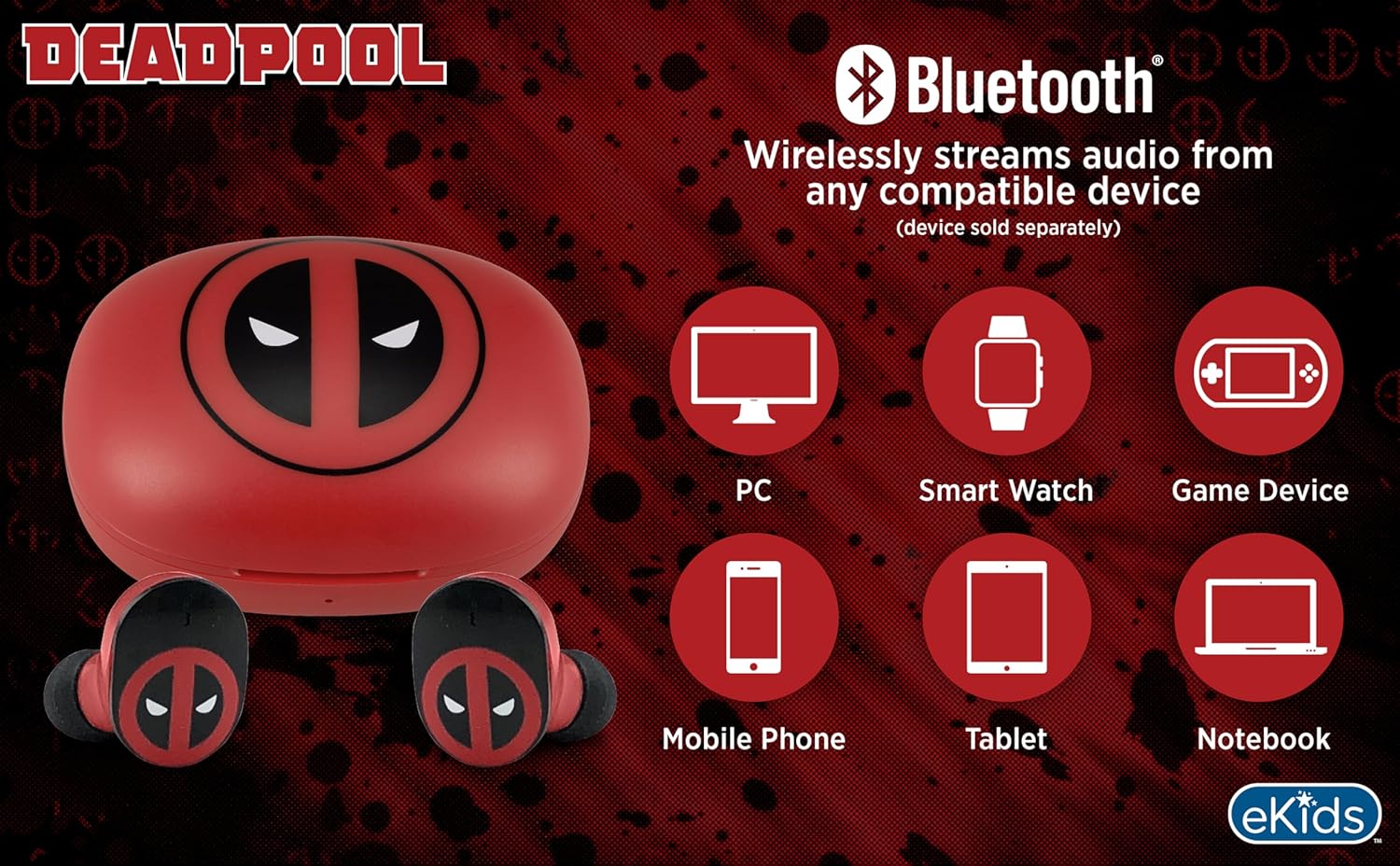
Image 3.2: An illustration showing the Bluetooth connectivity of the earbuds with various devices such as PCs, smartwatches, game devices, mobile phones, tablets, and notebooks.
3.3 Selecting Ear Cushions for Comfort
The earbuds come with three sizes of rubber ear cushions (small, medium, large) to ensure a comfortable and secure fit. Experiment with different sizes to find the best fit for your ears. A proper fit enhances sound quality and comfort.
- Gently remove the pre-installed ear cushions from the earbuds.
- Select a different size ear cushion.
- Carefully attach the new ear cushion to the earbud, ensuring it is securely fastened.

Image 3.3: The Deadpool earbuds shown with the three different sizes of ear cushions included for a customized fit.
4. Operating the Earbuds
4.1 Power On/Off
- Power On: Open the charging case, and the earbuds will automatically power on and attempt to connect to the last paired device.
- Power Off: Place the earbuds back into the charging case and close the lid. They will automatically power off and begin charging.
4.2 Music Playback
- Play/Pause: Tap either earbud once.
- Next Track: Double-tap the right earbud.
- Previous Track: Double-tap the left earbud.
- Volume Control: Adjust volume directly from your connected device.
4.3 Phone Calls
The built-in microphone allows for hands-free calling.
- Answer/End Call: Tap either earbud once.
- Reject Call: Press and hold either earbud for 2 seconds.
5. Maintenance
- Cleaning: Use a soft, dry cloth to clean the earbuds and charging case. Do not use abrasive cleaners or solvents.
- Storage: When not in use, store the earbuds in their charging case to protect them and keep them charged.
- Avoid Water: These earbuds are not waterproof. Avoid exposure to water or excessive moisture.
- Temperature: Do not expose the earbuds or case to extreme temperatures.
6. Troubleshooting
| Problem | Solution |
|---|---|
| Earbuds not pairing. | Ensure earbuds are charged. Turn off Bluetooth on your device and turn it back on. Forget the device in your Bluetooth settings and re-pair. |
| No sound from one earbud. | Place both earbuds back in the charging case, close the lid, then open it again. Check device audio balance settings. |
| Charging case not charging. | Check the USB-C cable and power adapter. Ensure the cable is securely connected to both the case and the power source. |
| Poor sound quality. | Ensure earbuds are properly seated in your ears with the correct size ear cushions. Move closer to your connected device to avoid interference. |
7. Specifications
- Brand: eKids
- Model: B0D1CS61NB
- Color: Deadpool (Red/Black)
- Ear Placement: In Ear
- Form Factor: In Ear
- Impedance: 32 Ohms
- Bluetooth Distance: ≥ 10M / 32ft
- Sensitivity: 100dB ± 3dB at 1kHz spl
- Battery Life: Up to 22 hours total playtime with charging case
- Charging Port: USB-C
- Dimensions (Case): Approximately 2.4 in / 6.2 cm (width) x 1.8 in / 4.6 cm (height) x 1.2 in / 3.1 cm (depth)
- Dimensions (Earbud): Approximately 0.9 in / 2.5 cm (height) x 0.7 in / 1.8 cm (width)

Image 7.1: A detailed diagram illustrating the dimensions and key specifications of the Deadpool wireless earbuds and their charging case.
8. Warranty and Support
For warranty information and customer support, please refer to the documentation included with your purchase or visit the official eKids website. Keep your proof of purchase for any warranty claims.
For additional assistance, you may contact eKids customer service directly.
9. Official Product Video
Video 9.1: An official product video showcasing the eKids Marvel Deadpool Wireless Earbuds, highlighting their features and design. This video provides a visual overview of the product's functionality and appearance.