1. Introduction
Thank you for choosing the HK39 Amoled Smartwatch. This manual provides essential information for setting up, operating, and maintaining your new smartwatch. Please read this manual thoroughly to ensure proper use and to fully utilize all features of your device.
2. Product Overview
The HK39 Smartwatch is a sophisticated wearable device designed for women, featuring a vibrant AMOLED display and comprehensive health monitoring capabilities. It supports Bluetooth calling and offers a range of smart functions to enhance your daily life.
- Dimensions: 39 x 39 x 11 mm
- Weight: 28 g
- Color: Pink (also available in Black, White, Gold)
- Display: 1.1-inch 360x360 AMOLED Touch Screen
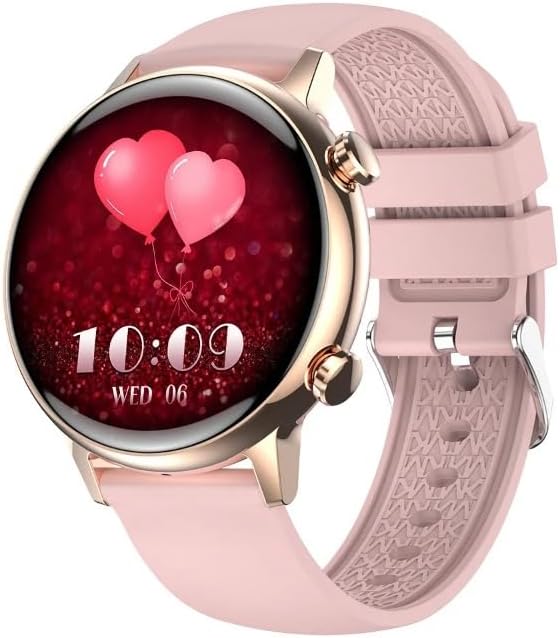
Figure 2.1: HK39 Amoled Smartwatch, showcasing its elegant design and vibrant display.

Figure 2.2: Close-up view of the 1.1-inch AMOLED screen, emphasizing its clarity and always-on display capability.
3. Setup
3.1 Charging the Smartwatch
Before first use, fully charge your smartwatch. Connect the charging cable to the charging port on the back of the watch and plug the USB end into a power adapter (not included) or a computer's USB port. The watch display will indicate charging status.
3.2 App Download and Installation
To unlock the full potential of your HK39 Smartwatch, download and install the FitCloudPro application on your smartphone. You can find it on the App Store (iOS) or Google Play Store (Android).
3.3 Pairing with Your Smartphone
- Ensure Bluetooth is enabled on your smartphone.
- Open the FitCloudPro app.
- Follow the on-screen instructions in the app to search for and connect to your HK39 Smartwatch. The watch's name should appear in the list of available devices.
- Confirm the pairing request on both your smartphone and the smartwatch if prompted.
4. Operating Instructions
4.1 Basic Navigation
- Touch Screen: Tap to select, swipe left/right/up/down to navigate menus and screens.
- Side Buttons: The smartwatch features physical buttons on the side for quick access to functions or to return to the home screen.
4.2 Bluetooth Calling
Once paired, your smartwatch can make and receive Bluetooth calls directly. Ensure the Bluetooth connection is stable for optimal call quality.
4.3 Music Control
Control music playback on your smartphone directly from your smartwatch. You can play, pause, skip tracks, and adjust volume.
4.4 Custom Dials
Personalize your smartwatch with a variety of watch faces. You can download mass dials or upload your own photos through the FitCloudPro app.

Figure 4.1: Examples of customizable watch faces available for the HK39 Smartwatch.
5. Health Monitoring Features
The HK39 Smartwatch is equipped with advanced sensors to monitor various health metrics, providing insights into your well-being.
- Heart Rate Monitoring: Continuous heart rate tracking throughout the day.
- Blood Pressure Monitoring: Measure your blood pressure directly from your wrist.
- Blood Oxygen (SpO2) Monitoring: Automatic 24-hour blood oxygen level testing.
- Sleep Tracking: Monitors your sleep patterns, including deep sleep, light sleep, and awake times.
- Step Counter & Calories: Tracks your daily steps, distance (mileage), and calories burned.
- Sedentary Reminder: Alerts you when you've been inactive for too long, encouraging movement.
- Female Physiological Cycle Management: Tracks menstrual period, ovulation period, safety period, and gestation period.
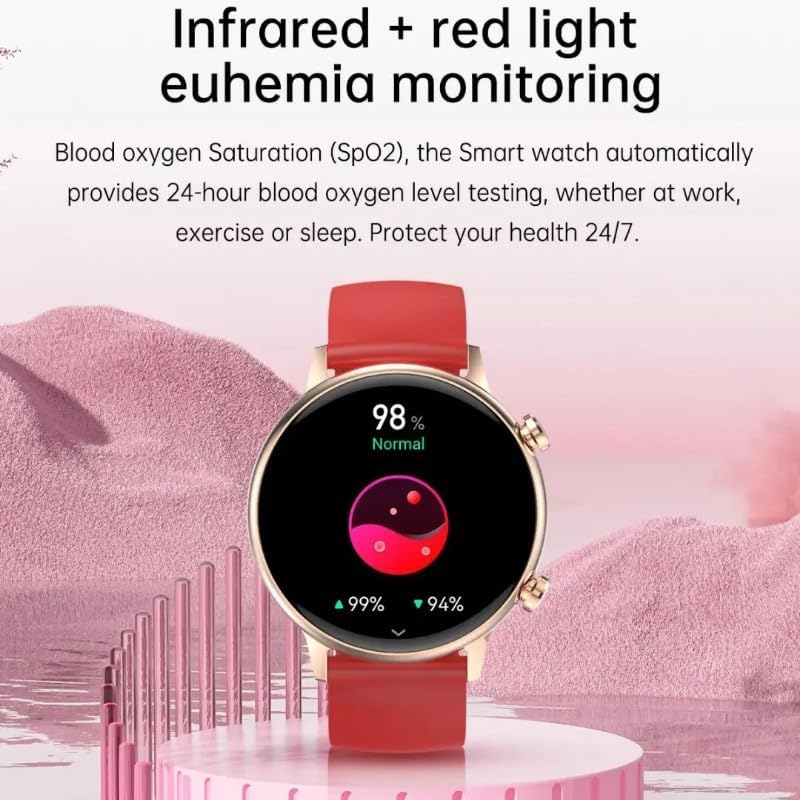
Figure 5.1: Blood oxygen saturation (SpO2) monitoring feature on the smartwatch.
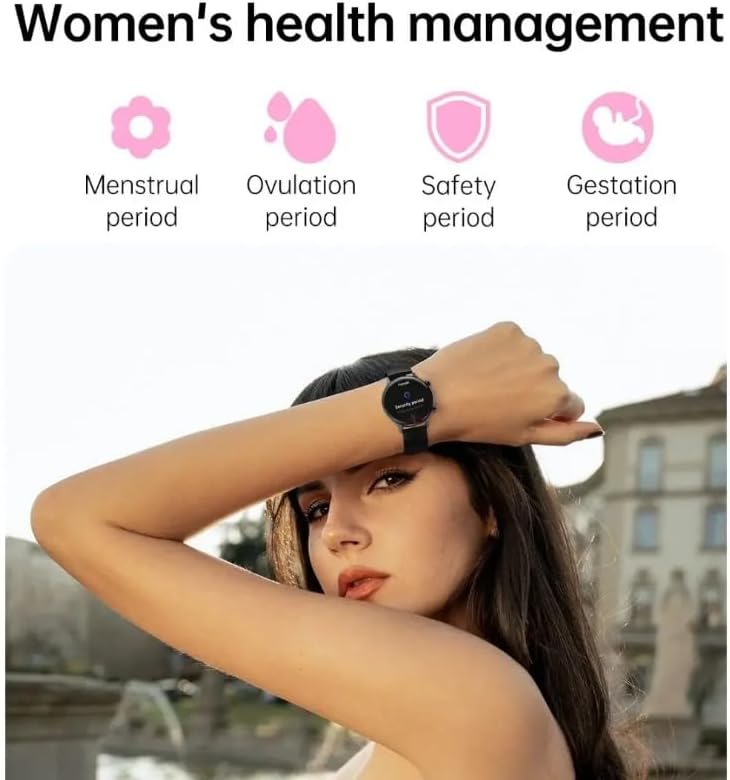
Figure 5.2: Overview of the women's health management features, including menstrual and ovulation tracking.
6. Smart Features
- Notifications: Receive alerts for calls, SMS, WeChat, QQ, Facebook, Twitter, Instagram, Skype, WhatsApp, Line, Kakao Talk, and other app pushes directly on your wrist.
- Voice Control: Interact with your smartwatch using voice commands.
- Always-On Display: Keep essential information visible without needing to activate the screen.
- Offline Payment (Alipay): Supports offline payment functionality for convenience.
- NFC: Utilize NFC for various compatible functions.
- Password Unlock: Secure your device with a password.
- Weather Forecasts: Get real-time weather updates.
- Find Phone: Locate your paired smartphone using the smartwatch.
- Alarm Setting: Set alarms for reminders.
- Water Consumption Reminder: Get reminders to drink water.
- Intelligent Gesture Control: Control certain functions with gestures.
- Do Not Disturb Mode: Silence notifications during specific times.
7. Maintenance
7.1 Water Resistance
The HK39 Smartwatch is rated IP68 waterproof and dust-proof. This means it is resistant to dust ingress and can withstand immersion in water up to 1.5 meters for 30 minutes. It is suitable for daily use, such as hand washing, rain, and shallow swimming. However, it is not recommended for hot showers, saunas, or diving, as steam and high water pressure may compromise the seal.
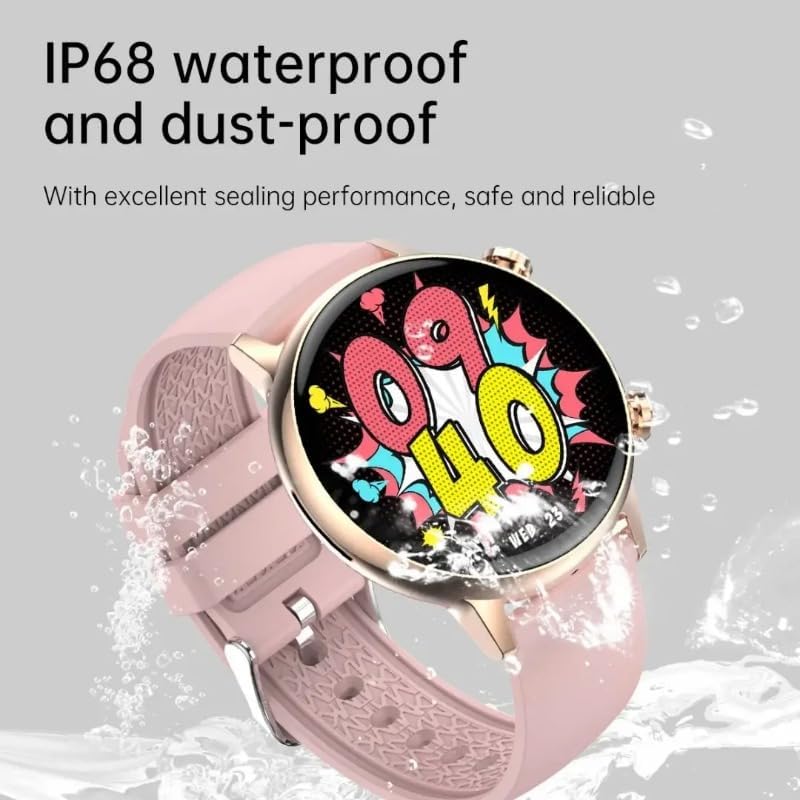
Figure 7.1: The smartwatch demonstrating its IP68 waterproof and dust-proof capabilities.
7.2 Cleaning and Care
- Clean the watch and strap regularly with a soft, damp cloth.
- Avoid using harsh chemicals or abrasive materials.
- Ensure the charging contacts are clean and dry before charging.
8. Troubleshooting
- Watch not turning on: Ensure the watch is fully charged. Connect it to the charger for at least 30 minutes.
- Cannot pair with phone:
- Ensure Bluetooth is enabled on your phone and the watch.
- Make sure the watch is within the Bluetooth range of your phone.
- Restart both the watch and your phone.
- Try unpairing and re-pairing the device through the FitCloudPro app.
- Notifications not received:
- Check notification settings in the FitCloudPro app.
- Ensure app notifications are enabled in your phone's system settings.
- Verify that the watch is connected to the phone via Bluetooth.
- Inaccurate health data:
- Ensure the watch is worn snugly on your wrist, not too loose or too tight.
- Clean the sensor on the back of the watch.
- Avoid extreme movements during measurements.
9. Specifications
| Feature | Detail |
|---|---|
| Brand | SUUNY |
| Model Number | SUUNYgnja |
| Color | Pink |
| Operating System | Android (Compatible) |
| Screen Size | 1.1 Inches |
| Display Type | AMOLED 360x360 |
| Connectivity | Bluetooth |
| Special Features | Calorie, Notifications, Alarm, Heart Rate, Blood Pressure, SpO2, Sleep Tracking, Female Cycle, Bluetooth Call, Voice Control, Always-On Display, Offline Payment, NFC, Password Unlock, Weather Forecast, Find Phone, Water Reminder, Gesture Control, DND Mode |
| Compatible Devices | Smartphone |
| Water Resistance Level | IP68 (Waterproof) |
10. Package Contents
The product package typically includes the following items:
- 1 x HK39 Smartwatch
- 1 x Charging Cable
- 1 x User Manual
11. Warranty and Support
Information regarding specific warranty terms and support contact details is not available in the provided product description. Please refer to the packaging or contact the retailer/manufacturer directly for warranty claims and technical support.